
WebCam Viewer is a lightweight application designed to provide users with access to a global network of webcams. This simple yet effective tool allows individuals to explore various locations worldwide through the convenience of their computer screen. Its straightforward interface and ease of use make it an accessible option for users of all technical skill levels. This review delves into the features, functionalities, and overall user experience of WebCam Viewer, exploring its strengths and limitations.
Key Features and Functionality
WebCam Viewer’s core function is to display live video feeds from webcams located across the globe. The program comes pre-loaded with a list of webcam locations, offering users an immediate starting point for exploration. This pre-populated list provides a diverse range of viewpoints, potentially including bustling city streets, serene natural landscapes, or unique cultural sites. The inclusion of pre-loaded locations eliminates the need for users to manually search for and add webcam feeds, streamlining the setup process and enhancing accessibility.
Beyond simply displaying webcam feeds, WebCam Viewer offers several additional features that enhance the user experience. One notable feature is the automatic refresh and cycling functionality. This allows users to passively watch a continuous stream of webcam feeds, seamlessly transitioning between different locations. This automated cycling feature is ideal for users who want a continuously changing visual experience or are simply curious to explore a variety of locations without manually selecting each one.
For a more immersive experience, WebCam Viewer also supports fullscreen mode. This feature maximizes the size of the webcam feed on the user’s screen, providing an uninterrupted and engaging viewing experience. Fullscreen mode is particularly beneficial when viewing scenic or visually rich webcam feeds, enabling users to appreciate the detail and immerse themselves in the location depicted.
The software also provides users with the ability to customize their viewing experience. Users can edit existing webcam locations within the pre-loaded list, adjusting settings or removing locations that are no longer of interest. This flexibility allows users to personalize the application to focus on their preferred locations and viewing preferences. Furthermore, users have the option to add their own webcam locations, expanding the application’s reach and incorporating personalized viewpoints. This customization feature empowers users to tailor the application to their specific needs and preferences, enhancing the overall user experience.
User Interface and Ease of Use
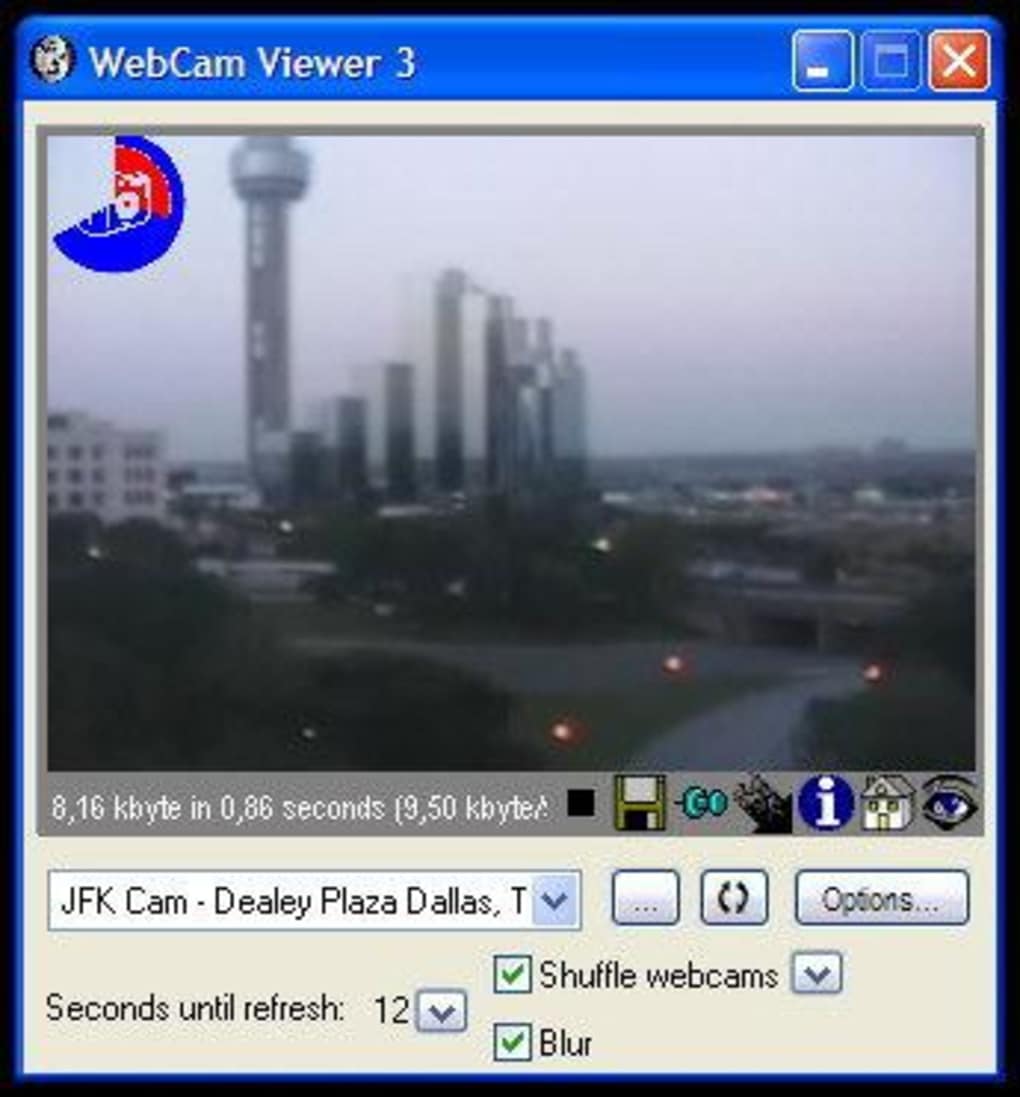
One of WebCam Viewer’s greatest strengths lies in its user-friendly interface. The application boasts a clean and intuitive design, making it easy for users to navigate and utilize its features. The layout is straightforward, presenting users with a clear and concise display of available webcam feeds, minimizing any potential confusion or difficulty in accessing the desired content.
The simplicity of the interface contributes significantly to the application’s accessibility. Users with minimal technical expertise can easily grasp the application’s functionalities and quickly begin exploring the available webcam feeds. This intuitive design avoids unnecessary complexity, focusing on providing a user-friendly experience that prioritizes ease of use. The lack of complicated settings or menus ensures a smooth and hassle-free viewing experience, making it an ideal choice for casual users or those seeking a quick and easy way to access webcam feeds.
Furthermore, the application’s small size contributes to its ease of use. The lightweight nature of the software ensures minimal impact on system resources, leading to a smooth and responsive experience without compromising performance. This efficiency is particularly beneficial for users with older or less powerful computers, enabling them to use the application without experiencing slowdowns or lag.
Performance and System Requirements
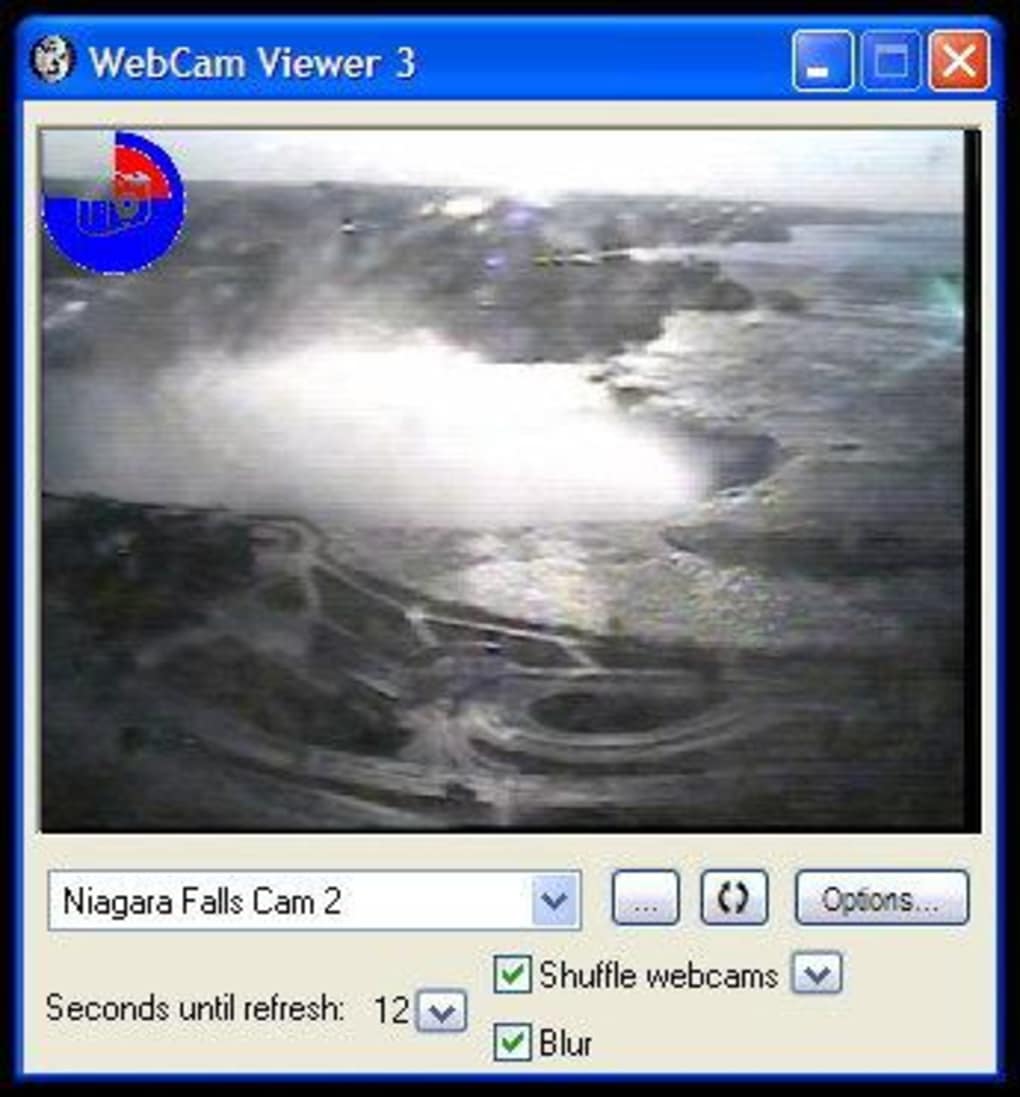
WebCam Viewer is designed to be a lightweight application, minimizing its resource consumption. This focus on efficiency translates to a smooth and responsive experience, even on systems with limited processing power or memory. Users are unlikely to experience performance issues or slowdowns while using the application, making it accessible to a broad range of users and hardware configurations.
The software’s minimal system requirements further contribute to its accessibility. WebCam Viewer can run on older operating systems, ensuring compatibility with a wide range of computers. This broad compatibility ensures that users with older systems can still benefit from the application’s features, preventing them from being excluded due to hardware limitations.
The software’s small file size further contributes to its efficiency. The relatively small download size allows for quick and easy installation, minimizing wait times and enhancing overall user convenience. This streamlined installation process ensures that users can access the application quickly and begin exploring webcam feeds with minimal delay.
Comparison with Alternative Applications
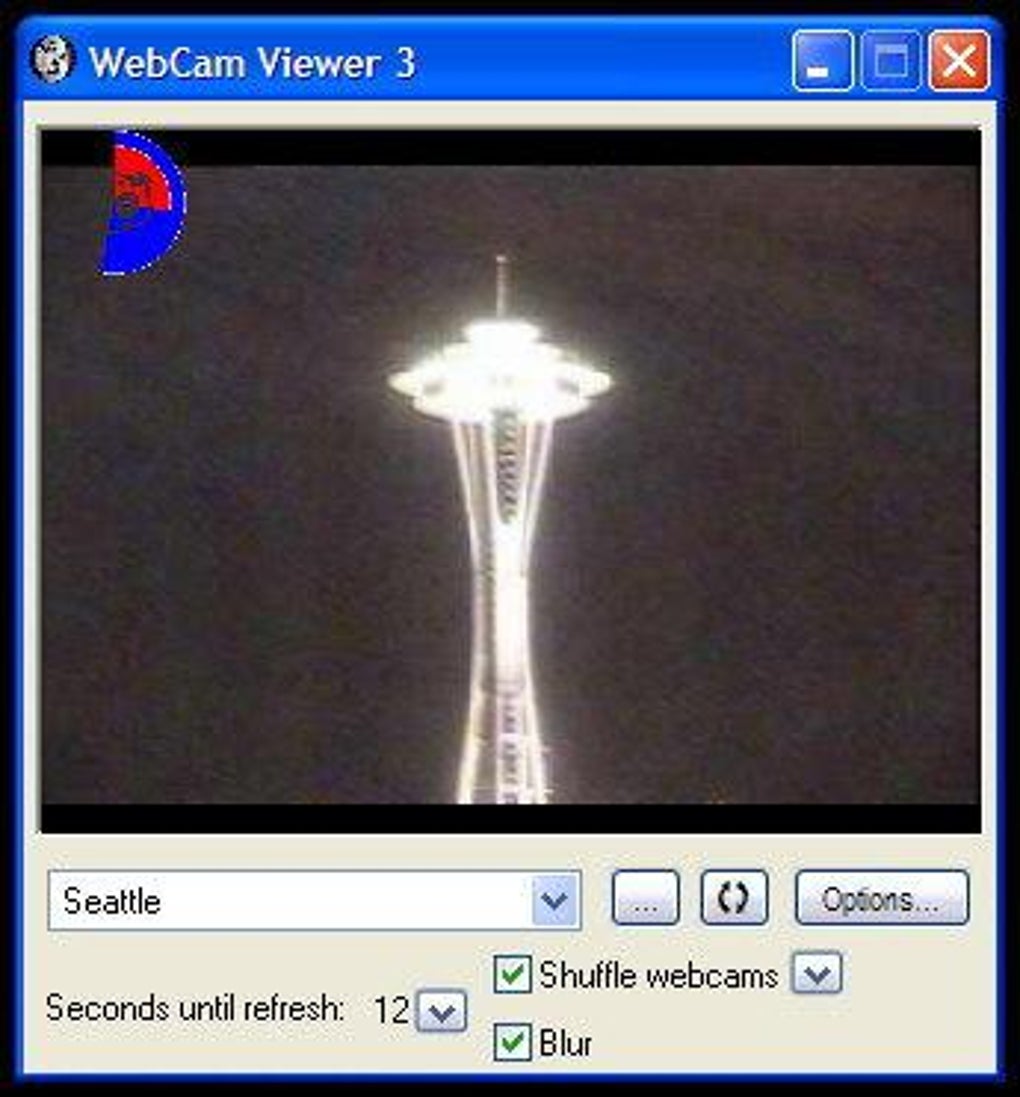
Numerous alternative applications offer similar webcam viewing capabilities. However, WebCam Viewer distinguishes itself through its simplicity and ease of use. While other applications might provide more advanced features or a broader range of webcam sources, they often come with increased complexity and steeper learning curves. WebCam Viewer’s focus on simplicity makes it a more accessible and user-friendly option for casual users who primarily seek a convenient and straightforward way to view webcam feeds.
Some competitor applications might offer advanced features such as customizable layouts, recording capabilities, or integration with other platforms. However, these added features often come at the cost of increased complexity and higher system resource requirements. WebCam Viewer’s streamlined approach makes it an excellent choice for users who prioritize ease of use and a minimal impact on their system’s performance. This focused approach positions WebCam Viewer as a viable alternative for users who value simplicity and efficiency over a wide range of advanced functionalities.
Conclusion
WebCam Viewer presents a compelling solution for users seeking a simple and efficient way to view live webcam feeds from around the world. Its intuitive interface, minimal system requirements, and straightforward functionality make it an accessible and user-friendly application suitable for users of all technical skill levels. While it may lack some of the advanced features found in more complex applications, its focus on simplicity and ease of use makes it a strong contender in the realm of webcam viewing software. The software’s ability to provide a global perspective through readily available webcam feeds makes it a valuable tool for anyone curious to explore the world from the comfort of their own computer.
File Information
- License: “Free”
- Version: “4.2005”
- Latest update: “September 18, 2020”
- Platform: “Windows”
- OS: “Windows 98”
- Language: “English”
- Downloads: “82.4K”
- Size: “3.06 MB”


