
WebZIP is a powerful and versatile tool designed to capture and archive web content for offline access and use. This comprehensive software allows users to download entire websites, individual web pages, or selectively download specific file types, creating a local replica of the online material. Whether you need to preserve valuable research, create a personal archive of favorite websites, or distribute content without an internet connection, WebZIP provides a robust and reliable solution. This in-depth review explores the functionalities, benefits, and limitations of WebZIP, examining its features in detail and comparing it to alternative web archiving solutions.
Downloading and Archiving Web Content: A Seamless Process
WebZIP streamlines the process of capturing web content, offering a user-friendly interface and flexible settings to customize your downloads. The core functionality revolves around downloading and saving web pages and entire websites to your local hard drive, maintaining the original file structure and HTML formatting. This means that the downloaded site mirrors its online counterpart, ensuring the integrity of the content.
Users have extensive control over the download process. They can opt to download complete websites, ensuring a comprehensive archive, or select specific pages. The advanced settings allow for fine-grained control over the download parameters. Users can specify the depth of retrieval (how many linked pages to download), choose specific file types to include or exclude (such as images, videos, or CSS files), and define specific locations for saving the downloaded content. This granular control prevents unnecessary downloads and ensures that only the desired material is archived. Furthermore, advanced URL filters enable users to precisely target the web content to be downloaded, excluding irrelevant sections or pages.
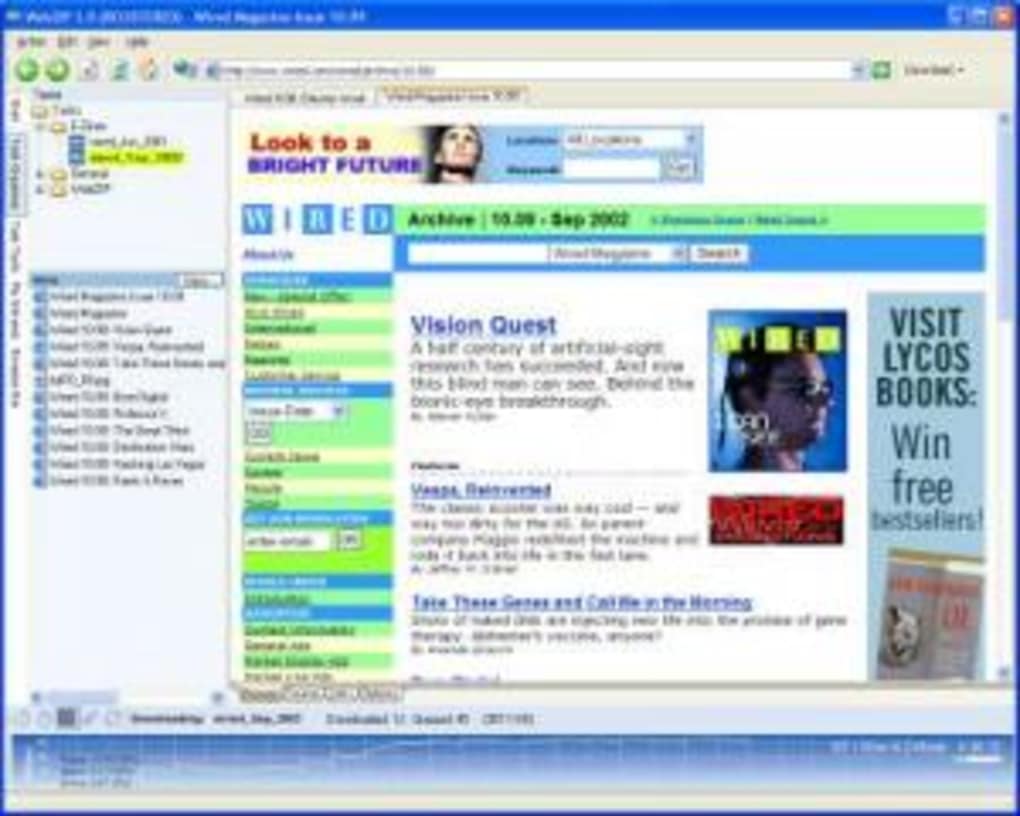
The preservation of the original file names and directory structure is a crucial feature, creating a locally stored replica that’s highly organized and easy to navigate. This makes accessing and reviewing the downloaded material straightforward and efficient. Imagine needing to reference a specific article or a series of documents; with WebZIP’s organized structure, this task becomes significantly simpler than sifting through randomly named files.
Beyond Basic Downloads: Advanced Features and Functionality
WebZIP’s capabilities extend beyond simple downloading. The software offers advanced functionalities to enhance the usability and organization of the archived web content. One notable feature is the integration of a FAR (File Access Resources) add-in tool. This add-in allows users to compile the downloaded web content into a single, compressed HTML Help (.chm) file. This conversion significantly improves accessibility and searchability. The resulting HTML Help file includes a table of contents, a detailed index, and a powerful full-text search functionality. This allows users to quickly locate specific information within the extensive archive, regardless of its size.
The ability to archive downloaded websites into ZIP files is another valuable feature. This allows for easy compression, facilitating storage, sharing, and distribution of the archived content. Zipping the downloaded files significantly reduces file size, making it easier to store large volumes of data without compromising storage space. It also streamlines sharing the archives, as transferring compressed files is typically faster and more efficient.
The benefit of creating a standalone HTML Help file and offering the option to create compressed ZIP archives underlines WebZIP’s focus on user convenience and efficient management of downloaded web content. These features ensure easy access and effortless management, making WebZIP a powerful tool for researchers, students, or anyone archiving significant amounts of web data.
Comparison with Alternative Web Archiving Tools
The market offers various alternatives to WebZIP, each with its own strengths and weaknesses. Some popular competitors include:
-
Cyotek WebCopy: This free and open-source tool provides a straightforward method for downloading web pages. While simple to use, it may lack the advanced features and fine-grained control offered by WebZIP, especially regarding selective downloads and content organization.
-
Website Ripper Copier: This tool focuses on downloading specific file types or entire websites. However, its ease of use and advanced features might not compare to WebZIP’s user-friendly interface and comprehensive capabilities.
-
WinHTTrack Website Copier: A widely used free tool known for its comprehensive download capabilities. However, its interface might be less intuitive for novice users compared to WebZIP’s streamlined approach. Similar to Cyotek WebCopy, its advanced features might not match WebZIP’s.
- Teleport Pro: A commercial tool that provides a robust approach to web archiving, offering similar functionality to WebZIP. However, it usually comes at a higher price point, while WebZIP offers similar features at a potentially lower cost or even as a trial version.
While the mentioned alternatives offer effective web archiving solutions, WebZIP distinguishes itself through its combination of user-friendly design, robust features, and streamlined workflow. The advanced features, such as the FAR add-in for creating HTML Help files and the option to archive in ZIP format, add significant value, optimizing accessibility, organization, and manageability of the downloaded web content. This unique combination of features makes WebZIP a compelling choice for users seeking a balance between functionality, ease of use, and efficient content management.
Applications and Use Cases
WebZIP’s versatility makes it suitable for a wide range of applications and use cases, including:
-
Academic Research: Researchers can archive valuable online resources, ensuring accessibility even if the original source becomes unavailable. The ability to create a searchable HTML Help file is particularly valuable for managing large collections of research materials.
-
Educational Purposes: Teachers and students can download course materials, articles, and supplementary resources for offline access, providing convenient learning materials regardless of internet connectivity.
-
Personal Archiving: Individuals can create personal archives of favorite websites, blog posts, or articles, preserving valuable information for future reference. The ability to download entire websites is especially useful for maintaining access to personally significant online content.
-
Business and Corporate Use: Companies can use WebZIP to archive marketing materials, internal documents, or competitor analyses, maintaining access to critical information for ongoing projects or future reference. The ZIP archiving feature facilitates the sharing of large amounts of information easily.
-
Legal Documentation: WebZIP can help in archiving legally significant online materials, ensuring access to important information for potential future legal actions or reference.
The adaptability of WebZIP makes it a practical tool for diverse users and scenarios, providing a reliable solution for the various needs of archiving and managing web content.
Conclusion: A Powerful and Practical Web Archiving Tool
WebZIP offers a robust and user-friendly solution for archiving web content. Its comprehensive feature set, including the ability to download entire websites, selective file downloads, advanced URL filtering, and the unique integration of a FAR add-in for creating HTML Help files and ZIP archives, makes it a powerful tool for various applications. While alternative web archiving tools exist, WebZIP distinguishes itself through its combination of ease of use, powerful functionalities, and efficient content management capabilities. Its versatility and suitability for diverse user needs solidify its position as a valuable asset for anyone seeking to reliably archive and manage their web content for offline access. Whether you’re a student, researcher, business professional, or simply an individual wanting to preserve valuable online resources, WebZIP provides a practical and reliable solution.
File Information
- License: “Trial version”
- Version: “7.1”
- Latest update: “July 5, 2010”
- Platform: “Windows”
- OS: “Windows 98”
- Language: “English”
- Downloads: “39.2K”
- Size: “1.43 MB”


