
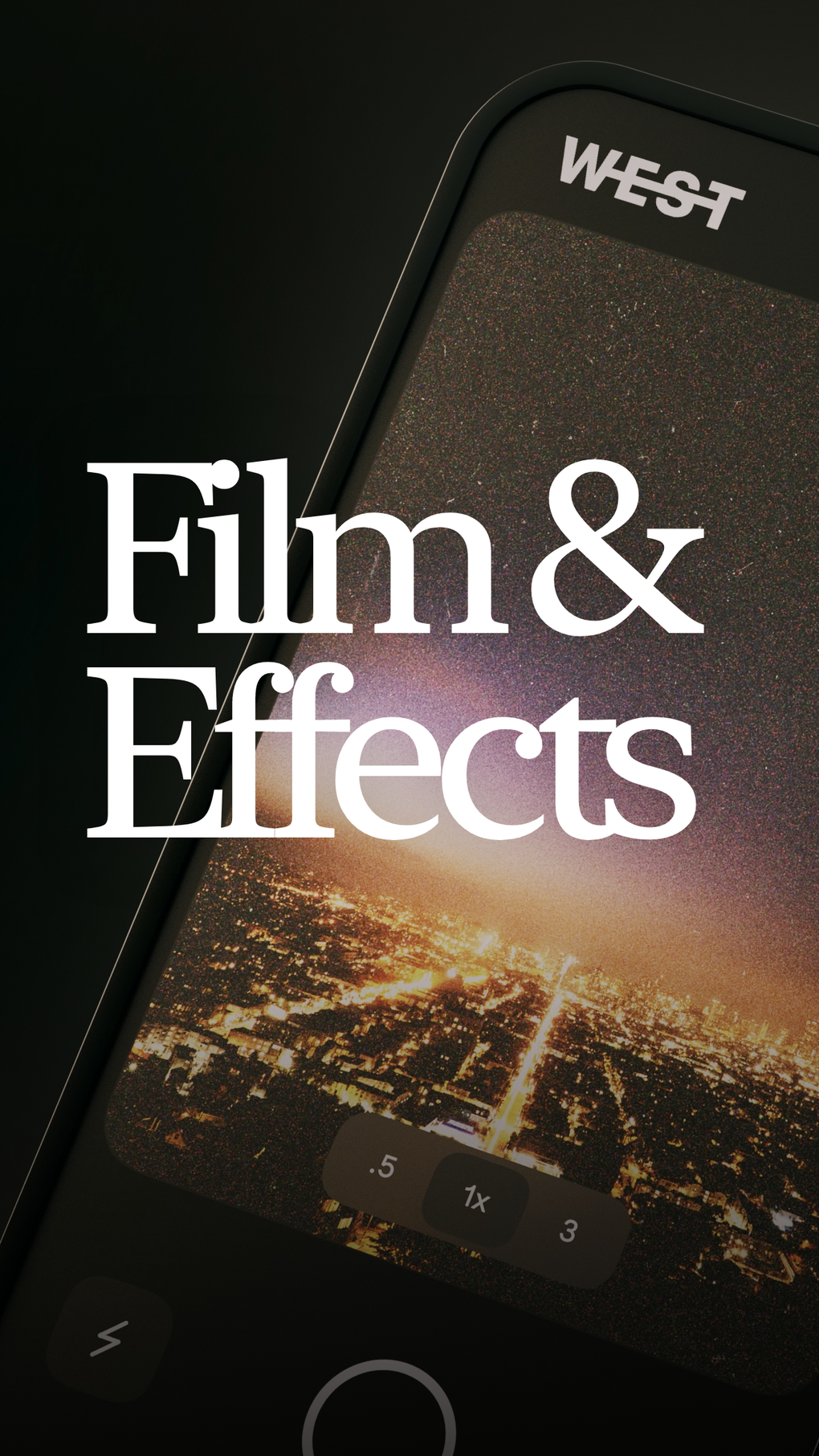
WEST: Film Effects is a free multimedia app for iPhone, offering a diverse range of stylish filters and effects to enhance your photos. Designed for users who desire a quick and straightforward way to achieve a film-like aesthetic, the app delivers high-quality results without demanding extensive technical expertise. With a user-friendly interface and a broad selection of filters, WEST: Film Effects provides a convenient on-the-go photo editing solution. However, its limited editing capabilities, even in the pro version, might disappoint users seeking more comprehensive control over their image manipulation.
App Overview
WEST: Film Effects boasts a 4.4-star rating on PhanMemFree.org, based on 35 user reviews, and has been downloaded over 8.5K times. This indicates a generally positive user experience, with the app’s simplicity and ease of use likely contributing to its popularity. The app is free to download and use, but a pro version offering additional features is available as an in-app purchase. The current version is 6.0, last updated on July 26, 2025, and requires iOS 16.4 or later. Developed by Andrew Sawyer, WEST: Film Effects is available in multiple languages, ensuring accessibility for a global audience. The app’s relatively small size and efficient processing mean it won’t significantly impact your iPhone’s storage or performance.
Features and Functionality
The app’s core strength lies in its wide array of filters and effects, making it an ideal tool for quickly enhancing photographs. Users can experiment with various styles, including:
-
Light Leaks: These filters simulate the effect of light leaking into the frame, adding a dreamy, nostalgic feel to the images. They are easily adjustable, allowing users to control the intensity and position of the light leaks.
-
Blur: Different blur options are available, ranging from subtle background blurring to more pronounced bokeh effects, allowing users to draw focus to specific elements within their photographs.
-
Fisheye: This distorting effect creates a unique, wide-angle perspective, often used for playful or creative effects.
-
Glitches: For a more experimental aesthetic, the app offers glitch filters, adding digital artifacts and imperfections to create a retro or surreal look.
-
Threshold: This filter converts the image to a high-contrast, black-and-white style, perfect for creating dramatic or minimalist effects.
-
Bloom: This effect adds a soft, glowing halo around bright areas in the image, adding a touch of magical realism.
-
Neon: Bright, vibrant neon colors are applied to the images, resulting in a striking, modern aesthetic.
The intuitive interface of WEST: Film Effects ensures a smooth and seamless editing experience. Navigation is straightforward, and users can easily browse through the various filters and effects. Applying filters is simple, often involving a single tap or a simple slider to adjust intensity. This ease of use contributes significantly to the app’s appeal.
Limitations and Considerations
While WEST: Film Effects shines in its simplicity and ease of use, its limitations should be acknowledged. The most significant drawback is the restricted editing options, even with the pro version. Users seeking advanced features such as precise color adjustments, selective editing tools, or complex layering will likely find the app’s capabilities insufficient. There’s a noticeable absence of fine-grained control over aspects like brightness, contrast, saturation, and sharpness. This lack of flexibility limits the app’s potential for detailed image manipulation.
The app primarily focuses on filter application; there is minimal room for nuanced photo editing. While the filters themselves are of good quality and produce pleasing results, the absence of advanced editing tools restricts the creative possibilities for users who require more refined control. Essentially, it’s a great tool for quick, stylistic changes, but not for in-depth image editing.
Comparison with Other Apps
Compared to other photo editing apps available on the App Store, WEST: Film Effects occupies a specific niche. It prioritizes ease of use and speed, making it ideal for users who need a quick and effortless way to enhance their photos. Apps like Snapseed or Lightroom Mobile offer far more comprehensive editing tools but require a steeper learning curve. WEST: Film Effects fills the gap for users who want instant gratification without needing to master complex editing techniques. It’s a “point-and-shoot” style photo editing experience, focusing on stylistic filters rather than detailed image manipulation.
For Business Use
While primarily designed for personal use, WEST: Film Effects could potentially find applications in business contexts. Social media managers, for instance, might find it useful for quickly creating visually appealing content for platforms like Instagram or TikTok. Its focus on filters and stylistic effects aligns well with the trend of visually-driven content on social media. Businesses that prioritize a quick turnaround time for image editing might also find the app’s speed and simplicity advantageous. However, the limitations in editing options would likely restrict its use in professional photo editing workflows.
IPhone Optimization
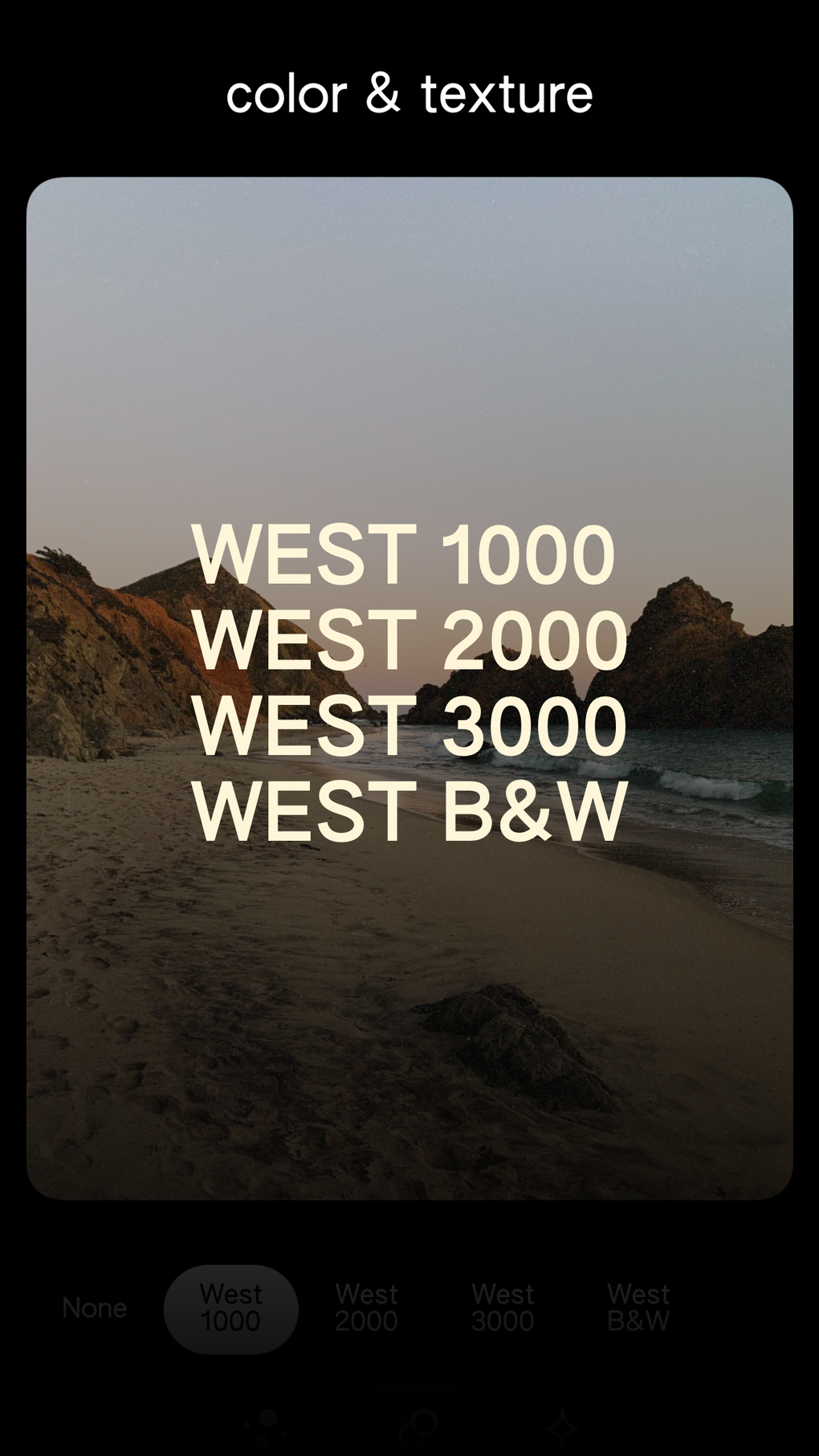
WEST: Film Effects is specifically optimized for iPhone, ensuring a smooth and responsive experience. The app’s interface is tailored to the iOS ecosystem, utilizing familiar design patterns and gestures. The app’s small size minimizes storage consumption, and its efficient processing prevents lags or delays during use. This optimization contributes to the app’s overall user-friendliness and makes it a convenient tool for on-the-go photo editing.
Multimedia Applications
WEST: Film Effects is primarily a photo editing app, but its use extends to broader multimedia applications. The ability to quickly apply stylish filters and effects can enhance the visual appeal of various types of media. Users can apply the app’s filters to images before incorporating them into videos, presentations, or other multimedia projects. This enhances the visual consistency and style across various forms of media, creating a cohesive aesthetic. The app’s user-friendly interface ensures a quick turnaround time, making it an efficient tool for preparing images for use in multimedia content.
User Reviews and Feedback
While the app boasts a positive rating on PhanMemFree.org, a more in-depth analysis of user reviews would reveal more nuanced feedback. Future development could benefit from incorporating user suggestions to address some of the existing limitations. Adding more advanced editing tools, a wider range of filter options, or improved export capabilities would cater to a wider range of users. Engaging directly with user feedback will be crucial for continued app improvement and expansion.
Conclusion
WEST: Film Effects provides a straightforward and user-friendly method for enhancing photos with stylish filters and effects. Its simplicity and ease of use make it an ideal tool for users seeking quick and effortless photo enhancements. However, its limited editing capabilities might prove a significant drawback for users desiring more detailed control over image manipulation. Despite these limitations, the app’s strengths in its speed, ease of use, and range of stylistic filters make it a valuable addition to the iPhone app ecosystem, particularly for users who prioritize speed and simplicity over extensive editing options.
File Information
- License: “Free”
- Version: “6.0”
- Latest update: “July 26, 2025”
- Platform: “iPhone”
- OS: “iOS 16.4”
- Language: “English”
- Downloads: “8.3K”


