
Wick Editor is a powerful, free, and open-source tool designed for creating animations and games. Available as a desktop application and now also as a mobile app for Android devices, Wick Editor empowers both beginners and experienced developers to bring their creative visions to life. This guide delves into the features, functionalities, and potential of Wick Editor, providing a comprehensive overview of this versatile software.
Creating Animations and Games with Wick Editor
Wick Editor’s user-friendly interface and robust feature set make it accessible to a wide range of users. Its core strength lies in its ability to combine intuitive visual tools with the flexibility of code-based customization, offering a unique blend of ease of use and advanced capabilities. The software’s primary focus is on 2D animation, but its versatile nature allows for the development of simple games and interactive projects.
The heart of Wick Editor lies in its multi-layer timeline. This allows users to manage multiple elements and animations concurrently, enabling complex projects with numerous moving parts. Each layer can contain distinct graphical assets, facilitating a structured workflow for building intricate animations. The timeline offers granular control over animation speed, timing, and sequencing, providing the precision needed for polished results.
A Deep Dive into Wick Editor’s Features
Wick Editor boasts a rich collection of tools designed to streamline the animation and game development process:
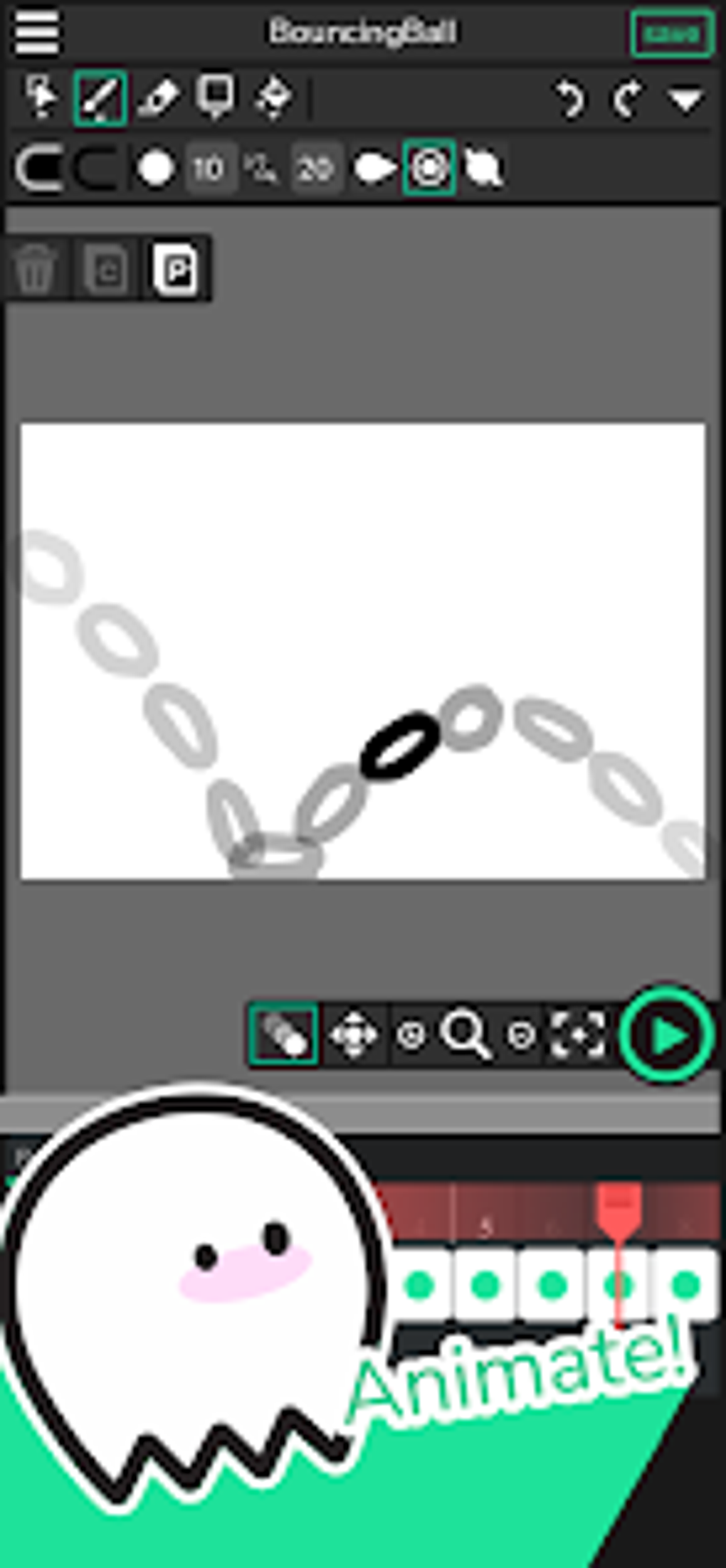
- Drawing Tools: A comprehensive suite of drawing tools allows for the creation of original artwork directly within the editor. Users can utilize various brush sizes, shapes, and opacities to achieve a wide range of artistic styles. The ability to draw directly within the editor eliminates the need for external image editing software in many cases, simplifying the workflow.
-
Full-Color Palettes: Wick Editor provides access to extensive color palettes, enabling users to select the perfect hues for their projects. Custom color palettes can also be created and saved, allowing for consistent color schemes across multiple projects.
-
Code and Interactive Project Editor (Tablet Devices): While the visual tools are user-friendly, Wick Editor goes beyond simple point-and-click animation. For advanced users, the inclusion of a code editor allows for custom scripting and advanced interactivity. This feature is particularly beneficial on tablet devices, offering a more powerful and flexible creative environment. This allows for advanced game mechanics and personalized animations not possible with strictly visual tools.
-
Export Options: Once a project is complete, Wick Editor supports exporting to various formats, including GIF and video. This allows users to share their creations across different platforms and media. The ability to export to common formats ensures wide compatibility and accessibility of the finished product.
-
Multi-Layer Functionality: This is a cornerstone feature, allowing users to organize their work efficiently. Each layer can be independently manipulated, making it easier to manage complex scenes with overlapping elements. This structured approach promotes organized project management and simplifies the modification of individual components without affecting the whole.
-
Open-Source Nature: This aspect is crucial for its longevity and adaptability. The open-source nature of Wick Editor allows for community contributions, bug fixes, and the addition of new features over time. This collaborative approach ensures ongoing development and improvement of the software, fostering a vibrant community of users and developers.
Wick Editor Mobile App: Animation on the Go
The recent release of the Wick Editor mobile app for Android devices represents a significant leap forward in accessibility. This mobile application brings the power of Wick Editor to a wider audience, allowing users to create animations and games on the go. The app mirrors many functionalities of the desktop version, although some features might be simplified due to the limitations of a mobile interface. The mobile app provides a flexible solution for those who prefer to create on a touch-screen device.
Comparison with Other Animation Software
Wick Editor distinguishes itself from other animation software through its unique blend of user-friendliness and powerful features. While some software focuses solely on visual animation, Wick Editor integrates code-based customization. This makes it more versatile than many purely visual animation tools, enabling the creation of interactive projects beyond simple animations.
Compared to industry-standard animation suites, Wick Editor might lack the sheer range of advanced features. However, its ease of use and open-source nature provide a valuable alternative for users who prioritize accessibility and community involvement. For beginners, the relatively simple interface makes it easier to learn compared to the steep learning curves often associated with professional-grade software. For seasoned animators, the ability to extend the software’s functionality through code provides unmatched flexibility and control.
Getting Started with Wick Editor:
The Wick Editor website (or its equivalent) offers comprehensive tutorials and documentation to guide users through the software’s functionalities. Starting with simple projects is recommended, gradually increasing complexity as familiarity grows. The active community also provides ample support and resources for troubleshooting and problem-solving.
The Future of Wick Editor:
Wick Editor’s continued development is assured by its open-source status and dedicated community. Future updates are anticipated to refine existing features and potentially introduce new functionalities to enhance the user experience and expand creative possibilities. The software’s growth is likely to depend on the ongoing contributions from its community and the dedication of its developers.
Conclusion:
Wick Editor is a compelling option for anyone interested in exploring the world of animation and game development. Its free and open-source nature, coupled with its intuitive interface and powerful features, makes it accessible to users of all skill levels. Whether you are a seasoned professional or a curious beginner, Wick Editor offers a gateway to creating dynamic and engaging multimedia projects. The recent mobile app release further strengthens its position as a versatile and adaptable tool for the modern creator. The combination of visual and code-based tools makes Wick Editor unique in its ability to cater to a wide range of users and project needs, from simple animations to more complex games and interactive experiences. The active community and open-source nature ensure its continued growth and improvement, making it a tool well worth exploring for anyone interested in animation and game design.
File Information
- License: “Free”
- Version: “1.19.0”
- Latest update: “May 27, 2025”
- Platform: “Android”
- OS: “Android 9.0”
- Language: “English”
- Downloads: “958”
- Size: “22.68 MB”
- Download Options: “APK, Google Play”
- Filename: “com.wickeditor.wickeditorapp_1.19.0.apk”


