
WiFi Password All-in-One is a free Android utility app offering a range of features designed to simplify WiFi network management and enhance security. Developed by the Magdalm team, this app provides functionalities such as password generation, network scanning, and connected device monitoring. While it offers valuable tools, users should be aware of the presence of advertisements, which can be removed through an in-app purchase. This review will delve into the app’s features, benefits, drawbacks, and alternatives, offering a comprehensive understanding of its capabilities and suitability for your needs.
Key Features and Functionality
WiFi Password All-in-One presents a user-friendly interface designed to manage various aspects of your WiFi network with ease. Its core features include:
1. Secure Password Generation: The app’s standout feature is its robust password generator. It allows users to create strong, hard-to-guess passwords to protect their network from unauthorized access. Users can customize password length from five to 63 characters, and select different security levels based on their needs. This feature contributes significantly to network security by reducing the vulnerability to brute-force attacks and other common password cracking techniques. The ability to generate passwords with varying lengths and complexity levels offers flexibility for different security requirements.
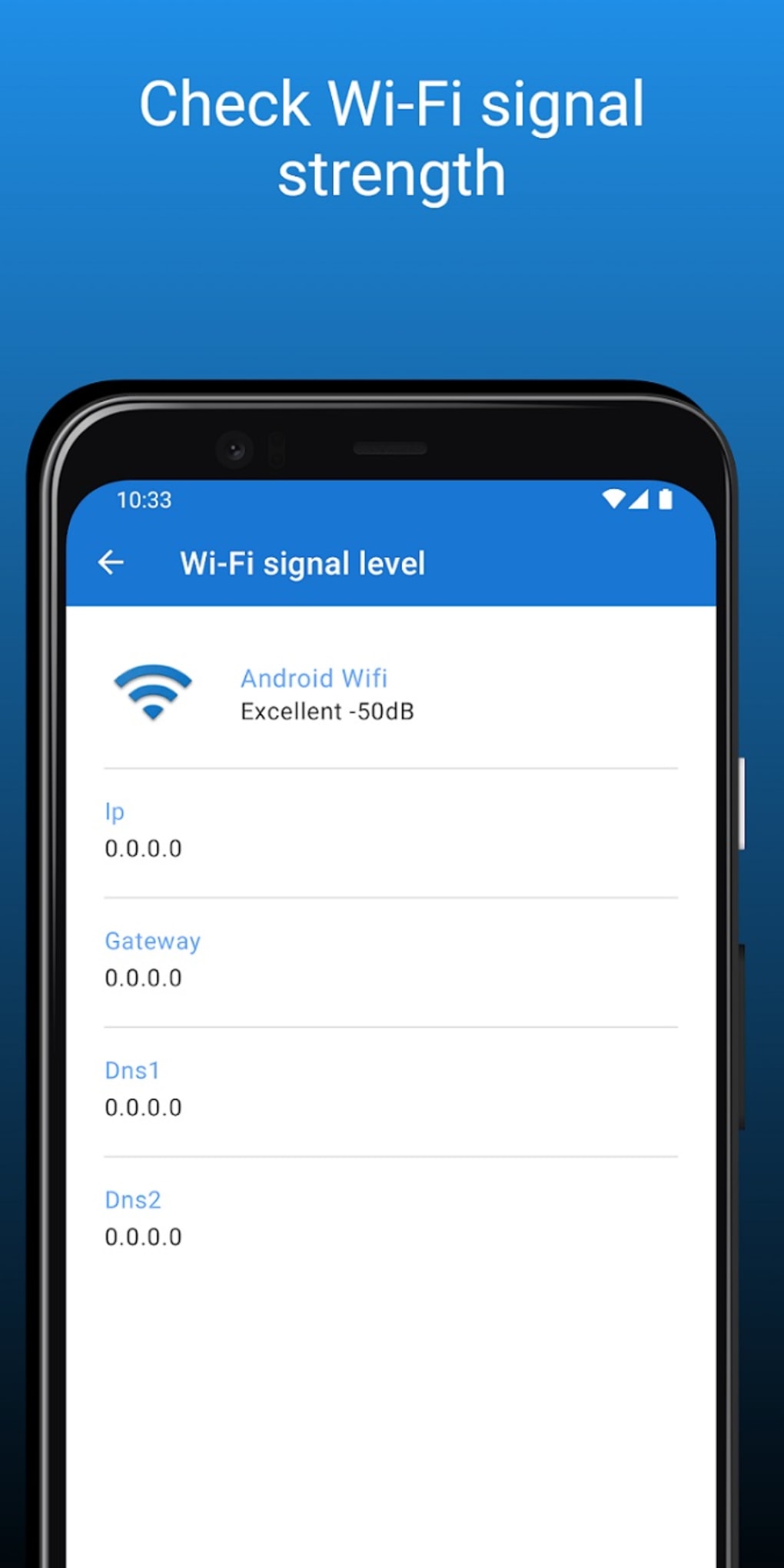
2. WiFi Network Scanning and Monitoring: The app provides a comprehensive scan of available WiFi networks, displaying relevant information such as signal strength, security protocols (WPA, WPA2, WEP, etc.), and channel usage. Users can sort the displayed networks by various parameters – signal strength, proximity, or security level – allowing for quick identification of preferred or potentially problematic networks. This function is useful for identifying potential security threats or selecting the strongest signal for optimal connectivity. The ability to sort networks based on different criteria enhances the user experience and improves network selection efficiency.
3. Connected Devices Monitoring: One of the app’s practical features is its ability to display all devices currently connected to your WiFi network. This allows users to easily monitor network activity, identify unknown devices, and detect potential security breaches. This monitoring capability enhances network security by enabling users to promptly identify and address unauthorized access attempts.
4. Dark Mode Support: The app offers a dark mode option, enhancing usability and reducing eye strain in low-light environments. This feature improves the overall user experience, particularly for users who prefer darker themes or use the app in dimly lit conditions. The inclusion of this feature reflects consideration for user comfort and convenience.
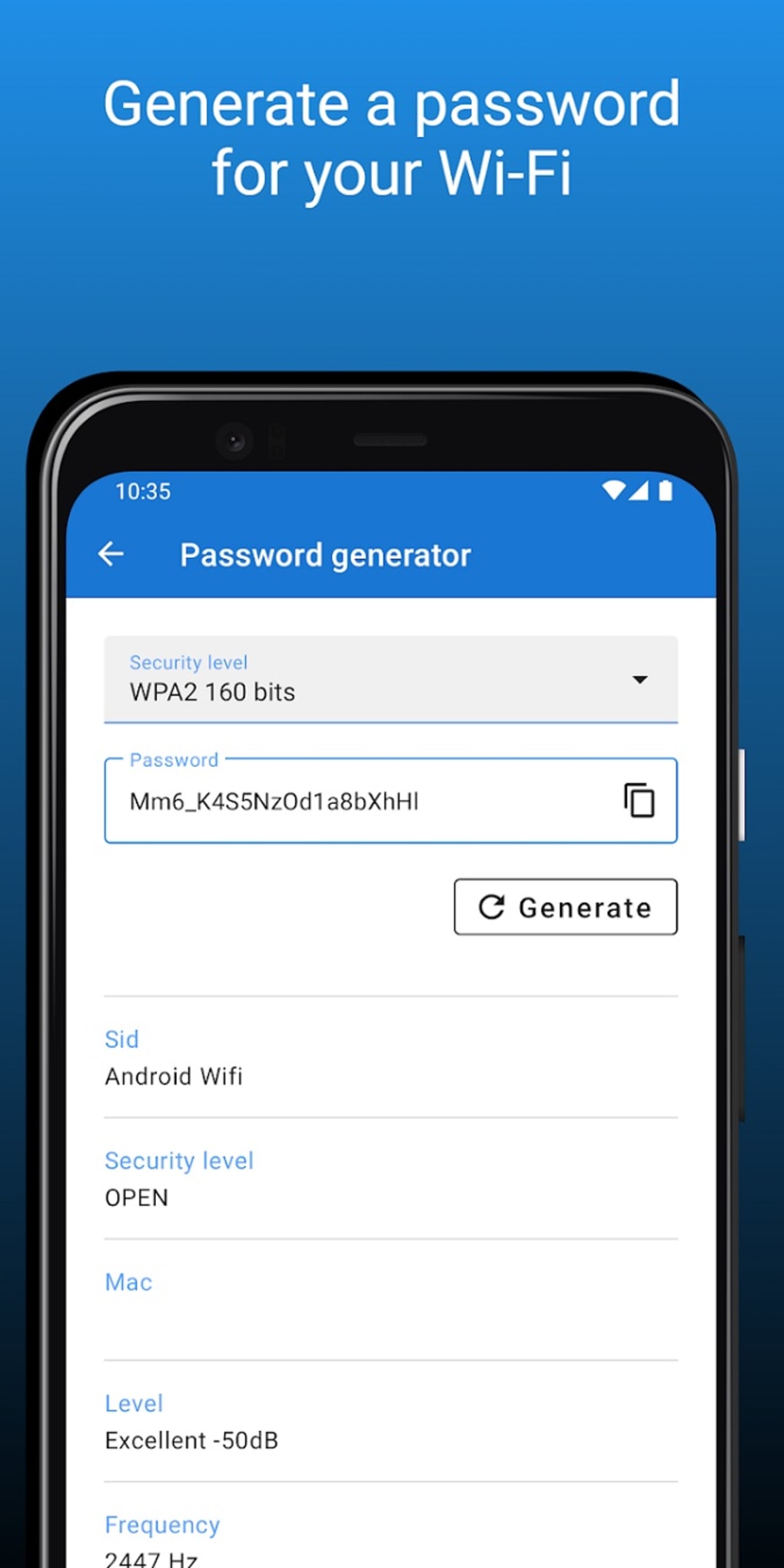
5. User-Friendly Interface: The app’s interface is designed for simplicity and ease of use. Even users with limited technical expertise can navigate the app and utilize its features effectively. The intuitive design enhances user experience and reduces the learning curve, making the app accessible to a broader user base.
Advantages and Disadvantages
While WiFi Password All-in-One offers several valuable tools for WiFi network management, it’s essential to weigh both its advantages and disadvantages:
Pros:
- Strong Password Generation: The capability to generate highly secure passwords is a significant advantage, strengthening network security significantly.
- Network Monitoring: The ability to scan and monitor WiFi networks provides valuable information for troubleshooting and security assessment.
- Connected Device Tracking: Monitoring connected devices allows for proactive detection of unauthorized access and enhances security.
- Dark Mode Option: The inclusion of dark mode improves usability and user comfort.
- User-Friendly Interface: The intuitive design makes the app easy to navigate and use for users of all technical skill levels.
Cons:
- Intrusive Advertisements: The most significant drawback is the prevalence of advertisements within the app. Unless users opt for the paid, ad-free version, these ads can become disruptive and annoying, negatively impacting the user experience. This aspect significantly detracts from the overall usability of the free version.
Alternatives to WiFi Password All-in-One
Several alternative apps offer similar functionalities, each with its own strengths and weaknesses. Choosing the right alternative depends on your specific needs and priorities. Here are a few examples:
- WiFi Password Unlock: This app offers free network management tools and capabilities similar to WiFi Password All-in-One, and may have a different advertising approach.
- Free WiFi Password - Connect: This app focuses primarily on connecting to WiFi networks, and may not offer the same range of features regarding password generation and network monitoring.
- WiFi Password: Similar to the other alternatives, this app provides WiFi management functions. The app’s specific features and user interface may differ from WiFi Password All-in-One.
- WiFi Password Recovery: This app focuses on recovering lost or forgotten WiFi passwords. It’s useful if you’ve lost access to your network but may not offer the same network management features.
- WiFi WPS Connect: This app specializes in connecting to WiFi networks using the WPS protocol. Its functionality is focused on this specific aspect of WiFi connectivity.
- WiFi Warden: This app focuses on accessing WiFi networks and may have a different approach to password management and network monitoring.
It’s crucial to research and compare these alternatives to find the one that best fits your specific needs and preferences regarding features, user interface, and advertising practices. Reading user reviews and checking app ratings can provide valuable insight before downloading and installing any of these applications.
Security Considerations
When using any WiFi management app, including WiFi Password All-in-One, it’s crucial to be aware of potential security implications. While the app itself offers security features like password generation, it’s essential to remember that downloading and installing apps from unknown sources poses a security risk.
Always download apps from trusted sources like the official Google Play Store to minimize the risk of malware or malicious code. Be wary of apps promising unrealistic functionality or those with overly intrusive advertising. Regularly update your app to benefit from security patches and bug fixes. And, most importantly, use strong, unique passwords for your WiFi network, and change them regularly.
Conclusion
WiFi Password All-in-One provides a suite of useful tools for managing your WiFi network, particularly its password generation and network monitoring features. However, the intrusive advertisements in the free version significantly detract from its usability for many users. Potential users should carefully weigh the benefits and drawbacks before deciding whether the app’s functionalities outweigh the advertising experience. Exploring the various alternative apps mentioned above will allow users to compare options and select the app that best meets their specific needs and preferences, ensuring both functionality and a positive user experience. Remember to prioritize security by downloading apps from reputable sources and practicing safe online habits.
File Information
- License: “Free”
- Latest update: “July 21, 2025”
- Platform: “Android”
- OS: “Android 13.0”
- Language: “English”
- Downloads: “44.5K”
- Download Options: “Google Play”


