
WikiTaxi is a unique software application that allows users to access the vast repository of information contained within Wikipedia without requiring an internet connection. This innovative tool downloads the entire Wikipedia database onto a local storage device, transforming your computer or other compatible device into a personal, offline encyclopedia. This functionality offers significant advantages in situations where internet access is unavailable, unreliable, or prohibitively expensive. However, the significant storage space required to accommodate the Wikipedia database presents a considerable constraint.
Understanding WikiTaxi’s Functionality
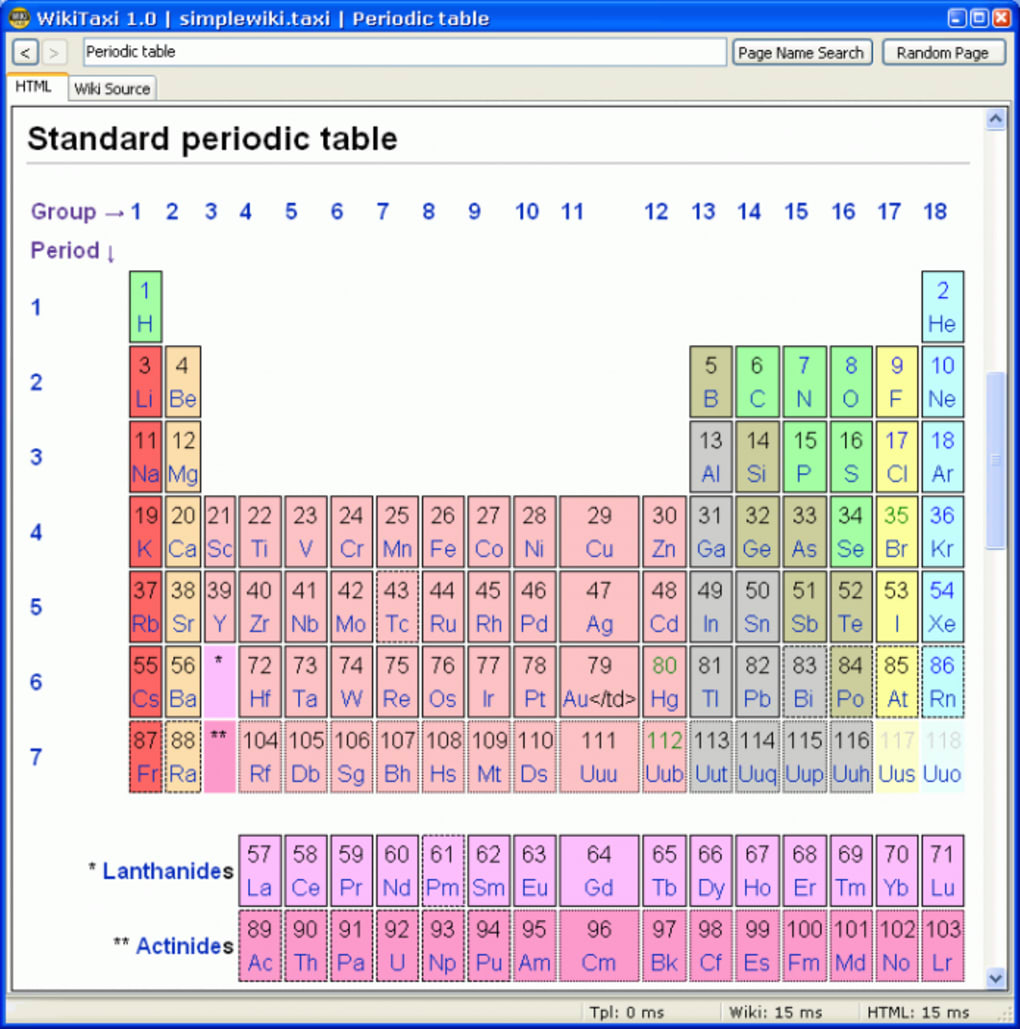
WikiTaxi’s core functionality revolves around downloading and locally storing a compressed version of the Wikipedia database. This process involves sophisticated compression techniques to minimize the storage space needed. While the full Wikipedia database is massive, WikiTaxi’s compression algorithms allow for storage on devices with as little as 8 GB of free space – a significant achievement considering the sheer volume of data involved. The compression is crucial, as the ever-expanding nature of Wikipedia would otherwise necessitate impractically large storage capacities.
The software itself is remarkably straightforward to use. WikiTaxi requires no installation; users simply need to extract the downloaded archive to a chosen directory. This directory can reside on a computer’s hard drive or any portable storage device like a USB flash drive or memory card, offering considerable flexibility in accessing the information. Once extracted, the application is immediately ready to use, eliminating the complexities and potential delays associated with traditional software installations. This “portable” nature is a significant advantage, enabling users to carry the entire Wikipedia database with them wherever they go.
However, the user should be aware that WikiTaxi does create a small configuration file (a *.ini file) alongside its executable. This file stores user preferences and settings, representing a minor modification to the system. This is a negligible change compared to the massive benefit of offline Wikipedia access, but it’s important to note for users concerned about software’s impact on their system.
System Requirements and Limitations
While WikiTaxi’s portability and ease of use are undeniable strengths, the significant storage requirement remains a primary limitation. The size of the Wikipedia database, even in its compressed form, demands a considerable amount of free space on the chosen storage device. Users with limited storage capacity might find it difficult, or even impossible, to utilize this application effectively. Before downloading, users must carefully assess their available storage space to determine compatibility.
Another factor to consider is the frequency of updates to the Wikipedia database. While WikiTaxi allows for offline access, the information downloaded will not automatically update. To obtain the most current data, users must periodically redownload the entire database, a process that will require significant time and bandwidth (when connected to the internet). This limitation highlights the trade-off between offline access and the immediacy of accessing the most up-to-date information. Depending on the user’s needs and frequency of use, this trade-off may or may not be acceptable.
Benefits of Offline Wikipedia Access
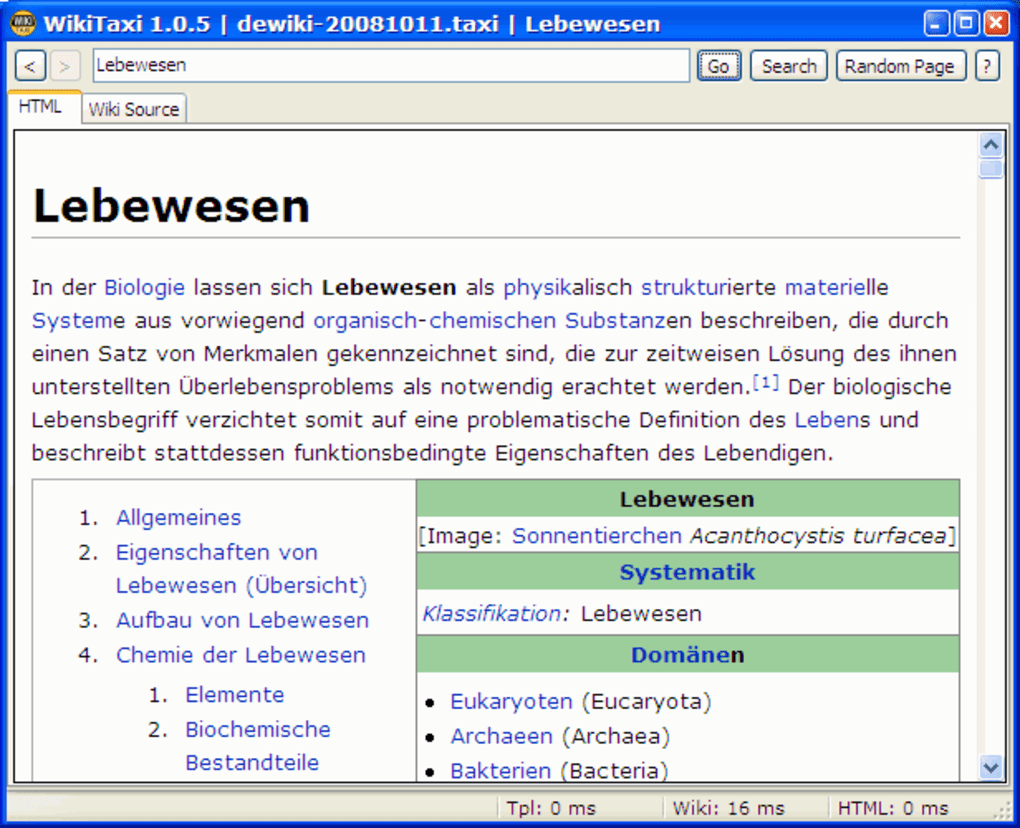
The primary benefit of WikiTaxi is the ability to access Wikipedia’s vast knowledge base without relying on an internet connection. This capability offers numerous advantages:
-
Accessibility in remote areas: Individuals in areas with limited or no internet connectivity can still benefit from Wikipedia’s educational and informational resources. This is particularly valuable for researchers, students, and anyone relying on Wikipedia for information in remote locations or during travel.
-
Reliability in unreliable networks: In regions with inconsistent or unreliable internet service, WikiTaxi provides a reliable alternative. Users can access information without worrying about network outages or slow connection speeds, ensuring uninterrupted access to the data.
-
Cost savings: In areas where internet access is expensive, WikiTaxi offers a cost-effective solution. Users can avoid incurring data charges associated with accessing Wikipedia online, leading to significant cost savings over time.
-
Enhanced privacy: By utilizing WikiTaxi, users can avoid exposing their browsing history and data usage to internet service providers or other third parties. This enhanced privacy is particularly valuable for users concerned about their online privacy and security.
-
Independent research: WikiTaxi empowers users to conduct research independently, without reliance on external network access. This independence is crucial for educational and professional tasks, ensuring continued access to information even during network disruptions.
Comparison with Alternative Offline Solutions
While WikiTaxi offers a unique approach to offline Wikipedia access, several alternative solutions exist. These alternatives provide different approaches to accessing information offline and may be better suited to specific needs:
- Kiwix: Kiwix is a popular offline web browser that supports various sources, including Wikipedia. It offers a user-friendly interface and allows users to download specific sections or the entire Wikipedia database for offline reading. While similar to WikiTaxi, Kiwix might offer a more intuitive interface for some users.
-
Zim: Zim is a personal wiki application that allows users to create and manage their own local wiki. While not a direct replacement for WikiTaxi, it offers a platform for building a personal knowledge base that can be accessed offline. This is suitable for users who wish to complement WikiTaxi’s functionality with their own personalized notes and information.
-
Offline Wikipedia Apps (Mobile): Many mobile applications offer offline access to Wikipedia. These applications usually allow downloading selected articles or categories for offline reading. While limited in scope compared to downloading the entire database like WikiTaxi, they provide a convenient solution for mobile devices.
Choosing between these different alternatives depends on individual needs and preferences. WikiTaxi’s strength lies in providing comprehensive offline access to the complete Wikipedia database, albeit with the significant storage requirement. Other options prioritize ease of use, specific article access, or the creation of personalized knowledge bases.
WikiTaxi represents a significant advancement in accessing information offline. Its ability to provide a comprehensive, albeit space-intensive, offline version of Wikipedia opens up new possibilities for access to knowledge in a variety of contexts. While the storage requirement remains a considerable challenge, the benefits of offline access, particularly in areas with unreliable or expensive internet connectivity, make it a valuable tool for many users. The straightforward operation and portable nature further enhance its appeal. Potential users should carefully consider their storage capacity and update frequency needs before deciding if WikiTaxi aligns with their specific requirements.
File Information
- License: “Free”
- Latest update: “May 22, 2023”
- Platform: “Windows”
- OS: “Windows 2000”
- Language: “English”
- Downloads: “19.8K”
- Size: “4.30 MB”


