
WinAVI All-In-One Converter, as its name suggests, is a versatile media conversion tool designed to simplify the process of transforming video and audio files into various formats compatible with a wide range of devices. While not burdened with advanced editing features, its straightforward interface and efficient conversion capabilities make it an appealing option for users seeking a quick and easy solution for their media file needs. This review delves into the strengths and weaknesses of WinAVI All-In-One Converter, exploring its features, ease of use, performance, and overall value proposition.
User-Friendly Interface and Workflow
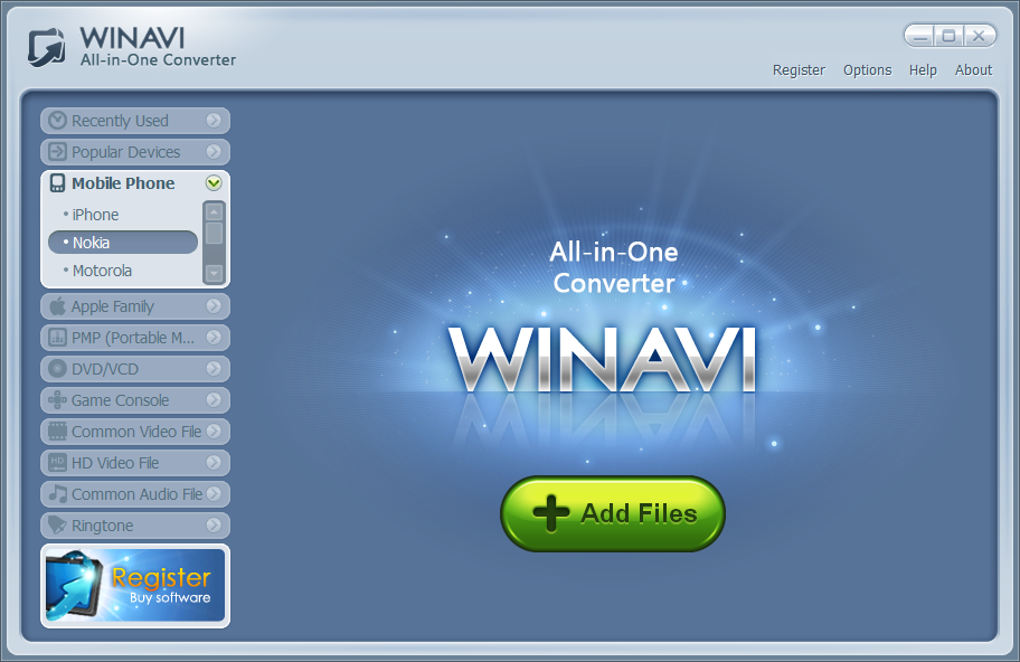
One of WinAVI All-In-One Converter’s most significant strengths is its remarkably intuitive interface. Even users with limited experience in media conversion software will find the program easy to navigate and understand. The core workflow is straightforward: add the media files you want to convert, select the desired output format or device profile from a comprehensive list, and initiate the conversion process. This simplicity eliminates the steep learning curve often associated with more complex video conversion software. The program’s layout is clean and uncluttered, presenting all essential options clearly without overwhelming the user with unnecessary complexities. This ease of use is a major selling point, making the software accessible to a broad user base, from casual users to those who need a reliable conversion tool without extensive technical expertise.
Comprehensive Device Profile Support
WinAVI All-In-One Converter boasts extensive support for a multitude of devices and formats. The software provides pre-configured profiles optimized for various portable media players, game consoles, and mobile phones. This eliminates the need for users to manually configure complex settings, ensuring compatibility with their target devices. Whether you need to convert a video for playback on an iPod, a gaming console, or a specific smartphone model, WinAVI All-In-One Converter likely has a pre-set profile to streamline the process. The wide range of supported devices and formats is a key advantage, reducing the likelihood of compatibility issues and enhancing the program’s overall usefulness. This extensive compatibility is a significant factor contributing to the software’s widespread appeal.
Efficient Conversion Speeds and Output Quality
WinAVI All-In-One Converter delivers respectable conversion speeds and maintains good output quality. While the specific conversion time varies depending on the file size, format, and processing power of the user’s computer, the software generally completes conversions relatively quickly. The output quality is also satisfactory, preserving a reasonable level of visual and audio fidelity. Users can expect their converted files to retain a good balance between quality and file size, making it suitable for various applications and storage capacities. While not designed for professional-grade video editing or high-resolution output, WinAVI All-In-One Converter performs admirably for everyday media conversion needs, providing sufficient quality for most users.
Limitations and Areas for Improvement
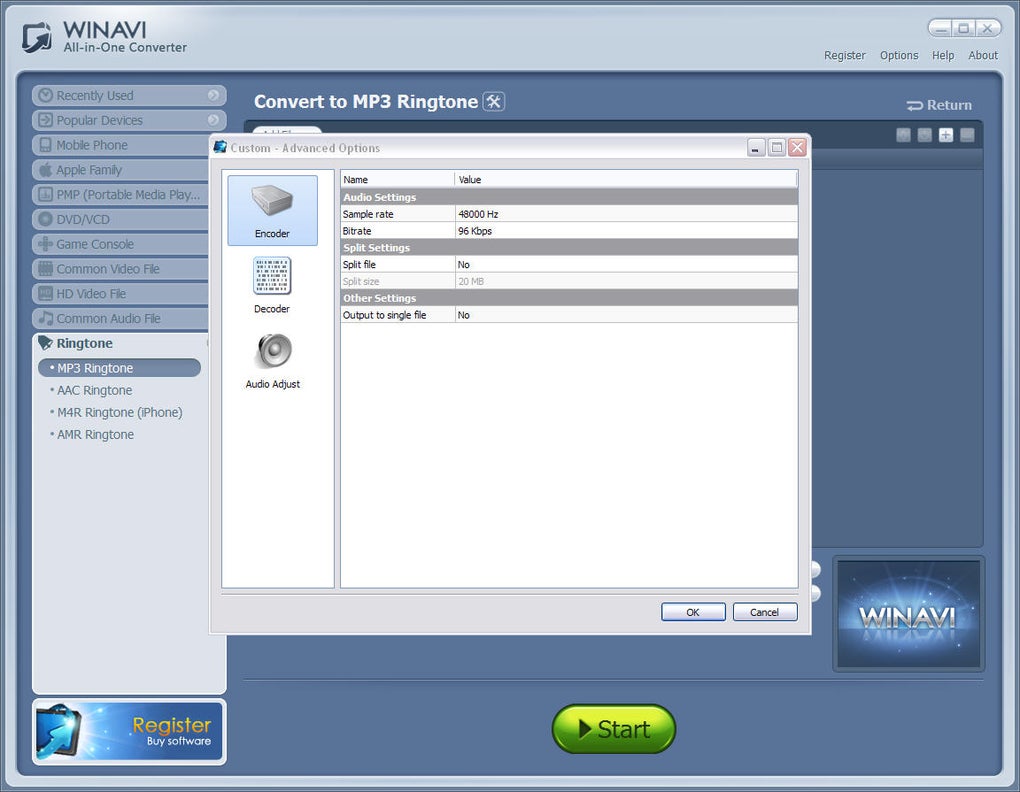
Despite its strengths, WinAVI All-In-One Converter has several limitations. A prominent drawback is the lack of advanced features. The program does not offer video editing capabilities such as trimming, cropping, or adding watermarks. It primarily focuses on format conversion, leaving more advanced manipulation to dedicated editing software. Furthermore, the advanced conversion options, while present, are relatively limited compared to more feature-rich alternatives. Users seeking detailed control over bitrates, codecs, and other parameters may find the software’s options insufficient. The absence of advanced features is a trade-off for the software’s simplicity, but it could limit its appeal to users requiring more sophisticated tools.
Comparison with Alternative Software
In the competitive landscape of media conversion software, WinAVI All-In-One Converter faces stiff competition from a plethora of alternative programs. Many free and paid options offer a broader range of features, including advanced editing functionalities, batch processing capabilities, and support for a wider array of obscure formats. Some alternatives provide significantly more granular control over conversion settings, enabling users to optimize their output for specific playback devices or distribution platforms. However, many of these alternatives often come with a more complex interface and steeper learning curve, which could deter users seeking a user-friendly and straightforward experience. WinAVI All-In-One Converter distinguishes itself by its simplicity and ease of use, catering to users who prioritize a streamlined workflow over extensive features. The choice between WinAVI and its competitors often depends on the user’s individual needs and technical proficiency.
Conclusion
WinAVI All-In-One Converter fills a specific niche in the media conversion software market. Its user-friendly interface, extensive device profile support, and efficient conversion speeds make it an excellent choice for users who need a simple, reliable, and straightforward solution for converting their media files. While the lack of advanced editing capabilities and limited customization options may restrict its appeal to power users, its simplicity makes it an ideal option for casual users or those who prioritize ease of use over extensive features. The software’s strengths lie in its accessibility and efficiency, making it a valuable tool for anyone needing to quickly convert media files for various devices without navigating a complex user interface. The balance between ease of use and functional capabilities makes WinAVI All-In-One Converter a viable option for a wide range of users seeking a straightforward and dependable media conversion solution.
File Information
- License: “Trial version”
- Version: “1.2.1”
- Latest update: “December 3, 2010”
- Platform: “Windows”
- OS: “Windows 7”
- Language: “English”
- Downloads: “93.7K”
- Size: “15.64 MB”


