Windows 8, released in 2012, marked a significant departure from previous iterations of Microsoft’s flagship operating system. Designed with the burgeoning tablet market in mind, it prioritized a touch-first interface, dramatically altering the user experience and sparking both praise and criticism. This article explores the key features, system requirements, and legacy of Windows 8, examining its strengths, weaknesses, and lasting impact on the evolution of personal computing.
A Touch-First Approach: Reimagining the User Interface
The most striking feature of Windows 8 was its radical redesign of the user interface. The traditional desktop environment remained, but it was now accessed alongside a new “Start screen,” a full-screen, tile-based interface heavily inspired by Microsoft’s own Windows Phone and Xbox platforms. This “Modern UI” (later renamed “Metro” and eventually dropped altogether) leveraged touch gestures for navigation, emphasizing large, interactive tiles representing applications and system functions.
This shift towards a touch-centric design was a direct response to the rapid growth of tablets and smartphones. Microsoft aimed to create a unified experience across devices, enabling users to seamlessly transition between desktops and tablets. The Start screen, with its intuitive touch interactions, aimed to streamline navigation and application launching, particularly beneficial for users unfamiliar with traditional desktop operating systems.
However, the abrupt change also alienated many long-time Windows users. The removal of the familiar Start button from the traditional desktop led to widespread confusion and frustration. Many users found the Start screen cumbersome and less efficient for mouse and keyboard navigation, particularly those accustomed to the traditional desktop workflow. This initial reaction highlights the challenge of transitioning between established paradigms and radical interface innovations. The absence of a clear path for mouse-based users to quickly access the familiar desktop functionality was a major failing of the design.
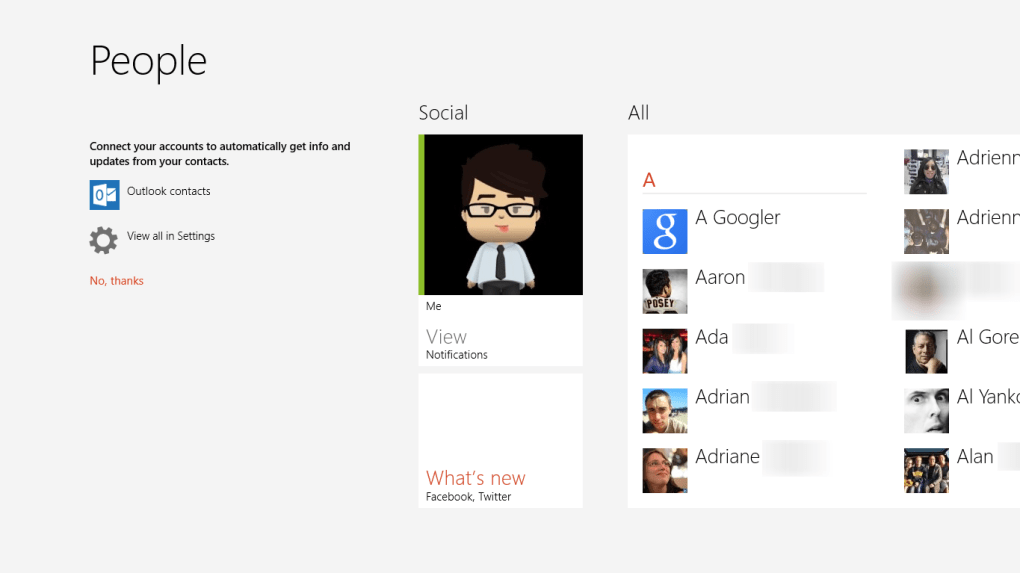
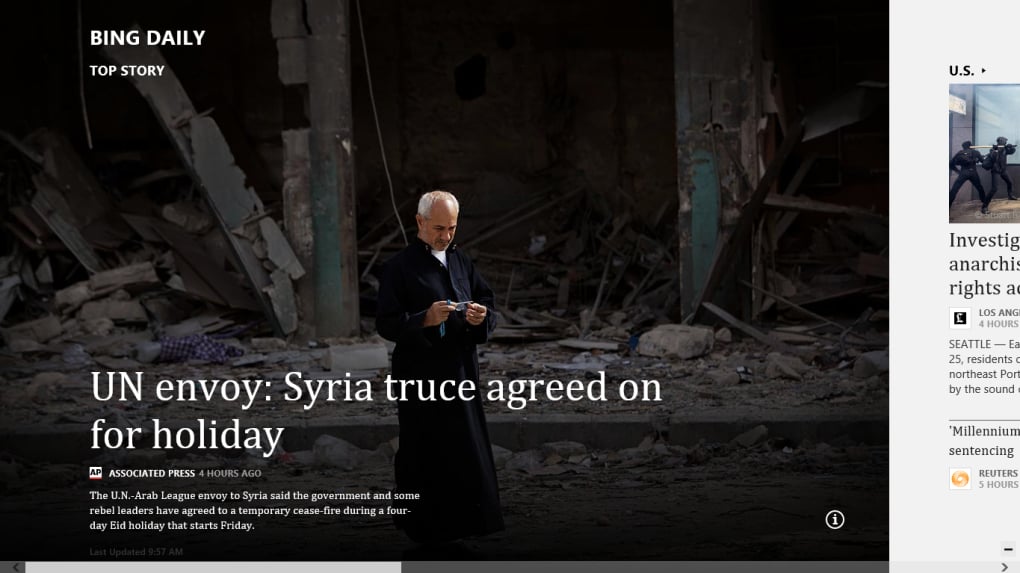
The integration of touch-optimized applications, downloadable from the Windows Store, further underscored the touch-first philosophy. These apps were designed for the full-screen, touch-friendly environment of the Start screen, offering a more streamlined, simplified interface compared to traditional desktop applications. Pre-installed apps like Mail, Calendar, Photos, and the touch-optimized Internet Explorer 10 exemplified this commitment to a touch-based experience. While this offered a compelling approach for tablet users, it created a jarring duality for users primarily relying on traditional desktop applications and workflows.
Performance and System Requirements: Speed and Legacy Hardware Compatibility
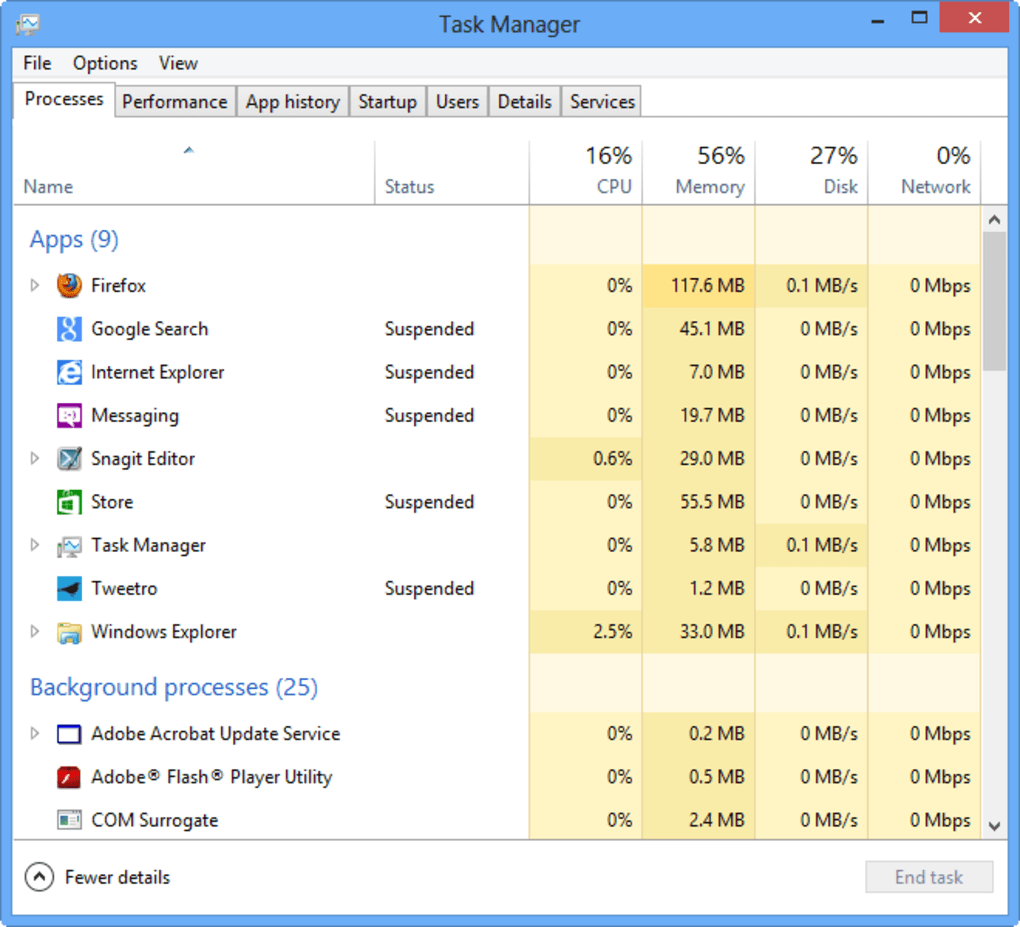
Despite the controversial interface changes, Windows 8 offered notable performance improvements compared to its predecessor, Windows 7. Boot times were significantly reduced, resource management was enhanced, and overall system responsiveness felt noticeably faster. This was especially relevant for older hardware, extending the lifespan of existing machines and providing a more fluid experience. The improved performance was a welcome aspect for users, irrespective of their feelings about the new interface. In the era of increasingly powerful hardware, Windows 8’s speed improvements became even more relevant in offering a smoother transition for those upgrading from Windows 7.
However, the system requirements remained a point of contention. While designed to work on a range of devices, Windows 8’s smooth performance was more pronounced on newer, more capable hardware. Users with older machines, particularly those with limited RAM or slower processors, could experience performance issues and limitations. The incompatibility with some legacy hardware created frustration for users looking to upgrade their older systems.
It’s important to note that these system requirements were established to ensure optimal performance of the new touch-optimized interface and apps. The higher-end requirements reflect the demands of the new UI features, in particular the handling of dynamic tiles and the simultaneous management of multiple applications within the full-screen Start screen.
Versions and Editions: Catering to Diverse User Needs
Microsoft offered three editions of Windows 8 to cater to different user needs:
-
Windows 8: The entry-level edition, comparable to the Home editions of Windows 7, offered core functionality for standard users.
-
Windows 8 Pro: Targeted at advanced and professional users, it included features such as Remote Desktop, Windows Media Center, Hyper-V virtualization, and BitLocker drive encryption, expanding the functionality for more demanding tasks and sophisticated users.
-
Windows 8 Enterprise: Designed for corporate environments, it boasted advanced networking capabilities, including features like Windows To Go, DirectAccess, AppLocker, and enhanced VPN connectivity.
This tiered approach ensured that both individual consumers and businesses had options tailored to their specific requirements. The different features offered reflected the varying needs of these user bases, from basic functionality for home users to sophisticated network and security features for enterprise users. The availability of Windows 8 Pro with additional capabilities also helped in gaining traction amongst professionals and business owners looking for advanced functionalities.
Legacy and Windows 8.1: Addressing Shortcomings and Refining the Design
Despite its initial promise, Windows 8 faced substantial criticism. The abrupt interface changes, the controversial removal of the Start button, and the overall user experience resulted in significant negative feedback from users accustomed to the traditional desktop environment. Microsoft responded to this criticism with Windows 8.1, a significant update that addressed many of the user experience issues.
Windows 8.1 brought back a modified version of the Start button, providing a direct path back to the desktop. It also included several usability enhancements to the Start screen and refined several features, providing a more intuitive and user-friendly experience for mouse and keyboard users. The integration of the Start button alone significantly improved user experience, bringing back a familiar element for those accustomed to the previous versions of Windows.
Windows 8.1 also contained numerous bug fixes and performance improvements, addressing many of the technical issues that plagued the initial release of Windows 8. These improvements enhanced the overall stability and reliability of the system, providing a more robust and consistent user experience. The various updates, fixes, and additions helped to address many of the user concerns and improve usability.
Despite these improvements, Windows 8 and 8.1 ultimately didn’t achieve the widespread adoption anticipated by Microsoft. The significant interface changes proved too disruptive for many, and the operating system was largely overshadowed by the subsequent release of Windows 10, which largely abandoned the Modern UI in favor of a more traditional, albeit refined, desktop interface.
However, Windows 8’s legacy is not entirely negative. Its emphasis on touch interactions and the development of Modern UI apps significantly influenced the design of subsequent Windows versions and the broader evolution of touch-based interfaces in computing. While its core vision wasn’t fully realized in its time, elements of its innovations were absorbed and refined in future iterations, marking it a significant stepping stone in the evolving landscape of personal computing.