
Windows Camera is a free, built-in application designed for capturing photos and videos on Windows devices. Its ease of use and straightforward interface make it an accessible option for both novice and experienced users, though its functionality is ultimately limited by the capabilities of the device’s hardware. This review will delve into the app’s features, strengths, and weaknesses, providing a comprehensive assessment of its overall utility.
Ease of Use and Core Functionality
Windows Camera typically comes pre-installed on most Windows devices, offering a quick and simple way to capture images and videos. The installation process, if needed, is streamlined and requires minimal user interaction. The app’s intuitive interface prioritizes simplicity. Taking a photo is as straightforward as pressing the shutter button on-screen, the spacebar, or the enter key. This makes it instantly accessible to users unfamiliar with more complex photography software.
Beyond the basic snapshot, Windows Camera offers several adjustable features to enhance the user experience. Users can control the image and video quality, tailoring the output resolution and aspect ratio to suit their needs. This is particularly useful when considering the intended viewing platform – a high-resolution image intended for a large monitor will differ significantly from one destined for a smartphone screen. The app also incorporates adjustable gridlines, providing assistance for those who prefer to compose their shots with a specific aesthetic in mind. This feature aids in achieving visually balanced and pleasing compositions. The inclusion of a timer function proves beneficial for self-portraits or situations requiring a delay before image capture.
The app also incorporates a High Dynamic Range (HDR) mode. HDR helps to balance the exposure in high-contrast scenes, capturing detail in both the bright highlights and the dark shadows, resulting in richer and more realistic-looking images. This feature is particularly advantageous in challenging lighting conditions, where standard photography modes might struggle to capture the full range of tones. Furthermore, a Pro Mode is available, granting access to more granular control over settings such as brightness. This offers a degree of customization for users who wish to fine-tune their images. While not as extensive as dedicated professional photography software, it provides a good balance between simplicity and advanced options.

Advanced Features and Hardware Limitations
While primarily a point-and-shoot application, Windows Camera supports certain advanced features depending on the device’s camera hardware. Capabilities such as panoramic shooting and video stabilization are contingent on the integrated camera’s capabilities. If the device’s camera lacks these features, the app simply won’t offer them. Similarly, the quality of the final image or video is inherently bound by the quality of the camera itself. While the app optimizes the hardware’s capabilities, it cannot transcend the limitations of the underlying technology. Therefore, users should have realistic expectations about the image quality based on their device’s hardware. The app’s performance serves as a reflection of the device’s camera technology.
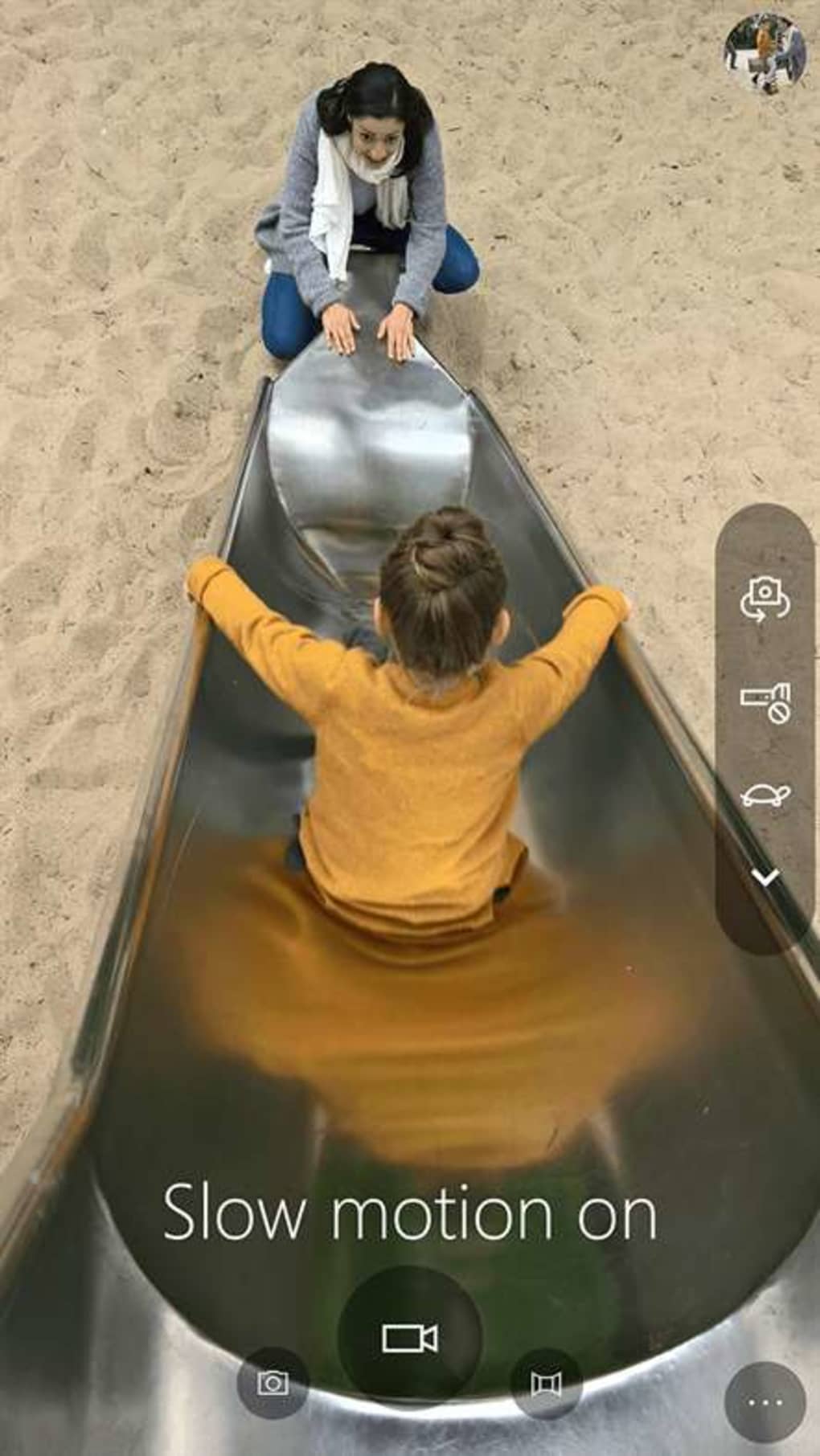
Document scanning functionality is another noteworthy feature, enabling users to quickly digitize physical documents. This is a convenient addition for users who require a simple method of converting paper-based documents into digital format. However, as with other advanced features, the effectiveness of document scanning depends heavily on the quality of the device’s camera and lighting conditions. Therefore, optimal results may require careful preparation, ensuring adequate lighting and a stable position for consistent, high-quality scans.
Comparison to Other Photography Apps
A key limitation of Windows Camera lies in its lack of features commonly found in other photography applications. Unlike many popular photo apps such as Instagram or other professional editing suites, Windows Camera lacks built-in filters or editing tools. This means users cannot apply pre-set color effects or stylistic filters to enhance their images within the app itself. This limitation might disappoint users accustomed to the extensive editing capabilities of other apps. Furthermore, video recording lacks features such as virtual backgrounds, a capability becoming increasingly common in video conferencing and recording software.
The absence of these features positions Windows Camera as a utilitarian tool for basic capture, rather than a comprehensive photography and video editing suite. While its simplicity is a strength for quick, everyday captures, users with more advanced needs—such as applying filters, editing images extensively, or incorporating virtual backgrounds into their videos—will need to supplement Windows Camera with dedicated editing applications. This necessitates the use of additional software to achieve desired post-processing or creative effects.

Overall Assessment and Target User
Windows Camera excels as a simple, accessible application for capturing photos and videos. Its ease of use makes it ideal for casual users who need a straightforward method of capturing memories or quickly documenting information. The straightforward interface and intuitive controls ensure a hassle-free user experience, minimizing the learning curve. The app’s inclusion of HDR and Pro Mode options caters to users who want more control over the capture process, while still maintaining an accessible interface.
However, users seeking extensive editing capabilities, a wide array of filters, or advanced video features will find Windows Camera lacking. Its strengths lie in its simplicity and readily available integration within the Windows ecosystem, making it a convenient tool for those who prioritize convenience and speed over extensive editing capabilities. Professional photographers or those needing extensive post-processing will likely require more advanced software.
Therefore, Windows Camera’s ideal user is someone looking for a simple, easy-to-use application for basic photo and video capture. It effectively serves as a default option for capturing images and videos on Windows devices, particularly for those with minimal experience in photography or videography. The app’s limitations in terms of editing and advanced features shouldn’t deter its use for its intended purpose, but users should have realistic expectations.
While it may not compete with professional-grade software or feature-rich photography apps, Windows Camera fills a niche as a convenient, default solution for basic image and video capture on Windows. Its user-friendly interface and readily available accessibility make it a valuable tool for many users. However, it’s crucial to remember its limitations in terms of editing capabilities and advanced features.
File Information
- License: “Free”
- Latest update: “September 24, 2021”
- Platform: “Windows”
- OS: “Windows 10”
- Language: “English”
- Downloads: “292.7K”


