
Windows Notepad, a staple of the Windows operating system since its inception, remains a surprisingly relevant and useful text editor. Its enduring popularity stems from its simplicity, ease of use, and surprisingly robust functionality for basic text editing tasks. While it may lack the advanced features of modern word processors, its streamlined interface and reliable performance make it a go-to application for many users. This review delves into the strengths and weaknesses of Windows Notepad, exploring its features, usability, and place in the modern computing landscape.
Simplicity and Ease of Use: The Core Strengths of Notepad
Notepad’s greatest asset is its uncluttered interface. Unlike more feature-rich word processors, Notepad presents a clean workspace with minimal distractions. The absence of toolbars, ribbons, and complex menus allows users to focus solely on the task at hand: writing and editing text. This simplicity makes it incredibly easy to learn and use, regardless of the user’s technical proficiency. Even individuals with limited computer experience can quickly grasp its basic functions, making it accessible to a broad audience. This ease of use extends beyond the initial learning curve; the intuitive design ensures efficient and straightforward text manipulation for both novice and experienced users.
The speed and efficiency of Notepad are also noteworthy. Its lightweight design ensures quick loading times and minimal resource consumption, making it ideal for systems with limited processing power or memory. This responsiveness contributes to a smooth and seamless user experience, unlike heavier applications that can sometimes lag or freeze. This speed is particularly beneficial for tasks requiring quick note-taking or simple text editing, where rapid response is paramount.
Functionality Beyond Simplicity: Unexpected Capabilities
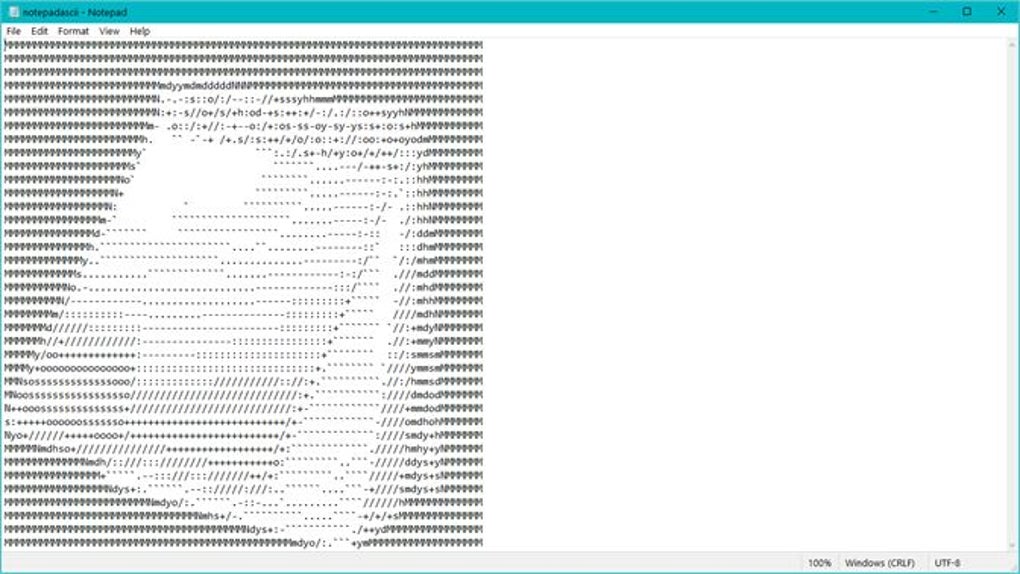
Despite its minimalist appearance, Windows Notepad offers a surprising array of functionalities. Beyond basic text entry and editing, it supports several crucial features. The ability to handle multiple files simultaneously, albeit in separate windows, enhances productivity. This feature is especially useful when comparing or transferring information between different documents.
Notepad also boasts impressive character encoding support, including UTF-8, UTF-16, and ANSI. This feature ensures proper display and handling of text in various languages and character sets, making it a suitable tool for international users. This compatibility extends to source code, making it a viable option for programmers needing to quickly view or edit small code snippets. While not a full-fledged IDE (Integrated Development Environment), it offers a simple way to work with different coding projects, particularly for quick adjustments or debugging.
The introduction of dark mode in more recent versions addresses user comfort and reduces eye strain, particularly in low-light conditions. This small but significant addition demonstrates Microsoft’s commitment to enhancing user experience and accessibility. Combined with the inherent offline usability, Notepad proves remarkably versatile and adaptable for various scenarios and preferences.
Limitations and Alternatives: Where Notepad Falls Short
While Windows Notepad excels in its simplicity and core functionality, it also possesses inherent limitations. Its text-formatting capabilities are extremely basic. Users seeking advanced features like font styles, sizes, paragraph formatting, or embedded images will find Notepad severely lacking. For complex documents requiring sophisticated formatting, a dedicated word processor like Microsoft Word or other alternatives is necessary.
The file format support is another constraint. Notepad primarily works with plain text files (.txt), and its ability to handle other formats is extremely limited. It cannot directly open or edit popular formats such as DOCX, PDF, or RTF files. Users needing to work with these file types will require separate applications. This limitation should be carefully considered before relying on Notepad for all document editing tasks. Even attempting to handle relatively simple rich text formats can result in formatting loss and data corruption.
Comparing Notepad to Alternatives: A Market Perspective
Numerous alternative text editors exist, offering different features and functionalities to cater to diverse user needs. Some alternatives prioritize enhanced features, providing advanced formatting options, syntax highlighting for code, and support for a wider range of file formats. Others focus on specific niches, such as note-taking, code editing, or collaboration.
Consider, for instance, Notepad++. This free and open-source editor provides syntax highlighting, macros, and plugin support, making it a powerful tool for programmers and coders. For users seeking more advanced formatting options and compatibility with diverse file formats, dedicated word processors like Microsoft Word or LibreOffice Writer are excellent choices. However, these applications come with a steeper learning curve and require more system resources than Notepad.
The choice of text editor ultimately depends on individual needs and preferences. Notepad remains an ideal option for users who prioritize simplicity and speed for basic text editing tasks, whereas users needing advanced features should consider alternative applications.
Conclusion: Notepad’s Enduring Relevance
Windows Notepad, despite its age and apparent simplicity, maintains a remarkable relevance in the modern computing landscape. Its strength lies in its ease of use, speed, and reliability for fundamental text editing tasks. While it lacks the sophisticated features of more complex applications, its minimalist design and low resource consumption make it an indispensable tool for quick note-taking, simple text manipulation, and basic code editing. Its enduring popularity testifies to its effectiveness in filling a specific niche within the broader spectrum of text editing applications. For many users, Notepad remains the perfect solution for straightforward tasks, proving that simplicity, reliability, and accessibility remain highly valuable attributes in the ever-evolving world of software. The continued inclusion and improvement of Notepad by Microsoft underscores its continuing importance within the Windows ecosystem. Ultimately, the value of Notepad lies in its efficiency and accessibility, serving as a consistently dependable and straightforward text editor for a wide range of users.
File Information
- License: “Free”
- Version: “1.0”
- Latest update: “May 15, 2024”
- Platform: “Windows”
- OS: “Windows 11”
- Language: “English”
- Downloads: “56.8K”


