
The Windows PC Health Check tool, a free utility from Microsoft, serves as a crucial first step for Windows 10 users considering an upgrade to Windows 11. This article delves into the functionality, capabilities, and limitations of this application, providing a comprehensive understanding of its role in the upgrade process. We’ll explore what it checks, its pros and cons, and offer insights into alternative solutions.
Understanding the Functionality of PC Health Check
PC Health Check’s primary function is straightforward: determining whether a Windows 10 system meets the minimum hardware and firmware requirements for installing Windows 11. While it doesn’t offer a detailed breakdown of every single specification, its core strength lies in providing a quick, yes/no answer to the critical question: “Is my PC compatible with Windows 11?” This simple assessment helps users avoid the frustration of attempting an upgrade only to encounter incompatibility issues during the installation process.
The application goes beyond a simple compatibility check. It offers a concise overview of key system components, presenting information such as the PC’s name, processor (CPU) details, installed RAM, and storage capacity. This glimpse into the system’s hardware profile provides a basic understanding of the underlying components. However, it’s important to note that the information presented is not exhaustive and may not encompass all aspects relevant for a comprehensive system assessment.
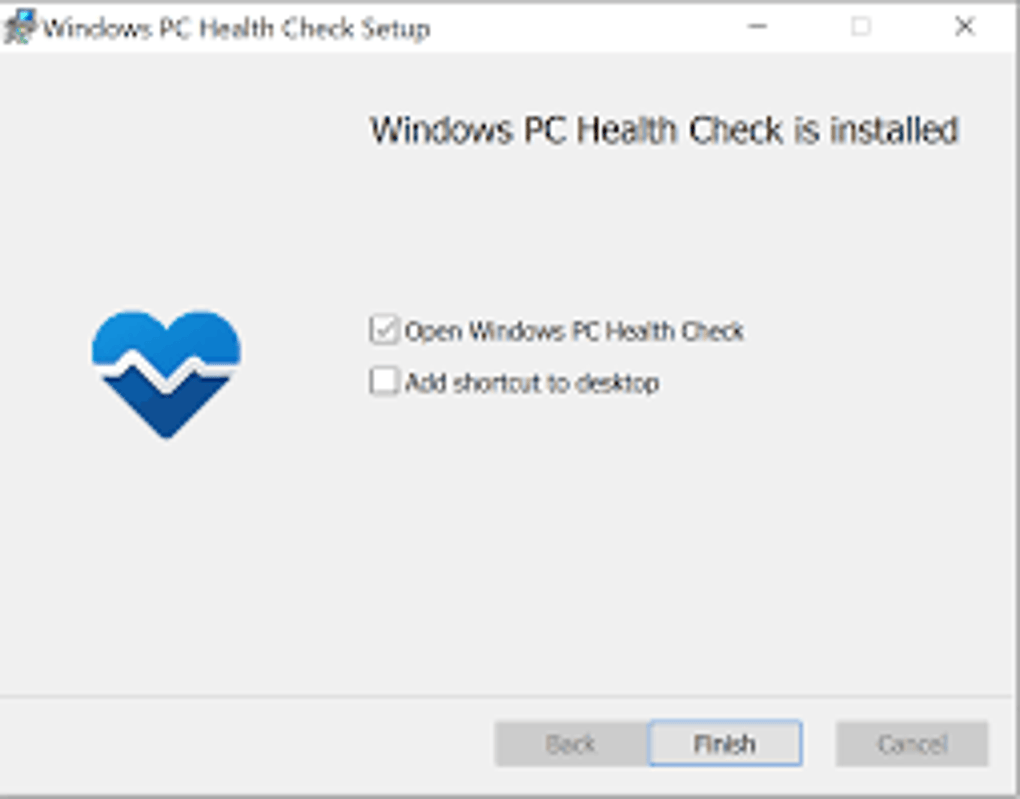
The core of the application lies in its compatibility assessment, activated by a prominent “Check Now” button. Clicking this button initiates a rapid analysis of the system against the Windows 11 requirements. The result is displayed instantly, indicating whether the system is deemed compatible or incompatible. This immediate feedback is invaluable, saving users significant time and effort.
However, a key limitation is the lack of granular detail concerning compatibility issues. If the check reveals incompatibility, the tool doesn’t explicitly state which specific requirements are unmet. This leaves users without the precise information needed to troubleshoot and potentially resolve compatibility problems. For a detailed analysis of individual hardware components and their compliance with Windows 11 specifications, users would need to explore alternative diagnostic tools or manually review their system specifications against the official Microsoft Windows 11 requirements.
Key Features and Limitations
The Windows PC Health Check application boasts several advantages:
-
Ease of Use: The software is remarkably user-friendly. Its intuitive interface requires minimal technical expertise, making it accessible to all Windows users, irrespective of their computer literacy. The streamlined design focuses on the core functionality, ensuring a hassle-free user experience.
-
Speed and Efficiency: The compatibility assessment is exceptionally fast. The results are delivered almost instantaneously, eliminating any significant wait time. This efficiency is a significant benefit for users eager to determine their system’s suitability for the Windows 11 upgrade.
-
Free Availability: The tool is provided by Microsoft free of charge. This accessible pricing removes any financial barrier, ensuring that all Windows 10 users can assess their systems’ readiness for the Windows 11 upgrade without incurring any additional cost.
-
Automatic Updates: Though not a primary feature, PC Health Check will automatically update itself in the background when necessary, ensuring access to the latest compatibility checks and resolving any detected software bugs. This minimizes the chance of encountering errors or obsolete information during assessment.
Despite these advantages, the tool presents notable limitations:
-
Limited Diagnostic Information: As mentioned earlier, the software provides a simplistic yes/no answer regarding compatibility, without details on the specific shortcomings in case of incompatibility. This lack of granularity can hamper troubleshooting and decision-making for users needing a more in-depth analysis. Users needing detailed diagnostic information need to look elsewhere.
-
Focus on Windows 11 Compatibility: The tool’s functionality is strictly limited to assessing Windows 11 compatibility. It doesn’t offer broader system diagnostic capabilities, such as comprehensive hardware monitoring or performance benchmarking. This focused functionality, while convenient for its primary task, lacks the versatile diagnostic functionality of more extensive system analysis tools.
- Potential for False Negatives (in the past): While this was a major issue in early iterations of the application, it has since been resolved in later updates. The tool has been updated to accommodate a wide range of system configurations, minimizing the chance of incorrect assessments. Nonetheless, users should always ensure they are using the latest version of the software for the most accurate results.
Should You Download PC Health Check?
The decision of whether or not to download PC Health Check depends on your specific needs and technical expertise. If you’re simply looking for a quick and easy way to determine if your Windows 10 PC meets the basic requirements for Windows 11, then the tool is highly recommended. Its ease of use and speed make it an ideal first step.
However, if you need detailed diagnostic information or are expecting a more comprehensive system analysis, then PC Health Check might fall short of your expectations. In this case, it’s advisable to explore alternative tools that offer more extensive system diagnostics and troubleshooting capabilities.
Alternatives to PC Health Check
Several alternative tools offer more comprehensive system diagnostics, going beyond the simple Windows 11 compatibility check provided by PC Health Check. These alternatives typically provide a detailed overview of your system’s hardware and software components, offering insights into performance bottlenecks and potential compatibility issues.
Some popular alternatives include:
- Ashampoo Windows 11 Compatibility Check: This tool offers a more detailed breakdown of compatibility, providing specific information on any shortcomings identified in your system. This level of detail enables targeted troubleshooting and informed decision-making.
-
HP PC Hardware Diagnostics Windows (for HP PCs): If you have an HP computer, this manufacturer-specific utility offers comprehensive hardware diagnostics, enabling thorough assessments beyond Windows 11 compatibility.
-
Lenovo Vantage (for Lenovo PCs): Similar to the HP utility, Lenovo Vantage is a manufacturer-specific tool offering detailed system diagnostics tailored for Lenovo PCs.
-
Microsoft PC Manager: While not solely focused on Windows 11 compatibility, Microsoft PC Manager provides comprehensive system information, including potential performance improvements and maintenance tasks. This more holistic approach enables optimization and troubleshooting broader than Windows 11 compatibility.
-
Other System Information Tools: Numerous third-party system information tools are available, providing extensive details about your computer’s hardware and software. Many of these offer comprehensive diagnostics and performance monitoring features, surpassing the limited scope of PC Health Check.
Ultimately, PC Health Check serves a specific purpose: a quick, initial assessment of Windows 11 compatibility. For users requiring more detailed analysis and comprehensive system diagnostics, exploring the alternative tools mentioned above is recommended. The choice of tool depends on individual needs and preferences, ranging from the simple compatibility check offered by PC Health Check to the in-depth diagnostics available from more comprehensive alternatives.
File Information
- License: “Free”
- Version: “2.1.210625001”
- Latest update: “September 23, 2021”
- Platform: “Windows”
- OS: “Windows 10”
- Language: “English”
- Downloads: “271.9K”
- Size: “14.11 MB”


