
Windows Vista, once a source of both excitement and frustration for users, received a significant boost with the release of Service Pack 2 (SP2). This update package, released by Microsoft, aimed to address numerous issues plaguing the operating system, improving stability, security, and overall user experience. While Vista itself is no longer supported by Microsoft, understanding the impact of SP2 offers valuable insight into the evolution of Windows operating systems and the importance of service packs in patching vulnerabilities and enhancing functionality.
Addressing Vista’s Early Shortcomings
Windows Vista, upon its initial release, faced considerable criticism. Performance issues, incompatibility with existing hardware and software, and a perceived overly complex interface were among the major complaints. Many users found the system resource-intensive, leading to slower boot times and sluggish application performance, particularly on lower-end hardware. The stringent User Account Control (UAC) features, designed to enhance security, were also initially met with frustration, as they frequently prompted users with permission requests.
These challenges, combined with a relatively steep learning curve for some users, contributed to a less-than-enthusiastic reception compared to its predecessor, Windows XP. Microsoft acknowledged these criticisms and embarked on a substantial effort to improve Vista through a series of updates and, crucially, the development and release of service packs. Service Pack 1 (SP1) addressed some issues, but SP2 represented a more comprehensive attempt to rectify many of Vista’s shortcomings.
The Key Enhancements of Service Pack 2
Windows Vista SP2 wasn’t simply a collection of patches; it represented a significant overhaul aimed at enhancing several key aspects of the operating system. The improvements included:
-
Bug Fixes and Security Patches: SP2 incorporated all the updates released by Microsoft since SP1, addressing a vast number of bugs and security vulnerabilities. These fixes ranged from minor interface glitches to critical security flaws that could leave systems exposed to malware and hacking attempts. This cumulative update significantly bolstered the overall security and stability of the Vista operating system.
-
Improved Wireless and Bluetooth Connectivity: A common complaint about Vista involved inconsistent or problematic wireless and Bluetooth connections. SP2 targeted these issues, incorporating improvements to drivers and system-level components responsible for managing these connections. The result was a more reliable and stable experience for users relying on wireless networking and Bluetooth devices.
-
Enhanced Windows Search 4.0: Vista’s built-in search functionality had been criticized for its slow speed and sometimes inaccurate results. SP2 shipped with an updated version of Windows Search 4.0, designed to significantly improve both the speed and accuracy of search operations. This update made it significantly easier for users to find the files and information they needed within their systems. This was a notable improvement, particularly for users who heavily relied on the search functionality for everyday tasks.
-
General System Improvements: Beyond specific components, SP2 introduced a range of general system improvements aimed at enhancing stability and overall performance. These enhancements weren’t always immediately apparent to users but collectively contributed to a smoother, more efficient operating system. The subtle optimizations throughout the system, while perhaps not dramatic individually, added up to a noticeable improvement in the overall responsiveness of Vista.
System Requirements and Installation Process
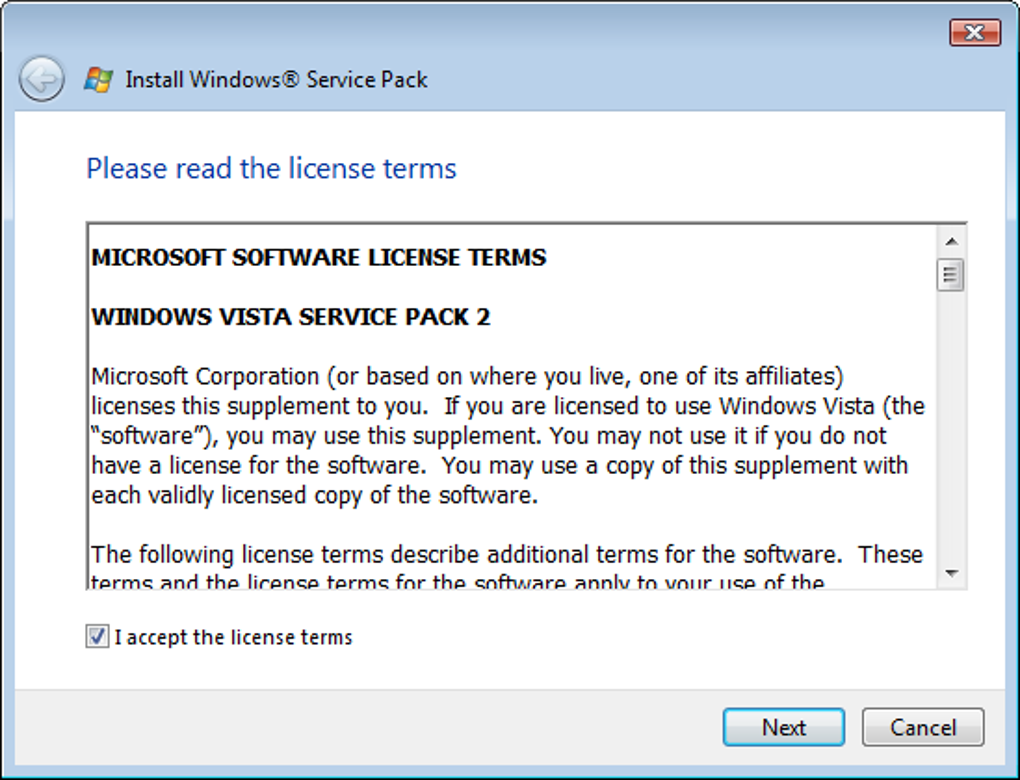
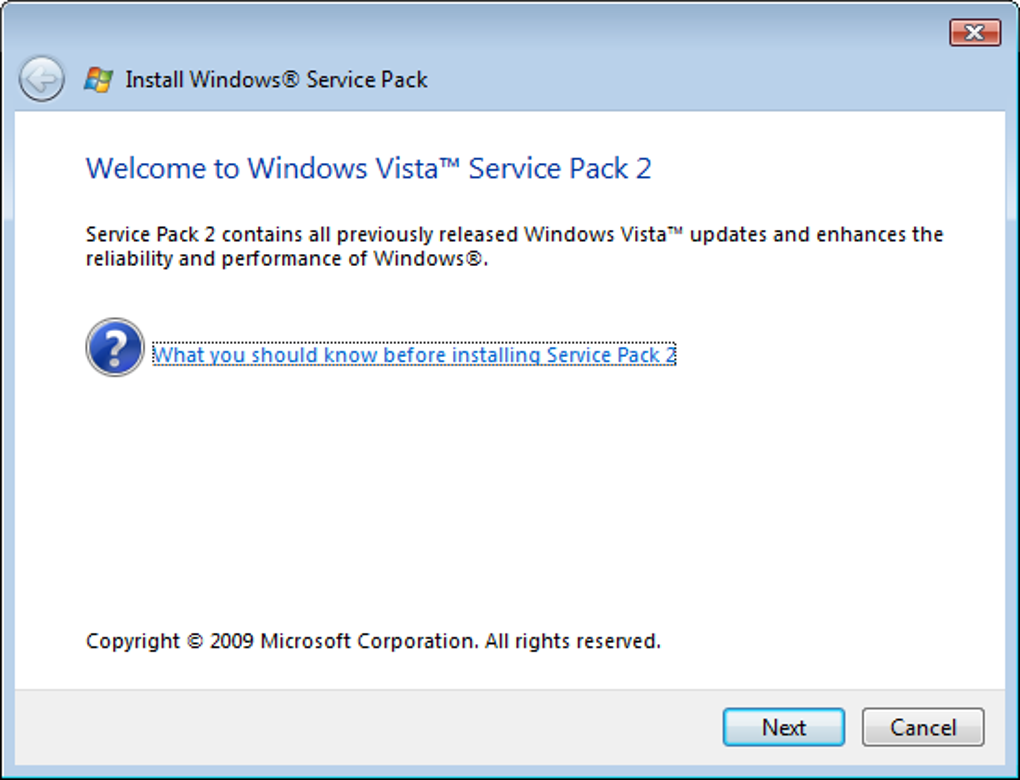
While SP2 addressed many of Vista’s issues, it was essential to understand the prerequisites for installation. SP2 was not a standalone update; it required SP1 to be already installed on the system. Users who had installed a previous release candidate version of SP2 were required to uninstall that before proceeding with the final SP2 installation. This process ensured compatibility and avoided potential conflicts that could arise from installing conflicting files.
The installation process itself was relatively straightforward, though the download size was substantial, which meant a significant amount of download time, particularly for users with slower internet connections. The installation itself required a system reboot once the update was fully downloaded and applied. The entire process, therefore, involved several steps and required sufficient time to complete successfully.
User Reception and Legacy
The release of Windows Vista SP2 was generally well-received by users, marking a considerable improvement over the initial release and SP1. While Vista never quite shook off its initial reputation, SP2 undoubtedly helped to mitigate many of the critical problems, making the operating system a more viable and stable option for users. The cumulative effect of the bug fixes, performance improvements, and enhanced features provided a much-improved experience.
However, it’s crucial to acknowledge that by the time SP2 was released, the technological landscape had already shifted considerably. The rise of multi-core processors and increasingly demanding software meant that even with SP2, Vista struggled to compete with newer operating systems in terms of sheer performance and resource management. The release of Windows 7 shortly thereafter further diminished Vista’s relevance, ultimately relegating it to a niche position in the history of Microsoft operating systems.
Despite its eventual decline, the efforts to improve Vista through service packs, especially SP2, were vital in demonstrating Microsoft’s commitment to post-release support and the importance of iterative development in addressing user feedback and enhancing software stability and functionality. The experience with Vista and its service packs shaped Microsoft’s approach to subsequent Windows releases, leading to better initial releases and smoother integration of subsequent updates.
Comparison to Other Service Packs
Comparing Windows Vista SP2 to other major service packs from Microsoft’s history, such as Windows XP Service Pack 3 (SP3) or Windows 7 Service Pack 1 (SP1), reveals some interesting similarities and differences. All three service packs played critical roles in improving the stability, security, and functionality of their respective operating systems. However, the context differed. XP SP3 arrived at a later stage of the XP lifecycle, essentially extending its usable life considerably, while Windows 7 SP1 addressed fewer critical issues than its Vista counterpart. This highlights that the scale and impact of a service pack are often dictated by the state of the operating system upon its release.
The scope of SP2’s improvements for Vista was undeniably substantial, reflecting the significant criticisms leveled at the operating system’s initial release. The effort invested in resolving these issues demonstrated Microsoft’s attempt to remedy its initial shortcomings and address widespread user concerns. While it couldn’t entirely erase the negative perception that Vista had earned, SP2 substantially improved the user experience for those who persevered with the operating system.
Conclusion: A Necessary but Ultimately Insufficient Update
Windows Vista Service Pack 2 was a significant and necessary update. It addressed a considerable number of bugs, improved security, and enhanced various aspects of the user experience. While it couldn’t completely overcome the initial challenges associated with Vista’s design and performance limitations, SP2 undeniably improved the operating system’s stability and functionality for many users. It serves as a reminder of the crucial role that service packs play in extending the life and usability of operating systems and illustrates the complexities involved in balancing innovation with user expectations and maintaining compatibility across a wide range of hardware configurations. The legacy of SP2 is not just about its impact on Vista itself but also about the lessons learned in the process of iterative software development and the importance of addressing user feedback.
File Information
- License: “Free”
- Latest update: “December 13, 2021”
- Platform: “Windows”
- OS: “Windows Vista”
- Language: “English”
- Downloads: “787.1K”
- Size: “498.58 MB”


