
WinDS Pro is a comprehensive and freely available software package designed for Windows users seeking an engaging and versatile emulation experience for Nintendo DS and Game Boy Advance (GBA) games. This powerful tool consolidates multiple emulators into a single, user-friendly interface, eliminating the need to navigate and manage several individual programs. This allows users to easily explore and play a vast library of classic titles without the need for original hardware. This in-depth review will explore the features, capabilities, and overall user experience of WinDS Pro, comparing it to other similar software solutions.
A Multi-Emulator Powerhouse
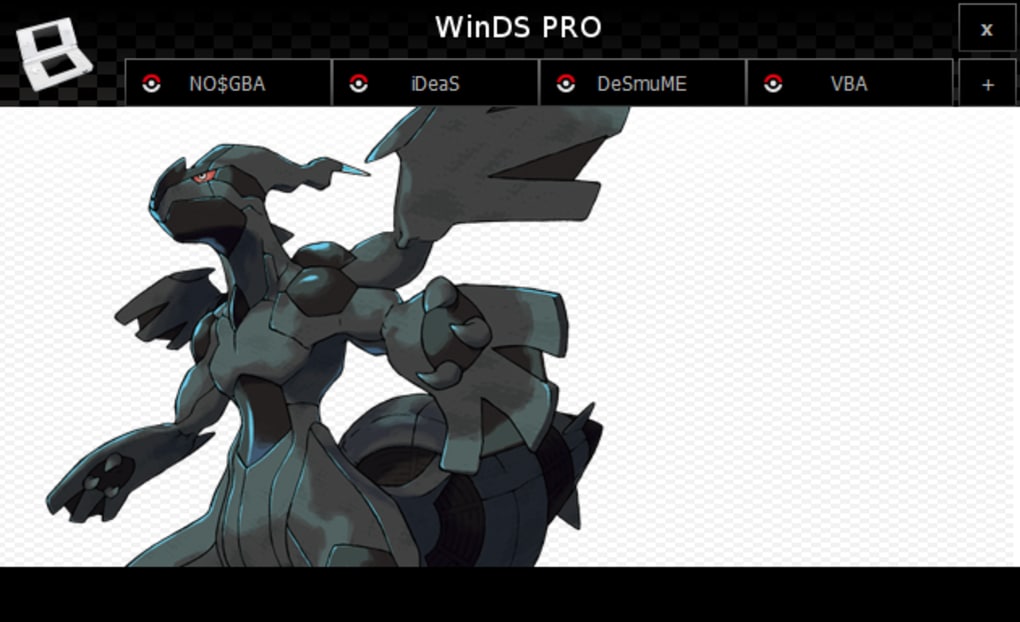
Unlike many single-emulator programs, WinDS Pro stands out by bundling several emulators together, allowing users to access a wider range of functionality and compatibility. Its integrated emulators include support for GBA, iDeaS, and VBALink, providing users with various options to fine-tune their gaming experience based on individual game compatibility and performance preferences. This bundled approach not only streamlines the user experience but also simplifies the process of finding a compatible emulator for different game titles. It eliminates the need for users to research and download multiple programs, saving time and effort.
The inclusion of multiple emulators addresses a common issue faced by users of single-emulator software: incompatibility. Certain games may run better or more reliably on specific emulators due to variations in their core architecture and optimization strategies. WinDS Pro’s multi-emulator approach mitigates this risk, allowing users to switch between emulators if they encounter problems with a specific title.
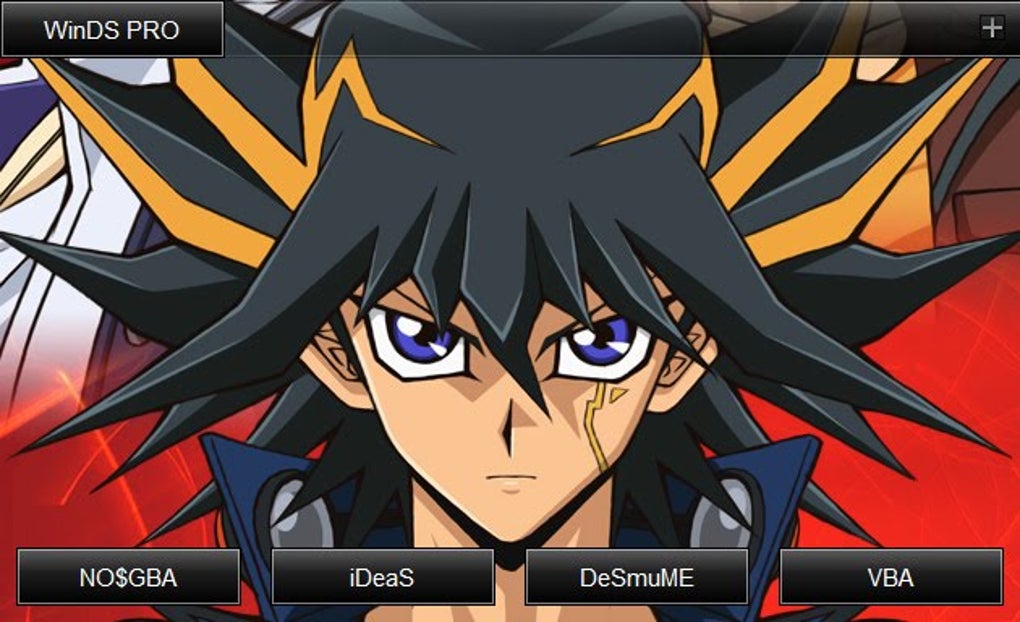
This multi-emulator functionality represents a significant advantage for users seeking a comprehensive and versatile emulation experience. It eliminates the trial-and-error process often associated with finding a suitable emulator for each individual game. The ability to switch effortlessly between emulators drastically increases the compatibility range and improves the overall chances of success in running various game ROMs.
Ease of Use and User Interface
WinDS Pro prioritizes ease of use, making it accessible to both experienced emulator users and newcomers alike. The software’s interface is designed to be intuitive and straightforward, eliminating unnecessary complexities and technical jargon. The straightforward design minimizes the learning curve associated with many emulation software options. This design choice is particularly beneficial for users new to emulation who might be intimidated by complex settings and configurations.
The streamlined interface allows for quick access to core functionalities, such as loading ROMs, adjusting settings, and managing game saves. The focus on simplicity enhances the user experience, allowing users to spend more time enjoying their games and less time wrestling with technical complexities. This ease of use is a significant factor that contributes to the software’s overall appeal and popularity.
The software’s clear and concise menu system simplifies the process of navigating the various emulators and configuring their settings. This eliminates the confusion and frustration that often accompany complicated software interfaces, allowing users to focus on the gaming experience itself.
Performance and Compatibility
WinDS Pro aims to deliver a smooth and enjoyable gaming experience. While performance can vary depending on the game, the emulator’s processing power, and the user’s system specifications, many users report high levels of satisfaction with the program’s ability to accurately and smoothly emulate Nintendo DS and GBA games. The performance of the emulators is a critical aspect of the overall user experience. Slowdowns or glitches can significantly detract from the enjoyment of classic titles.
Furthermore, WinDS Pro strives for broad compatibility with a wide range of Nintendo DS and GBA games. Its inclusion of multiple emulators increases the likelihood of successful emulation for a wider variety of titles, making it a more versatile option for users with diverse game libraries. This compatibility range is a critical selling point, attracting a wider base of users.
The software’s developers actively work on improving performance and compatibility through updates and bug fixes. Regular updates are crucial in maintaining the software’s stability and addressing potential issues that may arise with newly discovered games or changing operating system environments.

Installation and Setup
Installing and setting up WinDS Pro is typically a straightforward process. The installation file is relatively small, minimizing download times. Once downloaded, the installer guides the user through a simple and easy-to-follow setup process. This ease of installation contributes to the overall positive user experience.
The program’s configuration options are similarly straightforward, allowing users to easily customize their settings to optimize performance and enhance the gaming experience. Users can adjust settings such as screen resolution, audio output, and controller mappings to match their individual preferences and hardware capabilities.
The clear instructions and intuitive setup process make WinDS Pro accessible to a broad range of users, regardless of their technical expertise. This user-friendly installation and setup process contributes to the overall appeal and accessibility of the software.
Community and Support
While WinDS Pro may not have a dedicated, large-scale community forum like some more established emulator projects, its widespread use and availability have led to various online resources, such as user reviews and troubleshooting guides, which can prove helpful for users encountering difficulties. The absence of a formal community forum doesn’t necessarily detract from the user experience, given the availability of these alternative support options.
The active maintenance and updates released by the developers also indicate a level of ongoing support for the software. This ongoing support helps address any potential bugs or compatibility issues that may arise over time. This continuous improvement effort enhances the longevity and reliability of the software.
Ultimately, the combination of easily accessible online resources and the developer’s commitment to updates effectively supplements the lack of a structured community forum, ensuring that users have the support necessary to successfully utilize the program.
Conclusion
WinDS Pro provides a convenient and effective solution for users seeking to emulate Nintendo DS and GBA games on their Windows systems. Its integration of multiple emulators, intuitive interface, and focus on ease of use make it a strong contender among similar emulation software options. While its community support might not be as extensive as some other projects, the developer’s ongoing maintenance and the availability of online resources effectively mitigate this. For users looking for a user-friendly and versatile solution for playing their classic Nintendo handheld games, WinDS Pro provides a compelling option. The combination of its features, performance, and ease of use makes it a valuable tool for both casual and experienced emulator users alike.
File Information
- License: “Free”
- Latest update: “May 30, 2025”
- Platform: “Windows”
- OS: “Windows XP”
- Language: “English”
- Downloads: “179.5K”
- Size: “1.07 GB”


