
Corel’s WinDVD has been a prominent name in DVD playback software for years, evolving from a simple DVD player to a more feature-rich multimedia application. This review delves into the capabilities, strengths, and weaknesses of WinDVD, examining its functionality, user interface, and overall performance to provide a comprehensive assessment of its value in today’s digital landscape.
Feature-Rich Playback and Enhancement Capabilities
WinDVD distinguishes itself through its extensive range of features, going beyond basic DVD playback. One notable feature is the bookmark functionality, allowing users to easily save and return to specific points within a movie. This is particularly useful for longer films or for revisiting favorite scenes. The software also incorporates screenshot and short video clip recording capabilities, offering flexibility in capturing memorable moments. Users can save these clips as BMP images or animated GIFs, providing options for different sharing and archival preferences.
For those dealing with non-HD discs, WinDVD’s All2HD feature offers image and video quality enhancement. This upscaling functionality attempts to improve the visual quality, making older or lower-resolution content more palatable on modern displays. Furthermore, WinDVD provides customizable playback speed control, enabling users to adjust the speed to their preference, whether slowing down for detailed analysis or speeding up for quick navigation.
The software’s customization extends beyond playback speed. Under the “Enhancements” option, users gain extensive control over color settings, allowing for adjustments to match their output devices or personal preferences. Detailed controls over brightness, contrast, hue, color saturation, and gamma allow for fine-tuning the visual experience. Additional video enhancements, such as de-noise and de-interlace functionalities, further contribute to a refined viewing experience, minimizing artifacts and improving overall clarity.
Audio quality is another area where WinDVD excels. When playing DVD-Video or AVCHD content, the software delivers impressive audio quality, leveraging the power of Dolby Digital for a movie theater-like sound experience. This immersive sound enhances the overall enjoyment of the viewing experience, bringing the cinematic feel directly to the user’s desktop or home theater setup.
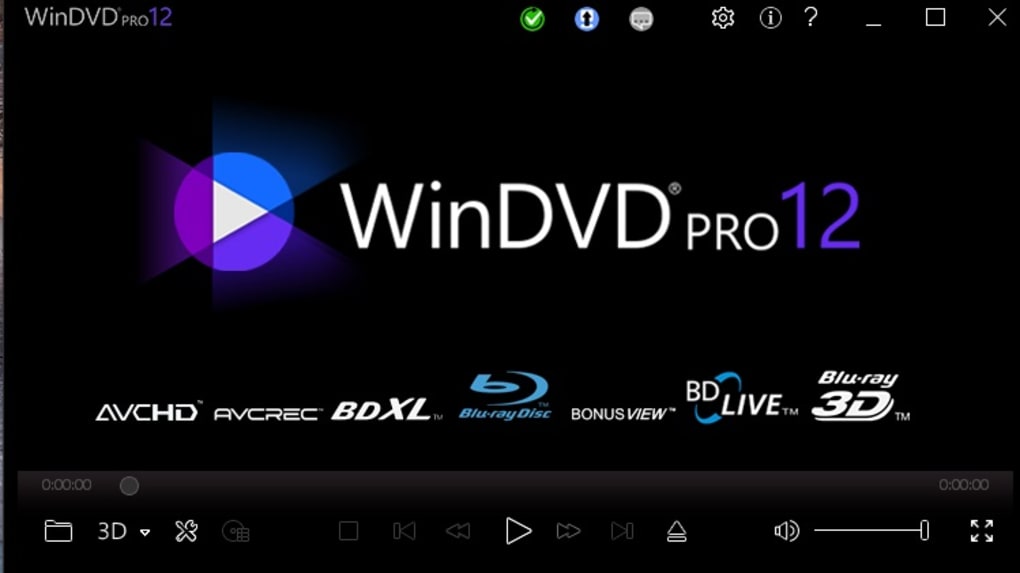
The software’s core controls—play, fast forward, rewind, pause, and stop—function smoothly and intuitively. The user interface is generally clean and straightforward, making navigation easy for most users. However, this simplicity belies a certain complexity within the settings menu, which presents a noteworthy drawback.
User Interface and Navigation Challenges
While the main interface is user-friendly, the settings menu proves to be a significant point of contention. To access the full range of settings options, users are required to switch to full-screen mode, which disrupts the viewing experience and adds unnecessary steps to a simple adjustment. This design choice undermines the otherwise intuitive user interface and adds a level of inconvenience that detracts from the overall user experience. The need to go full screen to access all settings options is a significant usability issue that requires improvement. A more accessible and logically organized settings menu would greatly enhance the software’s overall usability.
Another notable issue involves the disc region recognition. WinDVD does not always correctly identify the region of a DVD, sometimes falling behind the automatic region detection implemented by the Windows operating system. This inconsistency can lead to playback issues, especially when dealing with region-locked DVDs. This failure to consistently and reliably recognize the disc region is a major drawback, impacting the software’s reliability and frustrating users who rely on it for consistent playback.
WinDVD’s Strengths and Weaknesses: A Balanced Perspective
WinDVD offers several compelling strengths that justify its continued presence in the market. Its ability to deliver high-quality video and audio playback, coupled with its extensive customization options, is a significant advantage. The All2HD feature provides valuable functionality for enhancing the quality of older or lower-resolution content. The inclusion of features like bookmarking, screenshot capture, and short video clip recording adds significant value beyond basic DVD playback.
However, the shortcomings related to the settings menu and disc region recognition cannot be overlooked. The requirement to go full-screen to access all settings options is a usability flaw that significantly diminishes the user experience. The inconsistent disc region recognition directly impacts functionality and can lead to frustrating playback failures. These usability issues, while seemingly minor, accumulate to detract from the overall effectiveness and appeal of the software.
The software’s overall performance is generally positive. Playback is smooth and consistent, even with larger files or more demanding content. The software remains relatively stable, with minimal crashes or glitches experienced during testing. However, users should be prepared to navigate the less-than-ideal settings menu.
Comparison with Alternative DVD Players
WinDVD competes in a market filled with alternative DVD playback solutions. Several strong competitors offer similar or even superior functionality with improved usability. Software such as VLC Media Player, known for its versatility and extensive format support, provides a free and open-source alternative. While it may lack some of WinDVD’s advanced enhancement features, its user-friendliness and broad compatibility make it a compelling choice. Other commercial options like CyberLink PowerDVD offer a range of features comparable to WinDVD, but often with a smoother and more intuitive user interface.
The choice between WinDVD and alternative solutions often depends on the user’s specific needs and priorities. For users seeking a primarily functional DVD player with some advanced features, WinDVD remains a viable option. However, those prioritizing a clean, intuitive user experience and broad compatibility may find better alternatives in the market.
Conclusion: A Mixed Bag of Features and Frustrations
WinDVD delivers a robust set of features for DVD playback and enhancement, offering capabilities beyond basic functionality. The high-quality video and audio output, along with features like bookmarking and image capture, provide significant value to users. However, the software’s usability issues, particularly the cumbersome settings menu and unreliable disc region recognition, severely detract from the overall user experience. While WinDVD might be suitable for users with specific requirements and tolerance for minor frustrations, it falls short of providing a consistently positive user experience compared to competing solutions in the market. Addressing the usability issues through a redesigned settings menu and improved disc region recognition would greatly enhance the software’s appeal and user satisfaction.
File Information
- License: “Trial version”
- Latest update: “July 12, 2023”
- Platform: “Windows”
- OS: “Windows 7”
- Language: “English”
- Downloads: “276.5K”


