
Wingrub is a free, user-friendly utility designed to streamline the process of installing and recovering the GRUB bootloader on Windows systems. GRUB (GRand Unified Bootloader) is a crucial component for systems with multiple operating systems (like Windows and Linux) installed, managing the boot process and allowing users to select their desired OS at startup. Without a functioning GRUB, users might find themselves unable to boot into their preferred operating system. Wingrub eliminates the complexities often associated with GRUB recovery, offering a straightforward solution even for users unfamiliar with Linux or advanced system administration.
This comprehensive guide delves into Wingrub’s features, benefits, and usage, providing a clear understanding of its role in maintaining a multi-boot system. We will explore its functionalities, ease of use, and how it compares to other GRUB recovery methods.
Understanding the Need for GRUB Recovery
Modern computer systems can host multiple operating systems on a single hard drive, utilizing distinct partitions for each. This multi-boot configuration offers flexibility and allows users to switch between different environments (e.g., Windows for productivity and Linux for development) as needed. The GRUB bootloader acts as a gatekeeper, presenting a menu that allows the user to select which operating system to load at startup.
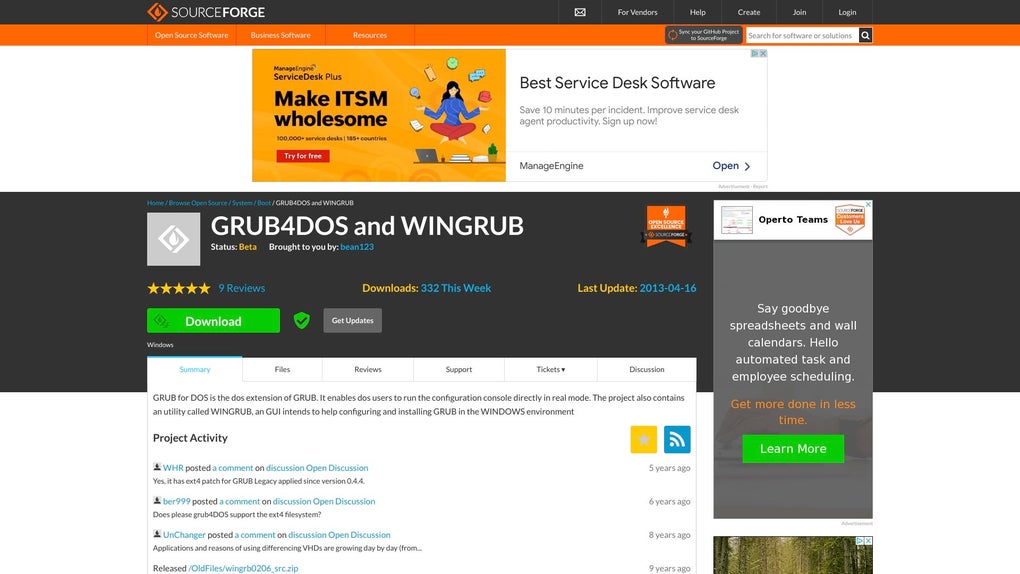
However, the GRUB bootloader is susceptible to corruption or accidental removal, potentially rendering one or more operating systems inaccessible. This can occur due to various reasons, including:
- Mistakes during OS installation or uninstallation: Improperly uninstalling or reinstalling an operating system can overwrite or damage the GRUB configuration, leading to boot failures.
- Hard drive errors: Hardware malfunctions or file system corruption can damage the GRUB bootloader’s files, resulting in boot problems.
- Accidental deletion: Users might accidentally delete the GRUB files, leading to a system unable to boot correctly.
- Malware or viruses: Malicious software can infect or modify the GRUB configuration, causing boot failures.
- Partition table changes: Altering the partition table, such as resizing or merging partitions, can affect the GRUB bootloader and cause boot issues.
Traditional methods for GRUB recovery often involve creating and booting from a Live CD or USB drive containing a Linux distribution. This process can be time-consuming and technically demanding, requiring a certain level of technical expertise. Wingrub simplifies this entire process, offering a convenient and accessible solution for both novice and experienced users.
Wingrub: A User-Friendly Approach to GRUB Recovery
Wingrub excels in its simplicity and ease of use. It provides a graphical user interface (GUI), eliminating the need for command-line interactions that can be daunting for non-technical users. This intuitive interface guides users through the recovery process, making it accessible to a broad range of users, regardless of their technical background.
Its core function revolves around restoring or reinstalling the GRUB bootloader, ensuring seamless booting between multiple operating systems. This is particularly useful for users who regularly switch between different operating systems or need to quickly recover their system after accidental GRUB damage. With Wingrub, the often complex recovery process is transformed into a few simple clicks.
The application’s strength lies in its ability to:
- Simplify the complex GRUB recovery process: Wingrub abstracts away the technical complexities of GRUB configuration and repair, presenting a user-friendly interface that simplifies the entire process.
- Eliminate the need for Live CDs or USB drives: Users no longer need to create and boot from external media, saving time and effort. The recovery process is entirely contained within the Windows environment.
- Provide a graphical interface: Its intuitive GUI makes the recovery process accessible even to users with limited technical skills.
- Automate critical steps: Many of the intricate tasks involved in GRUB recovery are automated by Wingrub, minimizing the potential for user errors.
Features and Functionalities of Wingrub
Beyond its primary GRUB recovery function, Wingrub offers several beneficial features:
- Easy installation: The installation process is straightforward and requires minimal user interaction.
- Quick recovery: The application significantly reduces the time required for GRUB recovery compared to traditional methods.
- Automatic detection: Wingrub automatically detects the presence of multiple operating systems and their partitions, simplifying the identification of target systems for the recovery process.
- Regular updates: The developers actively maintain the software, providing regular updates to enhance functionality, stability, and security.
- Comprehensive support: While its simplicity minimizes the need for support, sufficient documentation and community resources are available for users who encounter difficulties.
Comparing Wingrub to Other GRUB Recovery Methods
Traditional GRUB recovery methods often involve using a Live CD or USB drive containing a Linux distribution. This process involves several steps:
- Creating a bootable Live CD/USB: This requires downloading a Linux ISO image and using a tool to create a bootable drive.
- Booting from the Live CD/USB: This requires changing the boot order in the BIOS settings.
- Accessing the terminal: Users need to navigate the Linux terminal, which can be challenging for novice users.
- Executing GRUB repair commands: Users need to execute specific commands to repair the GRUB bootloader.
Wingrub simplifies this process by eliminating steps 1-4. It operates directly within the Windows environment, requiring no external media or command-line expertise. This makes it significantly more accessible and user-friendly than traditional methods.
Conclusion: A Valuable Tool for Multi-Boot System Users
Wingrub provides a much-needed solution for users of multi-boot systems. Its user-friendly interface and efficient recovery process make it a valuable asset for both technical and non-technical users. By simplifying a complex task, Wingrub ensures that users can quickly and easily restore their GRUB bootloader, avoiding the frustration and downtime associated with boot failures. Its accessibility makes it a significant improvement over traditional methods, empowering users to maintain the functionality of their multi-boot systems with ease. For users who frequently work with multiple operating systems, Wingrub is a must-have tool, offering peace of mind and a streamlined solution for maintaining a smoothly functioning multi-boot environment.
File Information
- License: “Free”
- Version: “0.4.4”
- Latest update: “April 25, 2025”
- Platform: “Windows”
- OS: “Windows 11”
- Language: “English”
- Downloads: “31”
- Size: “819.99 KB”


