
WO Mic is a free utility application that cleverly transforms your smartphone into a fully functional microphone for your Windows PC. This innovative solution eliminates the need for purchasing a separate audio microphone, providing a cost-effective and convenient alternative for various applications, including voice chat, audio recording, and even wireless voice control. Its compatibility with Wi-Fi, Bluetooth, and USB connections offers unparalleled flexibility in setup and usage, surpassing the limitations of traditional wired microphone setups.
Effortless Setup and Connectivity
The installation process for WO Mic is designed for simplicity and ease of use. It involves a two-step procedure: first, you download and install the mobile application on your smartphone via either the App Store (for iOS devices) or the Google Play Store (for Android devices). Second, you download and install the client and necessary drivers onto your Windows PC. This straightforward approach ensures a quick and efficient setup, allowing users to quickly leverage the capabilities of their smartphones as microphones.
While Wi-Fi connectivity provides maximum flexibility in terms of placement and setup freedom, a USB connection is strongly recommended for optimal performance, particularly for applications demanding low latency, such as online gaming. The reduced latency achieved through a USB connection ensures a more seamless and responsive audio experience, minimizing any noticeable delay between sound input and output. Choosing the right connection method depends on the specific needs and priorities of the user; prioritize low latency for gaming and other time-sensitive applications, and opt for the convenience of wireless connectivity when latency is less critical.
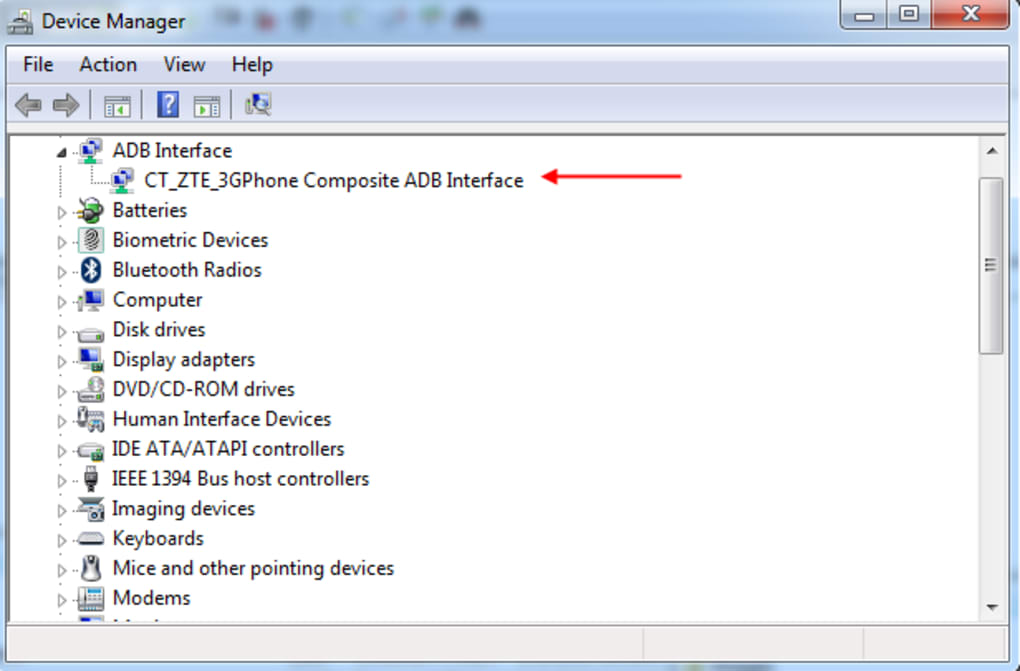
Once both the mobile app and the PC client are installed and running, launching the mobile application and connecting it to the PC client is a straightforward process. Users select their preferred connection type (Wi-Fi, Bluetooth, or USB) and establish the connection. Upon successful connection, the smartphone immediately functions as a virtual microphone for any application on your Windows PC. This seamless integration allows users to utilize their smartphones’ microphones for a wide range of activities without the need for any additional hardware.
Performance and Audio Quality Considerations
While WO Mic offers a convenient and cost-effective solution, users should be aware of potential limitations regarding performance and audio quality. While generally providing acceptable audio quality, the sound quality of WO Mic may not match the performance of a dedicated, high-quality microphone. The audio quality can be affected by several factors, most notably the connection type and the environmental conditions. Wi-Fi connections, while convenient, are more prone to interference and latency compared to a direct USB connection. This can manifest as occasional glitches, dropouts, or noticeable latency, especially in environments with congested Wi-Fi networks or significant distances between the smartphone and the PC.
In contrast, a USB connection tends to provide the best audio quality and the lowest latency, ensuring a more consistent and reliable audio experience. This makes it the preferred connection method for applications where audio quality and responsiveness are paramount, such as professional audio recording, live streaming, or online gaming. However, the physical constraints of a wired connection may limit the flexibility and convenience that wireless connections provide.
Furthermore, users may occasionally encounter connection issues. These issues can range from initial difficulty establishing a connection to intermittent dropouts during use. Troubleshooting these issues may require a degree of technical understanding and patience. This may involve checking network settings, ensuring compatibility between devices and software versions, and potentially restarting devices or reinstalling the application. While these issues are not universal, users should be aware of the possibility of needing to troubleshoot connection problems to ensure optimal performance.
Versatility and Applications
The versatility of WO Mic extends beyond its core functionality as a simple microphone replacement. Its adaptability makes it suitable for a wide range of applications, catering to both casual and professional users.
Gaming: For gamers, WO Mic offers a readily available and cost-effective solution for voice communication during online games. Its low latency, particularly with a USB connection, ensures a smooth and lag-free communication experience, crucial for coordinating strategies and communicating effectively with teammates in real-time.
Audio Recording: WO Mic facilitates high-quality audio recordings directly from the smartphone’s microphone. This capability makes it particularly beneficial for podcasters, voice actors, or musicians who need a versatile and portable recording setup. The ability to utilize a smartphone’s high-quality microphone opens possibilities for professional-grade recording without substantial investment in dedicated equipment.
Voice Control: WO Mic can be integrated with voice control software and applications. This functionality empowers users to perform tasks and control their PCs hands-free. For individuals with physical limitations or those who prefer a hands-free computing experience, this feature significantly enhances accessibility and convenience.
Wireless Convenience: The wireless capabilities of WO Mic, especially with Wi-Fi and Bluetooth connections, provide freedom and flexibility beyond traditional wired microphone setups. Users can move and position their smartphones to optimize audio pickup and minimize background noise. This versatility is especially valuable in settings where maintaining a fixed microphone position is impractical or inconvenient.
Alternatives and Comparisons
While WO Mic provides a valuable and accessible solution, it’s essential to consider alternative options available on the market. Dedicated microphones offer superior audio quality and often incorporate additional features such as noise cancellation and directional sound pickup. However, these dedicated devices often come with a higher price tag, which makes WO Mic an attractive option for budget-conscious users.
A comparison between WO Mic and dedicated microphones reveals a trade-off between cost and performance. While WO Mic sacrifices some audio fidelity for affordability and convenience, it provides a viable substitute for users who don’t require professional-grade audio quality. The choice between WO Mic and a dedicated microphone ultimately depends on the user’s individual needs, budget, and the specific application.
Other software applications offer similar functionality, but they might not offer the same level of compatibility or ease of use. Thorough research and careful consideration of various options are recommended before making a decision. User reviews and comparative analyses can be particularly helpful in guiding this decision-making process.
Conclusion: A Valuable Tool for Diverse Needs
WO Mic stands as a testament to innovative software solutions that bridge the gap between technological advancement and accessibility. It successfully provides a cost-effective and convenient method for transforming a smartphone into a fully functional PC microphone, eliminating the need for purchasing additional hardware for many common applications.
Despite potential limitations in audio quality and occasional connection issues, WO Mic remains a valuable asset for users seeking a versatile and flexible audio input solution. Its ease of setup, broad compatibility with multiple connection types, and wide range of potential applications make it a compelling option for casual and professional users alike. Understanding its strengths and limitations empowers users to leverage WO Mic effectively, maximizing its benefits while mitigating potential drawbacks. The decision to use WO Mic ultimately rests on individual needs and priorities, but its existence offers a noteworthy solution for many common audio input scenarios.
File Information
- License: “Free”
- Latest update: “June 16, 2025”
- Platform: “Windows”
- OS: “Windows XP”
- Language: “English”
- Downloads: “438.9K”
- Size: “1.43 MB”


