
WoeUSB is a powerful and versatile utility that simplifies the process of creating bootable Windows installation USB drives. This guide delves into the functionality, advantages, and limitations of WoeUSB, providing a comprehensive overview for users of all levels. We’ll explore its origins, features, and compare it to alternative solutions. Additionally, we’ll cover troubleshooting common issues and address frequently asked questions.
Understanding WoeUSB’s Purpose and Functionality
WoeUSB is a free, open-source system utility designed to create bootable USB drives containing a Windows installer. This eliminates the need for traditional installation media like CDs or DVDs, offering a more portable and convenient solution for installing or reinstalling Windows. Rather than relying on bulky and easily damaged optical media, users can create a reusable USB drive, ready to install Windows on various computers.
The program’s core functionality is built around converting existing Windows installation files into a bootable USB drive format. These files can originate from a Windows installation disc (DVD or CD) or an ISO image file downloaded from a legitimate source, such as the Microsoft website. WoeUSB handles the complex technical details of formatting the drive, copying the necessary files, and creating the appropriate boot structure, ensuring the USB drive is recognized and bootable by the target computer’s BIOS or UEFI firmware.
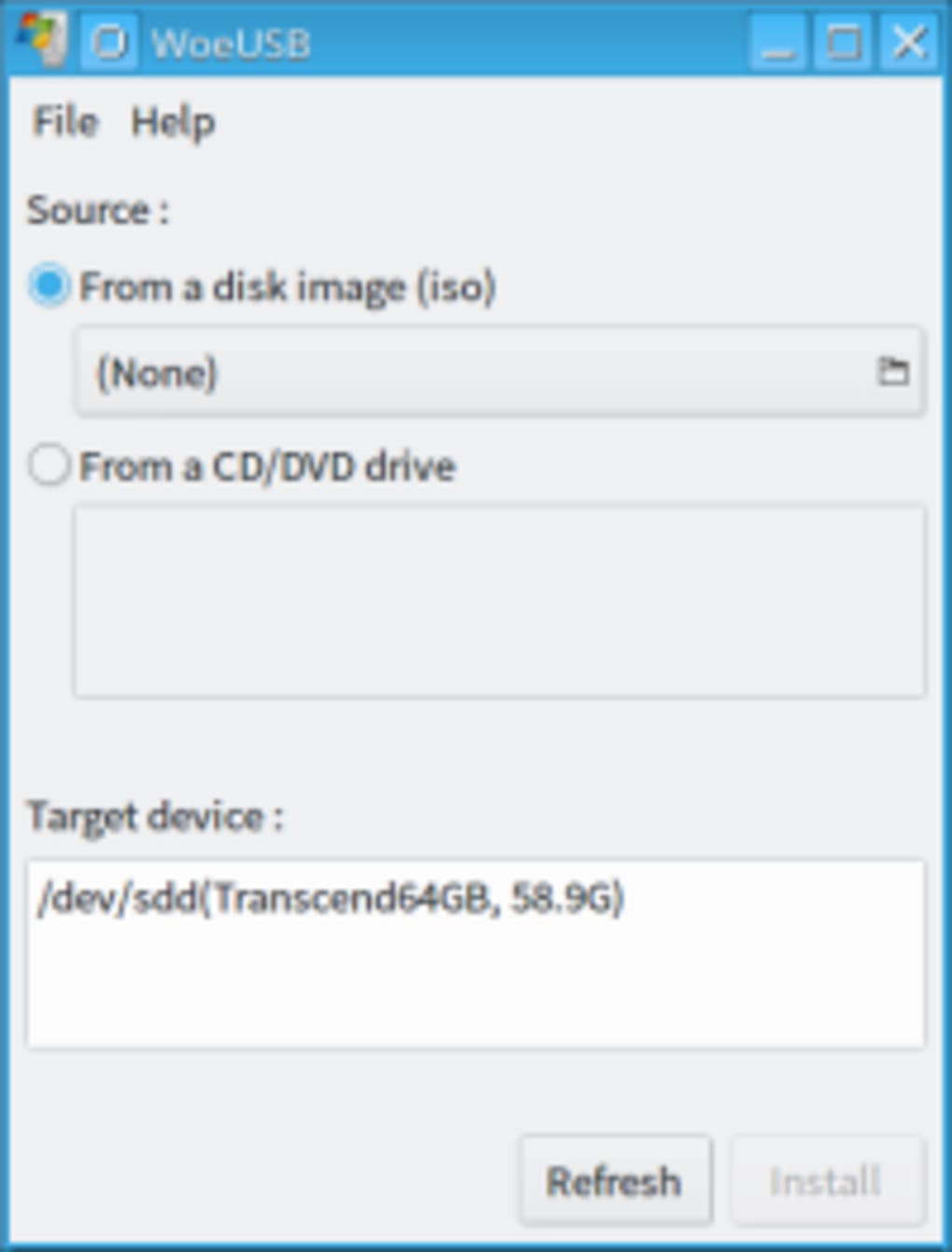
The genesis of WoeUSB lies in its predecessor, WinUSB. While WinUSB served a similar purpose, it suffered from a lack of updates and maintenance for several years. WoeUSB, a fork project created by slacka, revitalized the project, incorporating significant code upgrades and enhancements to create a more robust and user-friendly tool. This improved version provides a modern and intuitive graphical user interface (GUI), alongside retaining the command-line functionality for experienced users who prefer that interface. This dual approach ensures accessibility for both beginners and advanced users.
System Requirements and Compatibility
WoeUSB primarily supports Windows operating systems as its host environment, meaning you’ll need a Windows computer to run the WoeUSB application itself. However, the created bootable USB drive is designed to install Windows on various systems, including both Legacy BIOS and UEFI-based computers. This broad compatibility is a key advantage, ensuring versatility across a range of hardware. While WoeUSB’s primary function is focused on Windows, its development background demonstrates its capability to work with Linux distributions, adding to its cross-platform flexibility.
Although it primarily targets Windows and works on other distributions, it’s crucial to remember that the application itself requires a compatible operating system to function correctly. Specific system requirements may vary slightly depending on the version, but generally, a minimal amount of system resources and a functional internet connection for downloads and updates are required.
Key Features and Advantages of WoeUSB
WoeUSB offers several compelling advantages over alternative methods of creating bootable Windows installation media:
-
Portability: The most significant advantage is the portability of a USB drive compared to CDs or DVDs. A USB drive is significantly more resilient to physical damage and much easier to transport and use on multiple computers.
-
Ease of Use: WoeUSB provides a user-friendly GUI, simplifying the process of creating a bootable USB drive. The intuitive interface requires minimal technical expertise, making it accessible to users of all skill levels.
-
Flexibility: WoeUSB supports both Legacy BIOS and UEFI boot modes, making it compatible with a wider range of computers. This compatibility ensures that the created USB drive will work on a wider range of systems, accommodating both older and newer hardware.
-
Support for Different Windows Versions: WoeUSB is designed to work with various Windows versions, providing a consistent and reliable method for creating bootable media regardless of the specific Windows OS being installed.
-
Open-Source and Free: WoeUSB’s open-source nature ensures transparency and community-driven improvements. The free license makes it accessible to everyone without any cost barriers.
-
Command-Line Interface (CLI) Support: For experienced users, WoeUSB also offers a command-line interface, providing greater control and automation capabilities.
Comparison with Alternative Methods
While WoeUSB stands out, other methods exist for creating bootable Windows USB drives. Rufus is a popular alternative, offering a lightweight and portable solution. However, WoeUSB’s more specific focus on Windows installation arguably provides a more streamlined and efficient process. Other methods might involve manual partitioning and formatting using built-in Windows tools, which is a much more complex and error-prone process requiring a deeper understanding of disk management.
The key differentiator for WoeUSB is its ease of use, coupled with its strong support for both BIOS and UEFI systems. While other tools might offer similar functionality, WoeUSB’s intuitive interface and comprehensive features solidify its position as a preferred choice for many users.
Troubleshooting Common Issues and Limitations
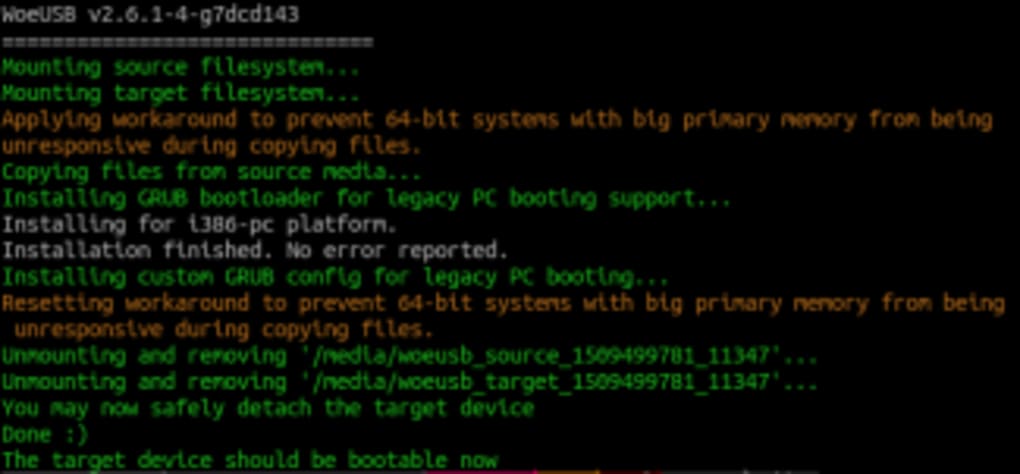
Despite its strengths, WoeUSB might encounter occasional issues. Errors during the installation process can sometimes arise due to various factors, such as hardware compatibility issues, faulty USB drives, or corrupted Windows installation files. Troubleshooting usually involves checking the USB drive for errors, verifying the integrity of the Windows ISO, and ensuring the target computer’s BIOS or UEFI settings are configured correctly.
One potential limitation is the reliance on a working Windows system to run the WoeUSB application itself. This constraint excludes users who only have access to systems running other operating systems, such as macOS or various Linux distributions.
Additionally, while WoeUSB significantly enhances the original WinUSB, there’s always room for further improvement. Ongoing development and community contributions are continuously improving the software, addressing reported bugs and adding new features.
Conclusion: WoeUSB’s Place in the Modern Computing Landscape
WoeUSB has successfully filled a crucial niche in the world of Windows installation. By providing a user-friendly, portable, and efficient way to create bootable Windows USB drives, it streamlines a process that was previously cumbersome and prone to errors. Its open-source nature and ongoing development ensure its continued relevance and improvement, reinforcing its place as a valuable tool for both novice and experienced computer users. The program’s straightforward GUI alongside its command-line capabilities caters to a broad spectrum of technical expertise, making it a valuable asset for anyone needing a reliable and simple solution for creating bootable Windows installation media.
File Information
- License: “Free”
- Version: “3.3.0”
- Latest update: “November 26, 2019”
- Platform: “Windows”
- OS: “Windows 8”
- Language: “English”
- Downloads: “11.5K”
- Size: “411.34 KB”


