
Wondershare MirrorGo is a screen mirroring utility designed to seamlessly connect your mobile device (Android or iOS) to your PC, providing a larger display for your mobile apps, games, and media. This review explores its functionality, ease of use, advantages, limitations, and overall value, comparing it to alternative options available in the market.
Effortless Screen Mirroring and Beyond
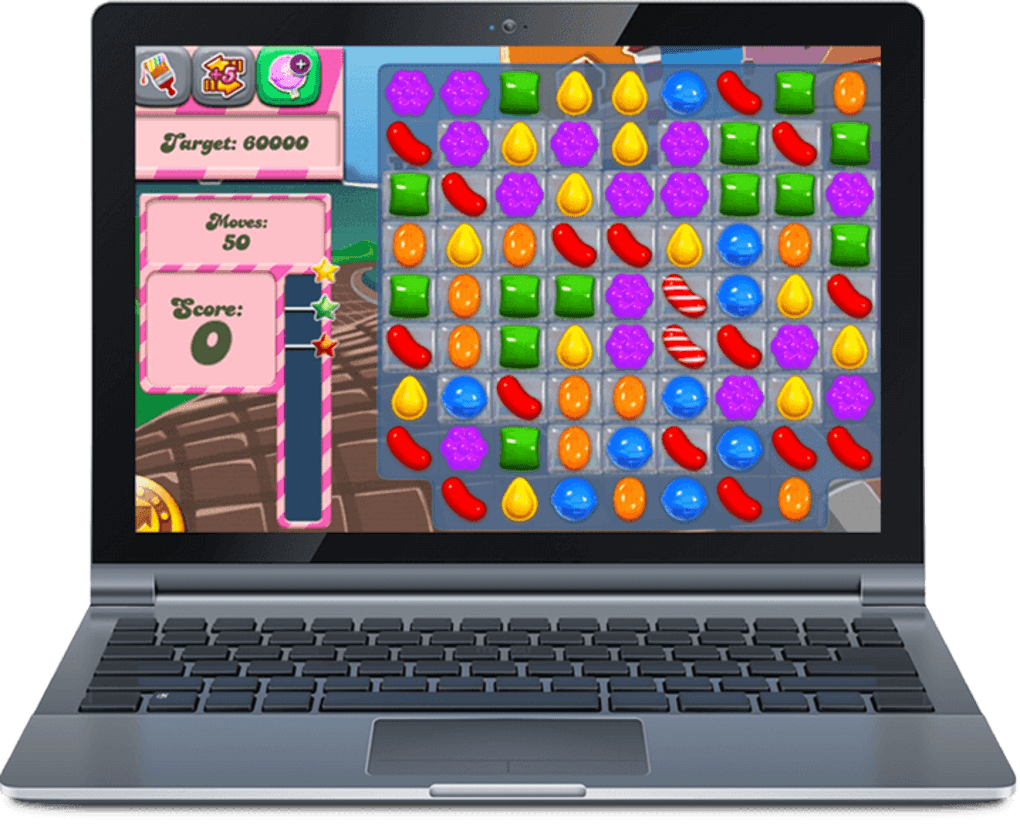
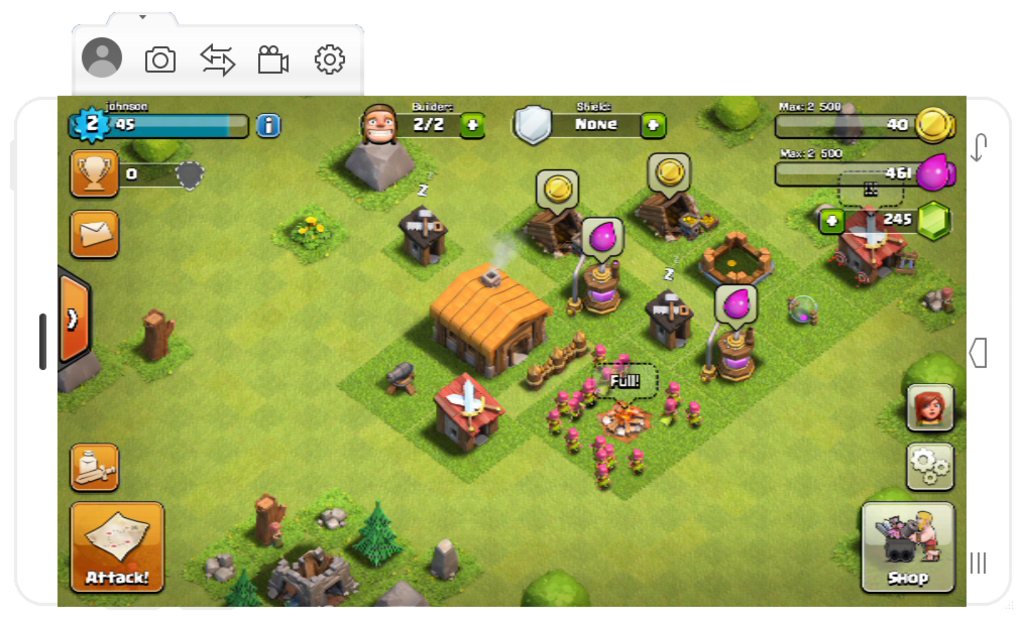
Wondershare MirrorGo’s core functionality revolves around mirroring your smartphone or tablet’s screen onto your computer. This allows you to experience mobile apps, games, and media on a larger, more comfortable display. The setup process is surprisingly straightforward. Simply connect your mobile device to your PC using a USB cable, launch the application, select your device’s operating system (iOS or Android), and choose the PC as the mirroring destination. The application will then initiate the mirroring process, displaying your mobile device’s screen on your PC. Navigation is intuitive; you can control your phone or tablet directly from your computer’s keyboard and mouse. This is a game-changer for anyone who enjoys mobile gaming or frequently consumes media on their phone. The enlarged screen significantly enhances the gaming and viewing experience, making text easier to read and visuals more immersive.
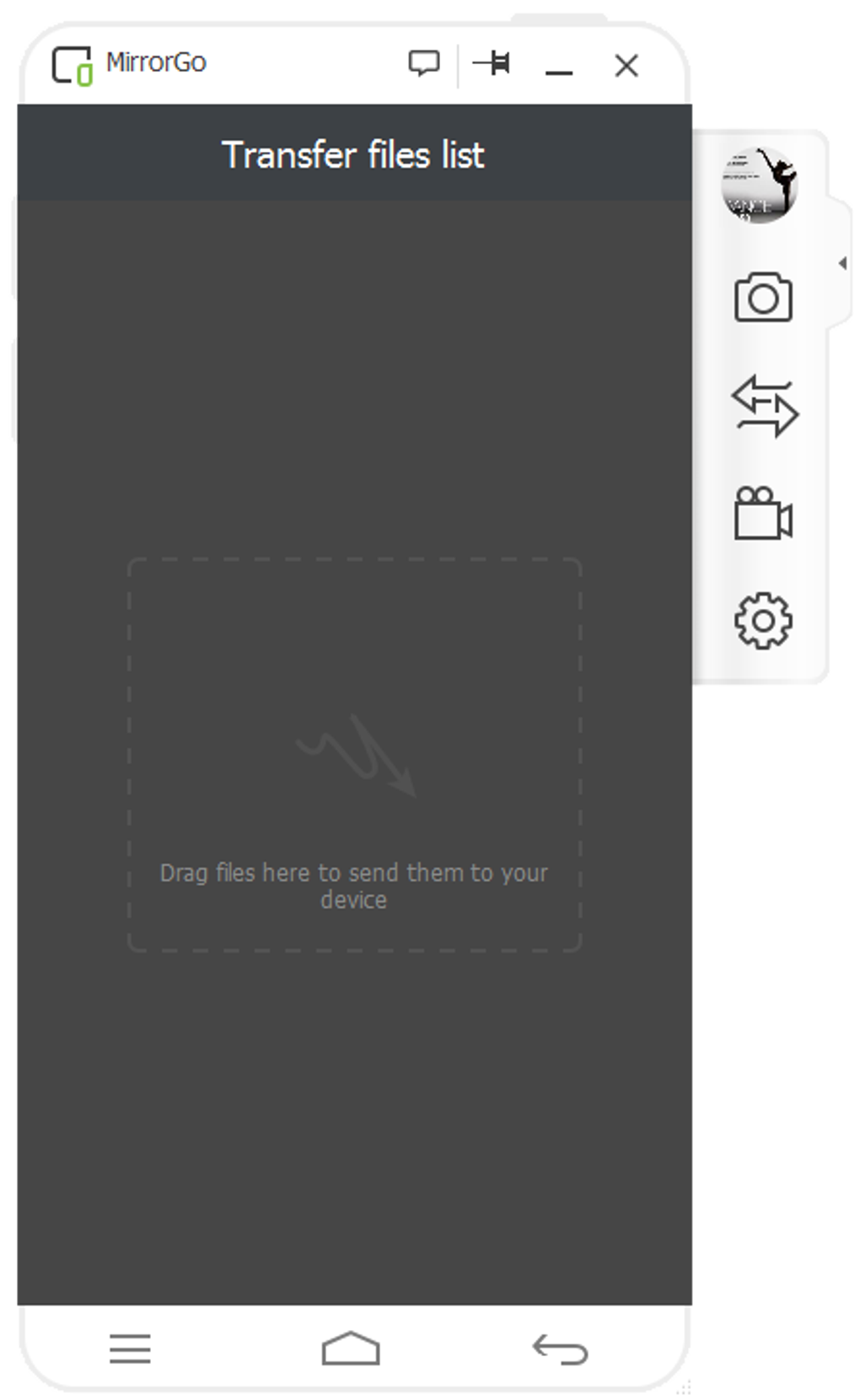
Beyond basic screen mirroring, Wondershare MirrorGo offers a range of additional features that enhance its practicality. A built-in screen recorder allows you to capture gameplay, tutorials, or any other on-screen activity directly to your PC. This is invaluable for creating video content or sharing gameplay highlights with friends. Furthermore, the integrated file transfer system allows for convenient drag-and-drop file sharing between your computer and mobile device. You can easily move photos, videos, and other documents, streamlining the process of managing your digital content.
User Experience and Interface
The user interface is clean and intuitive, even for those unfamiliar with screen mirroring software. The application is straightforward to navigate, with clear instructions guiding you through the setup and usage process. Once the connection is established, the mirroring is generally smooth and responsive, providing a real-time representation of your mobile screen on your PC. This responsiveness is crucial for gaming, where lag can significantly impact the experience. While the app aims for seamless integration, occasional latency issues can occur, particularly with weaker Wi-Fi connections.
However, the user experience is not without its caveats. While the application is designed to be user-friendly, the initial setup process might present minor challenges for users unfamiliar with enabling USB debugging on their Android devices or adjusting settings on their iOS devices. The app provides instructions to guide users through these steps, but a certain level of technical proficiency is still beneficial. The need for a subscription to unlock the full range of features is also a point to consider. While a free version is available, it offers only limited functionality, highlighting the trade-off between the free and paid versions.
Performance and Compatibility
Wondershare MirrorGo boasts broad compatibility with a wide range of Android and iOS devices, supporting various operating system versions. While it generally works well, its performance is significantly influenced by the stability and speed of your internet connection, especially when using Wi-Fi mirroring. A slow or unstable Wi-Fi connection can lead to noticeable lag and interruptions in the mirroring process. This can be frustrating during gameplay or when watching videos. Likewise, file transfer speeds are also impacted by connection quality; transferring large files can take a considerable amount of time, especially over a slow network. Therefore, a strong and stable internet connection is crucial for optimal performance.
Furthermore, the application’s performance can also depend on the specifications of your computer. While it doesn’t demand exceptionally high-end hardware, a reasonably powerful PC will provide a smoother and more responsive mirroring experience. Users with older or lower-powered machines might experience some performance limitations, especially when running demanding mobile games. This aspect should be taken into consideration, particularly for those with less powerful systems.
Advantages and Disadvantages Compared to Alternatives
Wondershare MirrorGo occupies a specific niche in the screen mirroring market. It offers a comprehensive suite of features, including screen recording and file transfer capabilities, which many competitors lack. However, it also faces competition from several alternative applications, some of which are free and open-source.
Compared to competitors like scrcpy (a free and open-source alternative), Wondershare MirrorGo offers a more polished and user-friendly experience, but at the cost of a paid subscription for the full functionality. scrcpy provides basic screen mirroring functionality, but lacks the advanced features like screen recording and file transfer that MirrorGo provides. Other applications, such as AirServer, offer similar features but often come with a higher price tag or more stringent requirements. The decision of which application to use ultimately depends on individual needs and budget. Users requiring only basic screen mirroring capabilities might find a free alternative sufficient. However, those seeking a comprehensive package with additional features, such as screen recording and simplified file transfer, might find the investment in Wondershare MirrorGo worthwhile.
The key strengths of Wondershare MirrorGo lie in its ease of use, its comprehensive feature set (especially in its paid version), and its broad compatibility with various devices. The integrated screen recorder and file transfer functionalities are valuable additions that enhance its practicality beyond simple screen mirroring. The intuitive user interface makes it accessible even to those with limited technical expertise.
However, its reliance on a subscription model and its susceptibility to performance issues caused by poor internet connectivity are significant drawbacks. The slower file transfer speeds, particularly for larger files, can also be frustrating. These factors should be weighed carefully against the advantages before making a decision.
Conclusion: Is Wondershare MirrorGo Worth It?
Wondershare MirrorGo offers a compelling solution for users seeking a convenient and comprehensive screen mirroring experience. Its ease of use, combined with features like screen recording and integrated file transfer, sets it apart from many of its competitors. However, the subscription-based model and the potential for performance issues due to internet connectivity limitations require careful consideration.
For users who frequently need screen mirroring and appreciate the additional features, the subscription cost might be justifiable. The enhanced user experience and the added convenience provided by the screen recording and file transfer capabilities can significantly increase productivity and enjoyment. However, users primarily interested in basic screen mirroring functionality might find free alternatives equally effective, particularly if they possess a stable and fast internet connection. Ultimately, the decision of whether or not Wondershare MirrorGo is “worth it” depends on individual needs, budget, and the tolerance for potential performance limitations. Weighing the benefits of the comprehensive feature set against the subscription cost and potential connectivity issues is essential for making an informed decision.
File Information
- License: “Trial version”
- Latest update: “July 12, 2023”
- Platform: “Windows”
- OS: “Windows 7”
- Language: “English”
- Downloads: “399.7K”
- Size: “1.15 MB”


