
Wordfeud, the popular word game, made its way to Windows 10, bringing the familiar fun of letter-based puzzles to desktop computers. This review delves into the features, performance, and overall experience of Wordfeud on the Windows 10 platform. While the mobile version enjoys widespread acclaim, the transition to PC presented unique challenges and opportunities. Let’s explore whether this port successfully captures the essence of the original.
Gameplay and Interface
Wordfeud’s core gameplay remains consistent across platforms. Players take turns placing letter tiles on a board, aiming to create high-scoring words. The familiar Scrabble-like mechanics are immediately recognizable, making the transition for existing Wordfeud players smooth and intuitive. The objective is simple: outscore your opponent by strategically using your tiles to form words that connect to previously placed letters. Bonus squares, similar to those found in Scrabble, offer opportunities for higher point totals, adding a layer of strategic depth to the game.
However, the transition from the touch-optimized interface of mobile devices to the mouse and keyboard controls of a PC presents some adjustments. While the game is playable using a mouse, the experience might feel somewhat cumbersome compared to the swift and intuitive touch controls of the mobile version. The smaller tile size on a larger screen, while potentially beneficial for some, might also pose challenges for players with visual impairments. The developers could explore alternative control schemes or customizable interface options to cater to a wider range of preferences and abilities.
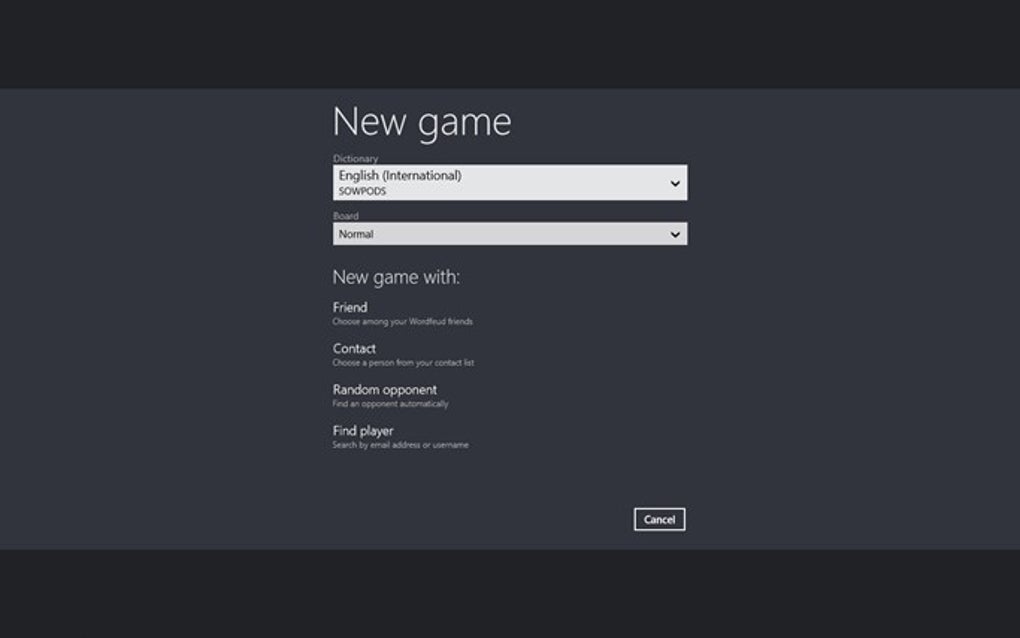
The overall layout of the Windows 10 version could benefit from a redesign mirroring the more intuitive structure of the mobile application. The current layout, as noted by some users, feels somewhat cramped and less polished than its mobile counterpart. A more spacious and visually appealing interface could significantly enhance the user experience. This is especially crucial in making the game feel less cluttered and more visually appealing on larger screens.
Features and Functionality
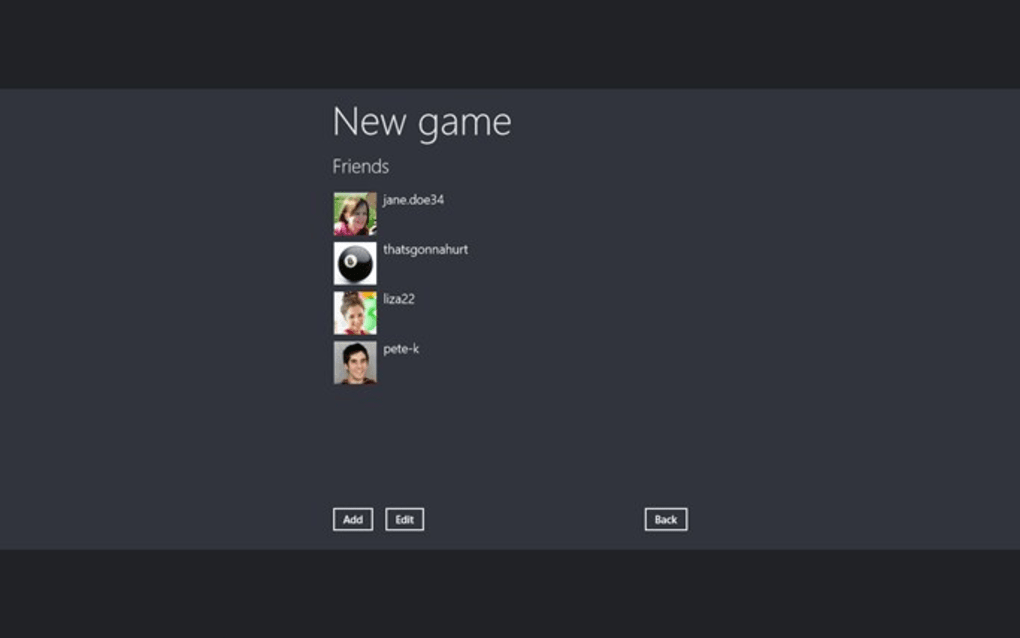
Wordfeud for Windows 10 retains many core features from its mobile siblings. The in-game chat function allows for communication with opponents, fostering a sense of community and friendly competition. This interactive element contributes significantly to the social aspect of the game, enhancing the overall gaming experience. However, as some user reviews indicate, the chat functionality needs improvements to address issues with clarity, particularly regarding word limit notifications. The clarity of the chat interface needs refinement to provide a more seamless and user-friendly experience.
Notifications alerting players to opponent moves are also included. These timely notifications keep players engaged and informed about the progress of their games, ensuring they don’t miss their turn or opportunities to continue playing. The prompt notifications enhance the competitive nature of Wordfeud, keeping players invested and aware of the dynamic nature of the game. This feature, however, could be enhanced with customizable notification settings, allowing players to tailor the frequency and type of alerts to their preferences.
While the core game mechanics are preserved, certain features may not be fully optimized for the PC version. The accidental resignation issue, highlighted in user reviews, underscores the need for improved button placement and layout to minimize such frustrating incidents. The close proximity of the resign and play buttons points to a design flaw that can be easily corrected.
Performance and System Requirements
Wordfeud for Windows 10, despite being a relatively simple game in terms of graphics and processing demands, still requires some system resources. While the specific requirements aren’t explicitly detailed, general PC performance and stability influence the user experience. Smooth operation is generally achievable on most modern Windows 10 systems. However, older or less powerful machines may experience occasional lag or glitches, impacting gameplay fluidity.
The application’s last update in 2017 suggests a lack of recent development and potential missed opportunities for performance enhancements and bug fixes. Regular updates addressing any performance issues and incorporating user feedback are vital to maintaining a positive gaming experience. The lack of recent updates raises concerns about ongoing support and future improvements.
User Reviews and Community Feedback
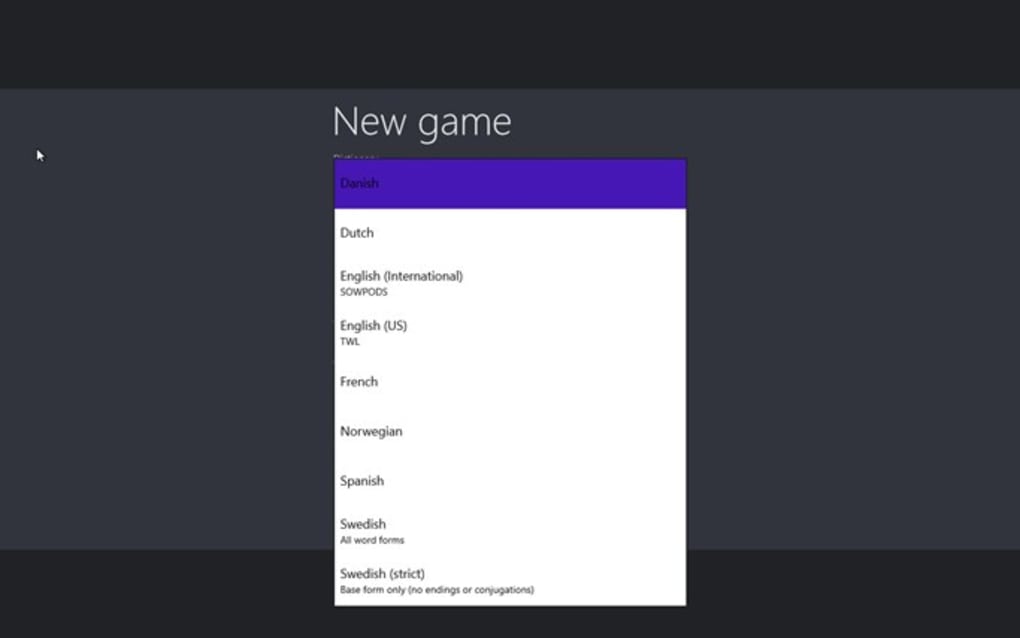
User reviews reveal a mixed bag of opinions regarding Wordfeud’s Windows 10 version. While many appreciate the availability of the game on PC, several criticisms focus on interface usability and design issues. The feedback consistently points towards a need for improvements in the user interface and a closer resemblance to the more refined mobile version. Addressing these concerns is crucial for enhancing user satisfaction and attracting a larger player base.
Many users express dissatisfaction with the layout and the accidental resignation issues. These points suggest a significant need for refinement of the game’s interface and button placement. The developers should take this feedback seriously and incorporate improvements into future updates.
Comparison to Other Word Games
Wordfeud faces competition from other word games available on Windows 10. While its core gameplay remains engaging, the issues with the user interface and lack of recent updates could position it behind competitors offering more refined experiences. Games with superior interfaces, updated features, and active development often gain a competitive edge in the market.
The success of Wordfeud on Windows 10 hinges on addressing the issues identified in user feedback and by staying abreast of the competition. Continual updates and improvements can strengthen its position amongst the numerous word games available on the platform.
Conclusion
Wordfeud for Windows 10 provides a functional port of the popular mobile game, but it falls short of replicating the polished and intuitive experience of its mobile counterpart. The game’s core mechanics remain intact, delivering the familiar Wordfeud gameplay. However, issues related to interface design, button placement, and the lack of recent updates significantly detract from the overall experience. Addressing the user feedback concerning the interface, particularly the accidental resignation issue, is crucial for improving user satisfaction. Furthermore, more frequent updates incorporating user suggestions and bug fixes are vital for maintaining competitiveness in a saturated market of word games. The potential for Wordfeud on Windows 10 is significant, but only through addressing these shortcomings and implementing substantial improvements can it fully realize its potential.
File Information
- License: “Free”
- Latest update: “February 8, 2017”
- Platform: “Windows”
- OS: “Windows 10”
- Language: “English”
- Downloads: “31.8K”


