
WordPress has become a ubiquitous name in the world of website creation, powering millions of sites globally. Its open-source nature, coupled with a vast library of themes and plugins, has made it an accessible and powerful tool for both beginners and experienced developers. This comprehensive guide delves into the intricacies of WordPress, exploring its features, functionalities, and the community that drives its continuous evolution.
Understanding WordPress: A Free and Open-Source CMS
At its core, WordPress is a Content Management System (CMS), a software application that simplifies the process of creating and managing digital content. Unlike traditional website development, which often requires extensive coding knowledge, WordPress empowers users to build and publish websites with a user-friendly interface, dramatically reducing the technical barrier to entry. Its open-source nature means its source code is publicly available, fostering collaboration among developers worldwide and ensuring transparency and community-driven improvements. This collaborative environment contributes to WordPress’s robust security, reliability, and constant innovation.
The “free” aspect of WordPress refers to its licensing model; the software itself is free to download and use. However, it’s crucial to distinguish between WordPress.org and WordPress.com. WordPress.org provides the self-hosted version, offering complete control and customization. This requires users to arrange for web hosting and domain registration, incurring costs associated with these services. Conversely, WordPress.com offers a hosted solution, managing the technical aspects for a subscription fee. While this simplifies the setup process, it comes with limitations regarding customization and control compared to the self-hosted option.
WordPress Functionality: Themes, Plugins, and Customization
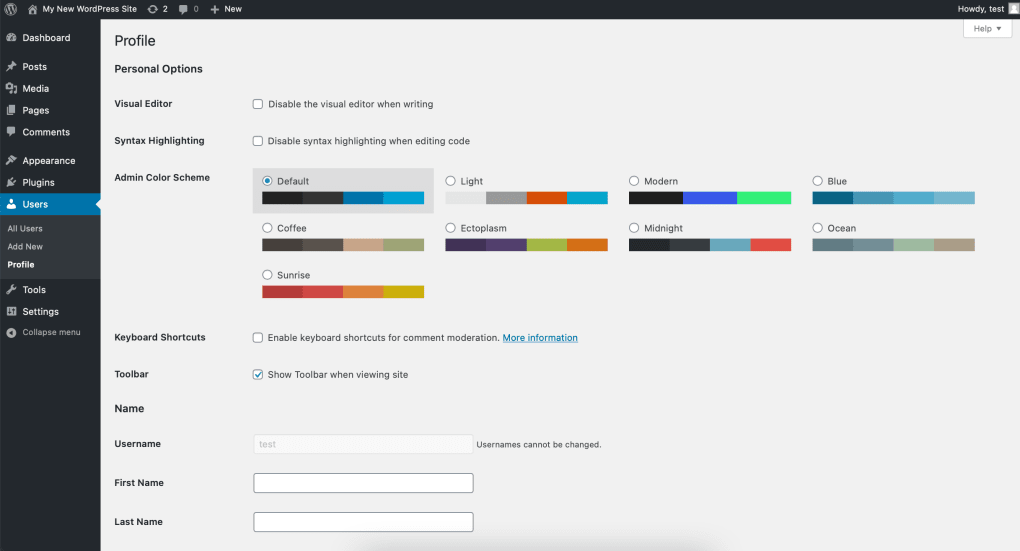
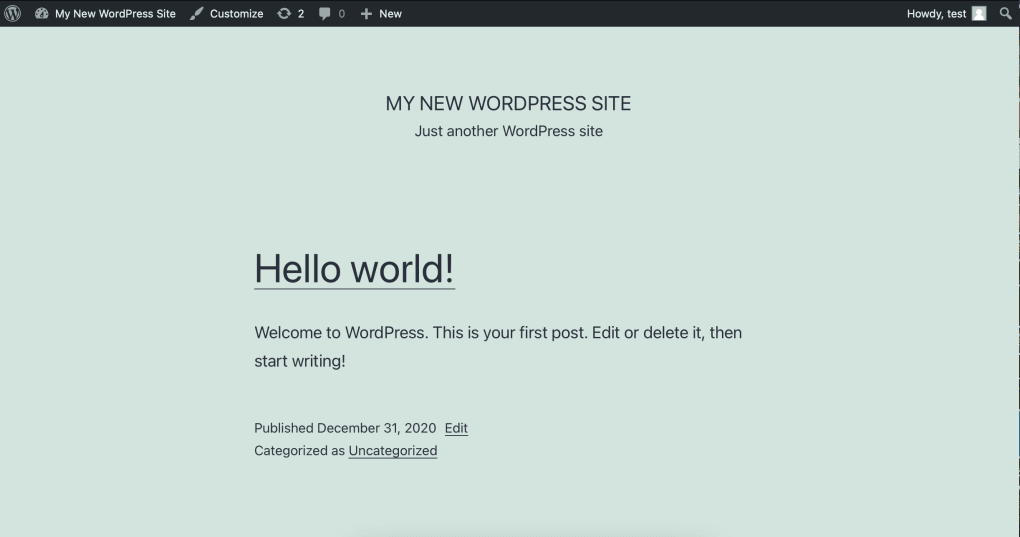
WordPress’s versatility stems from its extensive library of themes and plugins. Themes control the visual presentation of a website, offering pre-designed templates that can be customized to match specific branding and aesthetic preferences. From sleek and minimalist designs to intricate and feature-rich layouts, the WordPress theme directory caters to a vast range of styles and functionalities. Users can choose from a vast collection of free and premium themes, each with unique characteristics and levels of customization. Furthermore, users with coding skills can even create and contribute their own themes to the ever-growing library.
Plugins extend WordPress’s capabilities beyond its core functionalities. They are essentially mini-programs that add specific features to a website. The sheer variety is staggering, encompassing everything from e-commerce solutions and contact forms to SEO optimization tools and social media integration. This plugin ecosystem allows users to tailor their websites to their exact needs, dramatically expanding their functionality without requiring extensive coding knowledge. The plugin directory features a rating system and detailed descriptions, enabling users to make informed decisions based on community feedback and feature sets. Again, developers can also contribute their own plugins to the vast repository. This continuous development ensures that WordPress remains adaptable to evolving web technologies and user demands.
Using WordPress: Is It Suitable for Beginners?
While WordPress’s intuitive interface aims for ease of use, its initial setup can present a challenge for complete novices. The process of installing the software, securing web hosting, and configuring various settings might seem daunting to those unfamiliar with web technologies. However, numerous online tutorials and resources are available to guide users through the process, making it manageable even for individuals with limited technical expertise.
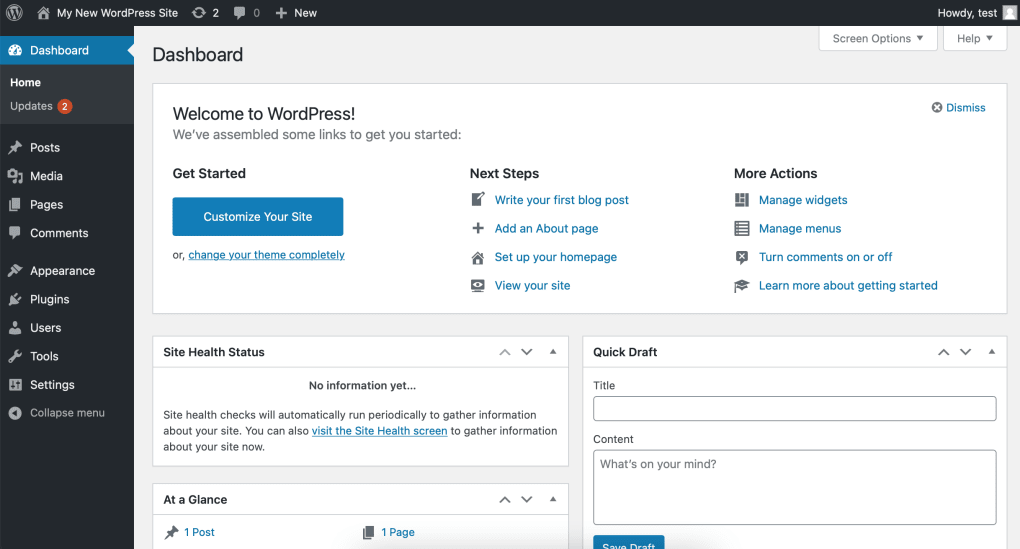
Once the initial hurdles are overcome, the user-friendly interface simplifies content creation and management. The block editor (Gutenberg) allows for drag-and-drop functionality, enabling users to easily add and rearrange content elements without intricate coding. The availability of mobile applications further enhances accessibility, enabling users to manage their websites from various devices. However, the extensive customization options offered by themes and plugins, while beneficial, can also contribute to a sense of overwhelming complexity for beginners. The sheer volume of choices and options might lead to confusion and hinder the initial learning curve. Users may find alternative website builders like Wix or Squarespace more straightforward initially, especially if their needs are less demanding.
For users who require a highly customized website with specific features, the learning curve will be steeper. This is where the support community and abundant resources become invaluable. Forums, tutorials, and documentation provide readily available assistance to navigate the more complex aspects of WordPress. Ultimately, while WordPress might not be the easiest platform for absolute beginners, its powerful capabilities and comprehensive support make it a highly rewarding experience once the initial learning curve is overcome.
Essential WordPress Themes and Plugins
The vast array of themes and plugins available for WordPress can be overwhelming. However, certain themes and plugins consistently stand out for their quality, functionality, and widespread adoption:
Popular WordPress Themes:
- Astra: A lightweight and versatile theme suitable for various website types, including blogs and portfolios. Its speed and ease of customization make it a favorite among users.
- GeneratePress: Known for its speed and performance, GeneratePress is a powerful theme that integrates well with page builders, offering extensive customization options.
- OceanWP: A highly customizable theme that provides numerous pre-built demos and options to quickly create professional-looking websites.
- Avada: A robust and versatile theme suitable for creating almost any type of website. Its powerful features and extensive options make it ideal for those seeking complete control.
- The7: A visually appealing and feature-rich theme offering a vast selection of pre-built websites and options for advanced customization.
Highly-Rated WordPress Plugins:
- Yoast SEO: An industry-standard SEO plugin that assists users in optimizing their website for search engines. It provides guidance on various SEO aspects, ensuring improved search engine ranking.
- WooCommerce: The leading e-commerce plugin for WordPress, enabling users to create and manage online stores efficiently. It offers numerous features for managing products, payments, and shipping.
- Elementor: A user-friendly drag-and-drop page builder that simplifies the process of creating custom page layouts and designs. It empowers users to visually build their websites without extensive coding.
- WPForms: A popular contact form plugin that enables users to easily create various types of forms for collecting user information and feedback.
- Contact Form 7: A versatile and widely-used plugin for creating custom contact forms, offering extensive customization options.
The Future of WordPress
WordPress’s longevity and continued popularity are not merely coincidental. Its open-source model, active community, and continuous evolution ensure its adaptability to evolving web technologies and user needs. Regular updates address security vulnerabilities, enhance performance, and introduce new features, keeping WordPress at the forefront of website development. The constant influx of new themes and plugins further strengthens its flexibility, ensuring its relevance for various website types and user requirements. The dedicated community fosters collaboration, ensuring ongoing improvements and expanding its overall capabilities. Its adaptability to various platforms (including mobile apps) makes it accessible to a broader range of users. The future of WordPress appears bright, promising continued innovation and sustained dominance in the world of website creation.
File Information
- License: “Free”
- Latest update: “February 4, 2025”
- Platform: “Windows”
- OS: “Windows 10”
- Language: “English”
- Downloads: “367.4K”
- Size: “147.06 MB”


