
XAPK Installer is a free mobile utility application designed to simplify the installation of XAPK files on Android devices. Unlike standard APK (Android Package Kit) files, XAPK files include additional resources, making direct installation more complex. This handy tool streamlines the process, allowing users to effortlessly install these larger application packages, including popular games. Its functionality extends even to Android emulators, increasing its versatility and usability for a wider range of users.
Understanding XAPK Files: Beyond the Standard APK
XAPK files represent a more comprehensive packaging format for Android applications. While APK files contain the core application code and assets, XAPK files integrate several additional elements into a single, convenient package. This is achieved using a standard ZIP format, allowing for efficient compression and easier management of the various components.
The key difference between APK and XAPK lies in the inclusion of OBB (Opaque Binary Blob) data within the XAPK file. OBB files typically contain large assets such as high-resolution graphics, game levels, or audio files that are too large to be included directly in the APK. By incorporating these into the XAPK, the download process becomes more streamlined, and the final application size on the device remains more manageable. Additionally, XAPK files often include the app icon, cache files, and other miscellaneous information required for optimal application functionality.
Standard Android installers only natively support APK files. This is where XAPK Installer proves invaluable. It automatically handles the unpacking of the XAPK file, extracting the OBB data, and placing it in the designated storage location. This seamless process eliminates the need for manual intervention, allowing users to install and run XAPK applications without technical expertise. The efficiency of this process is particularly beneficial for large applications like mobile games, where OBB files can significantly increase the overall file size.
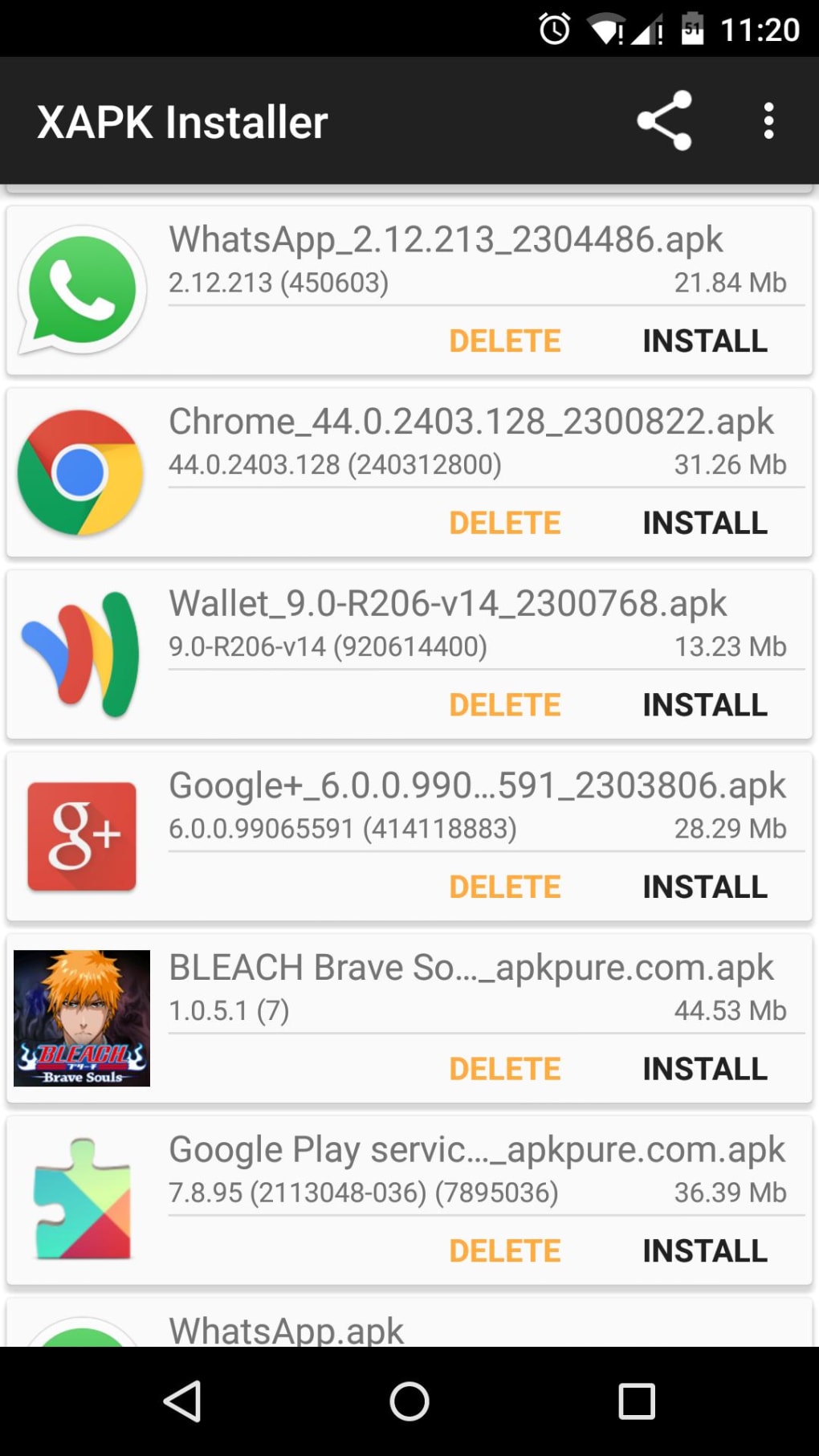
How XAPK Installer Works: A Step-by-Step Guide
The core functionality of XAPK Installer revolves around its ability to handle the unique structure of XAPK files. Unlike default Android installers, it’s specifically designed to recognize and parse the various components within an XAPK, enabling a straightforward installation process.
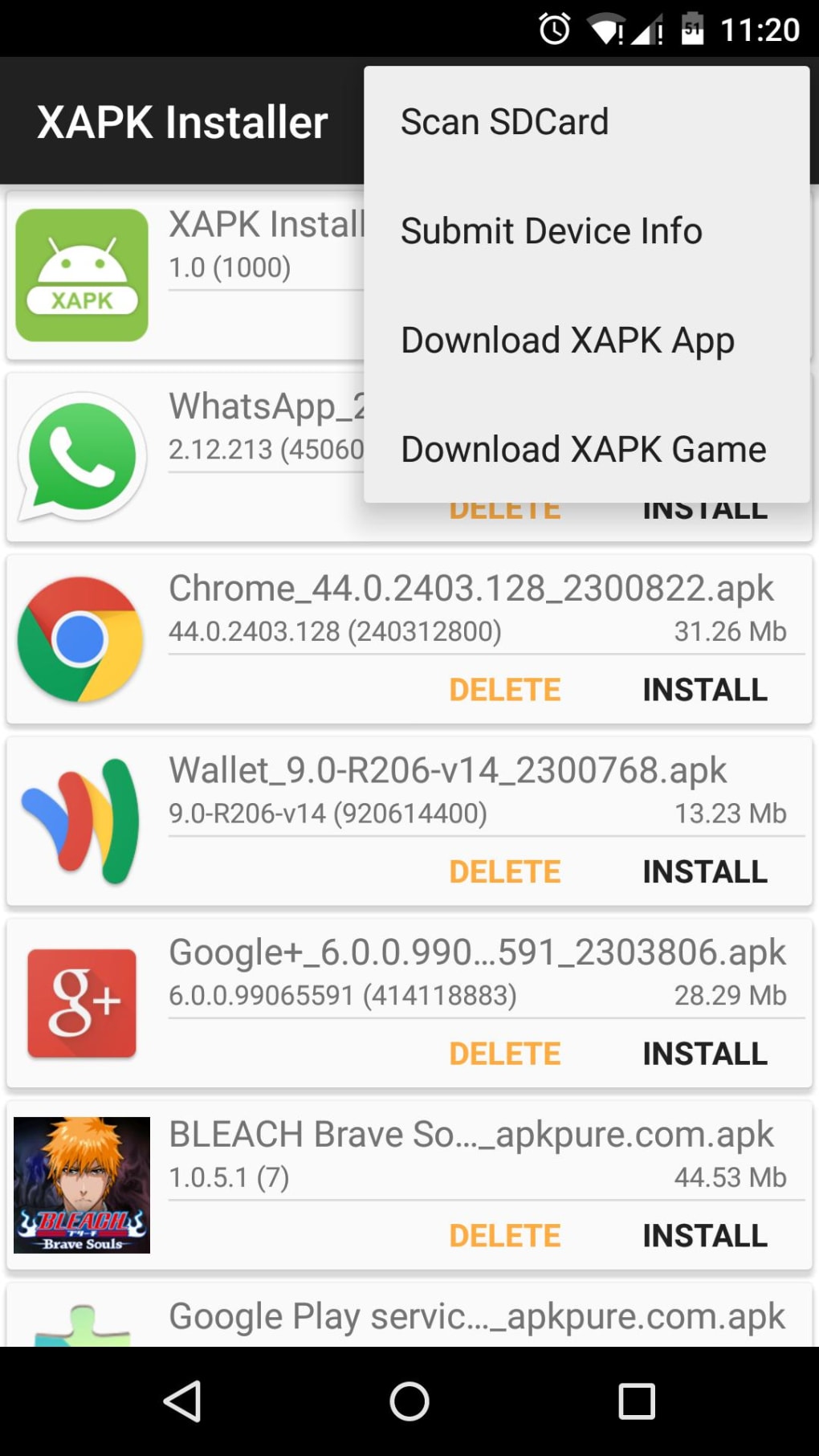
The application first scans both the device’s internal storage and any connected SD card. This thorough scan ensures that all potential XAPK files are identified. Once an XAPK file is selected, the application initiates the extraction process. This involves automatically extracting the OBB data from the XAPK file. The user is then prompted to specify the desired storage location for this extracted OBB data. This allows for customized organization of application files.
After successfully extracting the OBB data, the application proceeds to install the APK portion of the XAPK. This is the core application code that interacts with the Android operating system. This part of the installation process closely resembles the installation of a standard APK file, making it familiar and user-friendly.
Finally, once the APK installation is complete, the application successfully integrates all components—the APK and the extracted OBB data—allowing the user to launch and use the application as intended. This streamlined approach greatly simplifies the process of installing XAPK applications, making it accessible to even novice users.
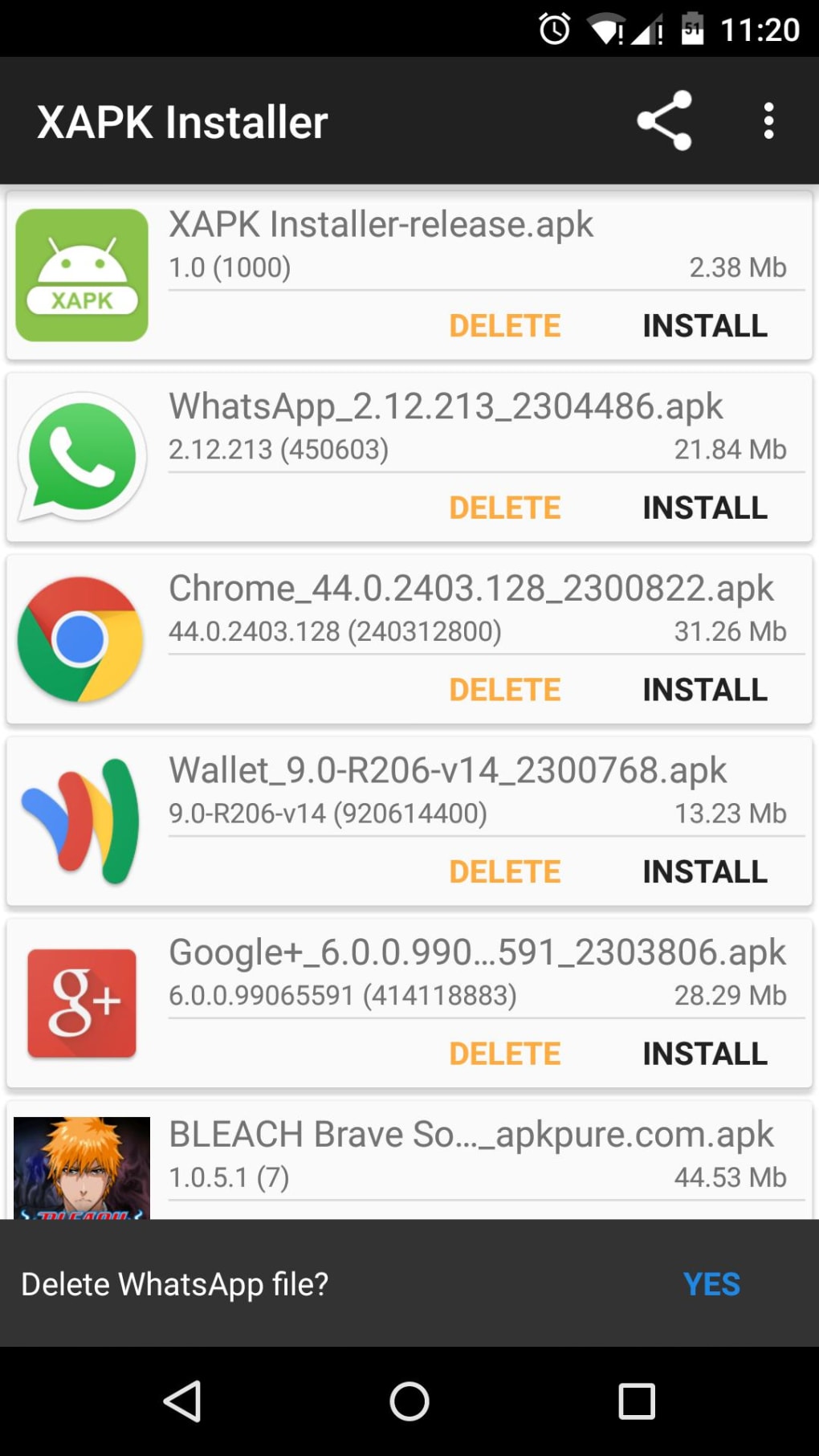
Advantages and Disadvantages of Using XAPK Installer
While XAPK Installer offers a convenient solution for installing XAPK files, it’s essential to consider both the benefits and potential drawbacks associated with its use.
Advantages:
- Automated Extraction: XAPK Installer automates the process of extracting OBB data and placing it in the correct location, eliminating the need for manual file management.
- Simplified Installation: The application simplifies the installation of XAPK applications, making the process more accessible to non-technical users.
- Improved Compatibility: By handling the complexities of XAPK files, the installer increases the compatibility of these applications with a wider range of Android devices.
- Enhanced Usability: The intuitive interface makes the application easy to use and navigate.
- Efficient Uninstall Process: XAPK Installer streamlines the uninstallation process for applications installed from XAPK files, ensuring a clean removal of all associated files.
- SD Card Support: The application supports the scanning and extraction of files from SD cards, providing additional flexibility for users with expandable storage.
Disadvantages:
- Security Risks of Sideloading: Installing applications from unofficial sources, a common practice with XAPK files, carries inherent security risks. Malicious software could be disguised within a seemingly legitimate XAPK, compromising the device’s security.
- Compatibility Issues: XAPK files may not always be compatible with all Android devices or versions. Certain functionalities may not work correctly or the application may not install at all.
- Update Challenges: Applications installed from XAPK files are not managed through the official Google Play Store. Obtaining and installing updates may require additional steps and may not be automatically handled.
- Dependence on the Application: The effectiveness of XAPK Installer depends on the quality and correctness of the XAPK file itself. A corrupted or improperly formatted XAPK could result in installation failures.
Safety Considerations and Best Practices
Given the potential security risks associated with sideloading applications, it’s crucial to adopt safe practices when using XAPK Installer. Always download XAPK files from reputable sources, and avoid downloading applications from untrusted websites or individuals.
Before installing an XAPK file, it is highly recommended to scan the file using a reputable antivirus program. This step helps mitigate the risk of installing malware or other malicious software onto your device. Furthermore, always ensure that your Android device has the latest security updates installed. This helps strengthen the device’s defenses against potential threats.
It’s important to note that while XAPK Installer simplifies the installation process, it doesn’t eliminate the inherent risks associated with sideloading applications. Users should always be cautious and aware of the potential consequences before installing applications from unofficial sources. By adhering to these safety guidelines, you can minimize the risks and enjoy the benefits of using XAPK Installer for installing your chosen apps.
Disclaimer: PhanMemFree.org is not responsible for any damages or security issues arising from the use of XAPK Installer or applications installed through this method. Always exercise caution and prioritize the security of your device.
File Information
- License: “Free”
- Latest update: “April 22, 2025”
- Platform: “Android”
- OS: “Android 4.2.2”
- Language: “English”
- Downloads: “75.1K”
- Size: “3.67 MB”
- Download Options: “APK, Google Play”
- Filename: “XAPK_Installer_v2.2.2_digitbin.com.apk”


