
Xbox Cloud Gaming represents a significant leap forward in the gaming landscape, allowing players to stream a vast library of Xbox games directly to their devices. This cloud-based platform eliminates the need for powerful hardware, offering console-quality gaming experiences even on mid-range systems. However, its reliance on a stable internet connection and subscription-based access introduce notable limitations. This review delves into the intricacies of Xbox Cloud Gaming, exploring its benefits, drawbacks, and overall value proposition.
Accessing and Navigating the Xbox Cloud Gaming Experience
The core concept of Xbox Cloud Gaming is straightforward: access and play a wide selection of Xbox games streamed from Microsoft’s servers. This eliminates the need to download and install individual games, saving significant storage space on your device. The accompanying app provides a user-friendly interface, facilitating seamless navigation through the available game library. Players can easily search for specific titles, browse through categorized lists, and even create personalized lists of frequently played games for quick access.
The simplicity extends to gameplay. Xbox Cloud Gaming seamlessly supports both mouse and keyboard setups as well as external gamepads, offering flexibility in control schemes to suit individual preferences. This adaptable control system enhances accessibility, making the platform appealing to a broader range of gamers.
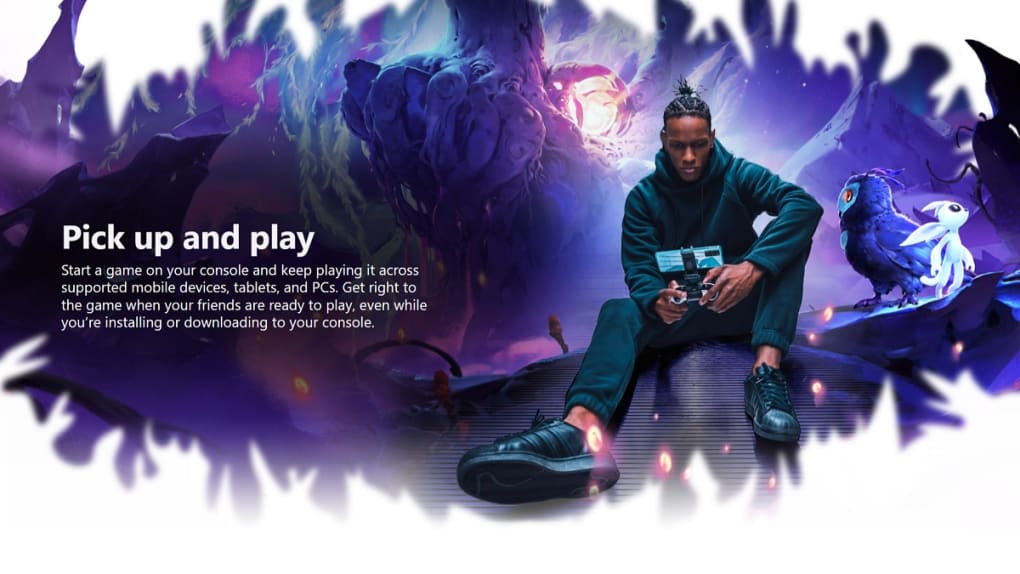
However, unlike local gaming experiences offered by services like Xbox Game Pass, Xbox Cloud Gaming imposes certain restrictions. The streamed games are limited to single-player experiences, excluding local multiplayer functionality. This limitation restricts the social aspect of gaming, potentially disappointing those who prefer cooperative or competitive local play. Furthermore, extended periods of inactivity result in automatic disconnections, potentially leading to loss of unsaved progress if in-game autosaves are infrequent or non-existent. This necessitates diligent attention to saving frequently, disrupting the seamless flow of gameplay that many players desire.
The Crucial Role of Internet Connectivity
The success of Xbox Cloud Gaming hinges entirely on a reliable and high-speed internet connection. The platform streams high-resolution video and simultaneously transmits and receives controller input data. Even minor internet disruptions, such as latency spikes or packet loss, will noticeably impact the gaming experience, introducing lag and potentially rendering the game unplayable. This reliance on a robust internet infrastructure poses a significant barrier for players in areas with limited or unreliable internet access, effectively excluding a substantial portion of the potential user base. The demands are comparable to streaming high-definition video, but the interactive nature of gaming requires significantly lower latency than video streaming to maintain a responsive and enjoyable experience. Any interruptions or slowdowns in internet service will directly translate to a poor gaming experience.
Xbox Cloud Gaming’s Integration with Xbox Game Pass
Xbox Cloud Gaming is primarily integrated with the Xbox Game Pass Ultimate subscription service. While a few free-to-play titles might be accessible, the vast majority of games available through Cloud Gaming require an active Game Pass Ultimate subscription. This integration links the service tightly with the broader Xbox ecosystem, making it attractive to those already subscribed to Game Pass. For new users, however, the added cost of a Game Pass Ultimate subscription significantly increases the overall expense of accessing the service. Considering the reliance on a constant and stable high-speed internet connection, this increased cost may not be justifiable for all users.

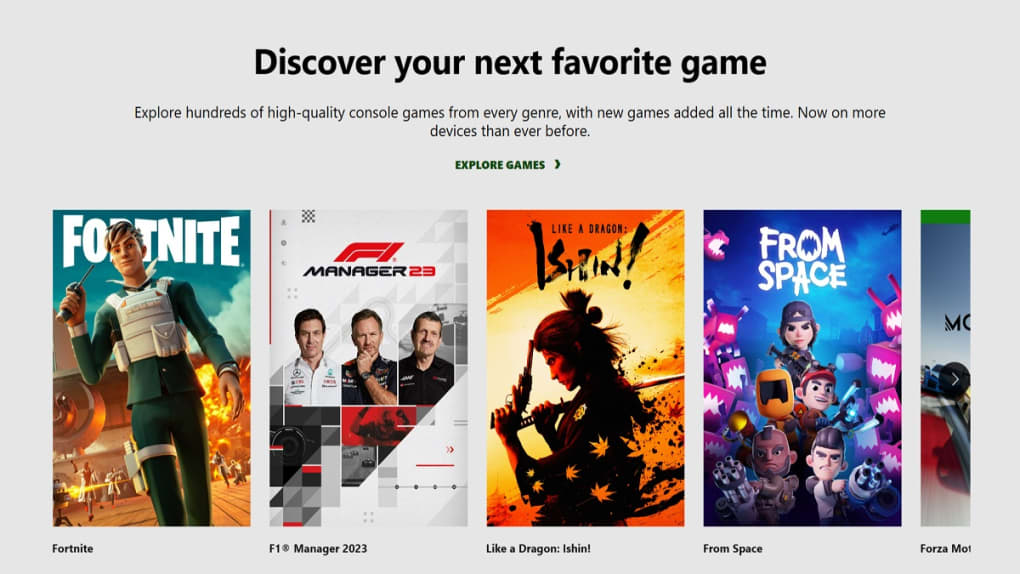
The library of games offered through Game Pass and, consequently, through Cloud Gaming, is constantly expanding. However, it notably lacks support for games from external platforms like GOG or Steam. This omission represents a missed opportunity to significantly broaden the available game catalog and appeal to a larger pool of gamers, excluding those with substantial libraries built on alternative platforms.
Comparing Xbox Cloud Gaming to Alternative Options
Xbox Cloud Gaming positions itself as a flexible and accessible gaming platform, particularly for those with less powerful hardware. However, a direct comparison with other options, primarily Xbox Game Pass, reveals some key differences and trade-offs. While both services provide access to a wide range of games, Xbox Cloud Gaming relies heavily on a strong internet connection, sacrificing local gameplay and multiplayer capabilities for storage savings and the ability to play on less powerful hardware. Xbox Game Pass, on the other hand, allows local installation and play, eliminating the dependency on a constant and reliable internet connection. The ability to play locally removes the potential for significant disruptions due to internet outages or instability.
The choice between Xbox Cloud Gaming and Xbox Game Pass (or other similar services) often boils down to individual preferences and circumstances. If consistent high-speed internet access is readily available, and the limitations of single-player gameplay and the susceptibility to internet outages are acceptable, Xbox Cloud Gaming provides a convenient solution for playing a wide range of games without the need for high-end hardware. For users in areas with inconsistent internet access, or those who prioritize local multiplayer capabilities, Xbox Game Pass remains the more reliable and consistently enjoyable option.
Conclusion: A Promising but Flawed Service
Xbox Cloud Gaming undeniably demonstrates the potential of cloud gaming technology. The ability to stream high-quality games to a wide range of devices, regardless of their processing power, is impressive. The user-friendly interface and integration with Xbox Game Pass further enhance its appeal. However, the critical dependence on a consistently strong and stable internet connection, along with the limitations on local multiplayer and susceptibility to disconnections during inactivity, temper its overall appeal. While it provides a viable alternative for certain users, the inherent reliance on internet infrastructure limits its overall accessibility and reliability. Ultimately, Xbox Cloud Gaming’s success depends on overcoming these limitations and achieving widespread access to dependable high-speed internet connectivity for all players. Until then, it remains a compelling but ultimately flawed service that is more suitable for some than others.
File Information
- License: “Full”
- Version: “varies-with-devices”
- Latest update: “November 15, 2024”
- Platform: “Windows”
- OS: “Windows 11”
- Language: “English”
- Downloads: “10.9K”


