
XBrowser is a free, lightweight web browser designed for a minimalist and super-fast browsing experience. Developed by byteman.su, it prioritizes speed and efficiency without sacrificing essential features. Its small app size and minimal resource usage make it an ideal choice for users with older devices or limited bandwidth, while its robust feature set caters to those seeking a powerful yet streamlined browsing experience. This review delves into the strengths and weaknesses of XBrowser, examining its performance, security features, and user interface.
Performance and Efficiency: Speed and Minimal Footprint
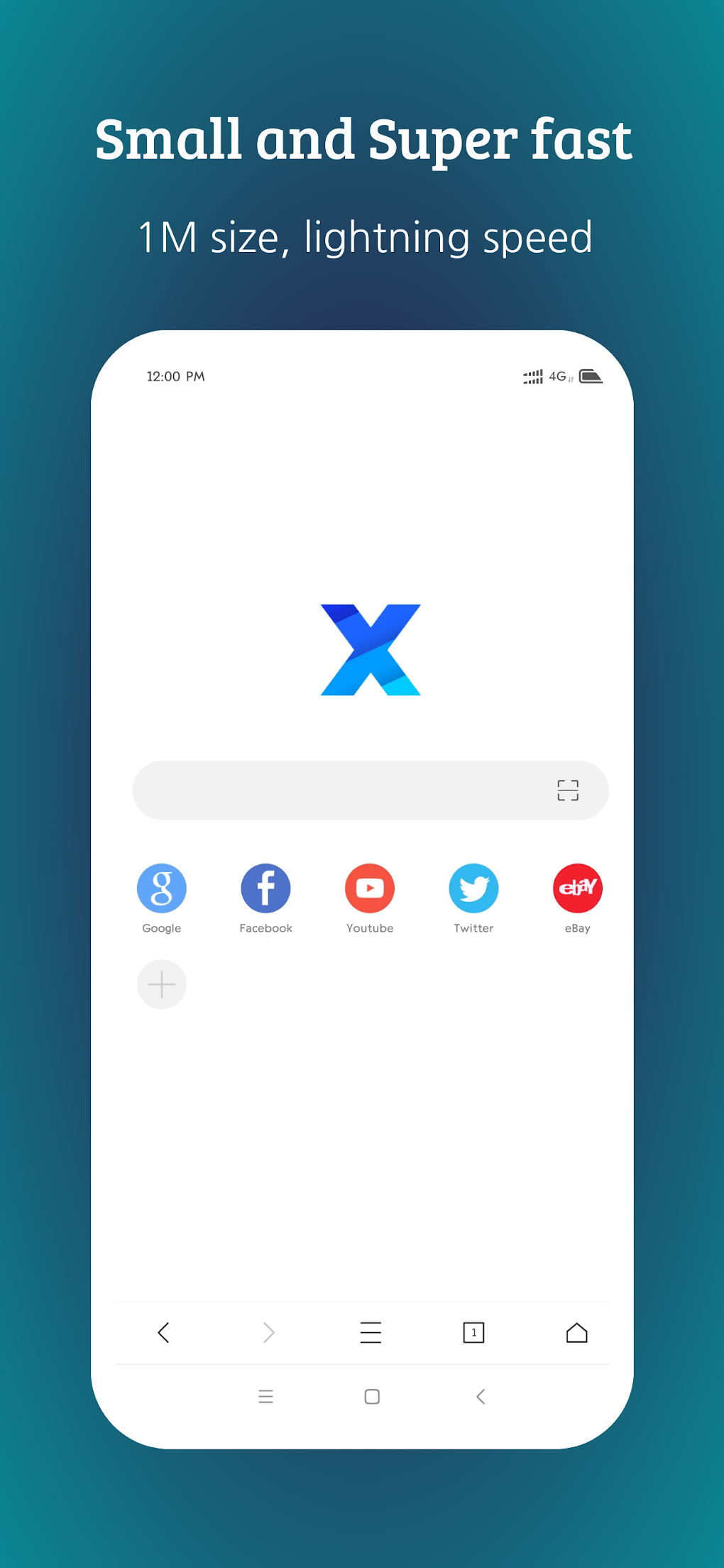
XBrowser’s primary selling point is its speed and efficiency. The developers have clearly focused on minimizing resource consumption, resulting in a browser that loads pages quickly and runs smoothly even on low-powered devices. This lightweight approach translates to less strain on your device’s battery life and processing power, a significant advantage for users who prioritize efficiency. The small app size itself is a testament to this design philosophy, allowing for quick downloads and easy installation, especially beneficial in areas with limited data access. While specific benchmark scores aren’t readily available, anecdotal user experiences and reviews suggest a noticeable speed improvement compared to larger, more resource-intensive browsers. This speed isn’t solely due to the minimalist design; XBrowser also incorporates various optimization techniques to enhance page loading times and overall responsiveness.
Security and Privacy: A Focus on User Protection
In an increasingly digital world, online security and privacy are paramount. XBrowser addresses these concerns with a robust approach, emphasizing secure browsing and data protection. The browser requests minimal permissions, reducing the potential access points for malicious actors. Furthermore, it incorporates a built-in ad blocker that effectively removes approximately 80% of malicious advertisements, significantly reducing exposure to potentially harmful content and improving page loading speeds. Users can also customize their ad-blocking experience by importing and subscribing to third-party blocking rules, tailoring their security to their specific needs and preferences. While no browser can offer 100% protection, XBrowser’s proactive security measures provide a strong foundation for safer online activities. The integration of industry-standard security protocols further strengthens its defenses against various online threats. While specific details about these protocols aren’t extensively advertised, their presence is implied through the browser’s claim of secure browsing capabilities.
Features and Functionality: Beyond the Basics
Despite its minimalist design, XBrowser isn’t lacking in functionality. It offers several practical features that enhance the overall browsing experience. A built-in video downloader simplifies the process of saving online videos, eliminating the need for third-party extensions. The inclusion of support for GreaseMonkey and Tampermonkey user scripts significantly expands its capabilities, allowing users to customize their browsing environment with a wide range of extensions and scripts. This flexibility caters to power users who require more control over their browsing experience. The convenience of autofill forms also contributes to a smoother and more efficient workflow, saving users time and effort when filling out online forms. The browser also allows for extensive personalization options, letting users customize the appearance of the browser to match their preferences. This customization extends beyond basic themes and allows users to adjust many aspects of the browser’s visual layout.
User Interface (UI) and User Experience (UX): Areas for Improvement
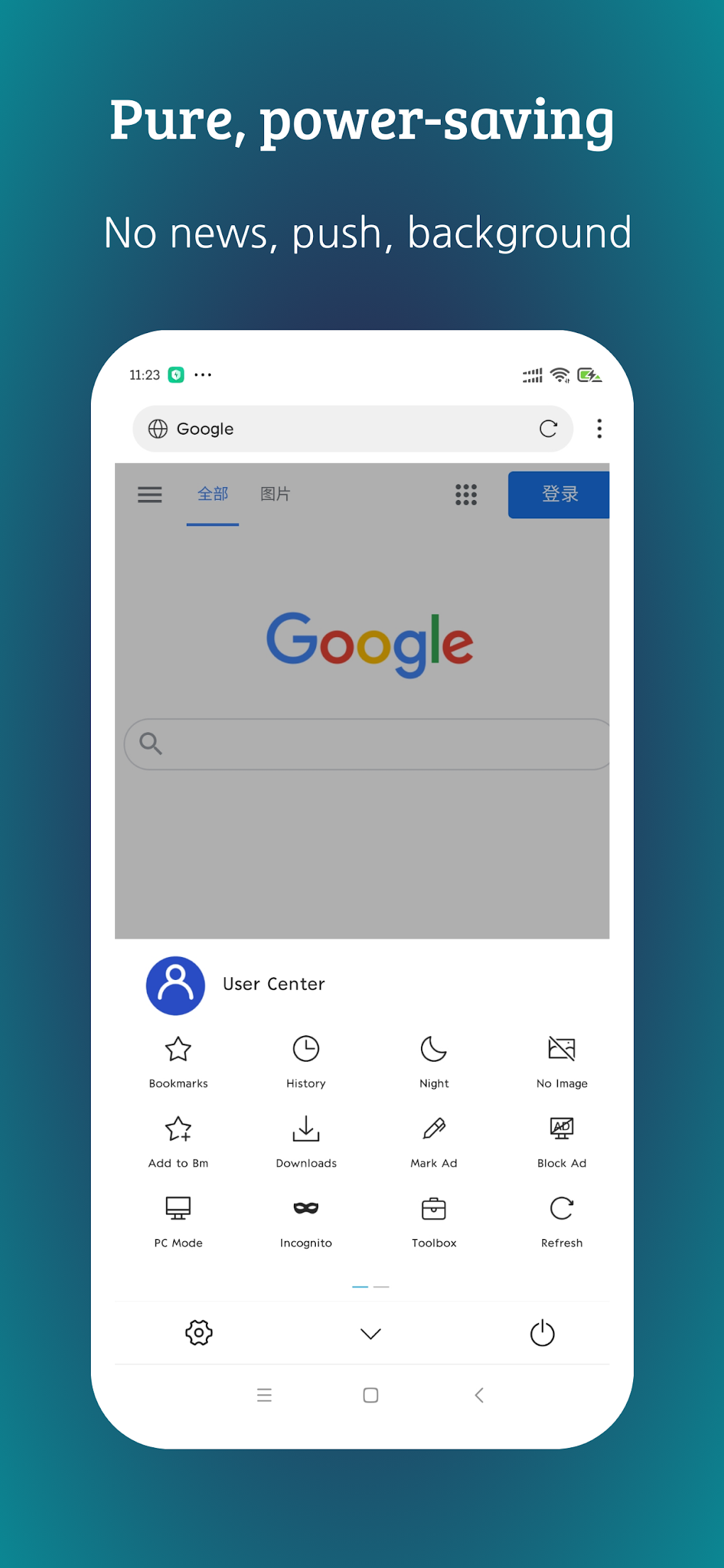
While XBrowser excels in performance, security, and features, its user interface is where it falls slightly short. Some users have reported that certain aspects of the UI are confusing or unintuitive. While the minimalist design contributes to its speed and efficiency, it also potentially sacrifices some level of clarity and ease of use. This issue, however, seems to be primarily related to the arrangement of certain settings and options within the browser’s menu structure, rather than a complete failure of usability. The functionality remains accessible, though it may require a bit more exploration to navigate efficiently. Improving the clarity and intuitiveness of the UI would significantly enhance the overall user experience and make the browser even more accessible to a wider range of users. While the current UI is functional, a redesign focused on usability would be a beneficial addition in future updates.
Comparison with Other Lightweight Browsers
XBrowser faces competition from other lightweight browsers, each with its own strengths and weaknesses. Compared to browsers like UC Browser Mini or other minimalist options, XBrowser holds its ground in terms of speed and security. However, the user interface could be a differentiating factor. Some competitors offer more visually appealing and intuitive interfaces, potentially attracting users who prioritize ease of use over extreme minimalism. Direct performance comparisons are difficult to quantify without extensive benchmarking, but user reviews suggest that XBrowser holds its own in terms of speed and efficiency. The choice between XBrowser and its competitors ultimately depends on individual priorities and preferences. Users who prioritize speed and security above all else might find XBrowser particularly appealing.
Conclusion: A Powerful, Lightweight Browser with Room for Growth
XBrowser - Mini Super Fast is a compelling option for users seeking a fast, secure, and lightweight browsing experience. Its small size, powerful ad blocker, built-in downloader, and support for user scripts make it a versatile tool. The focus on security and privacy adds a layer of protection often missing in other lightweight browsers. However, the somewhat confusing user interface is a notable drawback. Addressing this issue through a UI redesign would solidify XBrowser’s position as a top contender in the lightweight browser market. Despite this minor flaw, XBrowser offers a compelling combination of speed, security, and functionality, making it worthy of consideration for users who prioritize these aspects above all else. The future development of XBrowser will likely focus on improving the user interface while maintaining its core strengths of speed and security. With continued improvements, XBrowser has the potential to become an even more popular and widely adopted lightweight browser.
File Information
- License: “Free”
- Latest update: “May 11, 2025”
- Platform: “Android”
- OS: “Android 13.0”
- Downloads: “35.1K”
- Size: “2.36 MB”
- Download Options: “APK, Google Play”
- Filename: “com-xbrowser-play-955-70617146-73bfff41f0394b3731a10f1528ce9a0b.apk”


