
Xcode is a powerful and versatile Integrated Development Environment (IDE) developed by Apple, specifically designed for creating applications for its entire ecosystem of devices. From iPhones and iPads to Macs, Apple Watches, and Apple TVs, Xcode provides a comprehensive suite of tools to streamline the entire development process, making it a popular choice for both novice and experienced programmers. This guide delves into the features, capabilities, and benefits of Xcode, exploring its suitability for various users and addressing common questions surrounding its use.
Xcode: A Deep Dive into App Development
Xcode’s primary function is to facilitate the creation of applications for Apple devices. This involves a multifaceted process encompassing interface design, coding, testing, and debugging, all integrated within a single, user-friendly environment. Its intuitive interface minimizes the learning curve, making it accessible to beginners while simultaneously providing advanced features that cater to experienced developers.
The software’s core strength lies in its seamless integration of various tools necessary for app development. This eliminates the need for multiple applications or switching between different programs, significantly boosting productivity. The single-pane interface allows for efficient workflow, enabling developers to focus on the creative aspects of application design and coding without being hindered by cumbersome navigation.
One of the key features that distinguishes Xcode is its live rendering capability. Developers can view their code in action in real-time, instantly observing the effects of their modifications. This dynamic feedback loop dramatically shortens the development cycle, allowing for rapid iteration and experimentation. The visual representation of the code helps developers grasp the impact of their changes, facilitating quicker problem-solving and refinement.
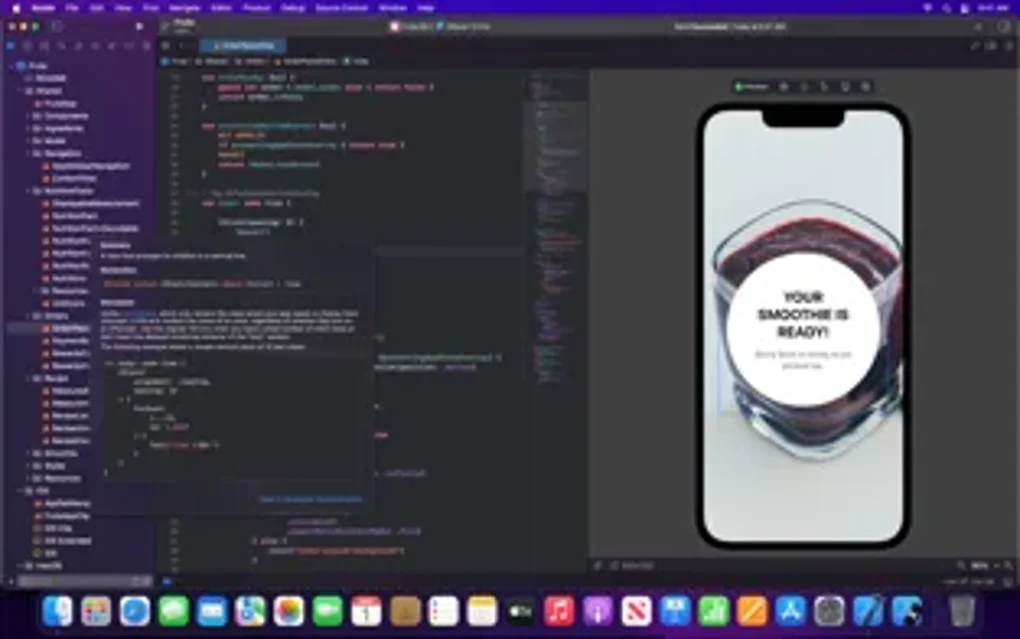
Xcode’s error detection and correction features are invaluable, particularly for beginners. The IDE intelligently identifies syntax errors and logical flaws within the code, providing helpful suggestions and highlighting problematic areas. This real-time feedback mechanism prevents the accumulation of errors, accelerating the debugging process and enhancing code quality. This makes it significantly easier to learn and understand programming concepts, as immediate feedback facilitates a quicker understanding of how code translates into functionality.
The synergy between Xcode and Apple’s Swift programming language enhances the development experience. Swift, known for its clean syntax and ease of use, further complements Xcode’s intuitive design, resulting in a smooth and efficient development process. However, Xcode supports other programming languages as well, providing flexibility for developers with diverse coding preferences. The combination of Xcode and Swift fosters a dynamic environment that makes coding not only efficient but also enjoyable.
Xcode for Diverse Applications: From Apps to Games and Beyond
Xcode’s versatility extends across numerous application domains. Its capabilities are not limited to simple utility apps; it’s equally adept at handling complex projects. Let’s examine how Xcode caters to different types of applications:
Apps
Xcode provides a complete toolkit for building iOS and macOS applications. Whether it’s a simple productivity tool, a sophisticated utility, or an engaging social media app, Xcode offers the necessary resources and tools to bring the vision to life. The intuitive interface, combined with the powerful debugging tools, ensures a streamlined development process, allowing developers to efficiently create robust and polished applications.
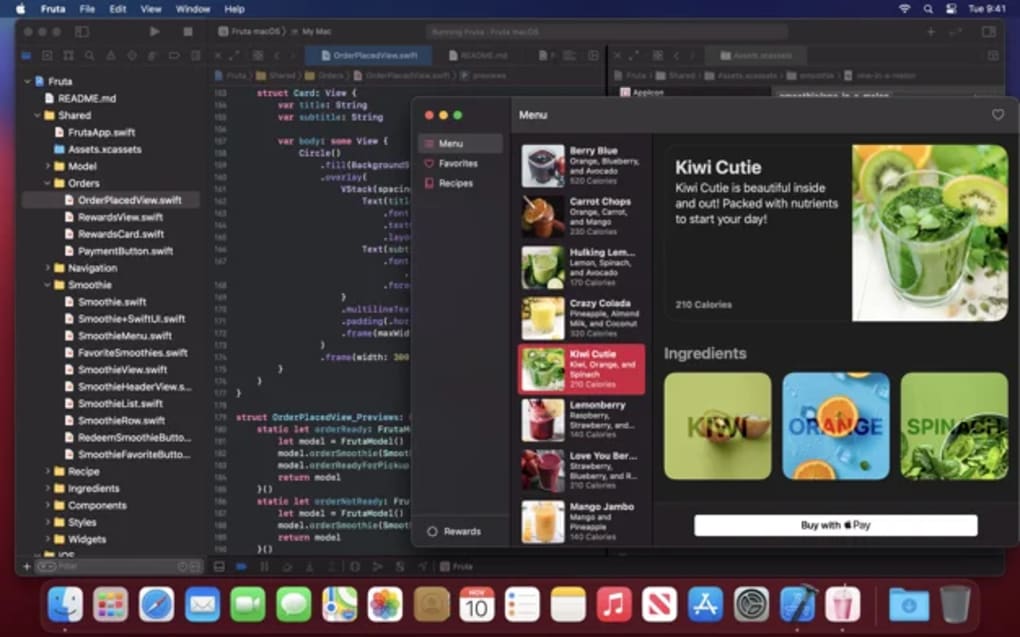
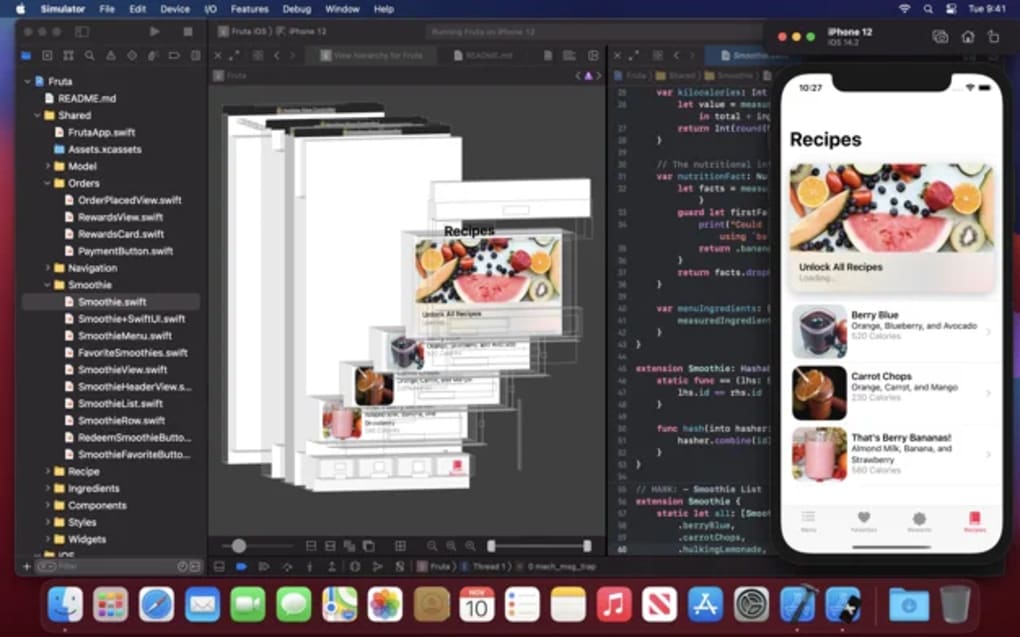
The use of Interface Builder within Xcode simplifies the design of user interfaces. This allows for a visual, drag-and-drop approach to UI design, significantly speeding up the development process and reducing the amount of manual code required. This visual design approach is coupled with the ability to preview the UI on a variety of devices and screen sizes, ensuring consistency and optimal user experience across different Apple devices.
Games
Xcode, in conjunction with frameworks like SpriteKit and SceneKit, offers robust support for game development. These frameworks provide tools for creating 2D and 3D games, including physics engines, animation tools, and particle systems. The live rendering capabilities of Xcode are especially beneficial in game development, allowing developers to quickly iterate on game mechanics and visual elements. This iterative process is crucial in game development, allowing for quicker refinement and testing of gameplay features.
The integration of Xcode with other Apple technologies, such as Metal for graphics rendering, significantly enhances the performance capabilities for games. This is crucial for creating high-quality games with smooth frame rates and visually impressive graphics. For developers aiming to create sophisticated and graphically demanding games, Xcode provides the tools to achieve high-performance game development.
News Applications
Xcode can be used to develop news applications that are optimized for Apple devices. Features such as push notifications, integration with external news APIs, and support for rich media content make Xcode an excellent choice for developing news applications. The live rendering capability allows for quick iterative design adjustments, ensuring that the app’s UI is both user-friendly and visually appealing.
Xcode for Business: Empowering Enterprise Solutions
Xcode is not limited to individual developers; it’s a powerful tool for enterprise development as well. The ability to create robust, scalable, and secure applications makes it an attractive option for businesses seeking to develop customized software solutions.
The integration with various backend services and the flexibility in integrating with existing infrastructure allows for seamless development of enterprise-grade applications. This makes Xcode an efficient and versatile platform for business solutions that require integration with multiple systems.
Xcode for Mac: Optimizing macOS Development
Xcode’s capabilities are deeply ingrained within the macOS ecosystem, providing a native development environment optimized for macOS applications. This results in applications that are both performant and seamlessly integrated with the operating system. The development process is streamlined thanks to the close integration between Xcode and macOS, optimizing for features specific to the macOS environment.
Development & IT Professionals: Xcode’s Role in the Ecosystem
Xcode plays a crucial role in the wider landscape of software development and IT. Its robust features and ease of use make it an excellent choice for developers of all skill levels. The community support and ample learning resources available contribute to its popularity within the development community. For professionals, the efficiency and powerful tools provided by Xcode translate into significant productivity gains. The tight integration with the Apple ecosystem ensures that applications developed using Xcode seamlessly integrate with other Apple services and devices.
Conclusion: Is Xcode Right for You?
Xcode is a free, powerful, and versatile IDE that empowers developers to create innovative applications for Apple’s ecosystem. Its intuitive interface, powerful features, and robust debugging tools make it suitable for developers of all levels, from beginners learning to code to seasoned professionals building complex enterprise solutions. While the lack of plugin support might be a drawback for some, the overall benefits far outweigh this limitation. If you are looking to develop applications for Apple devices, Xcode is undeniably a top choice, offering a seamless and efficient development experience. Its combination of ease of use and powerful features makes it a valuable asset for any developer seeking to build high-quality applications within the Apple ecosystem.
File Information
- License: “Free”
- Version: “16.3”
- Latest update: “April 1, 2025”
- Platform: “Mac”
- OS: “Mac OS X”
- Language: “English”
- Downloads: “275.2K”


