
Xender is a free, cross-platform file-sharing application designed for seamless and efficient file transfers between a wide range of devices. Its popularity stems from its ability to bypass traditional data limitations and offer a quick, user-friendly experience for sharing various file types, including large files like videos and applications. With millions of downloads, Xender has established itself as a leading contender in the mobile file transfer market, offering a compelling alternative to more cumbersome methods. This review will delve into the app’s functionalities, strengths, weaknesses, and overall user experience.
Seamless File Sharing Across Platforms: Speed and Versatility
Xender’s primary function is facilitating rapid file transfers between devices. The app boasts transfer speeds up to 40 Mb/s, significantly faster than traditional methods like Bluetooth, particularly when transferring large files such as high-resolution videos or sizable application packages. This speed advantage is a key selling point, making it attractive to users who value efficiency and time-saving. The app supports a wide array of file types, extending beyond simple text documents to include images, videos, music, applications, and more. This versatility is crucial for its broad appeal, making it a one-stop solution for various file-sharing needs.
One of Xender’s most significant advantages is its data-free operation. Unlike many file-sharing methods that rely on internet connectivity (and therefore consume data), Xender primarily leverages direct Wi-Fi connections between devices. This feature is particularly beneficial in areas with limited or expensive mobile data plans, allowing users to transfer files without incurring additional costs. This data-free functionality is a key differentiator in the market, making Xender a cost-effective choice for many users. The app’s cross-platform compatibility further enhances its convenience. It seamlessly works across Android, iOS, Tizen, Windows, PCs, and Macs, eliminating the need for cumbersome USB connections or the installation of platform-specific software on each device. This eliminates the compatibility issues often associated with file sharing between different operating systems, streamlining the overall process. The user interface is intentionally kept clean and intuitive, minimizing the learning curve and ensuring accessibility for users of all technical skill levels. The app’s simplicity is a key factor in its widespread adoption.
.webp)
Beyond its core file transfer capabilities, Xender also integrates several supplementary features. These include a video-to-audio converter, social media downloader, and a built-in game center, adding value beyond its primary functionality and enhancing its overall appeal. The inclusion of a smartphone replication feature allows for easy transfer of data when switching to a new device.
Security and Reliability: Addressing Potential Concerns
While Xender is generally considered safe, users should still adhere to standard security best practices. Although the app itself doesn’t have a documented history of major security breaches, users should exercise caution when sharing sensitive information or files. It’s advisable to only share files with trusted devices and to regularly update the app to benefit from the latest security patches. The app’s reliance on a stable Wi-Fi connection is another factor to consider. While the direct Wi-Fi connection is a significant advantage in terms of speed and data usage, the reliability of the transfer depends on the strength and stability of the Wi-Fi network. Interruptions or weak signals can lead to transfer failures or data corruption. It’s recommended to ensure a strong and consistent Wi-Fi signal for optimal performance.
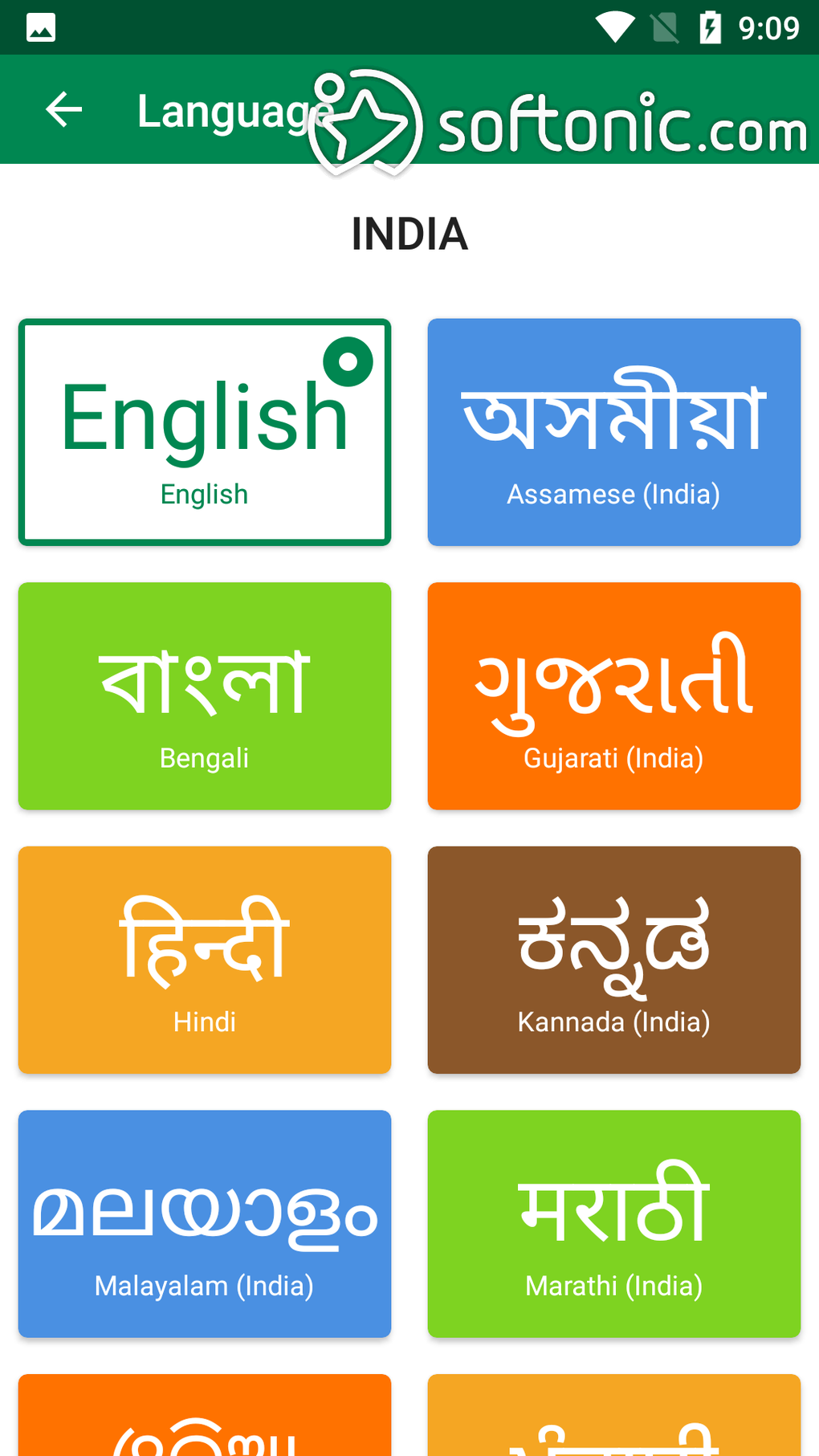
The app includes a built-in file manager to help users organize and manage the files they receive, improving the overall user experience. The support for multiple languages adds to its global accessibility, making it usable for a wider audience.
.webp)
User Interface and Experience: Simplicity and Ease of Use
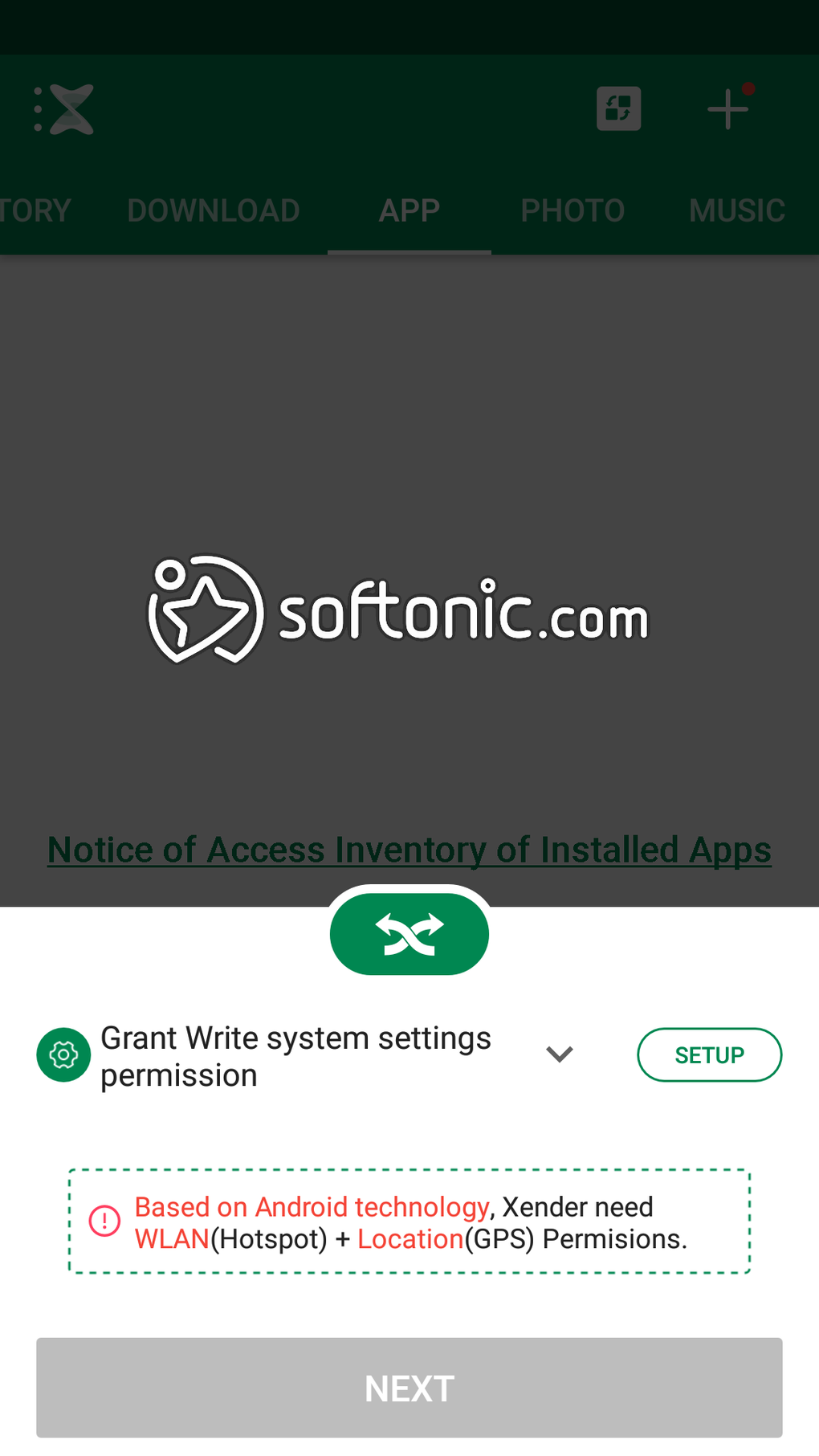
Xender’s user interface is designed for simplicity and ease of use. The process of transferring files is straightforward: users select the files they wish to share, select the receiving device, and Xender manages the connection and transfer process. The minimal design ensures a quick learning curve, even for users unfamiliar with file transfer applications. The straightforward design and intuitive controls contribute to the app’s popularity, allowing users to quickly and efficiently share files without needing extensive technical knowledge. The app’s clean, uncluttered interface reduces cognitive overload, improving the overall user experience.
Comparison with Alternative Apps and Conclusion
While Xender offers a compelling solution for file transfer, several alternative applications exist. AirDroid, for instance, provides remote access capabilities alongside file transfer, offering a more integrated approach to device management. However, AirDroid may require more setup and potentially uses more data depending on its features. Other file-sharing apps may focus on specific platforms or file types, offering different trade-offs in terms of speed, compatibility, and features. Ultimately, the best choice depends on individual needs and preferences. Some users may prioritize speed and data-free operation, while others may prefer a more feature-rich or platform-specific solution.
In conclusion, Xender provides a valuable and efficient solution for users seeking a quick, data-free, and versatile file transfer application. Its cross-platform compatibility, high-speed transfers, and user-friendly interface make it a strong contender in the market. However, its reliance on a stable Wi-Fi connection should be considered, and users should always prioritize security best practices. The app’s inclusion of additional features such as a video-to-audio converter, social media downloader, and game center further enhances its overall value proposition. While alternative solutions exist, Xender’s strengths in speed, simplicity, and data-free operation make it an excellent choice for many users seeking a streamlined and efficient file-sharing experience.
.webp)
File Information
- License: “Free”
- Latest update: “July 3, 2025”
- Platform: “Android”
- OS: “Android 13.0”
- Downloads: “33.6M”
- Size: “31.43 MB”
- Download Options: “APK, Google Play”
- Filename: “cn-xender-1000252-71025431-3a1a11cc36ee120c24d54088fe4f8779.apk”


