
XML Viewer is a freeware application developed by MindFusion, designed for effortless examination and modification of XML files. Its intuitive interface and powerful features make it a popular choice for both individual users and businesses needing a reliable XML editor. This guide delves into the software’s capabilities, benefits, and limitations, providing a comprehensive overview for potential users.
Ease of Use and Intuitive Interface
XML Viewer prioritizes user-friendliness. Its clean and straightforward interface allows users to quickly navigate and understand the structure of even complex XML documents. The software presents XML data in a tree-like structure, clearly visualizing hierarchical relationships between elements and attributes. This visual representation simplifies the process of locating specific nodes and understanding the overall data organization within the XML file. The intuitive design minimizes the learning curve, enabling both novice and experienced users to efficiently work with XML data. Features like color customization for the XML tree, bookmarking of specific nodes, line number display, and text wrapping further enhance the user experience, enabling personalized configuration for optimal readability and navigation.
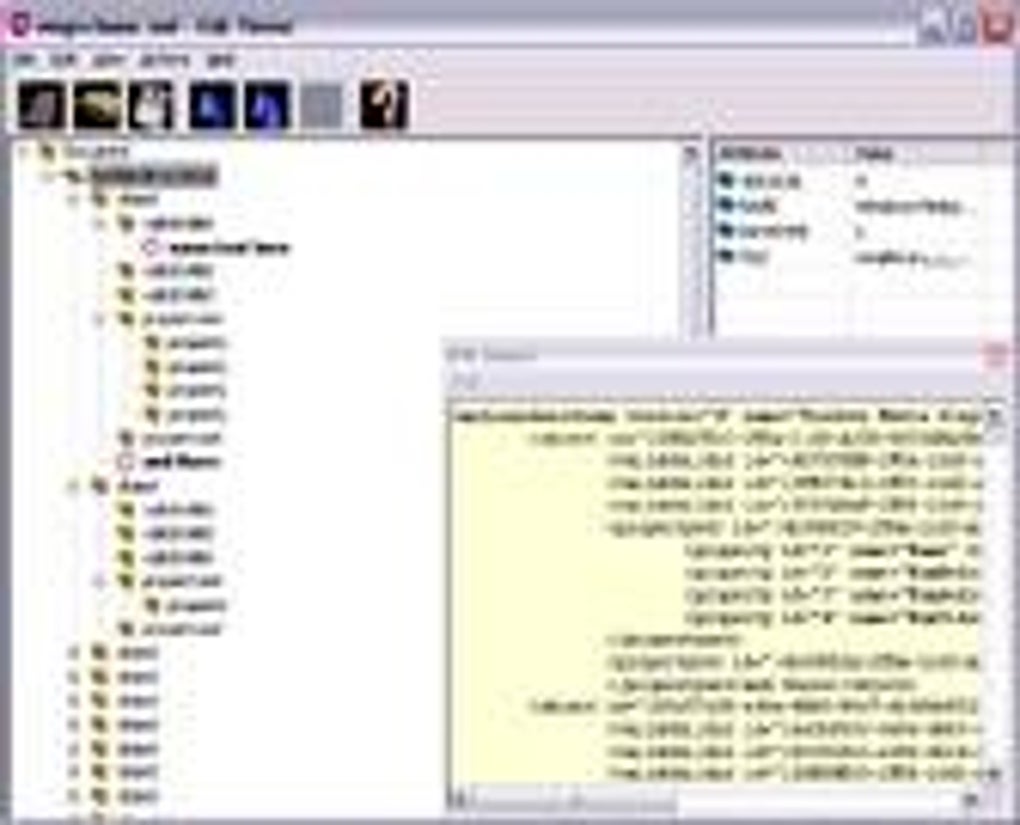
Unlike many other XML editors that might involve complex command-line interfaces or require extensive coding knowledge, XML Viewer maintains a visual, point-and-click approach. This simplifies tasks such as inserting or deleting nodes, adding or removing attributes, and making other necessary modifications. The software’s focus on ease of use is a major contributor to its widespread adoption.
Key Features and Functionality
Beyond its intuitive design, XML Viewer boasts a comprehensive set of features that cater to diverse XML processing needs. The software is not merely a viewer; it’s a fully functional editor that empowers users to manipulate XML documents directly. Key features include:
- Visual XML Tree Representation: The software’s core strength lies in its visual representation of the XML file’s structure. This tree-like view makes it easy to identify parent-child relationships between elements and understand the hierarchical organization of the data. Users can easily expand and collapse branches to focus on specific sections of the XML document.
-
Node and Attribute Manipulation: XML Viewer allows for direct modification of XML content. Users can insert new nodes, delete existing ones, add attributes to existing elements, and remove unwanted attributes. This capability transforms the software from a simple viewer into a powerful editing tool, eliminating the need for separate editing software.
-
Bookmarking: The ability to set bookmarks on specific XML nodes provides a convenient method for quickly navigating to frequently accessed parts of a large and complex document. This feature is particularly useful when working with extensive XML files where specific nodes need to be revisited regularly.
-
Line Numbers and Text Wrapping: The inclusion of line numbers and the option for text wrapping significantly improves the readability of the XML code. Line numbers aid in error tracking and precise identification of specific sections, while text wrapping prevents excessively long lines from disrupting the display and improves readability.
-
Optimized Loading of Large Files: XML Viewer is optimized for handling large XML files. The software’s efficient loading process ensures that even substantial documents are processed and displayed promptly, minimizing waiting times and enhancing the overall user experience. This is crucial for working with large datasets frequently encountered in many applications.
-
Color Customization: Users can customize the color scheme of the XML tree, enabling personalized settings to enhance readability and improve visual organization. This caters to individual preferences and enhances the usability of the tool.
-
Compact and Lightweight: The small file size of the XML Viewer installation package minimizes the impact on computer storage space and system resources. This makes it ideal for users with limited storage or those who prefer lightweight applications.
Performance and Reliability
XML Viewer consistently receives positive feedback regarding its performance and reliability. Users frequently praise its ability to handle large XML files efficiently without noticeable lag or crashes. The optimized loading process ensures quick rendering of data, even in complex documents. The robust nature of the application minimizes instances of unexpected errors or crashes, contributing to a seamless user experience. MindFusion, the developer, continuously updates the software, addressing reported bugs and incorporating new features based on user feedback. This commitment to improvement underscores the software’s reliability and assures users of ongoing support and enhancements.
Pricing and Licensing
XML Viewer offers a unique licensing model that caters to both personal and commercial use. The software is entirely free for non-commercial purposes, making it an accessible option for individuals and educational institutions. For businesses, a lifetime license is available at a very affordable price per copy, making it a cost-effective solution for companies of all sizes. This dual-licensing approach maximizes accessibility while providing a sustainable model for the software’s continued development and maintenance. The affordable commercial license is a significant advantage over many comparable XML editors that might demand considerably higher licensing fees.
Support and Community
MindFusion provides ongoing support for XML Viewer, addressing user queries and resolving reported issues. While the level of customer service might vary depending on the nature of the issue and the user’s subscription type, the developer’s commitment to continuous improvement and user feedback is evident. The software’s popularity has fostered a supportive online community where users can share experiences, troubleshoot problems, and offer suggestions. This community-driven support adds another layer of assistance beyond the official support channels offered by MindFusion.
Comparison with Alternatives
Compared to other XML viewers and editors, XML Viewer stands out due to its combination of intuitive design, powerful features, and affordable pricing. While other applications might offer more specialized features or advanced functionalities, many lack the simple, user-friendly interface of XML Viewer. Some alternatives may require significant coding expertise or present a steeper learning curve. XML Viewer effectively bridges the gap between simplicity and functionality, making it an ideal choice for users with varying levels of XML experience.
Potential Drawbacks
Despite its numerous strengths, XML Viewer does have some minor drawbacks reported by users. Occasional bugs have been reported, though these are generally addressed promptly through updates. Customer service response time can also fluctuate, with some users experiencing longer wait times than others. These limitations are relatively minor compared to the software’s overall strengths, and the developer’s continuous improvement efforts aim to mitigate these concerns.
Conclusion
XML Viewer offers a compelling solution for users seeking an intuitive and effective tool for examining and modifying XML files. Its user-friendly interface, comprehensive features, robust performance, and flexible licensing model make it a highly recommended option for both personal and commercial use. While some minor drawbacks exist, the software’s strengths far outweigh these limitations, solidifying its position as a valuable asset for anyone working with XML data. The ongoing support from MindFusion and the active user community further reinforce its long-term viability and appeal.
File Information
- License: “Free”
- Latest update: “January 31, 2025”
- Platform: “Windows”
- OS: “Windows 2000”
- Language: “English”
- Downloads: “181.1K”
- Size: “873.25 KB”


