
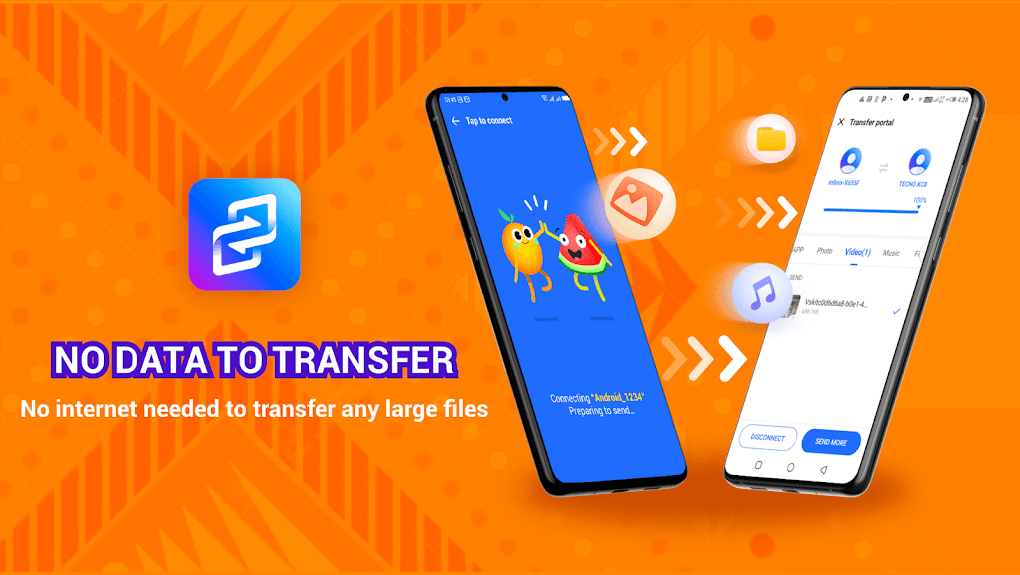
XShare is a versatile utility app designed for seamless file transfer and sharing between devices. This innovative application leverages Wi-Fi Direct technology, eliminating the need for cumbersome cables, an active internet connection, or any intermediary hardware. This means you can swiftly exchange files with other devices – photos, videos, music, documents, apps – all within a secure and localized network. Its intuitive interface ensures ease of use, making it accessible to users of all technical skill levels.
Effortless File Transfer and Sharing
XShare simplifies the often-complex process of transferring files between devices. The core functionality relies on Wi-Fi Direct, a wireless communication protocol allowing devices to connect directly without needing a Wi-Fi router or other network infrastructure. This direct connection results in significantly faster transfer speeds compared to traditional methods like Bluetooth or transferring files over a shared Wi-Fi network.
To initiate a file transfer using XShare, both the sending and receiving devices must have the application installed. Once the app is open on both devices, XShare uses Wi-Fi Direct to establish a secure connection. From there, the process is straightforward: select the files you wish to share from the intuitive file manager, and with a single tap of the send button, the transfer begins. XShare handles the entire process seamlessly, ensuring a quick and efficient transfer.
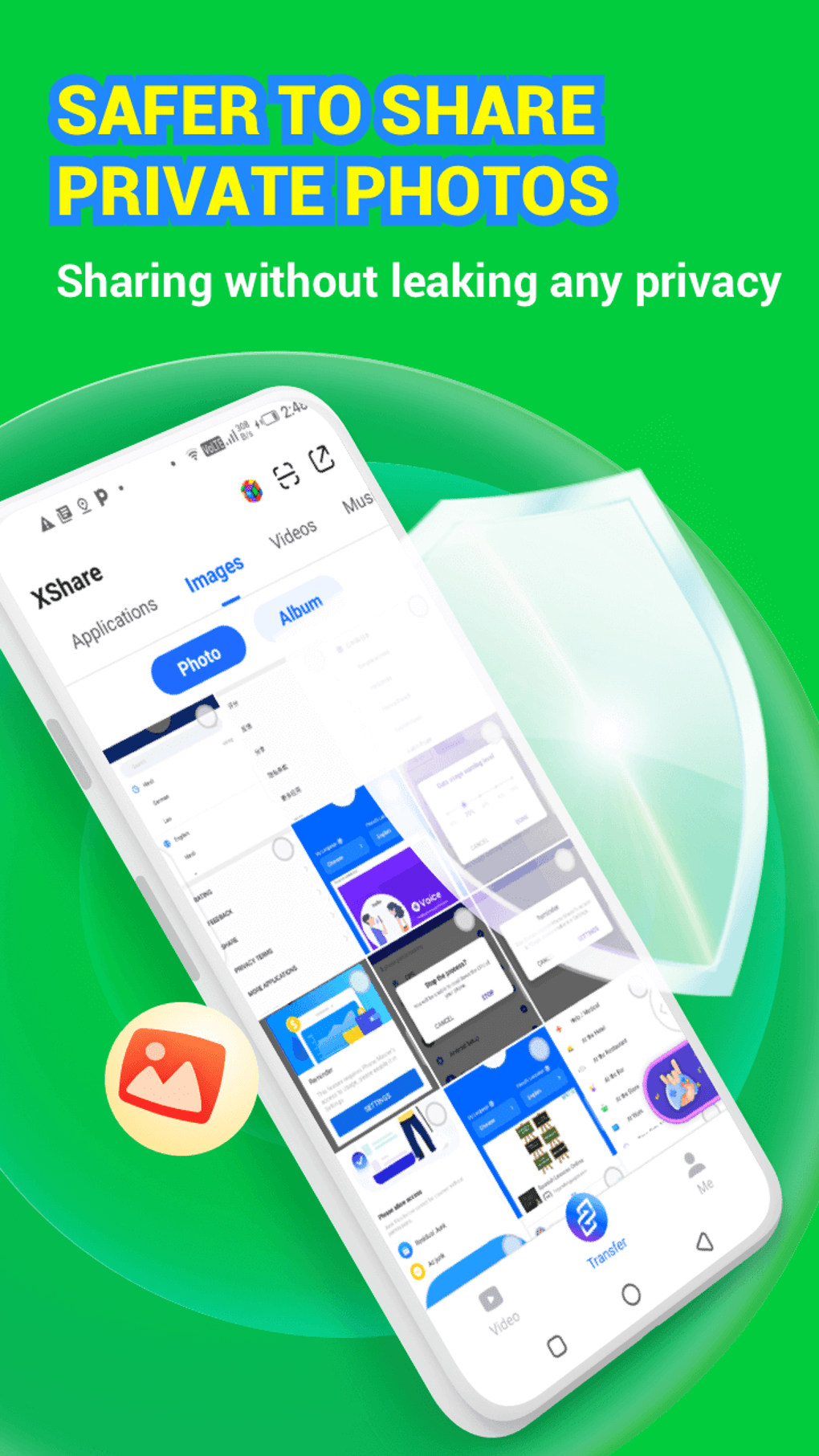
The app’s built-in file manager serves as a significant advantage. This feature allows users to easily browse, organize, and select files before initiating a transfer. You can create folders, manage existing directories, and efficiently locate specific files, all within the XShare interface. This organized approach improves the overall user experience and reduces the time spent searching for files.
A Deep Dive into XShare’s Features and Functionality
XShare boasts a comprehensive feature set beyond its core file transfer capabilities. These features contribute to the app’s efficiency and user-friendliness, setting it apart from other file-sharing applications.
Fast Transfer Speeds: Leveraging Wi-Fi Direct technology provides significantly faster transfer speeds compared to Bluetooth or relying on data connections. This is particularly beneficial when transferring larger files, such as high-resolution videos or sizable documents. The speed advantage translates into a more efficient and time-saving experience.
Wide Range of File Types: XShare supports a broad spectrum of file types, ensuring compatibility with a wide variety of user needs. From common image formats like JPEG and PNG to videos in MP4 and AVI, audio files such as MP3 and WAV, documents in PDF and DOCX, and even application files (APK for Android), XShare handles them all without issue. This wide compatibility minimizes any limitations on the types of files users can share.
Unlimited File Sharing: Unlike some file-sharing apps that impose restrictions on file size or the number of files that can be transferred, XShare offers truly unlimited sharing. This removes any limitations on the amount of data users can exchange, making it ideal for sharing large collections of photos, videos, or other files. There’s no need to worry about hitting arbitrary limits or compromising on the amount of data you need to share.

User-Friendly Interface: XShare stands out due to its clean and intuitive interface. The app’s design prioritizes simplicity, making it easy to navigate and use, even for users unfamiliar with file transfer applications. The clear layout and straightforward controls ensure a smooth user experience without requiring extensive technical knowledge.
Built-in File Manager: The integrated file manager not only simplifies file selection but also provides an organized way to manage your files on the device. Users can easily create folders, rename files, and perform other essential file management tasks directly within the application. This feature enhances the app’s overall utility and makes it a versatile tool beyond just file transfer.
Understanding XShare’s Limitations
While XShare offers a compelling suite of features and benefits, it’s crucial to acknowledge certain limitations. Understanding these limitations helps users make informed decisions about whether the app meets their specific needs.
Wi-Fi Direct Dependency: The app’s reliance on Wi-Fi Direct technology is both its strength and its weakness. While this technology enables fast transfers, it also limits compatibility. Older devices may not support Wi-Fi Direct, thus restricting their ability to utilize XShare. This incompatibility should be considered when determining its suitability for a particular device or user environment.
Device Compatibility: Given the Wi-Fi Direct dependency, compatibility with various devices is crucial. While XShare strives for wide compatibility, it’s essential to verify that both sending and receiving devices support Wi-Fi Direct before relying on the application. Checking device specifications or consulting online resources can help confirm compatibility before downloading and using the app.
No Cross-Platform Support: Currently, XShare primarily focuses on Android devices. Users looking to transfer files between Android and iOS devices will find its direct transfer capabilities limited. While indirect methods might still be possible (e.g., cloud storage), the seamless, direct transfer is not available across different operating systems.
Alternatives to XShare and Comparative Analysis
Several alternative applications offer similar file-sharing capabilities. Comparing these alternatives helps identify the best choice based on individual requirements.
SHARE ALL: File Transfer Share Files: This app provides a comparable file-sharing experience, often praised for its simplicity and speed. However, detailed comparisons regarding transfer speeds, supported file types, and additional features are needed to determine a clear winner based on specific usage scenarios.
File Sender - Share Transfer: Similar to XShare, this application focuses on quick and easy file transfers. Comparing user reviews and performance benchmarks can reveal subtle differences in usability and overall performance.
ShareMi - Fast Transfer File Fast Share File: This app often receives positive feedback for its speed and user-friendliness. However, in-depth comparisons with XShare are needed to highlight advantages or disadvantages in terms of features, compatibility, and transfer reliability.
Other Notable Alternatives: Numerous other file transfer apps exist, each with its own strengths and weaknesses. Careful consideration of user reviews, feature comparisons, and performance testing should guide the selection of the most appropriate alternative based on specific needs. Factors such as supported file types, transfer speeds, device compatibility, and ease of use are all key considerations when comparing alternatives to XShare.
In conclusion, XShare presents a compelling solution for fast and convenient file transfer and sharing between compatible devices. Its reliance on Wi-Fi Direct technology provides a speed advantage while simplifying the overall process. However, the limitation of Wi-Fi Direct compatibility and the lack of cross-platform support must be carefully considered. A comparative analysis of alternative applications is strongly advised to make an informed decision that best suits individual needs and device compatibility.
File Information
- License: “Free”
- Latest update: “April 4, 2025”
- Platform: “Android”
- OS: “Android 13.0”
- Downloads: “394.1K”
- Size: “13.81 MB”
- Download Options: “APK, Google Play”
- Filename: “com-infinix-xshare-1351-46553432-e0fc9eddb08686e217861b775a2a8e2d.apk”


