
xShare is a free, user-friendly file transfer application designed for Android devices. This comprehensive review delves into its features, performance, and overall user experience, comparing it to other available file transfer solutions. The app boasts impressive speeds, exceeding Bluetooth transfer rates significantly, and offers a straightforward interface, making it accessible to users of all technical skill levels. This review will explore its strengths and weaknesses, helping you determine if xShare is the right file transfer solution for your needs.
App Functionality and Features
xShare’s primary function is the swift and efficient transfer of files between Android devices without relying on an internet connection. This eliminates the need for cloud storage or data usage, making it ideal for sharing files in areas with limited or no internet access. The app’s design prioritizes simplicity, ensuring a user-friendly experience for both sending and receiving files. The process is intuitive, involving minimal steps and clear on-screen guidance.
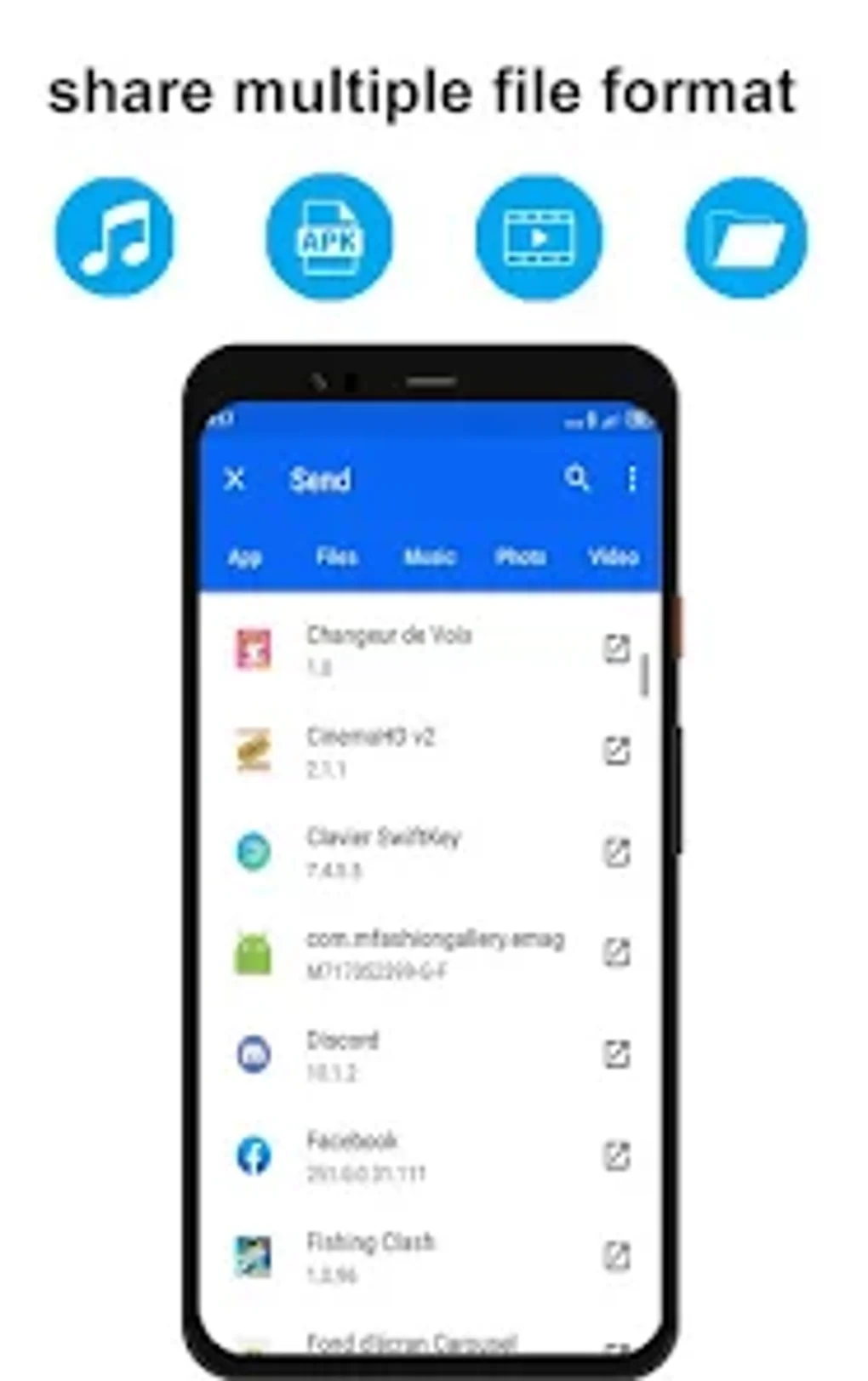
The app supports a wide range of file types, including:
- Apps: Easily share applications between devices, saving time and data compared to downloading from the Google Play Store.
- Games: Transfer large game files quickly and efficiently, eliminating lengthy download times.
- Videos: Share high-definition videos and other large media files without compromising quality.
- Photos: Transfer photos and images effortlessly, preserving original resolution and formatting.
- Music: Share music files of various formats, allowing for easy collaboration and sharing of playlists.
- Documents: Transfer documents, including PDFs, Word documents, spreadsheets, and presentations.
- Folders: Transfer entire folders containing multiple files, simplifying the process of sharing collections of data.
xShare stands out from its competitors due to its exceptionally high transfer speeds. It claims speeds up to 300 times faster than Bluetooth technology. This significant speed advantage translates to significant time savings, especially when dealing with large files. This speed advantage is crucial for users who frequently need to share substantial amounts of data.
Furthermore, xShare offers the capability to seamlessly switch mobile data between devices. This feature is invaluable in situations where one device may have limited or no data connectivity, enabling the sharing of mobile data from a device with a data plan. This functionality enhances the app’s versatility, catering to a wider range of user needs and scenarios.
User Interface and Experience
The user interface of xShare is designed with simplicity and ease of use in mind. The intuitive design requires minimal navigation, even for novice users. The clean and uncluttered interface avoids unnecessary complexity, focusing on delivering a streamlined file transfer experience. The app avoids overwhelming users with unnecessary settings or options, making it easily accessible to users of all technical abilities.
The process of sending and receiving files is incredibly straightforward. The app provides clear instructions and visual cues, guiding users through each step. The feedback mechanisms incorporated into xShare offer real-time progress updates, ensuring users are always aware of the status of the file transfer. This real-time feedback reduces user anxiety, especially when transferring large files that may take a longer time to complete.
Comparison with Other File Transfer Apps
Several alternative file-transfer applications exist for Android, each with its own strengths and weaknesses. While xShare emphasizes speed and simplicity, other apps may focus on features such as cloud integration or cross-platform compatibility. Direct comparisons will help highlight xShare’s unique selling points and identify potential areas for improvement. Some popular alternatives include SHAREit and others, each with its advantages and disadvantages that should be considered when deciding on the best option. While a detailed comparison of numerous alternatives is beyond the scope of this review, highlighting key differentiators will provide valuable context.
xShare’s significant advantage over many competitors lies in its speed. While other apps may offer cloud integration or additional features, xShare’s primary focus on rapid, direct file transfers between devices sets it apart. This is particularly beneficial in scenarios where a quick and efficient transfer is the priority, outweighing the need for extra features.
The simplicity of xShare’s interface also contrasts with some more feature-rich alternatives. While some users may prefer a wider array of options and settings, many appreciate the clean and straightforward design that xShare offers. This makes it particularly suitable for users who value ease of use over extensive customization capabilities.
For Business Use
The capabilities of xShare extend beyond personal use; the app’s features are also highly beneficial in business environments. Rapid and reliable file sharing is critical for many businesses, and xShare offers a convenient and efficient solution for various business-related tasks.
For instance, xShare can streamline the process of sharing large presentations or documents within a company. This facilitates quicker collaboration and reduces the time spent on transferring files. Similarly, transferring business apps and updates between devices can be accelerated considerably, promoting smooth operational workflows.
The app’s ability to transfer files without internet access is particularly useful in environments with limited network connectivity, ensuring that business operations can continue regardless of internet availability. This enhances resilience and reduces reliance on unreliable network infrastructure. The lack of internet dependence also adds a layer of security, reducing the risk of data breaches that could occur when transferring files through unsecured networks.
Android Specific Considerations
xShare is specifically designed for the Android operating system, leveraging the platform’s capabilities to deliver optimal performance. This allows the app to seamlessly integrate with the Android ecosystem, making use of available functionalities for enhanced efficiency. The app is optimized for Android devices, ensuring a smooth and stable experience across different Android versions and device models.
The compatibility with various Android versions reduces fragmentation concerns, allowing a wider user base to benefit from the app’s features. Moreover, the app’s lightweight design minimizes its impact on device resources, ensuring it runs smoothly without draining battery life or affecting device performance. This optimization is crucial for providing a positive user experience, particularly on devices with limited processing power or memory.
Utilities & Tools: xShare in the Broader Context
xShare belongs to a category of Android utilities and tools designed to improve efficiency and streamline various aspects of mobile device management. It occupies a niche within this category, focusing specifically on file transfers. By directly addressing the common need for fast and reliable file sharing, xShare successfully fills a gap in the market for a simple, effective solution.
Within the broader context of Android utilities and tools, xShare’s simplicity and high speed are key differentiating factors. While many apps in this category offer various complex functionalities, xShare maintains a clear focus on its core purpose, delivering an optimized experience without unnecessary complexities. This focused design makes it an efficient and reliable tool, especially when contrasted with more generalized utility apps. Its inclusion within the wider array of Android tools highlights its value as a practical and efficient solution for a common mobile task.
Conclusion
xShare - Transfer Share Files offers a compelling solution for users seeking a fast, simple, and reliable file transfer application for Android devices. Its speed, ease of use, and broad file type compatibility make it a valuable addition to any Android user’s toolkit. Whether for personal or business use, the app’s streamlined design and efficiency are clearly significant advantages. While additional features found in other apps might be appealing to some users, xShare’s focus on core functionality provides a highly optimized and effective solution for those prioritizing speed and ease of use above all else. The lack of reliance on internet connectivity adds another significant advantage, making it a robust and versatile choice across a wide range of scenarios.
File Information
- License: “Free”
- Version: “1.0”
- Latest update: “April 19, 2024”
- Platform: “Android”
- OS: “Android 13.0”
- Language: “English”
- Downloads: “635”
- Download Options: “Google Play”


