
YouTube Creator Studio is the official application developed by Google LLC, designed to empower content creators to manage and analyze their YouTube videos effectively. This comprehensive guide delves into the features, functionalities, and benefits of YouTube Creator Studio, exploring its strengths and weaknesses to provide a thorough understanding of this essential tool for anyone serious about building a successful YouTube presence.
Managing Your YouTube Videos: A Seamless Workflow
Creator Studio provides a centralized hub for all your YouTube video management needs. Gone are the days of navigating multiple screens and interfaces; with Creator Studio, you have all the essential tools at your fingertips. This streamlined approach allows for efficient organization and effortless control over your video content.
Uploading and Editing: The process of uploading videos is remarkably simple and intuitive. Creator Studio guides you through each step, from selecting the video file to adding crucial metadata like titles, descriptions, and tags. While the app itself doesn’t offer in-depth video editing capabilities, it seamlessly integrates with external editors, allowing you to perfect your videos before uploading or making post-upload adjustments to video information. This allows creators to maintain a smooth workflow, focusing on creative aspects while efficiently managing the technical side of content production and distribution.
Metadata Optimization: Creator Studio emphasizes the importance of optimizing your video metadata. This includes the ability to add precise and descriptive titles, engaging descriptions, and relevant tags to enhance discoverability. Well-crafted metadata is crucial for improving search engine rankings, ensuring your videos reach a wider audience.
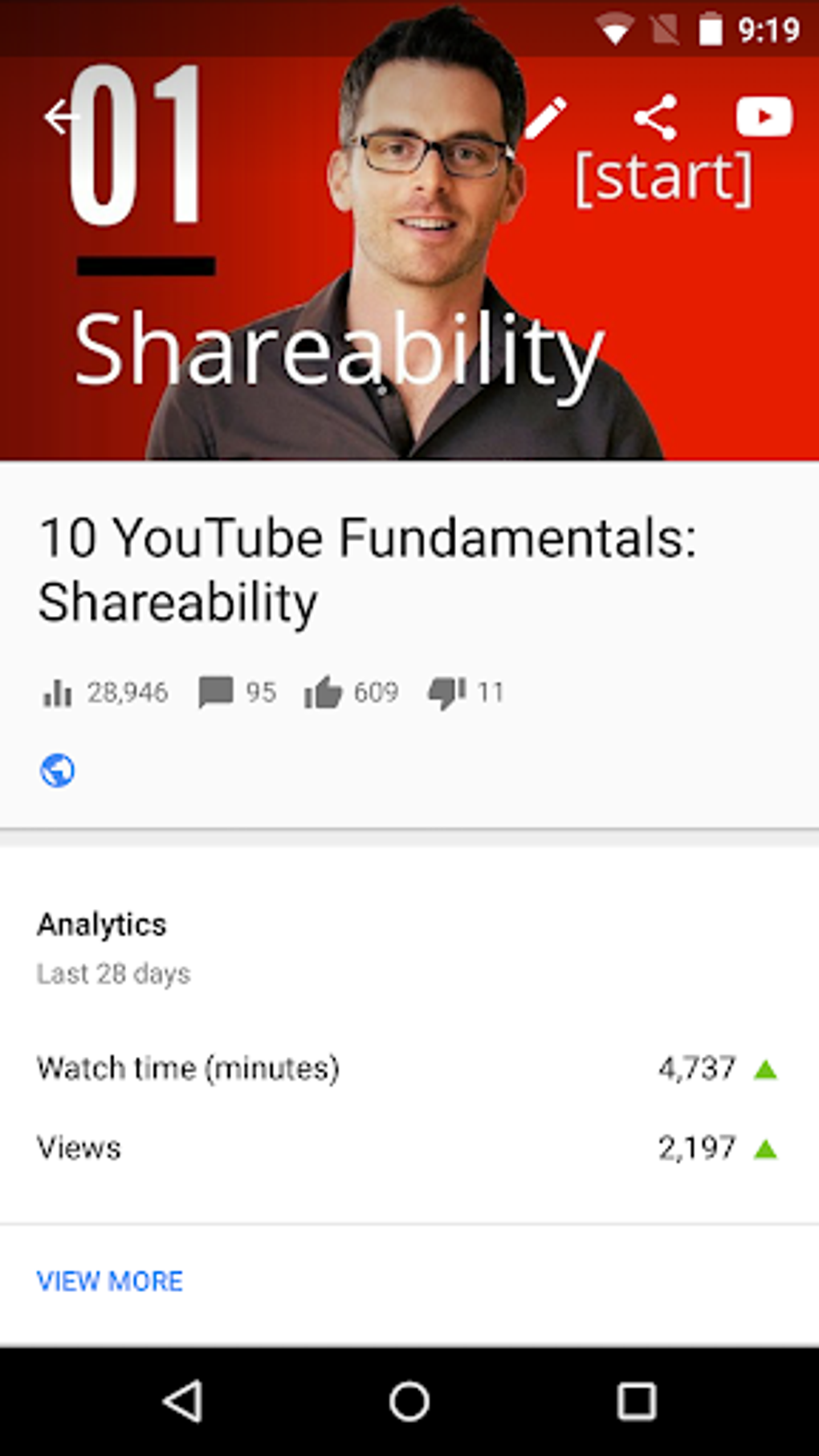
Privacy Settings and Categorization: Maintaining control over the visibility of your videos is crucial. Creator Studio provides comprehensive privacy settings, allowing you to choose between public, unlisted, or private options. This fine-grained control enables creators to tailor their content’s accessibility based on its intended audience and purpose. Categorizing videos is just as important, allowing for a logical organization of your content library within your channel.
Comment Management: Creator Studio enables content creators to actively engage with their audience through comments. You can respond to comments directly within the app, foster a sense of community around your videos, and address feedback effectively. The platform also features moderation tools to filter out spam and inappropriate comments, ensuring a positive viewing experience for your subscribers.
Playlists and Organization: Organizing your video content is simplified through the creation of playlists. This allows for thematic grouping of videos, enhancing user experience and audience engagement. Playlists also help viewers discover related content, encouraging longer viewing sessions and increasing audience retention.
Performance Analysis: Tracking Your Success
Beyond video management, Creator Studio offers powerful analytics capabilities that provide valuable insights into the performance of your videos and channel as a whole. This data-driven approach empowers creators to understand their audience better and optimize their content strategy for improved growth.
Comprehensive Analytics Dashboard: The Creator Studio dashboard provides a comprehensive overview of your channel’s key metrics. This includes views, watch time, subscribers, likes, dislikes, comments, and shares—providing a holistic understanding of your channel’s overall performance. This data can be accessed on various time scales, allowing you to assess both short-term and long-term trends.
Individual Video Analytics: Creator Studio allows you to delve deeper into the performance of individual videos. This detailed analysis reveals information about audience retention, source of traffic, geographic location of viewers, and demographic breakdowns—critical for understanding which content resonates best with your audience.
Audience Insights: Understanding your audience is paramount. Creator Studio offers demographics data, providing insight into the age, gender, and location of your viewers, which can be utilized to tailor your content strategy for better resonance and engagement. This data is invaluable in making informed decisions about future content production.
Identifying Trends and Optimizing Content: By meticulously analyzing the data presented by Creator Studio, creators can identify trends and patterns within their channel’s performance. This allows for strategic adjustments to content creation, refining strategies, and optimizing video production to better align with audience preferences. This data-driven approach significantly enhances the chances of creating content that achieves optimal engagement.
Monetization and Partnerships: Growing Your Revenue
YouTube Creator Studio plays a vital role in enabling content creators to monetize their work and build sustainable careers on the platform. The integration of monetization tools within the studio simplifies the process of earning revenue from your videos.
YouTube Partner Program (YPP): Creator Studio streamlines the application process for the YouTube Partner Program. This program opens doors to monetization features, enabling creators to earn revenue through advertisements displayed on their videos. Meeting the eligibility requirements, including subscriber count and watch time, is a key step towards monetization. The studio provides updates on your application status and progress.
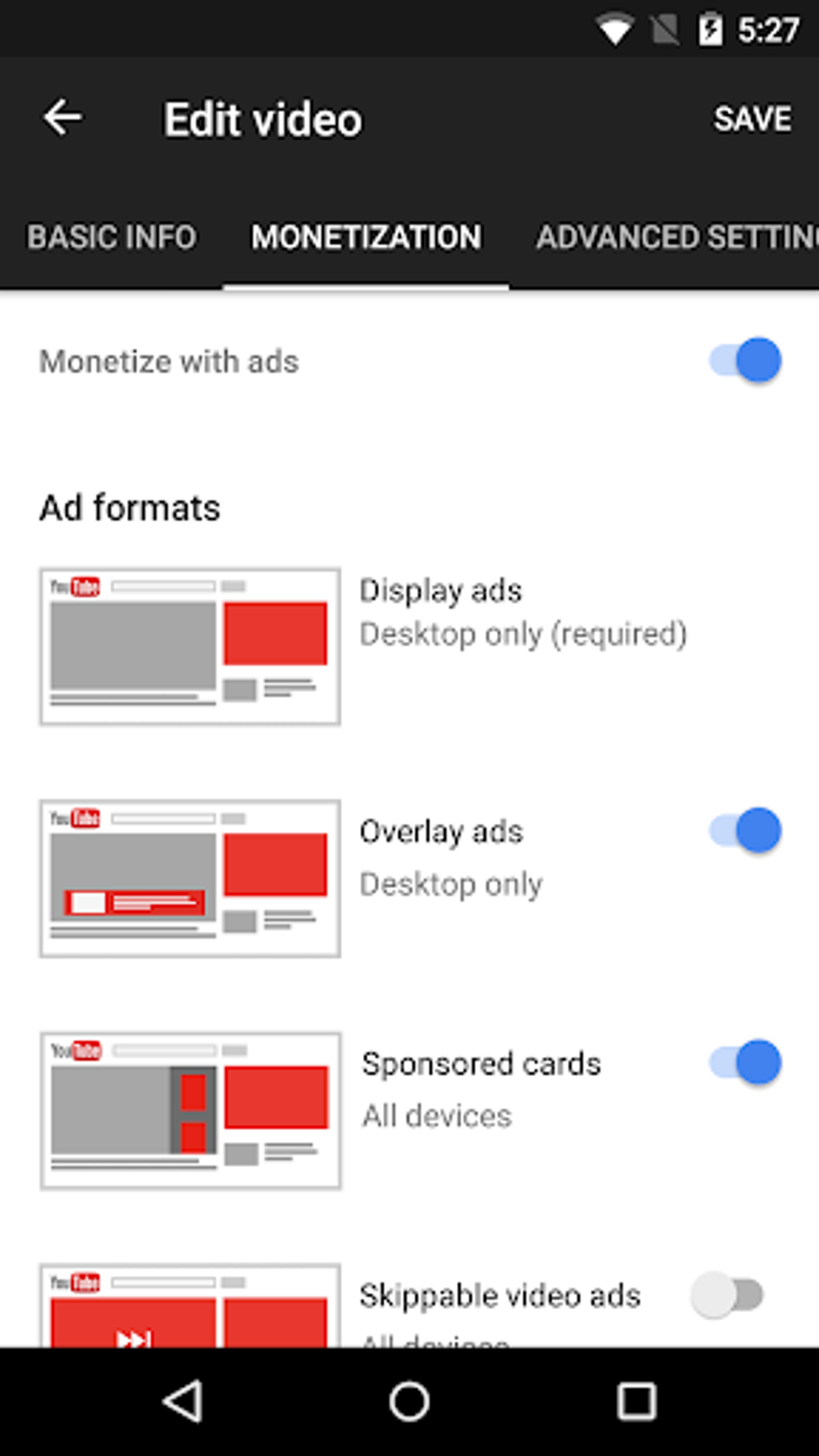
Monetization Features: Once accepted into the YPP, Creator Studio allows you to manage your monetization settings effectively. You can choose various monetization options, monitor your earnings, and track the performance of your ads. This comprehensive approach to revenue management empowers creators to maximize their earning potential.
Channel Customization and Branding: Building a strong brand identity is crucial for success on YouTube. Creator Studio allows you to customize your channel’s appearance, including branding elements, banners, and descriptions. Consistent branding helps in reinforcing your presence and attracting a loyal audience.
Community Features: Creator Studio enables creators to actively engage with their audience through comments, live chats, and community posts. Fostering a strong community around your channel increases audience loyalty, boosts engagement, and ultimately leads to greater success.
Limitations and Challenges: Addressing the Drawbacks
While YouTube Creator Studio is a powerful tool, it’s not without limitations. Being aware of these shortcomings is essential for effective usage.
Occasional Bugs and Glitches: Like many software applications, Creator Studio can experience occasional bugs and glitches. These issues may range from minor inconveniences to more significant problems hindering functionality. Regular updates often address these problems; however, creators should be prepared to encounter occasional setbacks.
Limited Video Editing Capabilities: Creator Studio isn’t designed as a comprehensive video editor. While it offers basic video management tools, extensive editing needs will require using separate, more advanced editing software. This workflow requires managing files across different platforms.
Analytics Depth Could Be Improved: While Creator Studio provides extensive data, there’s always room for improvement. More granular analytics, particularly regarding audience behavior and content engagement, would further enhance the tool’s capabilities.
Conclusion: Embracing the Power of Creator Studio
YouTube Creator Studio is an indispensable tool for anyone looking to succeed on YouTube. Its comprehensive features for video management, performance analysis, and monetization provide a robust platform for content creators to build and grow their channels. While it has some limitations, its strengths far outweigh its weaknesses, making it an invaluable asset for both aspiring and established YouTubers. By mastering the features and functionalities of Creator Studio, content creators can significantly enhance their workflow, optimize their content strategy, and build a thriving online presence.
File Information
- License: “Free”
- Latest update: “August 8, 2025”
- Platform: “Android”
- OS: “Android 15.0”
- Language: “English”
- Downloads: “88.6K”
- Download Options: “Google Play”


