YouTube for Android TV is a dedicated application designed to bring the vast library of YouTube videos directly to your Android smart TV. This review delves into the app’s strengths and weaknesses, offering a comprehensive assessment of its usability, features, and overall performance. We’ll explore its ease of use, search capabilities, mobile integration, and address the reported bugs and inconsistencies.
Ease of Use and Installation
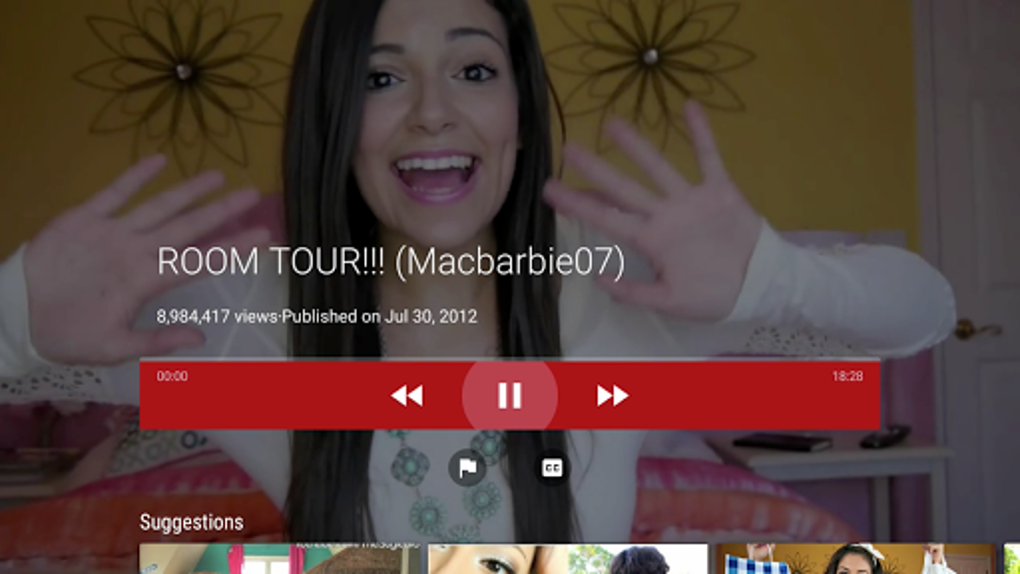
Installing YouTube for Android TV is typically a straightforward process. Most Android TVs have access to the Google Play Store, making the download and installation a simple matter of searching for “YouTube for Android TV” and clicking the install button. The app’s interface is designed for intuitive navigation, even with a TV remote. The main screen presents a clear layout of trending videos, recommended content based on your viewing history, and quick access to your subscriptions. This simplicity makes it accessible to users of all technical skill levels, a significant advantage for those who may not be comfortable navigating complex interfaces. The app’s intuitive design minimizes the learning curve, allowing users to quickly find and watch their desired content.
Search and Navigation Features
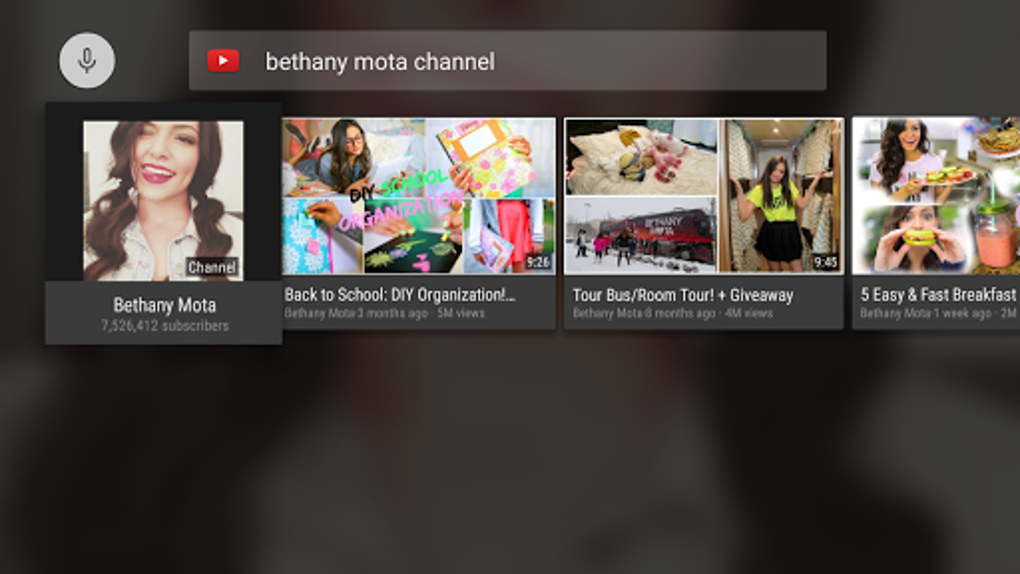
Finding specific videos within YouTube’s massive library can be a challenge, but YouTube for Android TV provides effective tools to simplify the process. The app supports both text-based and voice search. While text entry using a TV remote can be tedious, the voice search functionality significantly improves the search experience, allowing for hands-free searching and quicker identification of desired content. This feature is particularly useful for users who frequently watch YouTube on their TVs, significantly reducing the time spent navigating menus and typing using a remote control. The voice search accurately interprets commands and delivers relevant search results, making it a highly useful feature. Beyond search, the app allows for efficient navigation through your subscriptions, playlists, and viewing history, organizing content for easy access.
Mobile Casting and Content Library
One of the significant advantages of YouTube for Android TV is its seamless integration with mobile devices through mobile casting. This feature allows users to easily cast videos from their smartphones or tablets to their TVs, extending the viewing experience beyond the confines of the TV screen. This functionality is beneficial for sharing videos from personal devices or accessing content that may be easier to browse on a smaller screen. The casting process is generally smooth and reliable, offering a convenient way to mirror content between devices.
The sheer size of YouTube’s content library is another major draw. From music videos and movie trailers to educational content and live streams, the app provides access to millions of videos across a wide range of categories. This vast selection ensures that users will find something to suit their interests, regardless of their preferences. Regular updates to the application ensure the content library remains fresh and current, with new videos and channels constantly added. The app’s organization and recommendation algorithms help users to discover new content that aligns with their viewing habits.
Performance Issues and Limitations
Despite its strengths, YouTube for Android TV suffers from some notable performance limitations that can detract from the overall user experience. Reports from users indicate that the app can occasionally freeze or become unresponsive, particularly on certain smart TV brands. These freezes can range from brief interruptions to complete crashes, requiring users to restart the application or even their TV. The frequency and severity of these freezes seem to vary depending on the specific TV model and software version.
Another significant drawback is the lack of an autoplay toggle. While autoplay is a feature many find convenient, its inability to be disabled can be frustrating for users who prefer to manually select their videos. The continuous playback of videos can disrupt viewing habits, leading to unwanted content and interruptions. This limitation impacts users who prefer a more controlled viewing experience.
Furthermore, 4K playback is not consistently reliable. While the app supports 4K resolution, users have reported instances of buffering, pixelation, or outright failure to play 4K videos. This inconsistency can significantly affect the viewing quality for users with 4K displays. The app’s performance in this area is not always consistent and could be improved to provide a more reliable 4K playback.
Finally, the app’s stability has been reported to be affected after updates. Some users experience increased instability, glitches, or other unexpected behavior following software updates. This necessitates additional troubleshooting and can negatively impact the user experience, requiring users to spend time fixing problems after updates.
Conclusion
YouTube for Android TV offers a convenient way to access YouTube’s vast content library directly on your TV. Its simple interface, voice search, and mobile casting capabilities are significant strengths. However, the app’s performance issues, including freezing, lack of autoplay control, inconsistent 4K playback, and occasional instability after updates, significantly diminish the overall user experience. While generally functional, these recurring problems require troubleshooting and can interrupt viewing. The app’s overall usability and functionality are greatly impacted by these performance inconsistencies. Therefore, while YouTube for Android TV remains a viable option for accessing YouTube on a smart TV, users should be aware of these potential limitations. Future updates addressing these performance issues would significantly improve the app’s overall appeal and user satisfaction.
File Information
- License: “Free”
- Latest update: “July 18, 2025”
- Platform: “Android”
- OS: “Android 13.0”
- Language: “English”
- Downloads: “194.5K”
- Download Options: “Google Play”