
YouTube, a ubiquitous platform for video content, offers a vast and diverse library. However, this very breadth presents a challenge for parents seeking age-appropriate entertainment for their children. The sheer volume of content, much of which isn’t suitable for young viewers, necessitates a carefully curated viewing experience. This is where YouTube Kids steps in, offering a dedicated space designed to provide children with safe and engaging content, while simultaneously offering parents peace of mind.
A Dedicated Space for Child-Friendly Content
YouTube Kids isn’t just a section of the main YouTube platform; it’s a completely separate app. This separation is crucial for ensuring children only access content deemed appropriate for their age group. Unlike navigating the main YouTube platform, where accidental exposure to unsuitable material is a constant risk, YouTube Kids employs several layers of protection to mitigate these dangers. The app’s curated content library is meticulously selected, prioritizing age-appropriate videos across various categories. This contrasts sharply with the potentially chaotic and unpredictable experience of free-roaming on the main YouTube site.
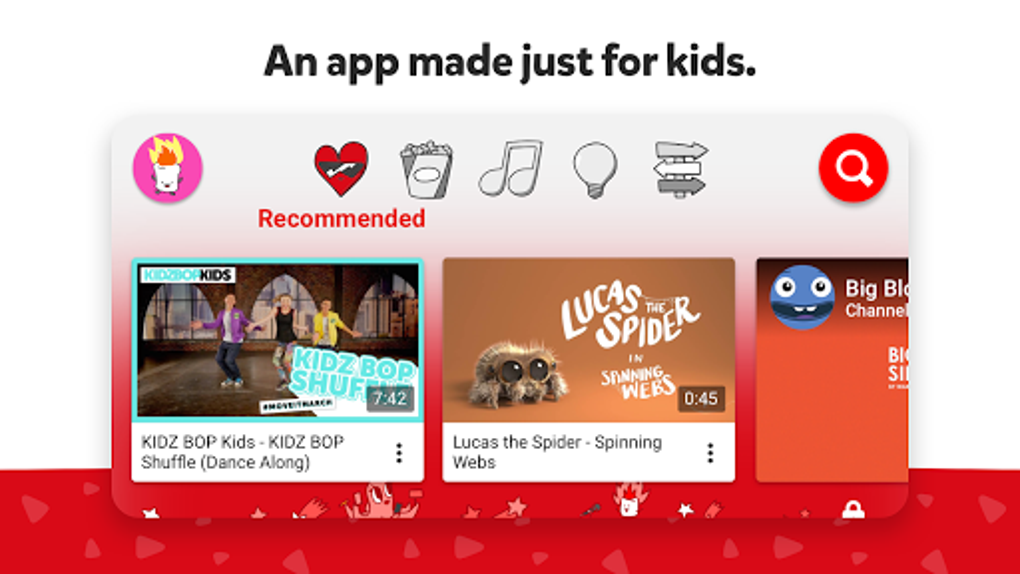
The app’s core functionality revolves around providing a simplified and secure environment. The interface is designed to be intuitive and easy for children to use, with large, colorful icons and simple navigation. The content is organized into easily understandable categories, such as Shows, Music, Learning, and Explore, making it easy for both children and parents to find what they’re looking for. Each category is further subdivided into specific channels and playlists, curated for safety and relevance.
Central to the app’s design is the emphasis on safety. YouTube Kids utilizes a combination of human curation and automated systems to filter content. This dual approach ensures that the videos featured are appropriate for children, reducing the risk of exposure to inappropriate or harmful material. The search function is also specifically designed to filter out unsuitable results, minimizing the chance a child might stumble upon something inappropriate through their own searches.
While the app aims to provide a safe viewing environment, it’s important to acknowledge that no system is foolproof. The filtering mechanisms, though robust, aren’t perfect. Parents should still engage in active monitoring of their children’s viewing habits. The app’s features are intended to significantly reduce risks, not eliminate them entirely. Regular interaction and engagement with the child’s viewing experience are still essential.
Parental Controls and Customization
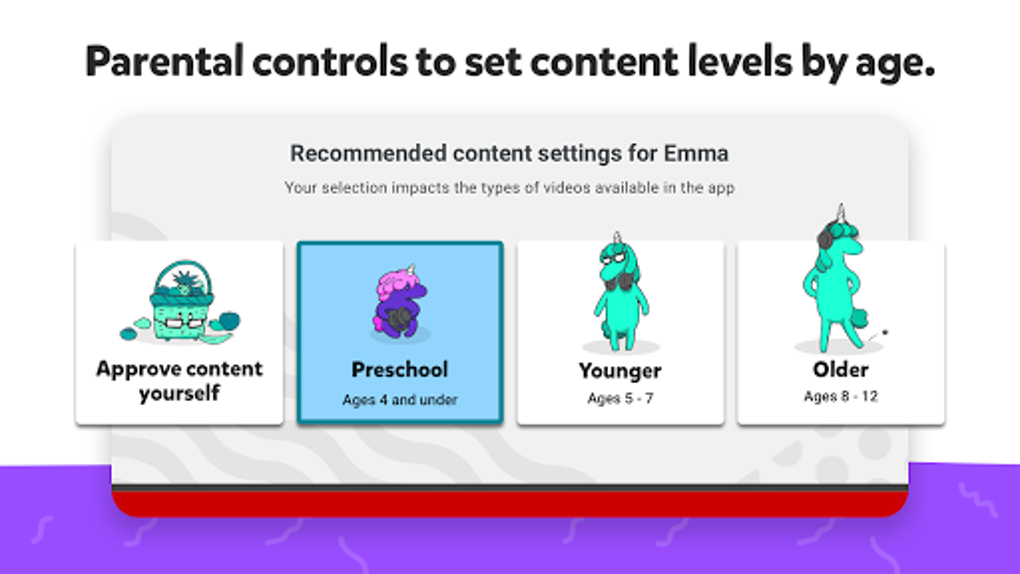
Recognizing the need for parental oversight, YouTube Kids incorporates several parental control features. These controls allow parents to customize the app’s functionality to align with their individual needs and preferences. A key feature is the ability to set a timer, limiting the amount of time a child can spend watching videos. This can be especially useful for managing screen time and ensuring a healthy balance between screen engagement and other activities.
However, the parental controls in YouTube Kids have received some criticism. The limited nature of these options, especially the lack of granular control over content categories beyond basic age-based restrictions, is a common point of concern. For example, the absence of the ability to completely block specific channels or types of content beyond the pre-defined categories could be improved. The security of the parental controls themselves also warrants discussion. While a passcode protects access to settings, it is a numeric code, susceptible to being guessed by children able to read numbers. This makes it crucial for parents to choose strong, unpredictable passcodes.
Educational Value and Content Variety
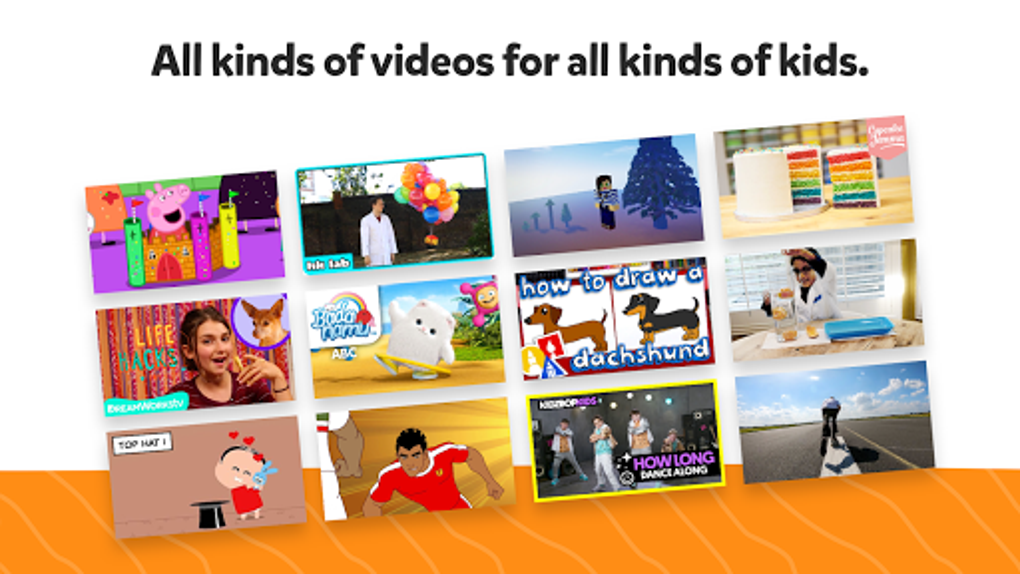
Beyond entertainment, YouTube Kids also serves an important educational purpose. The app features a variety of educational channels, providing access to learning content suitable for diverse age groups and learning styles. Many popular educational programs are included, ensuring access to engaging educational content often found on television. This accessibility empowers parents to use YouTube Kids as a supplementary tool for learning, supplementing traditional educational methods. Children can explore various topics through videos, fostering a playful and interactive learning experience.
However, the educational value varies significantly based on the channels and content selected. It’s crucial for parents to actively curate their children’s viewing habits, ensuring they are exposed to high-quality, educational content that aligns with their learning objectives. The abundance of entertaining but less-educational videos means proactive parental involvement remains necessary. It’s a good idea to preview channels and content before allowing a child unsupervised access.
Limitations and Potential Improvements
Despite its merits, YouTube Kids isn’t without its limitations. One common criticism is the app’s landscape-only orientation. This restricts functionality on smaller devices, potentially making the search and navigation processes cumbersome for children. While the design choices may prioritize screen size for video viewing, usability on smaller screens could benefit from a portrait mode option.
Another area for improvement lies in the breadth of parental controls. The current settings, while helpful, could be more comprehensive. More granular control over content selection would provide parents with greater flexibility in tailoring the app to their specific needs and preferences. Options to block specific channels or themes would enhance the level of customization. Improving the security of the parental passcode mechanism, perhaps by offering alphanumeric password options, would enhance the app’s safety features.
Conclusion: A Necessary Tool for Modern Parenting
YouTube Kids serves as an indispensable tool for parents in the digital age. It offers a relatively safe and engaging space for children to explore a wide range of videos, from entertaining cartoons to educational programs. The curated content, combined with parental controls, makes it a valuable resource for managing children’s screen time and ensuring their online safety.
However, parents should remain proactive in monitoring their children’s viewing habits and actively engaging with the content. While the app provides significant safeguards, it is not a substitute for parental supervision. Understanding the limitations and utilizing the available parental controls effectively are crucial for maximizing the app’s benefits and mitigating potential risks. Regular checks and engagement with the content consumed by the child are vital aspects of responsible digital parenting. While YouTube Kids represents a significant step towards providing a safer online environment for children, it ultimately operates most effectively as a tool complemented by active and informed parental engagement. The continuous improvement and expansion of its safety and customization features will further strengthen its role in supporting safe and enriching online experiences for children.
File Information
- License: “Free”
- Latest update: “August 12, 2025”
- Platform: “Android”
- OS: “Android 15.0”
- Language: “English”
- Downloads: “103.2K”
- Download Options: “Google Play”


