
YouTube VR, a free application for Windows, transforms the way you consume YouTube videos. Moving beyond the standard viewing experience, it immerses you in a virtual theatre environment, enhancing your engagement with 360-degree and standard videos alike. This detailed review explores its features, advantages, drawbacks, and overall effectiveness as a virtual reality video player.
Immersive Viewing Experience: Theatre Mode and 360° Videos
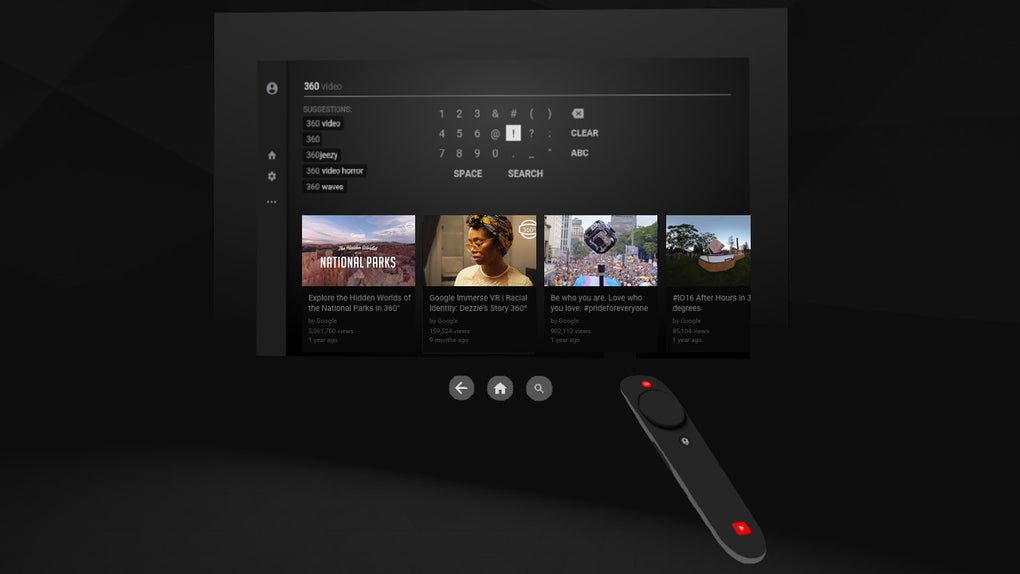
The core innovation of YouTube VR lies in its ability to create a truly immersive viewing experience. Unlike standard YouTube playback, which simply displays the video on your screen, YouTube VR transports you to a virtual cinema. This “theatre mode” eliminates distracting ambient light and external stimuli, focusing your attention solely on the video content. This boxed-in environment, coupled with spatial audio, creates a sense of presence and engagement significantly surpassing the standard app.
The spatial audio component is crucial to the immersive effect. Rather than simply hearing the video’s soundtrack, you experience sound as if you were physically present in the scene. Sounds appear to emanate from specific directions, enhancing realism and creating a more dynamic auditory experience. This is particularly impactful when watching 360-degree videos, where the positional audio adds another layer of depth to the immersive environment. The combination of visual and auditory immersion simulates the experience of being in a dedicated movie theatre, making even standard videos feel more cinematic. The sense of scale and immersion are greatly heightened, particularly impactful when viewing larger-than-life content like nature documentaries or concert recordings.
YouTube VR’s support for 360-degree videos further enhances its immersive capabilities. These videos allow you to look around the scene, exploring the environment in a way that is impossible with traditional video playback. This feature significantly expands the range of content accessible within the virtual theatre. Imagine viewing a breathtaking landscape or exploring a bustling city street – the ability to actively engage with the environment makes the experience profoundly richer.
Seamless Integration with Standard YouTube Features
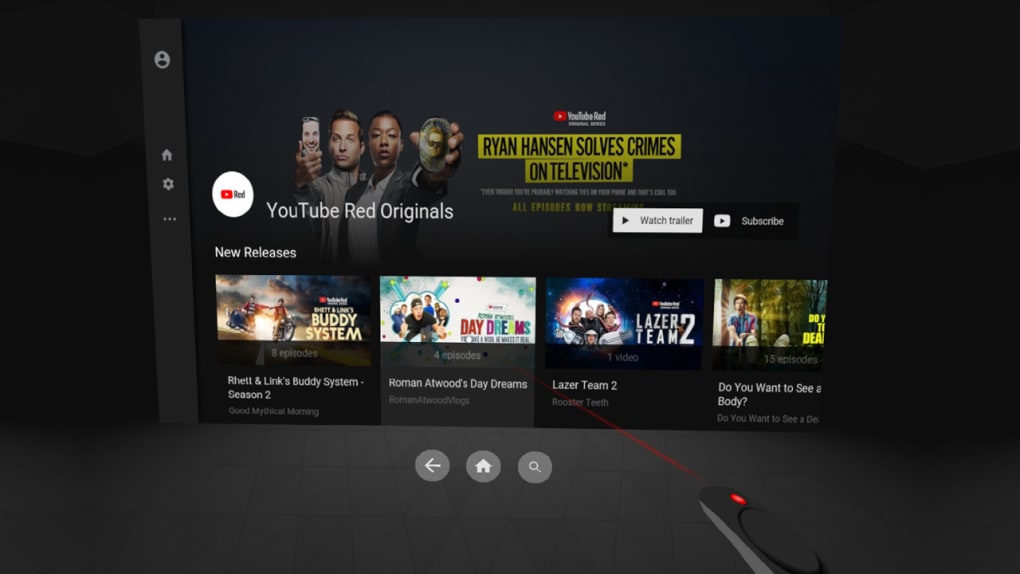
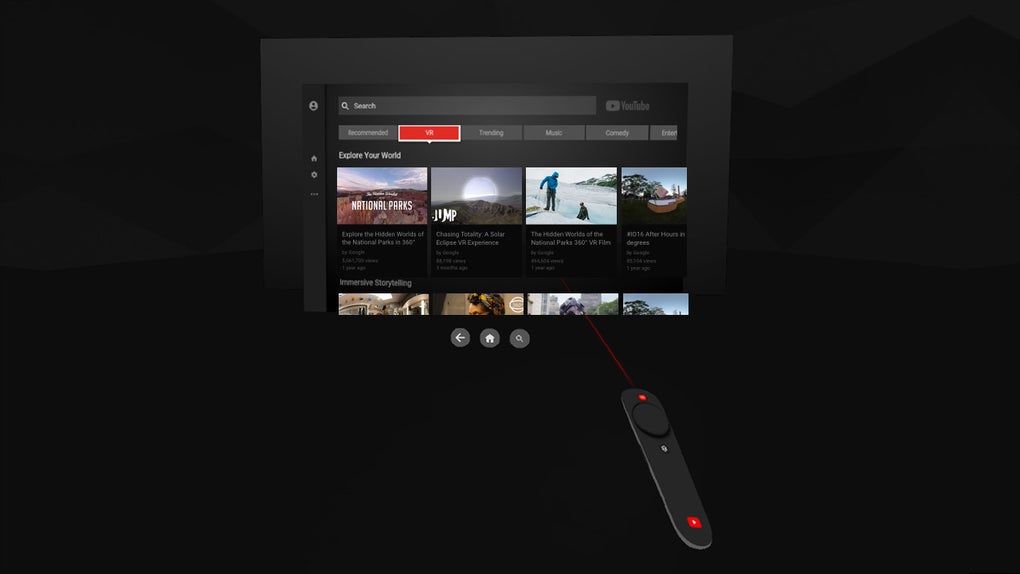
Despite its focus on virtual reality enhancement, YouTube VR retains the functionality and user-friendliness of the standard YouTube application. Users can seamlessly access their existing YouTube accounts, subscriptions, playlists, and watch history. The familiar interface ensures a smooth transition for users accustomed to the standard platform. This seamless integration prevents the need for a steep learning curve and makes the VR experience accessible to a broader audience.
Furthermore, the application allows for uninterrupted searching and browsing while a video plays. Whether using keyboard or voice controls, you can effortlessly navigate YouTube’s vast content library without pausing your current video. This multitasking capability optimizes the user experience by preventing disruptions to the viewing flow. Finding the next video to watch or exploring related content becomes seamless and efficient. This feature, in particular, significantly improves the app’s usability and makes it a more efficient platform for browsing and watching videos.
Strengths and Weaknesses of YouTube VR
YouTube VR, while offering a compelling immersive experience, is not without its drawbacks. While its strengths lie in its unique approach to video playback, certain limitations need to be considered.
Pros:
- Immersive Theatre Mode: The virtual theatre setting effectively enhances focus and engagement. It effectively transforms any video into a more cinematic experience.
- 360° Video Support: The ability to view and interact with 360° videos opens up entirely new possibilities for immersive content consumption.
- Standard YouTube Integration: Access to existing accounts, subscriptions, playlists, and search functionality ensures ease of use and familiar navigation.
- Multitasking Capabilities: Continue watching while browsing or searching without interruptions. This feature improves overall efficiency.
- Spatial Audio: The integration of spatial audio enhances realism and complements the immersive visual experience.
Cons:
- Tracking Issues: Reported tracking problems can impact the overall user experience, particularly during 360° video viewing. This inconsistency in tracking precision can detract from the intended immersive effect.
- Resolution Limitations: A maximum resolution of 1080p may not meet the standards of users accustomed to higher-resolution content. This limitation is particularly noticeable on higher-resolution displays.
- Reused YouTube TV Interface: While leveraging familiar features, the interface might feel somewhat unrefined and could benefit from design improvements specific to the VR environment. This could create inconsistencies in the user experience and potentially reduce the overall quality of immersion.
- Unpolished User Interface: Minor UI inconsistencies and occasional glitches can disrupt the immersive effect. These minor imperfections can detract from the overall polished feel of the application.
Comparison with Alternative Apps
Several alternative applications offer similar or overlapping functionalities. While YouTube VR provides a unique immersive cinema experience, other options might cater to specific user preferences or technical requirements. A comparative analysis would require evaluating specific features, strengths, and weaknesses of competing applications. For instance, some users might prefer dedicated VR video players that offer higher resolution support or more advanced tracking capabilities. Others might prioritize a more streamlined interface or better support for different VR headsets. The ideal choice ultimately depends on individual needs and preferences.
Conclusion: YouTube VR’s Place in the VR Landscape
YouTube VR offers a novel way to consume YouTube content. Its immersive theatre mode and support for 360° videos create a truly engaging experience. While certain limitations such as resolution restrictions and occasional tracking issues exist, the overall impact of enhanced immersion through spatial audio and theatre mode creates a compelling alternative to standard YouTube playback. It successfully blends the convenience of the standard YouTube platform with the captivating potential of virtual reality, making it a noteworthy application for users seeking a more immersive video experience. However, potential users should be aware of the reported tracking limitations and resolution cap before downloading. The application’s overall success depends on the prioritization of immersive experiences over high-resolution fidelity. The future of YouTube VR might see significant improvements in these areas, further solidifying its position in the rapidly evolving landscape of virtual reality entertainment.
File Information
- License: “Free”
- Version: “varies-with-device”
- Latest update: “December 12, 2019”
- Platform: “Windows”
- OS: “Windows 7”
- Language: “English”
- Downloads: “162.2K”


