
ZArchiver Donate is a paid Android application designed as a way to support the development of the popular free file management app, ZArchiver. While offering all the features of its free counterpart, ZArchiver Donate adds several premium functionalities, justifying its cost while simultaneously contributing to the ongoing improvement and maintenance of the entire project. This review will delve into its features, pros, cons, and overall value proposition, comparing it to the free version and other comparable applications.
Core Functionality and Feature Comparison
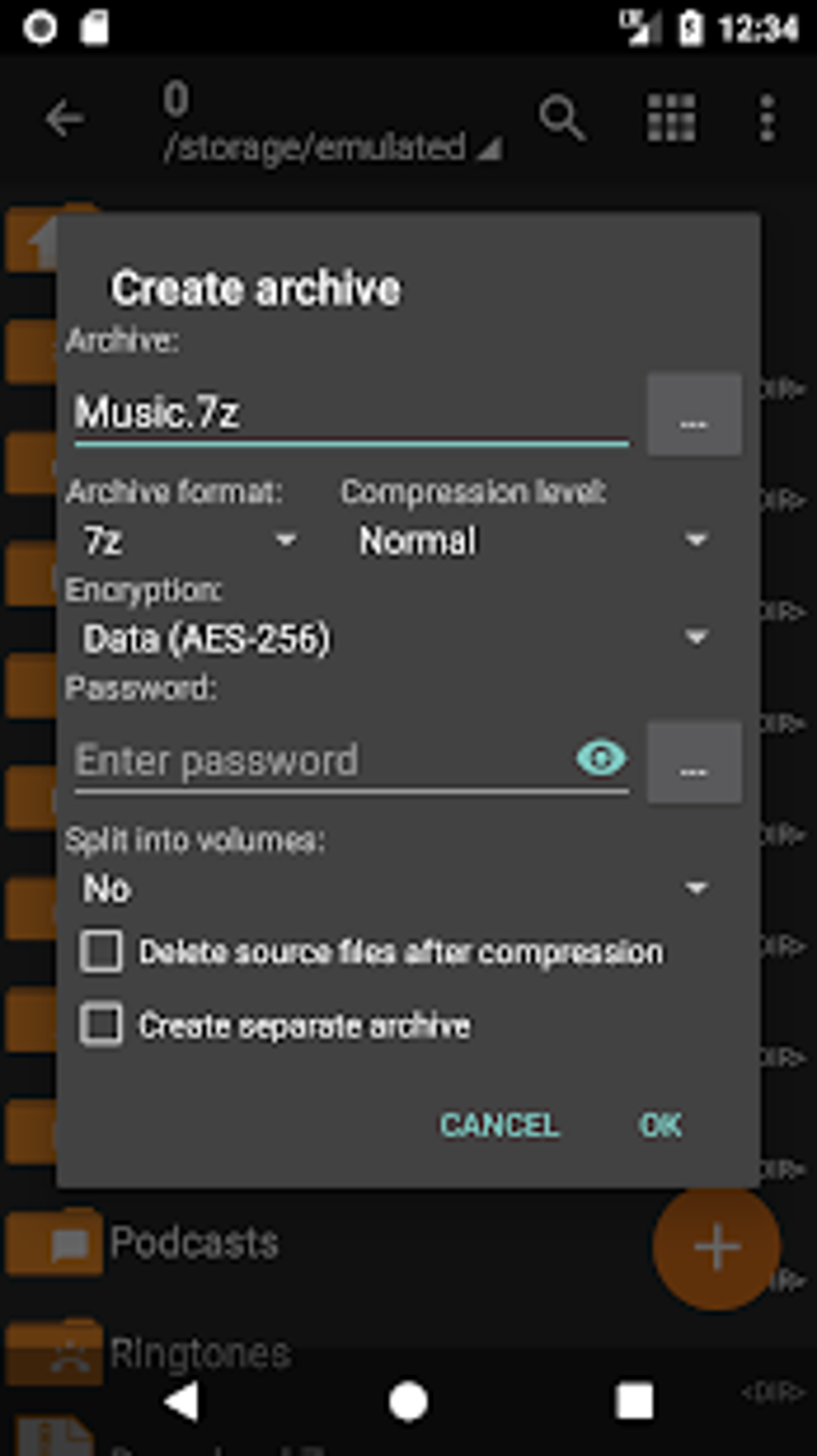
At its heart, ZArchiver Donate retains the core functionality of the free ZArchiver app: the ability to create and extract a wide range of archive file formats. This includes popular formats like ZIP, 7z, RAR, and many more obscure ones. This versatility is a major selling point, eliminating the need for multiple specialized archive managers on your Android device. Both versions efficiently handle compression and decompression, supporting password-protected archives, multi-part archives, and files extracted directly from email attachments. Furthermore, both ZArchiver and ZArchiver Donate boast impressive multithreading capabilities, significantly speeding up the processing of larger archives. The UTF-8/UTF-16 support ensures proper handling of file names containing international characters, a vital feature for users worldwide.
However, the paid version distinguishes itself through several added features that enhance usability and provide a more polished user experience. These premium features include:
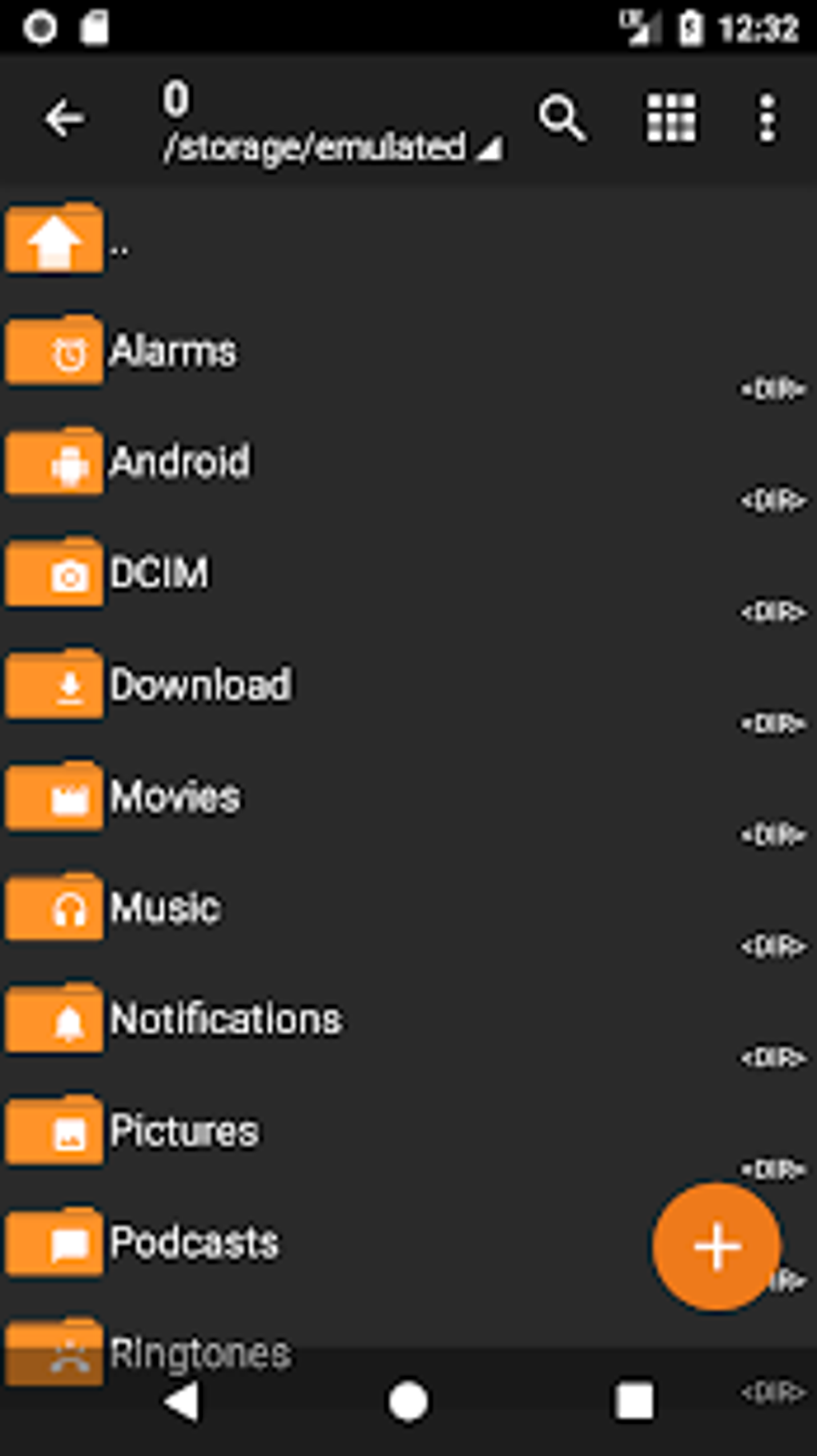
- Light and Dark Themes: ZArchiver Donate offers both light and dark themes, catering to user preferences and improving visual comfort in various lighting conditions. This is a simple but welcome addition, improving the overall aesthetic appeal and usability, especially for users who prefer a dark theme for reduced eye strain.
-
Password Storage: The ability to securely store passwords for frequently accessed archives is a significant improvement on security and convenience. This feature streamlines the process of opening password-protected files, eliminating the need to manually enter passwords every time.
-
Image Previews: ZArchiver Donate allows users to view previews of images within archive files without having to extract them first. This is a significant time-saver, especially when dealing with numerous image files within an archive. The ability to quickly preview images helps users determine the contents of an archive before extraction.
-
In-Archive File Editing (Limited): Although not a full-fledged text editor, ZArchiver Donate offers basic editing capabilities for files within archives in some formats. This allows for quick modifications without the need to extract and re-archive files. This functionality is limited depending on the file type, and users expecting advanced editing features may be disappointed.
User Interface and Experience
Both ZArchiver and ZArchiver Donate share a similar user interface, which is generally intuitive and easy to navigate. However, both versions suffer from a significant drawback: the lack of an in-app tutorial or help section. While experienced users will likely find the interface straightforward, beginners might struggle to understand all the app’s functions without external guidance. This absence of in-app support significantly impacts the user experience, especially for those unfamiliar with archive management tools. While online resources and tutorials are readily available, this lack of built-in help reduces the overall accessibility of the application.
Performance and Resource Usage
ZArchiver Donate’s performance is comparable to its free counterpart, consistently delivering fast and efficient compression and decompression speeds. The multithreading capabilities mentioned earlier ensure this speed is maintained even when working with larger archives. The app’s resource usage is also generally light, making it suitable for use on most Android devices. Performance remains consistent across a variety of hardware specifications, a testament to the app’s well-optimized code. There are no noticeable lags or crashes during normal usage, further highlighting the app’s robustness and efficiency.
Comparison with Alternative File Managers
The Android market is saturated with file manager apps, many of which include archive management capabilities. However, ZArchiver Donate distinguishes itself through its superior support for a wider array of archive formats and its generally efficient processing speeds. While apps like ES File Explorer and other popular file managers offer basic archive functions, they may lack the comprehensive support and speed of ZArchiver. Alternatives often require separate apps for handling specific archive types, whereas ZArchiver handles a vast majority of common and uncommon formats. This consolidated approach streamlines file management, reducing the need for multiple applications.
Is ZArchiver Donate Worth the Price?
The primary justification for ZArchiver Donate’s cost is supporting the ongoing development of the entire ZArchiver project. The purchase directly contributes to maintaining and improving the free version available to millions of users. While the premium features added are undoubtedly helpful, the true value lies in supporting a well-maintained and frequently updated project that benefits all users, both paid and free. The added features, such as the themes, password storage, and image previews, enhance usability and convenience, but they may not be crucial features for every user. Users already comfortable with the free version might find the additional cost unnecessary. However, those who appreciate the value of supporting open-source development and desire the added convenience of the premium features may find ZArchiver Donate a worthwhile investment.
Conclusion
ZArchiver Donate is a powerful and versatile archive manager that enhances the already impressive functionality of its free counterpart. While the lack of an in-app tutorial remains a significant drawback, the added premium features and the direct contribution to the project’s development make it a compelling option for many users. The choice ultimately boils down to individual needs and priorities. If you heavily rely on archive management and appreciate the added convenience of the premium features, and value supporting ongoing development, ZArchiver Donate offers great value. However, if you are comfortable with the free version and are less concerned about supporting the developers, the free version remains a highly capable alternative.
File Information
- License: “Full”
- Latest update: “June 25, 2024”
- Platform: “Android”
- OS: “Android 13.0”
- Language: “English”
- Downloads: “349.6K”
- Download Options: “Google Play”


