
zFont 3 - Emoji & Font Changer is a free Android utility app developed by Khun Htetz Naing that allows users to easily customize their device’s fonts and emojis. This review will delve into its features, functionality, pros and cons, and provide a comprehensive assessment of its user experience.
Ease of Use and Interface
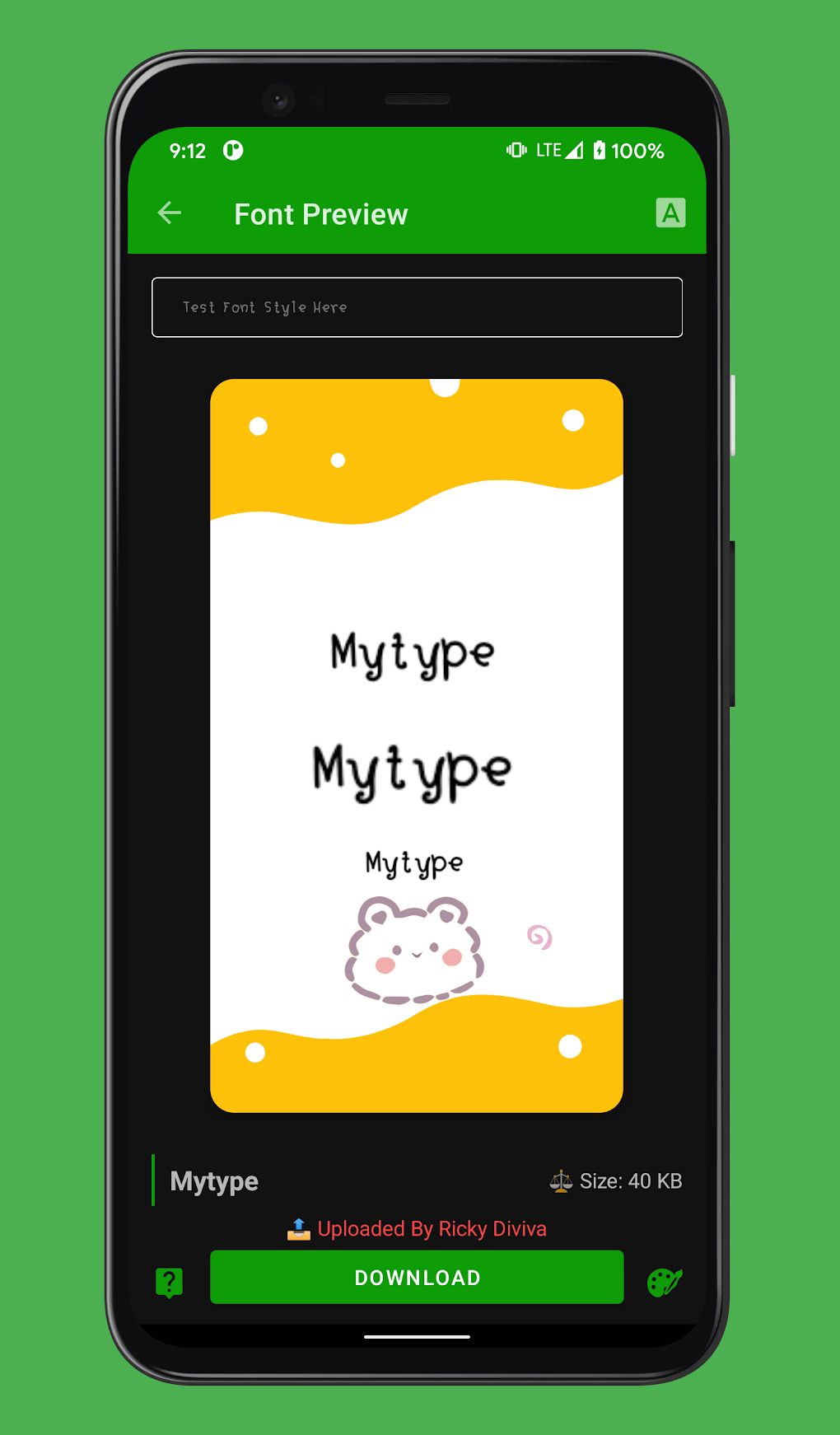
The app boasts a user-friendly interface, designed for straightforward navigation. The font selection process is incredibly simple. Users are presented with a well-organized list of fonts, categorized for efficient browsing. This categorization makes finding the desired font a quick and painless experience, even for those unfamiliar with font customization apps. The clear layout and intuitive design minimize the learning curve, ensuring accessibility for a wide range of users, regardless of their technical expertise. Furthermore, the inclusion of a preview function allows users to visualize how a selected font will appear on their device before committing to the change, eliminating the need for trial and error. This feature significantly enhances the user experience and promotes confident decision-making. The app’s dark mode option is a welcome addition, enhancing visibility and reducing eye strain, particularly during nighttime use.
Functionality and Features
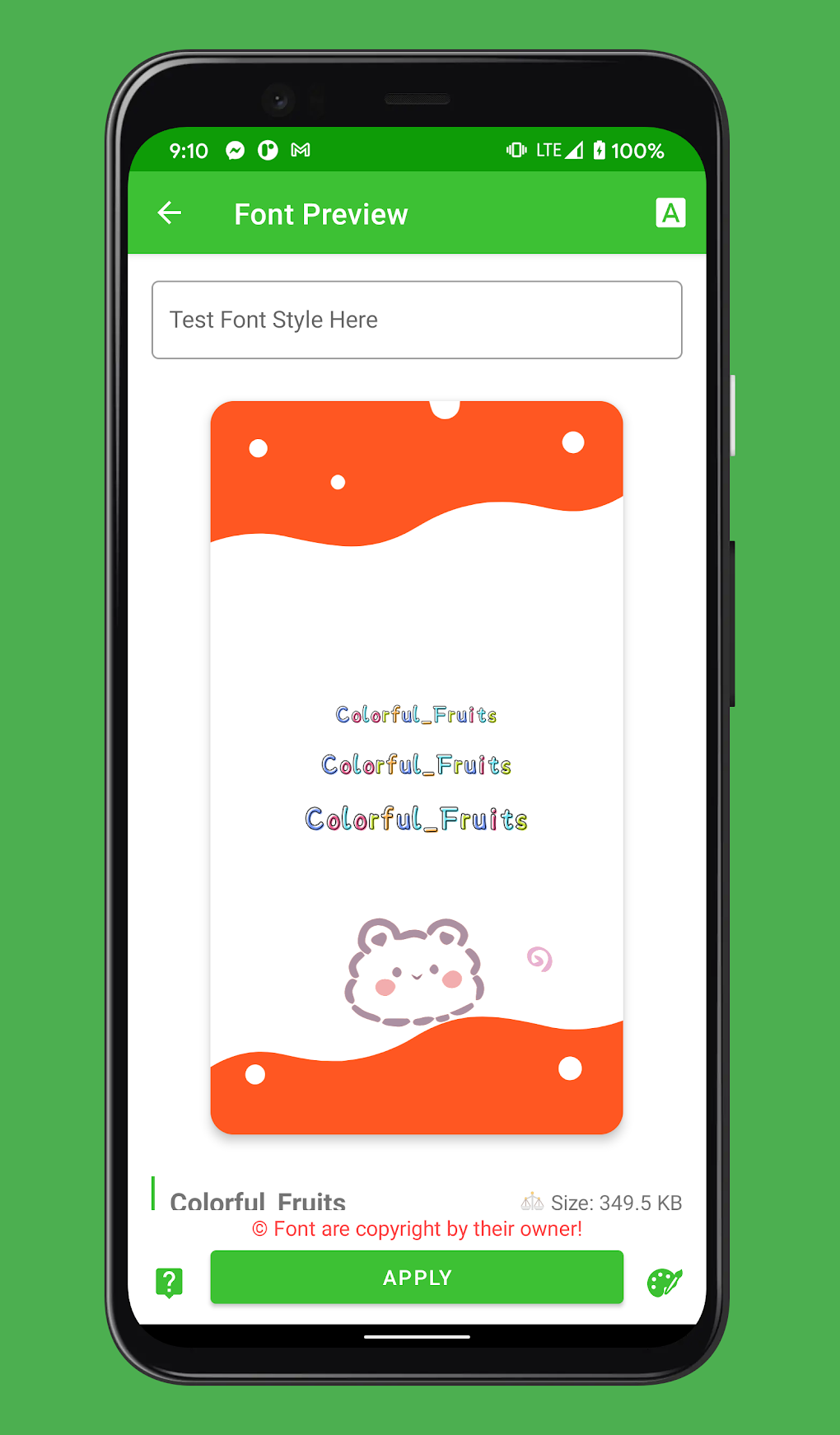
The primary function of zFont 3 - Emoji & Font Changer is, as its name suggests, to change fonts. This core functionality extends to a broad range of Android devices from various manufacturers, including but not limited to Samsung, Huawei, LG, Vivo, Oppo, Realme, Tecno, Infinix, and devices running MIUI. The app’s compatibility with numerous brands and models significantly broadens its appeal and usefulness. Beyond font modification, the app offers the additional capability to customize emojis, providing a more holistic approach to device personalization. This dual functionality allows users to tailor both textual and visual elements of their Android experience. The availability of multiple font categories – including Myanmar, English, Khmer, Chakma, Shan, PaOh, and many others – caters to diverse linguistic needs and preferences. This rich selection ensures users can find fonts that match their cultural background and aesthetic tastes. The free access to these extensive font and emoji libraries is a major advantage, adding considerable value to the application.
Compatibility and Device Support
While zFont 3 - Emoji & Font Changer supports a wide variety of Android devices, it’s crucial to acknowledge its limitations. The app may not be compatible with older Android versions or devices with limited processing power. This incompatibility is a significant drawback, potentially excluding a segment of the Android user base from enjoying its features. For some devices, users might need to adjust regional settings within their device’s system settings to ensure the app functions correctly. This requirement, while not overly complex, adds an extra step to the installation and setup process. Before installing, users should carefully check the compatibility details to ensure their device meets the app’s minimum requirements. This proactive check will prevent potential frustration and ensure a smooth user experience.
Pros and Cons
Pros:
- Extensive Font Selection: The app offers a vast library of fonts, categorized for easy browsing. The wide range of styles and languages caters to a diverse user base.
- Emoji Customization: Beyond fonts, the app allows users to customize their device’s emojis. This added functionality enhances the personalization possibilities.
- User-Friendly Interface: The app is designed for intuitive navigation, making it accessible to users of all technical skill levels.
- Wide Device Compatibility: The app supports a large number of Android devices from various manufacturers.
- Preview Function: Users can preview fonts before applying them, eliminating the need for trial and error.
- Free to Use: The app is entirely free, offering a significant advantage over paid alternatives.
- Dark Mode: The inclusion of a dark mode enhances readability and reduces eye strain.
Cons:
- Incompatibility with Older Devices: The app’s functionality may be limited or nonexistent on older Android devices.
- Potential Regional Setting Adjustments: Some users may need to adjust their device’s regional settings for the app to function correctly.
- Optimization Issues: While generally well-designed, some users may experience minor optimization issues.
Comparison with Alternative Apps
Several alternative apps offer similar font and emoji customization capabilities. However, zFont 3 - Emoji & Font Changer distinguishes itself through its extensive font library, user-friendly interface, and its entirely free nature. Many competitors either have a smaller font selection or charge subscription fees for access to premium features. The app’s comprehensive functionality, coupled with its free availability, makes it a compelling option for users seeking to personalize their Android experience without financial commitment.
Overall Assessment
zFont 3 - Emoji & Font Changer is a valuable tool for Android users seeking to personalize their devices. Its intuitive interface, extensive font library, and added emoji customization features make it a strong contender in the font customization app market. While incompatibility with older devices remains a limitation, the app’s strengths significantly outweigh this drawback for most users. The free access to a wide range of fonts and emojis adds substantial value, making it a highly recommended choice for those wanting to enhance their Android experience without spending any money. The app’s straightforward design and functionality make it an accessible and enjoyable tool for both novice and experienced Android users. Regular updates and improvements could further enhance the app’s performance and expand its compatibility, solidifying its position as a leading option in the Android font customization category. The developer’s ongoing commitment to improvement will determine its long-term success and continued relevance in a competitive market.
File Information
- License: “Free”
- Latest update: “April 4, 2024”
- Platform: “Android”
- OS: “Android 13.0”
- Downloads: “193.9K”
- Download Options: “Google Play”


