
ZPN Connect is a free VPN (Virtual Private Network) client designed to enhance online security and privacy. Available for Windows, it offers users a straightforward method to encrypt their internet traffic, masking their IP address and location from potential trackers and allowing access to geo-restricted content. This review delves into the features, performance, and overall user experience of ZPN Connect, examining its strengths and weaknesses to provide a balanced assessment.
Security and Privacy Features: Protecting Your Online Identity
At its core, ZPN Connect aims to safeguard user privacy and security while browsing the internet. It achieves this primarily through VPN encryption, a process that scrambles internet traffic, making it unreadable to unauthorized parties. This encryption prevents internet service providers (ISPs), government agencies, and other potential surveillance entities from monitoring online activity. By masking the user’s IP address, ZPN Connect also conceals their geographical location, allowing them to access websites and services that might be blocked in their region due to geographical restrictions or censorship.
The service utilizes OpenVPN and L2TP/IPSec protocols, both known for their robust security. OpenVPN, particularly, is a widely respected and open-source protocol, appreciated for its flexibility and strong encryption capabilities. L2TP/IPSec, while slightly less versatile, provides a solid alternative, offering good encryption and compatibility. The inclusion of both protocols ensures a wider range of compatibility with different devices and networks.
A crucial security feature offered by ZPN Connect is the killswitch. A killswitch is a safety mechanism that automatically cuts off internet access if the VPN connection drops unexpectedly. This prevents accidental exposure of the user’s real IP address and unencrypted data during connection interruptions, a significant advantage for maintaining online security.
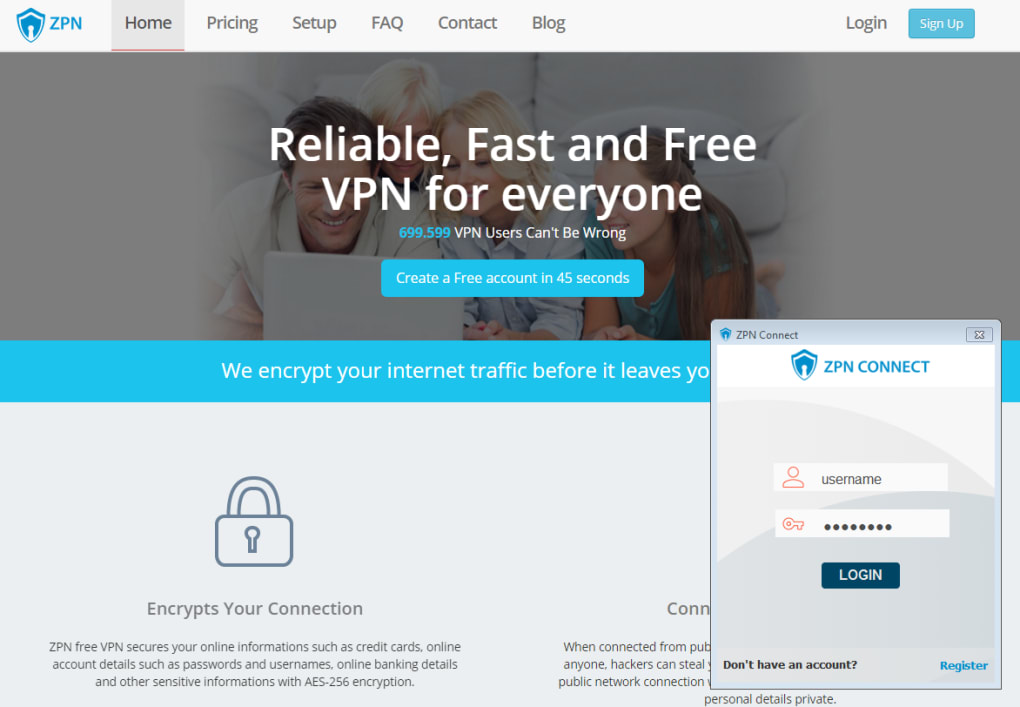
ZPN Connect also boasts a NAT (Network Address Translation) firewall, providing an additional layer of protection against unauthorized network access. This helps shield devices from potential threats and intrusion attempts, adding to the overall security offered by the VPN service. The absence of traffic logging is also a considerable plus for users who value their online privacy. ZPN Connect explicitly states it does not log user activity, a critical factor for those concerned about data collection and privacy violations.
However, it’s important to note that while ZPN Connect offers several security features, the free version comes with limitations. The free plan has a monthly data cap of 10GB, which may restrict users with high internet usage. Premium accounts, on the other hand, offer unlimited bandwidth and additional features.
User Interface and Ease of Use: Navigating the ZPN Connect Client
ZPN Connect boasts a user-friendly interface, characterized by its simplicity and straightforward design. The client’s visual appeal might not be groundbreaking, but its functionality is clear and easy to navigate, even for users with limited technical expertise. Connection status and relevant statistics are displayed prominently, providing users with a quick overview of their connection. Settings adjustments can be made through intuitive menus, allowing customization of connection parameters. However, the client does have a minor flaw: changes made to settings are not immediately applied; a restart of the application is necessary to implement these changes. This slight inconvenience could be improved with a more intuitive design that automatically applies changes without requiring a restart.
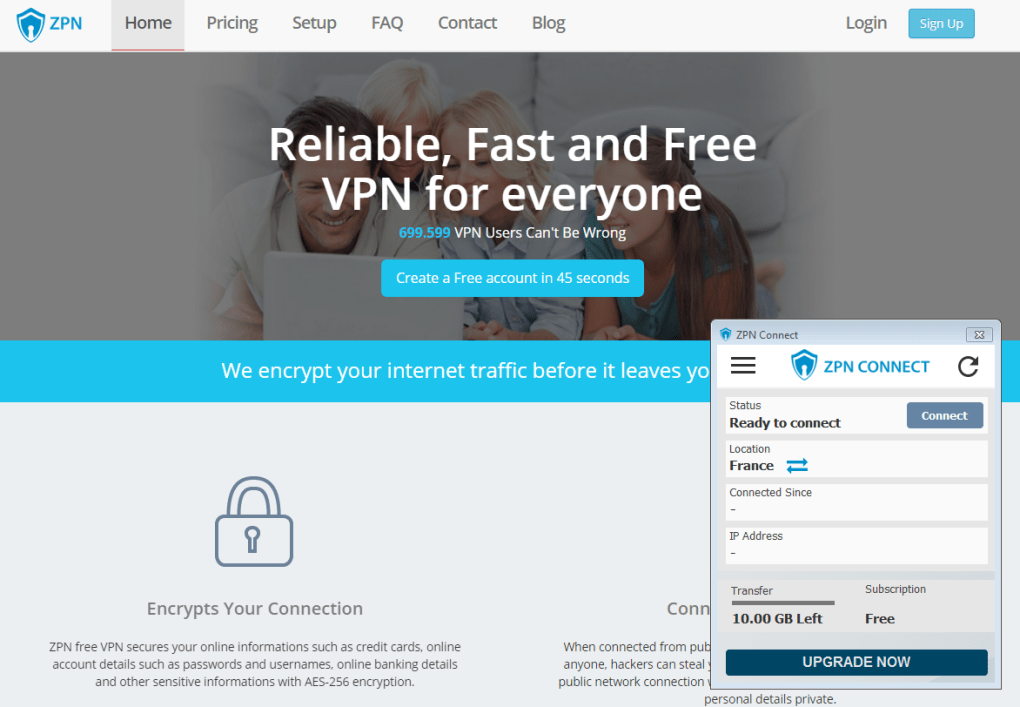
The initial setup and startup of the ZPN Connect client are described as quick and easy, indicating a smooth and user-friendly onboarding process for new users. This suggests that users can quickly establish a secure VPN connection without encountering significant technical hurdles. The lack of extensive support material, however, may pose a challenge for users unfamiliar with VPN technology. While the interface’s simplicity is advantageous for ease of use, a more comprehensive help section or tutorial would significantly enhance the user experience and cater to a wider range of technical skill levels.
Performance and Speed: Balancing Security and Connectivity
Like most VPN services, ZPN Connect introduces some reduction in connection speeds compared to a direct internet connection. This speed reduction is a common trade-off for the enhanced security and privacy offered by VPN encryption. The extent of this speed reduction can vary depending on various factors, including server load, geographical distance to the selected server, and the user’s internet connection speed.
While ZPN Connect provides a reliable service, the free plan’s limited bandwidth (10GB per month) may restrict heavy internet users. The user base reports a range of experiences, with some finding the speed acceptable and others experiencing noticeable slowdowns. This variation is common among VPN services and underscores the importance of considering individual internet usage and expectations. The strategically located servers aim to minimize latency and maximize speed, however, user experiences may vary based on geographical location and network conditions.
The premium version of ZPN Connect, by contrast, offers unlimited bandwidth, likely mitigating speed limitations associated with the free version. For users with substantial data needs or who prioritize speed, upgrading to the premium subscription would be a worthwhile consideration.
Features and Functionality: Beyond Basic VPN Protection
Beyond its primary function as a VPN client, ZPN Connect offers several additional features that enhance its overall value. Access to multiple server locations across more than 20 countries allows users to circumvent geo-restrictions and access region-specific content. This is particularly useful for accessing streaming services, social media platforms, and other websites that may be blocked in certain regions. The ability to switch between countries easily provides flexibility in choosing servers to optimize connection speed and bypass specific geographical restrictions.
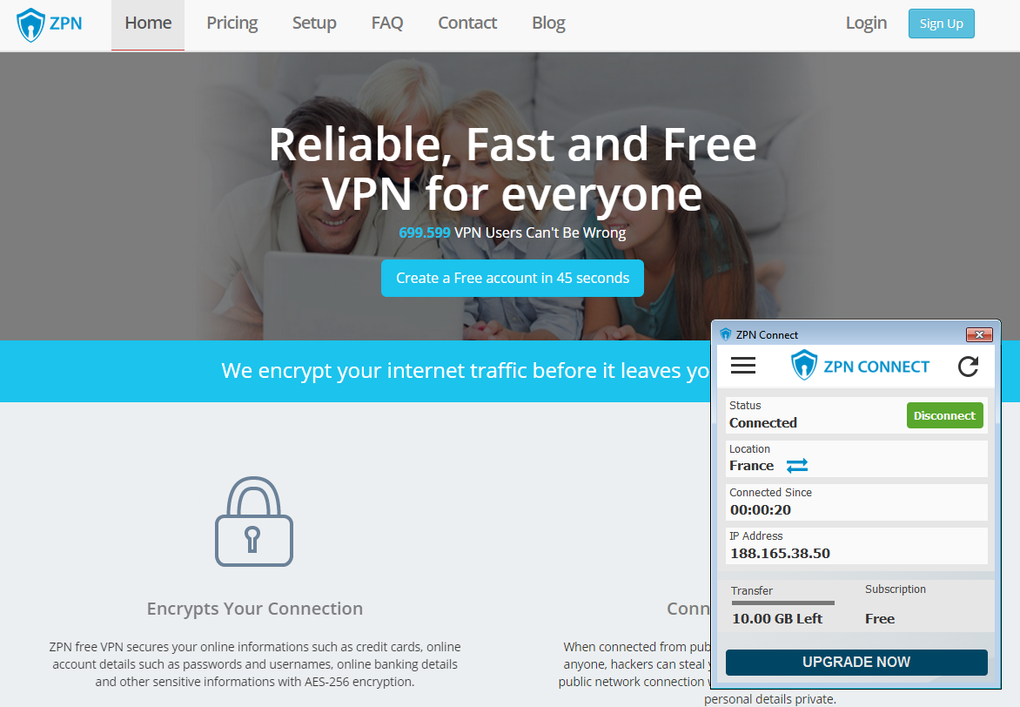
The absence of advertisements is another significant advantage of ZPN Connect. Many free VPN services incorporate ads into their clients, which can be intrusive and disruptive to the user experience. ZPN Connect’s ad-free nature ensures a cleaner and more focused user experience, allowing users to connect and browse without interruptions.
Alternatives and Comparisons: Considering Other VPN Options
ZPN Connect competes with a vast array of other VPN services, both free and paid. While its free version offers a basic level of functionality, paid options often provide superior performance, security, and additional features. Users considering ZPN Connect should compare it to other VPN services in the market to determine the optimal choice based on their needs and priorities. Factors such as server locations, bandwidth limits, security protocols, and pricing models should all be carefully considered before making a decision. Many alternative VPN providers offer free trials, which allow users to test their services before committing to a subscription.
Conclusion: ZPN Connect – A Suitable Choice for Basic Needs
ZPN Connect offers a simple, easy-to-use VPN client with a focus on security and privacy. Its user-friendly interface, quick setup, and ad-free environment are attractive features. However, the limited bandwidth of the free version and the lack of extensive support material may limit its appeal to some users. While suitable for users with moderate internet usage and basic VPN requirements, those needing unlimited bandwidth, advanced features, or extensive customer support might find more robust solutions in paid VPN services. Overall, ZPN Connect provides a functional and reasonably secure VPN experience for those seeking a straightforward and free option, but users with more demanding needs may benefit from exploring paid alternatives.
File Information
- License: “Free”
- Latest update: “July 11, 2023”
- Platform: “Windows”
- OS: “Windows 8.1”
- Language: “English”
- Downloads: “489.5K”
- Size: “11.42 MB”


