
AnyDesk is a free, user-friendly remote desktop software that allows you to access and control another computer remotely, irrespective of geographical location. This detailed guide explores its features, functionality, security protocols, advantages, disadvantages, and comparisons with other remote access solutions. Whether you’re a tech support professional, a student collaborating on a project, or simply needing to access your home computer while traveling, AnyDesk offers a robust and reliable solution for remote desktop access.
What is AnyDesk and How Does it Work?
AnyDesk, developed by the German company AnyDesk Software GmbH and programmed in C++, operates on a freeware license, making it freely accessible for personal use. Its core functionality centers on establishing secure, bidirectional remote connections between computers and mobile devices. This capability extends beyond simple access; users can perform virtually any task on the remote machine as if they were sitting directly in front of it. The software achieves this through a sophisticated, TLS-1.2-based security protocol, ensuring the confidentiality and integrity of all data transmitted during the remote session. This level of security is comparable to that used by online banking applications, significantly mitigating the risks associated with remote access.
The process of connecting to a remote computer using AnyDesk is remarkably straightforward. Once the software is downloaded and executed on both the host and client machines, each device will display a unique nine-digit address (similar to an IP address, but simpler). To initiate a connection, the client simply inputs the nine-digit address of the host computer into the designated field within the AnyDesk application. Upon clicking “Connect,” a secure remote session is established, allowing the client full control of the host computer’s desktop. The software also incorporates a “File Transfer” mode, facilitating the exchange of files between the connected machines, although this functionality is relatively limited compared to dedicated file transfer applications.
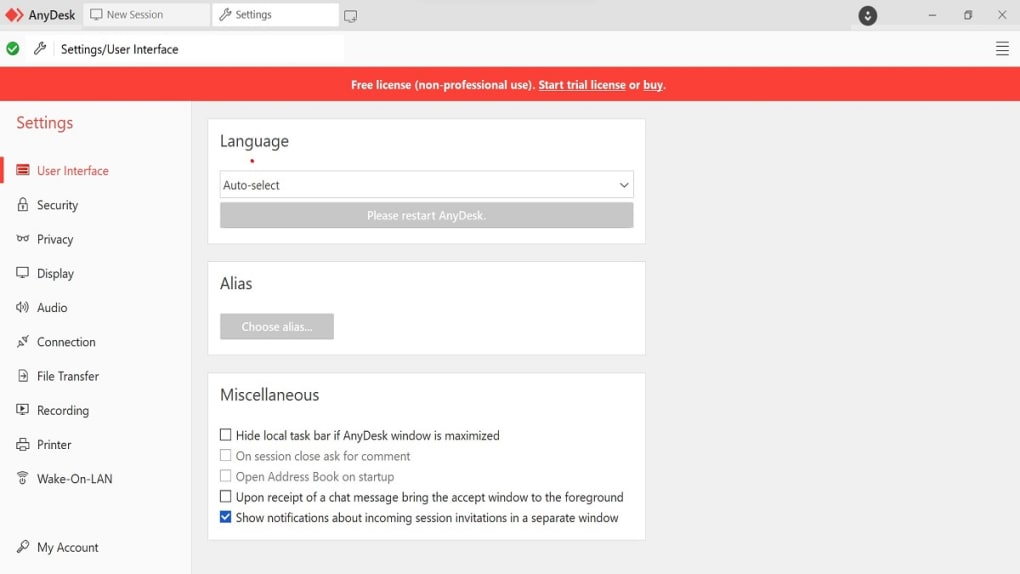
AnyDesk’s intuitive interface is designed for ease of use, eliminating the complexities often associated with other remote desktop solutions. This ease of use contributes significantly to its popularity, especially amongst individuals unfamiliar with advanced technical concepts. The software’s focus on simplicity, coupled with its robust security features, makes it a highly accessible and secure option for both novice and experienced users.
Security Features and Protocols
Security is a paramount concern when considering remote desktop software, and AnyDesk excels in this regard. Employing the robust TLS 1.2 protocol, AnyDesk encrypts all data transmitted between the host and client machines. This encryption method is widely recognized for its security and reliability, effectively shielding sensitive information from unauthorized interception. Further bolstering its security posture, AnyDesk utilizes RSA 2048 asymmetric key exchange encryption to authenticate each connection, ensuring that only authorized users can access the remote computer. This multi-layered approach significantly reduces the risk of unauthorized access and data breaches, making AnyDesk a trustworthy choice for both personal and sensitive professional applications.
The software’s security features are not merely a technical implementation; they are an integral part of the AnyDesk user experience. The straightforward connection process, reliant on easily shared nine-digit addresses rather than complex IP configurations, contributes to a streamlined and secure user workflow. This focus on user experience without compromising security is a key factor in AnyDesk’s appeal to a broad spectrum of users, ranging from individual users to organizations requiring secure remote access capabilities.
AnyDesk’s Strengths and Weaknesses
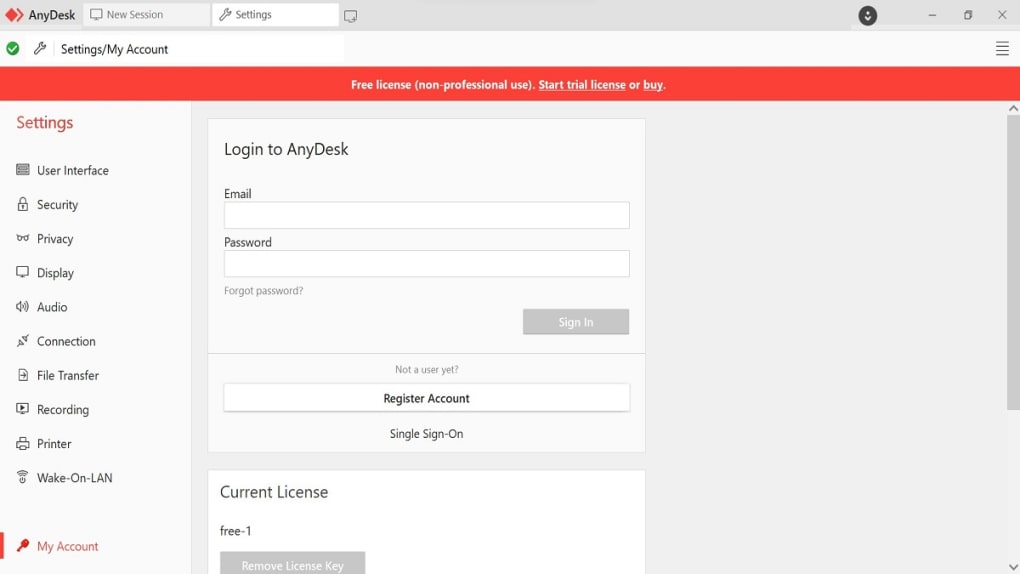
AnyDesk boasts several compelling advantages that have contributed to its widespread adoption. Its ease of use is arguably its most significant strength. The straightforward installation and connection processes make it accessible to individuals with limited technical expertise, allowing quick and efficient remote access without navigating complex configurations. The software’s speed and low latency also contribute to a seamless remote experience, making it feel as though the user is interacting directly with the host machine.
Further adding to its appeal, AnyDesk is highly secure, leveraging robust encryption protocols to protect sensitive data. This emphasis on security provides peace of mind for users concerned about the potential risks associated with remote access. The software’s cross-platform compatibility is also notable, supporting a wide range of operating systems, including Windows (7 and later), macOS, Chrome OS, Linux, FreeBSD, iOS, and Android, expanding its accessibility across diverse technological landscapes.
However, AnyDesk is not without limitations. One notable drawback is its limited file transfer capabilities. While file transfer is supported, the functionality is less comprehensive than that found in dedicated file transfer applications. The software’s performance is also heavily reliant on the available bandwidth, with slower internet connections potentially impacting the responsiveness of the remote session. Furthermore, the customization options in AnyDesk are relatively scarce, limiting the ability of users to personalize their experience.
Finally, while suitable for individuals and small teams, AnyDesk’s functionality may prove insufficient for large organizations or enterprise-level deployments requiring advanced features such as centralized management, user role-based access control, or integration with existing IT infrastructure.
AnyDesk: A Comparison with Other Remote Desktop Solutions
AnyDesk frequently finds itself compared with other prominent remote desktop software solutions, notably TeamViewer and Supremo Remote Desktop. While each program offers remote desktop access capabilities, they differ in their features, strengths, and target audiences. AnyDesk often receives praise for its ease of use and speed compared to TeamViewer, which, while offering a wider range of features, can sometimes feel more complex to navigate. Supremo Remote Desktop, on the other hand, frequently competes with AnyDesk on the grounds of simplicity, although it may lack the broader platform support of AnyDesk.
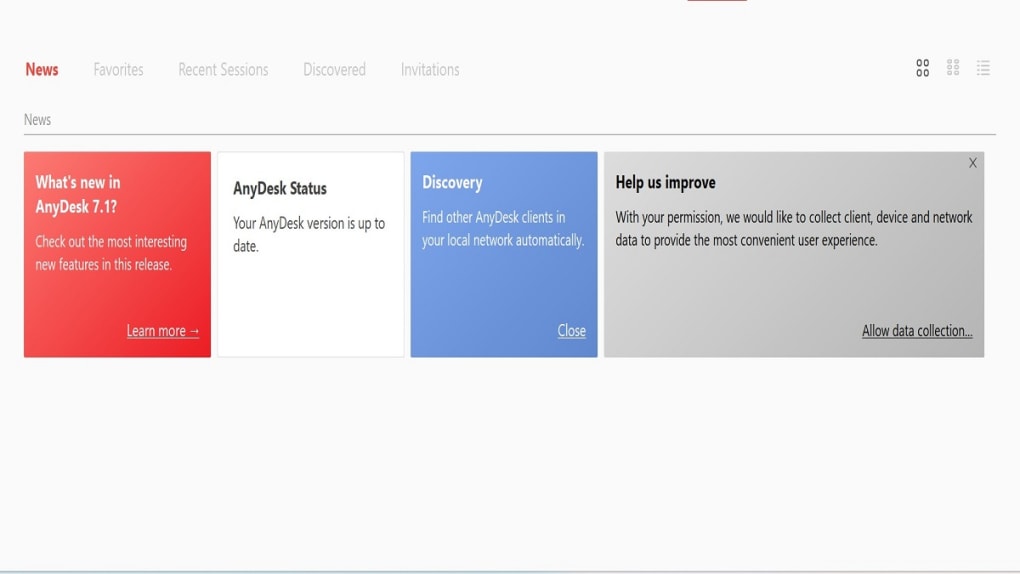
Ultimately, the “best” solution depends on the user’s specific requirements. Individuals seeking a straightforward, high-performing, and secure solution for occasional remote access may find AnyDesk ideal. However, organizations needing sophisticated management tools, advanced security features, or extensive customization options might find TeamViewer or other enterprise-grade solutions more suitable.
AnyDesk’s Place in the Remote Work Landscape
In the ever-evolving landscape of remote work and collaboration, AnyDesk has carved a niche for itself as a reliable and user-friendly solution. Its intuitive design, coupled with its robust security features, makes it an attractive option for both individuals and smaller teams. Its cross-platform compatibility expands its reach across various operating systems and devices. The software’s speed and low latency further contribute to a smooth and efficient remote experience, enhancing productivity.
However, AnyDesk’s limitations should be considered. Its comparatively limited file transfer functionality and restricted customization options may not suffice for users with more advanced needs. While excellent for personal use or small-scale professional use, larger organizations may benefit from exploring alternative solutions offering more comprehensive features and centralized management capabilities. The decision to use AnyDesk ultimately depends on aligning its features and capabilities with the specific demands of the user or organization. Despite its limitations, AnyDesk remains a valuable tool for anyone requiring convenient, secure, and efficient remote desktop access.


