
BitComet is a veteran in the world of peer-to-peer (P2P) file sharing, offering a robust and feature-rich torrent client experience. While it might not boast the sleekest interface or the widest name recognition compared to some newer entrants, BitComet holds its own with a strong emphasis on performance, configurability, and unique features that cater to users prioritizing control and efficiency. This review delves into the capabilities, strengths, and weaknesses of BitComet, examining its functionality and user experience to determine its place in today’s competitive landscape.
BitComet’s Core Functionality: Beyond Basic Torrenting
BitComet stands out from the crowd by supporting multiple download protocols beyond the typical BitTorrent. It seamlessly handles HTTP and FTP downloads, consolidating various file acquisition methods into a single, centralized application. This versatility eliminates the need for multiple download managers, simplifying the process for users juggling different download types. The client’s core functionality revolves around efficiently managing torrent downloads, but its broadened support extends its usability for a wide range of tasks.
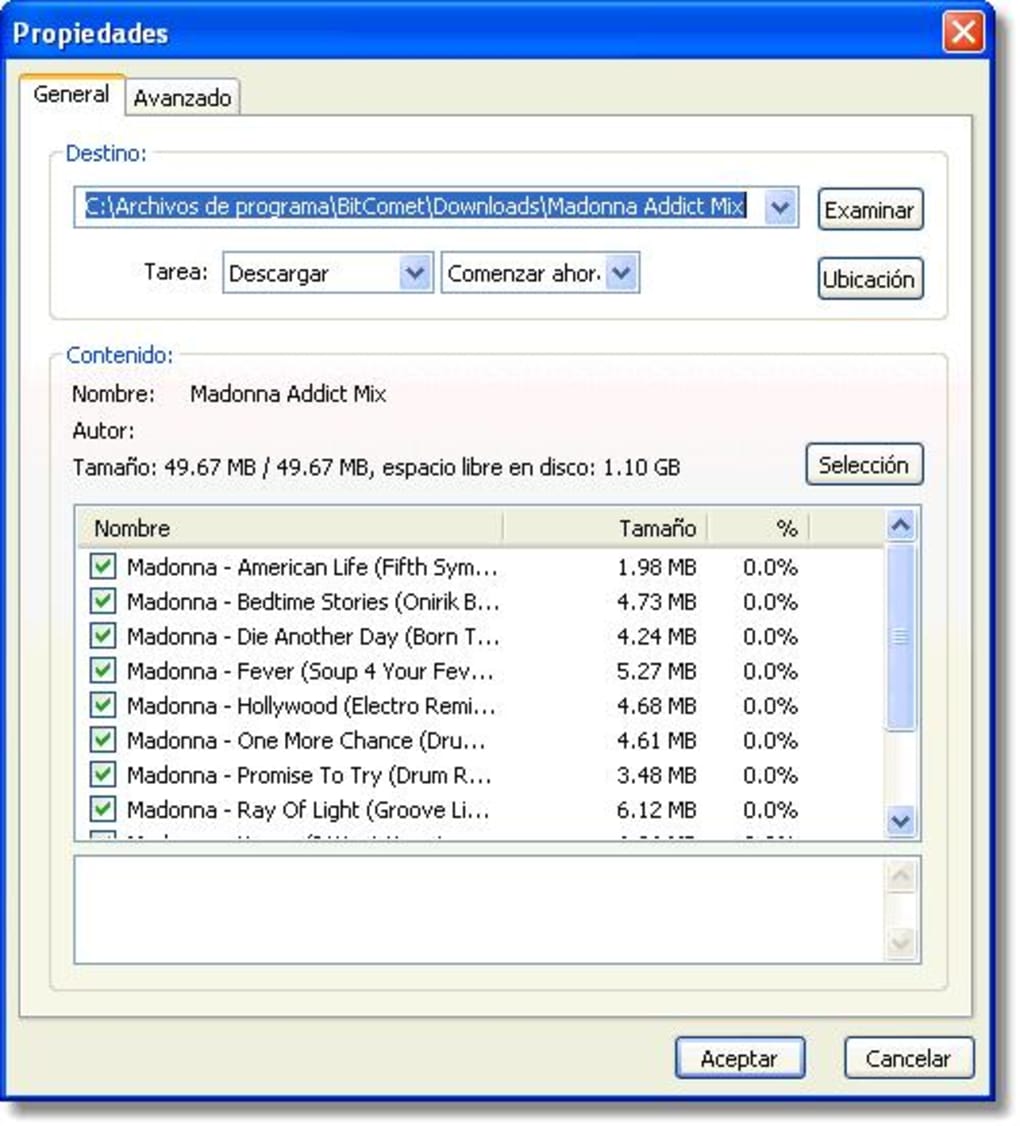
Beyond its multi-protocol support, BitComet incorporates several intelligent features that enhance the overall downloading experience. Its memory caching system is particularly noteworthy. Unlike many clients that primarily rely on hard drive writes during the download process, BitComet strategically caches download data in RAM, minimizing the number of write operations to the hard drive. This is not only faster but significantly reduces the wear and tear on the hard drive, a crucial aspect for users concerned about hard drive longevity. While the benefit is perhaps less pronounced on Solid State Drives (SSDs), the speed increase alone is a significant advantage.
Another powerful feature is BitComet’s persistent seeder seeking. This functionality actively searches for seeders (users who have the complete file and can upload it) throughout the download process. This proactive approach significantly reduces the likelihood of stalled downloads, especially when nearing completion. This prevents the frustrating scenario of a download grinding to a halt at the very end, a common problem with less sophisticated torrent clients. In addition to its core functionality, BitComet offers robust organizational tools, helping users keep track of their downloads and maintain a well-organized library of downloaded files.
The User Interface: A Blend of Power and Complexity
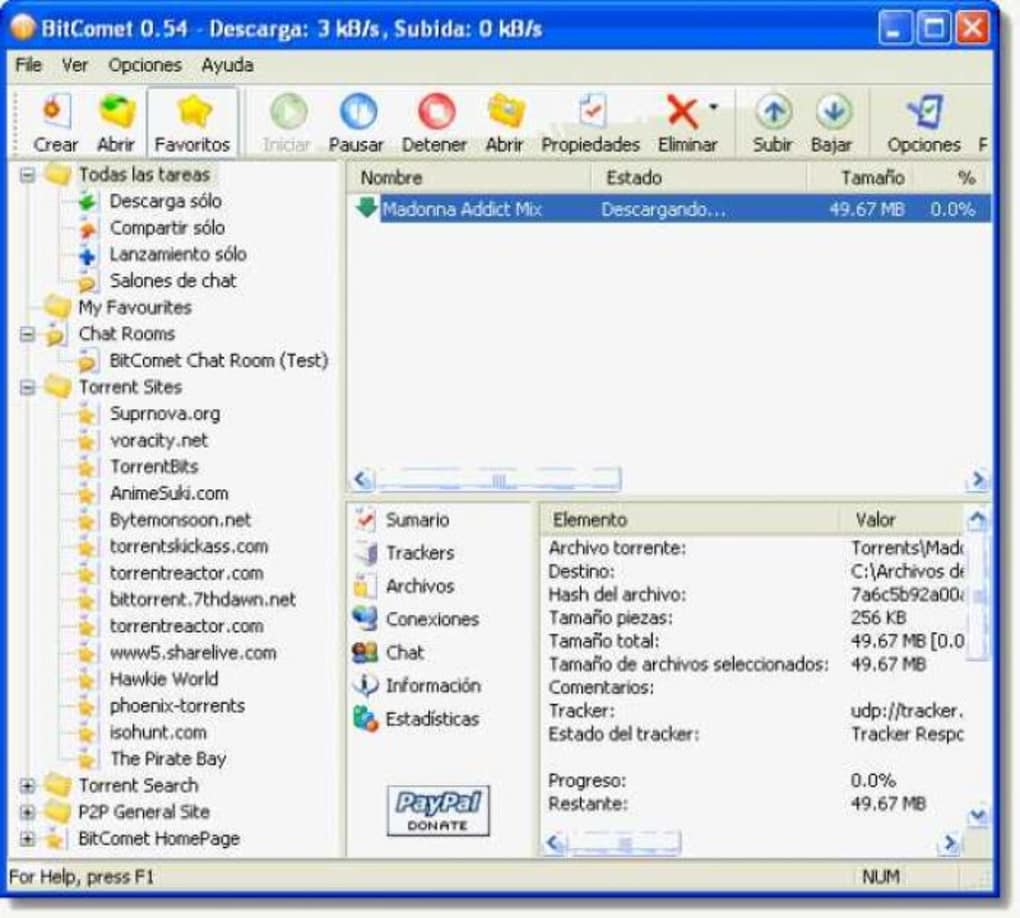
BitComet’s user interface is a double-edged sword. While highly configurable and informative, its design may appear somewhat dated and complex to users accustomed to more streamlined interfaces. The abundance of lists, tabs, and settings might overwhelm newcomers. The program’s interface leans heavily on a traditional tabbed layout, a design choice that has its advantages and disadvantages. While this organization provides a detailed view of various aspects of downloads, some users might find it cluttered and less intuitive than modern interfaces that utilize more visual cues and streamlined dashboards.
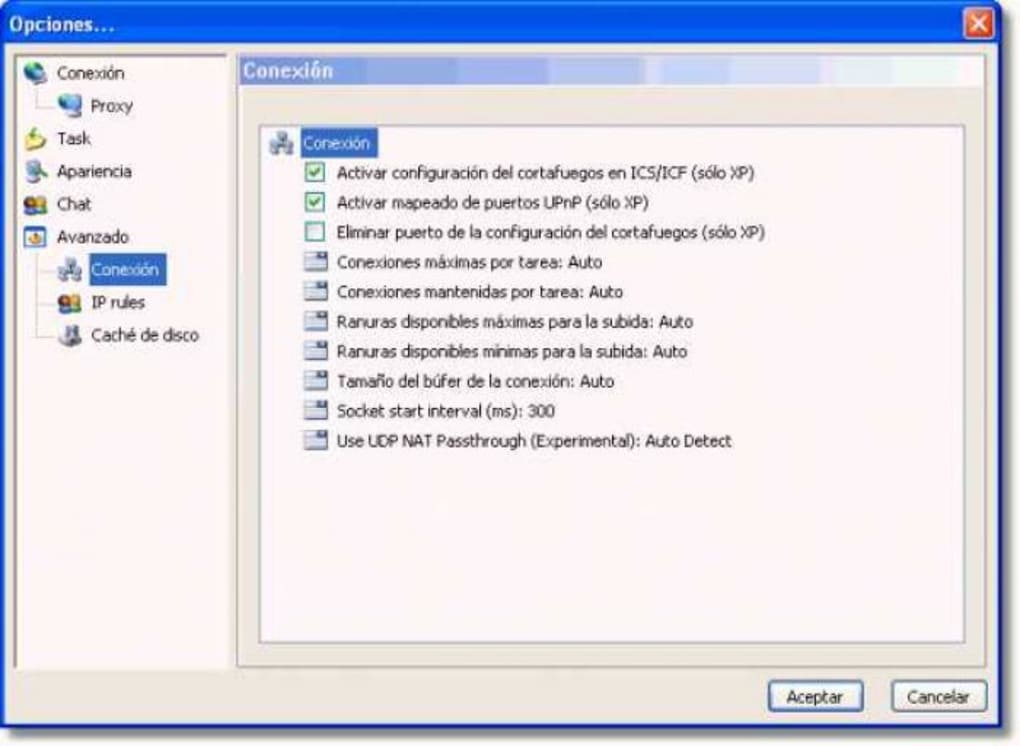
The sheer number of settings available empowers advanced users to fine-tune virtually every aspect of the download process. BitComet users have access to granular controls over bandwidth allocation, scheduling, caching, and much more. This level of control allows for optimization tailored to specific network conditions and user preferences. This fine-grained control, however, comes at the expense of simplicity. Users seeking a simple and straightforward experience might find the interface unnecessarily complex. The learning curve is steeper than with some more user-friendly clients. However, for power users who prize control and customization, the extensive settings are a significant advantage.
Recent updates have focused on improving the GUI (Graphical User Interface). Changes include code cleanup to reduce program size, addition of a VIP download list button, preventing the hiding of the title column in the task list, and the introduction of a Find Task command. Improvements to the file list allow switching between Simple List and Tree List views via a context menu. The display of the tree list is now correctly handled even when files within a torrent are not sorted by directories. These improvements represent steps towards modernizing the user experience while retaining the powerful features that have defined BitComet.
Performance and Efficiency: A Strong Performer
Despite its somewhat aged interface, BitComet’s performance consistently ranks highly among torrent clients. Its optimized download engine delivers impressive speeds, even under challenging network conditions. The efficient utilization of available bandwidth, coupled with the memory caching system, significantly contributes to this superior performance. This makes BitComet an attractive option for users who prioritize download speed and efficiency over visual aesthetics.
The effectiveness of the features like memory caching and persistent seeder seeking are demonstrably beneficial for download speed and stability. By reducing hard drive I/O operations, and by aggressively seeking out and maintaining connections to seeders, BitComet reduces interruptions and improves download speeds. The client’s performance is also enhanced by its ability to intelligently manage bandwidth usage, preventing it from hogging bandwidth and slowing down other applications or network activities.
However, performance can vary based on several factors including network conditions, the availability of seeders, and the size and complexity of the downloaded file. In optimal conditions with numerous seeders available, BitComet can achieve extremely high download speeds. On the other hand, in less optimal scenarios with few seeders or poor network connectivity, the performance may be more comparable to other torrent clients.
BitComet’s Strengths and Weaknesses: A Balanced Perspective
BitComet’s strengths are primarily found in its technical capabilities and configurable options, while its weaknesses lie in its visual presentation and potential learning curve. It truly shines for users who require a powerful, customizable, and performance-driven client.
Strengths:
- Multi-protocol support: Handles torrents, HTTP, and FTP downloads in a single application.
- Memory caching: Reduces hard drive wear and improves download speed.
- Persistent seeder seeking: Minimizes download interruptions, especially towards the end.
- Highly configurable: Offers extensive settings for granular control over bandwidth, scheduling, and other aspects.
- High performance: Generally delivers strong download speeds under various network conditions.
- Good organizational tools: Helps users keep track of their downloads and maintain an organized library.
Weaknesses:
- Complex interface: The numerous tabs, lists, and settings might be overwhelming for new users.
- Dated visual design: The interface lacks the modern aesthetic of many contemporary torrent clients.
- Steeper learning curve: Understanding and utilizing all the features requires a degree of technical proficiency.
Conclusion: BitComet’s Niche in the Torrent Client Market
BitComet is not a one-size-fits-all solution. It’s a power user’s tool, perfectly suited for individuals who value performance, configurability, and control over their downloads. While the interface might appear daunting to casual users, the payoff in terms of speed, efficiency, and advanced features is significant. The memory caching system alone makes it a compelling choice for anyone concerned about hard drive longevity. Its continued development and the ongoing improvements to the user interface suggest that BitComet intends to remain a relevant player in the torrent client arena for years to come. Ultimately, the decision of whether or not to use BitComet depends on individual needs and preferences. If a powerful, highly configurable torrent client is prioritized, despite a more complex interface, BitComet is a strong contender. For users who desire simplicity and a more modern interface, other clients might be a better fit.
File Information
- License: “Free”
- Latest update: “July 15, 2022”
- Platform: “Windows”
- OS: “Windows 2003”
- Language: “English”
- Downloads: “49K”
- Size: “9.35 MB”


