
Cyotek WebCopy is a powerful tool designed to download web pages for offline viewing. This comprehensive review will delve into its functionality, ease of use, strengths, weaknesses, and compare it to alternative solutions. Whether you need to archive websites, access information without an internet connection, or simply want to save web content for later consumption, Cyotek WebCopy offers a robust, albeit sometimes complex, solution.
Downloading Web Pages for Offline Access
At its core, Cyotek WebCopy functions as a web page downloader. It goes beyond simply grabbing the HTML; it intelligently analyzes the target website and downloads all associated content, including images, text files, embedded scripts, and other linked resources. This ensures a complete and faithful representation of the original web page, even when offline. The tool achieves this by recursively following links within the target website, meticulously downloading every element that contributes to the overall page experience. This feature is crucial for users who require access to website content in areas with limited or no internet connectivity, making it an essential tool for researchers, students, or anyone needing reliable offline access to critical information.
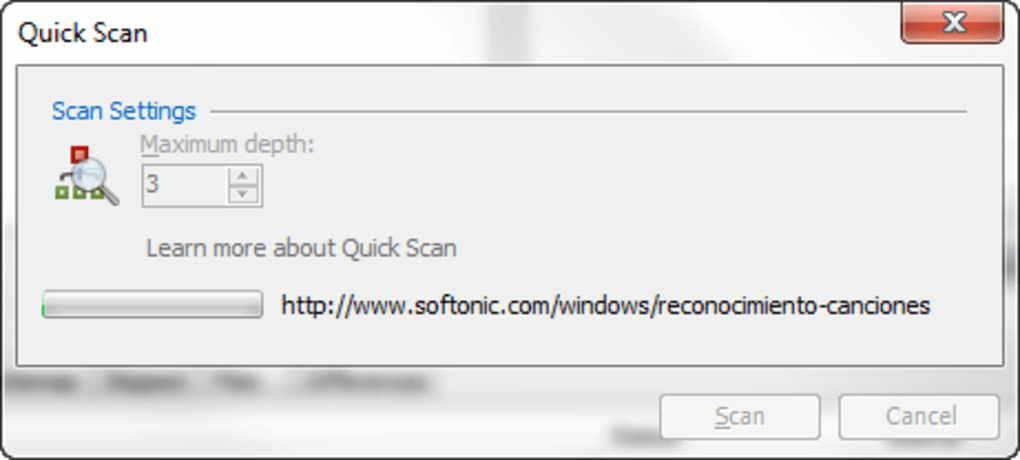
The downloading process offers customization. Cyotek WebCopy provides two scanning modes: “quick” and “normal.” The “quick” scan prioritizes speed and downloads only the most immediately visible content, while the “normal” scan performs a more thorough analysis, exploring deeper into the website’s structure and downloading all linked elements. This allows users to balance download speed with the completeness of the offline archive. The depth of the scan is a key differentiator, giving users control over the comprehensiveness of the downloaded content and the time it takes to complete the download.
Understanding the Download Process and Features
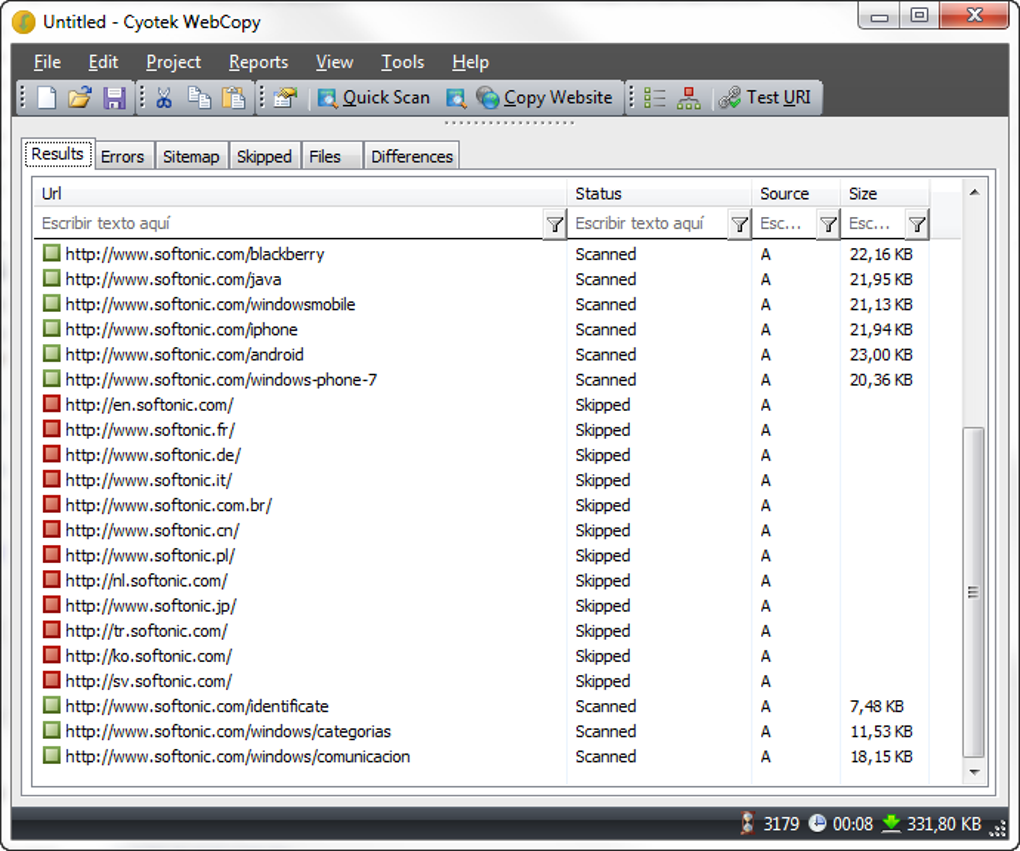
After initiating a download, Cyotek WebCopy presents a detailed report, cataloging all downloaded files, their locations, and any errors encountered during the process. This detailed logging provides transparency into the download’s progress and facilitates troubleshooting if any issues arise. The ability to filter this report by content type (e.g., images, HTML files, etc.) or filename simplifies navigation and allows users to quickly locate specific files within the downloaded archive.
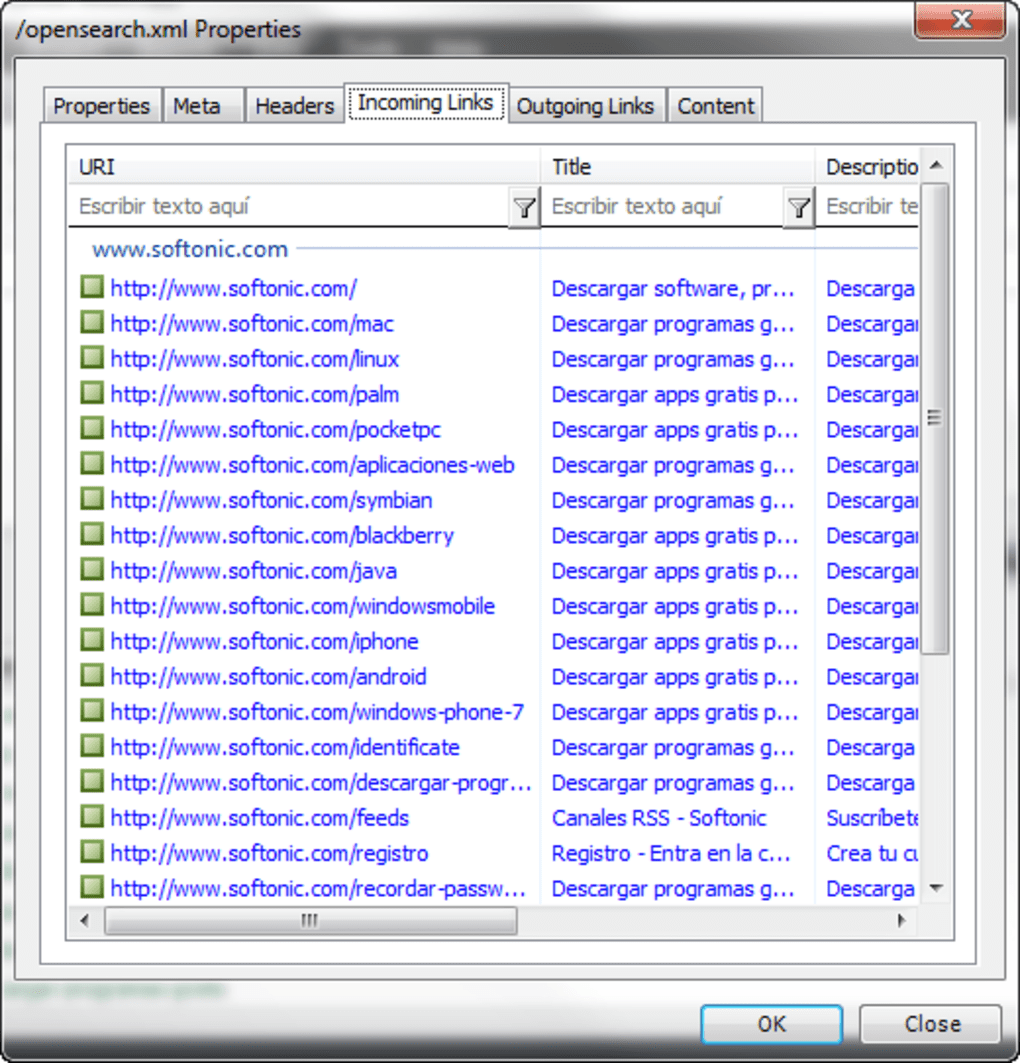
Beyond basic downloading, Cyotek WebCopy offers advanced features designed to handle more complex websites. It includes a visual mapping tool that graphically represents the website’s structure, displaying the relationships between different pages and directories. This feature enhances organization and understanding of the downloaded content, especially when dealing with large or deeply nested websites.
Furthermore, Cyotek WebCopy incorporates robust rules engines, enabling users to fine-tune the downloading process. This allows for inclusion or exclusion of specific files or directories based on various criteria, enabling precise control over the downloaded content. This is particularly useful when dealing with large websites containing irrelevant or unwanted elements. The flexibility afforded by these rules is a significant advantage for users who need to selectively download specific parts of a website while ignoring others.
The program’s ability to handle password-protected pages and forms expands its applicability to a wider range of websites. This feature is vital for accessing content that requires authentication, providing a comprehensive solution for downloading information from various sources. This advanced capability goes beyond the scope of many other simpler web page downloaders, solidifying Cyotek WebCopy’s position as a comprehensive solution for archiving website content.
User Interface and Ease of Use
While Cyotek WebCopy’s feature set is impressive, the user interface presents a double-edged sword. The main interface is relatively clean and straightforward, presenting users with the essential options for initiating downloads. However, accessing and configuring more advanced features and settings can prove confusing for less technically inclined users. The abundance of options, while powerful, can lead to an overwhelming experience for novice users. The absence of integrated contextual help further exacerbates this issue.
While tutorials and examples are available, they aren’t seamlessly integrated into the application itself. This requires users to navigate away from the program to access support materials, disrupting workflow and making troubleshooting specific issues more difficult. A more intuitive interface with integrated help would significantly enhance user experience, especially for beginners. The lack of a streamlined user experience is a noticeable drawback, hindering the program’s accessibility for a broader audience.
The program’s professional look, prioritizing functionality over visual appeal, might initially appear daunting to new users. This design choice, while functional, might not be the most user-friendly approach, potentially discouraging users who prefer a more visually appealing and intuitive interface. A balance between functionality and user-friendliness is critical, and Cyotek WebCopy could benefit from improvements in this area.
Comparison with Alternative Tools
Cyotek WebCopy stands alongside several alternative web page downloaders. Popular choices include HTTrack WebSite Copier, Website Ripper Copier, and WinHTTrack Website Copier. These alternatives offer varying levels of functionality and ease of use. While some, like HTTrack, prioritize simplicity and ease of use, others may lack the advanced features of Cyotek WebCopy, such as its robust rules engine and password handling capabilities.
The choice of which tool is best depends heavily on individual needs and technical proficiency. Users requiring a simple, straightforward solution might find HTTrack or WinHTTrack perfectly adequate. However, those who require advanced features, fine-grained control over the downloading process, and the ability to handle complex websites, Cyotek WebCopy’s comprehensive features would be more suitable. Careful consideration of the features, user interface, and ease of use is crucial when selecting the optimal tool for specific needs.
Conclusion
Cyotek WebCopy is a robust and feature-rich tool for downloading web pages for offline access. Its capabilities extend beyond basic downloading, encompassing detailed logging, visual mapping, advanced rules engines, and support for password-protected pages. While its powerful features are undoubtedly a significant advantage for experienced users, its somewhat complex interface and lack of integrated help might deter less technically inclined users. Those seeking a user-friendly experience might find alternative solutions more appealing. However, for users who prioritize comprehensive functionality and control over the download process, Cyotek WebCopy remains a strong contender in the field of offline web page archiving. The choice ultimately hinges on the user’s technical expertise and specific requirements. Users should carefully weigh the benefits of its advanced features against its slightly steeper learning curve before making a decision.
File Information
- License: “Free”
- Latest update: “July 21, 2025”
- Platform: “Windows”
- OS: “Windows 2003”
- Language: “English”
- Downloads: “42.7K”
- Size: “4.23 MB”


