
Decocraft is a free, popular Minecraft mod developed by Curseforge.com, designed to dramatically enhance the creative potential of the game by introducing thousands of new decorative items. This mod transforms Minecraft from a simple block-building experience into a highly detailed and customizable world, allowing players to create incredibly realistic and immersive environments. This guide will explore the features, installation, usage, and overall impact of Decocraft on the Minecraft gaming experience.
What is Decocraft and How Does it Work?
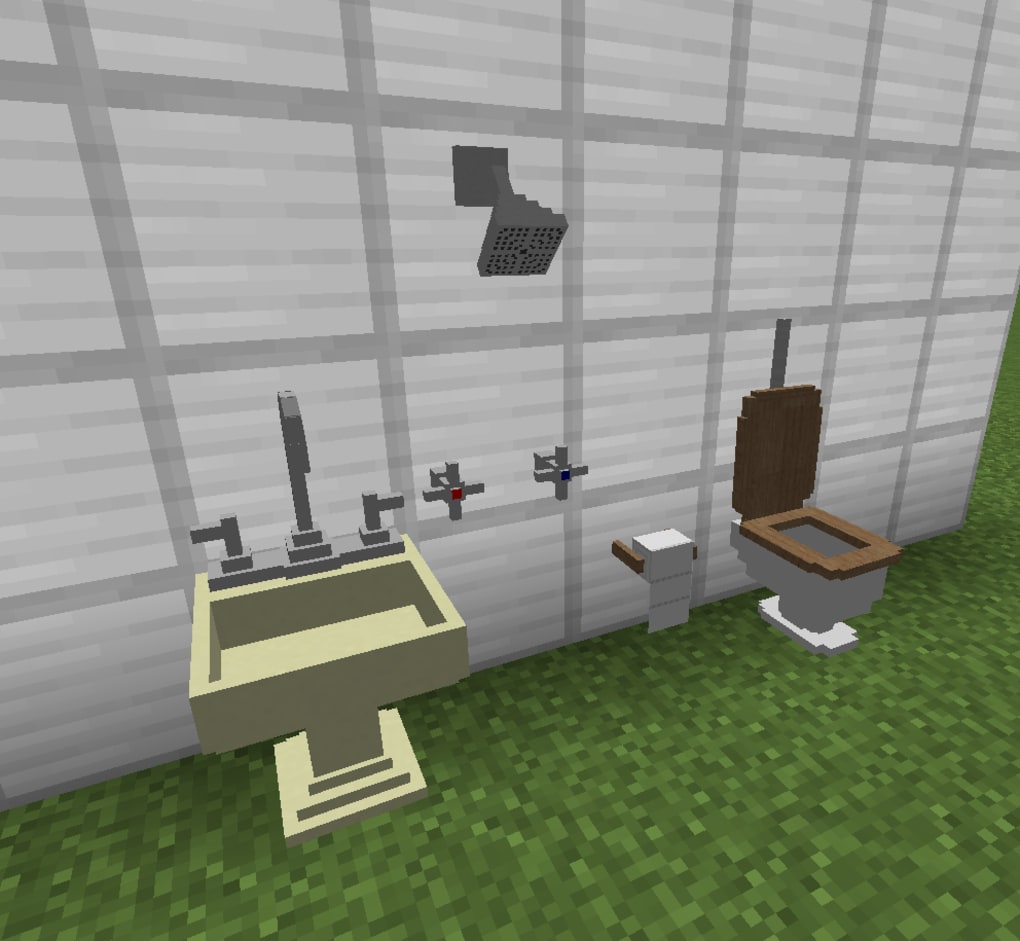
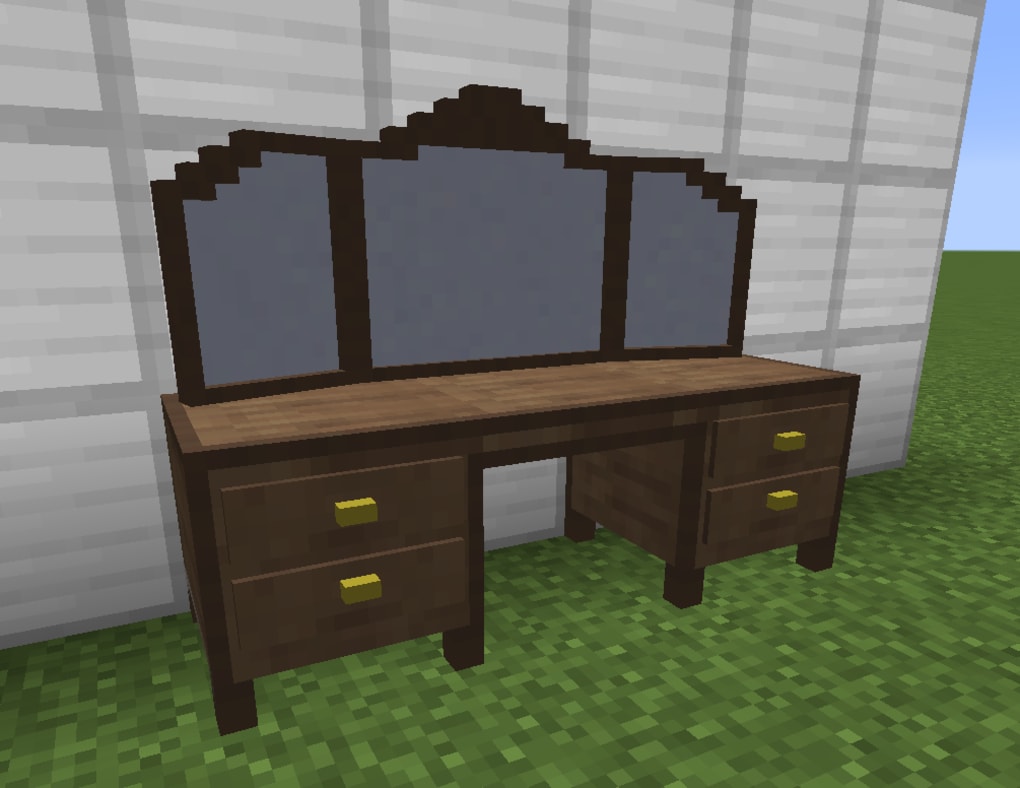
Decocraft’s core functionality revolves around expanding the possibilities of Minecraft’s creative mode. The mod introduces over 3,000 new decorative objects, ranging from everyday household items like furniture and silverware to more specialized elements such as bathroom fixtures and even seasonally themed decorations. This vast array of items allows players to build incredibly detailed and realistic structures, breathing new life into their virtual worlds.
The key to Decocraft’s versatility lies in its crafting system. The mod introduces “crafting clay” as the primary building block for all its decorative items. This clay comes in three different colors, each influencing the final appearance of the crafted object. While the crafting process generally produces items resembling their intended shape, achieving truly realistic results often requires a degree of experimentation and knowledge of the various crafting recipes. Understanding these recipes is crucial for unlocking the full potential of Decocraft and crafting the most visually appealing and detailed items. This element of the mod adds a layer of complexity and challenge that complements the inherent creativity of Minecraft.
The mod is not a standalone entity; it relies on other components for its proper functioning. Decocraft requires both PTRLib and Minecraft Forge to be installed. PTRLib is a necessary dependency, ensuring the mod’s compatibility and functionality within the Minecraft environment. Minecraft Forge is a popular mod loader that allows users to integrate various mods into their Minecraft game. Installing these prerequisites is essential before attempting to use Decocraft. Failure to do so will result in the mod failing to load or function correctly.
The installation process involves downloading the Decocraft mod file and placing it within the designated “Mods” folder within your Minecraft installation directory. After installing the mod, selecting the Forge profile in the Minecraft launcher is crucial for activating and enabling Decocraft within the game. This ensures that the mod is properly recognized and integrated into the game environment, allowing players to access its extensive collection of decorative items.
One minor drawback reported by some users is that the scale of items in the inventory can sometimes appear unusual. While not affecting the functionality of the mod, this inconsistency in visual representation might be slightly inconvenient for some players.
Decocraft’s Features and Capabilities
Decocraft’s extensive feature set significantly expands the creative possibilities within Minecraft. The sheer number of available items is a significant advantage, enabling players to create extremely detailed and realistic environments. The inclusion of the “Decowand” further enhances this capability by allowing players to customize the color of many items, adding another layer of customization and personalization. This tool offers a level of precision and control that elevates the overall crafting experience.
The mod’s new crafting system, while requiring some learning, encourages experimentation and provides a unique sense of accomplishment upon successfully crafting complex and detailed items. The realism of the crafted items is noteworthy, adding a degree of sophistication that transcends the typical Minecraft aesthetic. Players who appreciate detail and visual fidelity will find Decocraft’s output exceptionally satisfying.
The mod’s adaptability to various themes and styles is also a significant advantage. Whether you are building a realistic medieval castle, a modern-day apartment, or a whimsical fairytale setting, Decocraft provides the tools necessary to achieve your creative vision. The ability to create season-specific items allows for dynamic and constantly evolving worlds, keeping the gameplay fresh and exciting.
Installing and Using Decocraft
Installing Decocraft involves several steps, ensuring that the necessary prerequisites are met. First, ensure that Minecraft Forge is installed. Forge is a crucial mod loader that facilitates the integration of mods like Decocraft into the Minecraft game. Once Forge is properly installed, download the Decocraft mod file from a reputable source, such as the Curseforge website.
Next, locate the Minecraft “Mods” folder. The location of this folder may vary slightly depending on the operating system and installation directory, but it is typically found within the Minecraft game directory. Place the downloaded Decocraft mod file into this “Mods” folder. After this, launch the Minecraft launcher and select the “Forge” profile. This step activates the Forge mod loader, allowing the game to load and utilize the Decocraft mod.
Once successfully loaded, the new items will be available in the game’s crafting menu. Experiment with the crafting recipes and the Decowand to discover the full extent of Decocraft’s capabilities. Remember to consult available online resources and tutorials to help in understanding the various crafting recipes and optimizing the use of crafting clay.
Pros and Cons of Decocraft
Pros:
- Extensive Item Library: The vast number of decorative items available significantly expands creative possibilities.
- Realistic Aesthetics: Many items boast a high level of realism, enhancing the visual appeal of Minecraft builds.
- Versatile Crafting System: The crafting system, although demanding, provides a unique and rewarding creative experience.
- Color Customization (Decowand): The Decowand provides fine-grained control over item colors, allowing for highly personalized creations.
- Seasonal Items: The inclusion of season-specific items keeps the gameplay fresh and allows for dynamic world-building.
Cons:
- Recipe Knowledge Required: Mastering the crafting recipes requires time and effort, potentially presenting a learning curve for new users.
- Dependency on Other Mods: The mod relies on both PTRLib and Minecraft Forge, requiring users to install these prerequisites.
- Occasional Inventory Scaling Issues: The occasional inconsistencies in inventory scaling might be slightly inconvenient for some players.
Conclusion
Decocraft stands as a testament to the enduring popularity and creativity within the Minecraft modding community. It dramatically enhances the in-game experience by providing players with an unparalleled level of detail and customization. While the learning curve associated with its crafting system might initially pose a challenge, the sheer number of decorative items and the rewarding nature of creating realistic and intricate structures more than compensate for this. Ultimately, Decocraft elevates the Minecraft experience from a simple block-building game to a richly detailed and highly personalized world-building adventure. For Minecraft enthusiasts seeking to create truly immersive and visually stunning worlds, Decocraft is an invaluable asset.
File Information
- License: “Free”
- Version: “2.6.3.7”
- Latest update: “January 31, 2023”
- Platform: “Windows”
- OS: “Windows 7”
- Language: “English”
- Downloads: “1.9K”
- Size: “16.98 MB”


