
Windows computers come equipped with a built-in file explorer, a reliable tool that, however, often falls short in terms of modern aesthetics and user-friendly features. Files, a free UWP-based file explorer developed by Yair Aichenbaum, aims to bridge this gap by combining efficient file management with a contemporary design, making it a more appealing and intuitive option for users of modern Windows devices, particularly Windows 10 and 11. While it can be used as a default file explorer, it’s important to note that it’s not a complete, feature-for-feature replacement for the native Windows explorer.
What is the Files App?
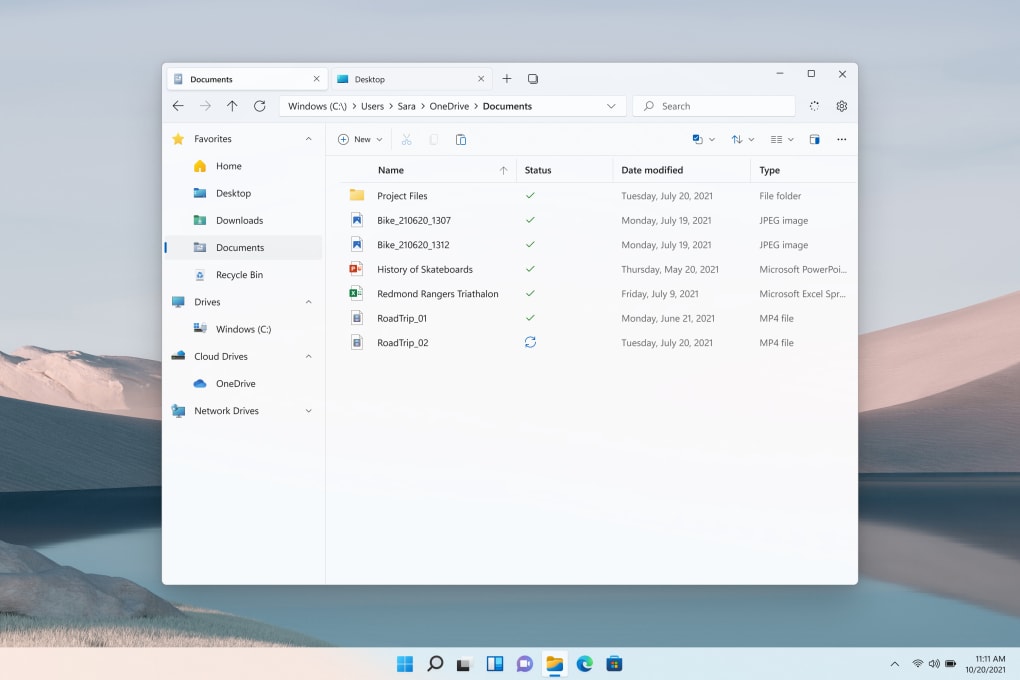
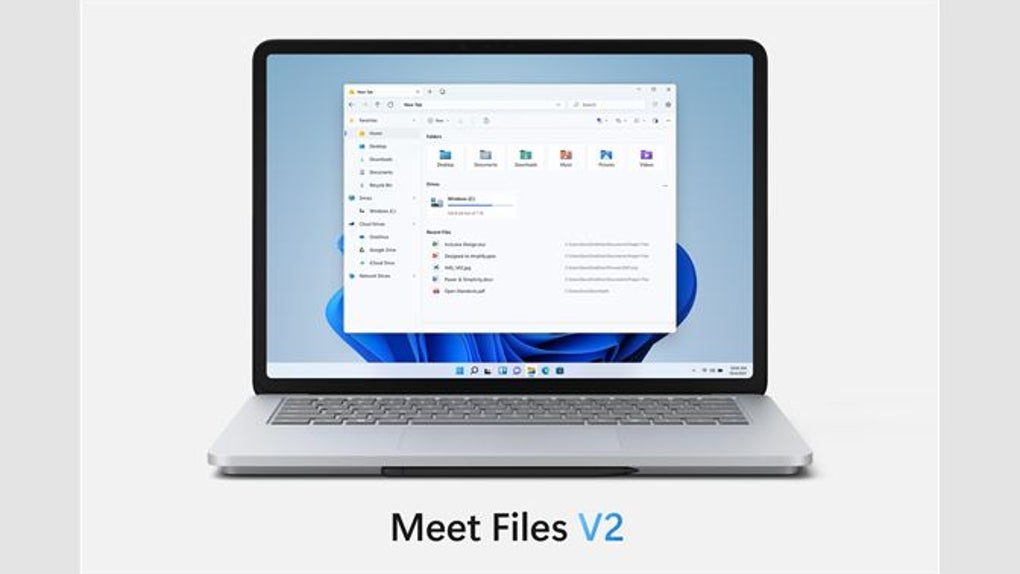
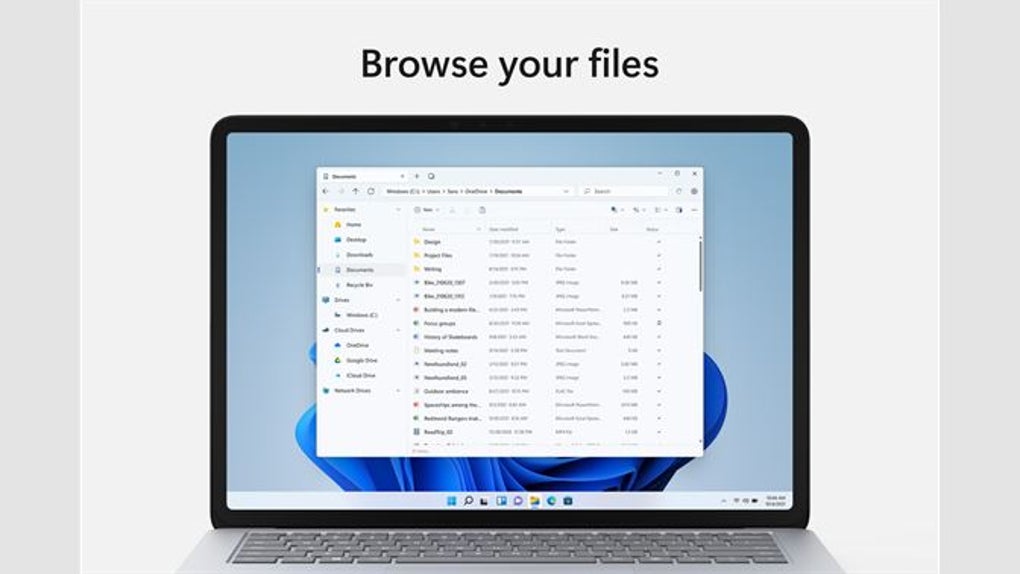
Upon launching Files, the most immediate impression is its seamless integration with the overall design language of Windows 10 and 11. The application leverages the Fluent Design System, offering both light and dark modes to suit user preferences, and employs icons consistent with the Windows operating system’s visual style. This cohesive design contributes to a more polished and visually pleasing user experience, making it feel like a natural extension of the operating system rather than a third-party addition. The app’s aesthetic appeal, however, isn’t merely skin-deep; it boasts several functional improvements over the default Windows file explorer.
One of the key enhancements is the introduction of tabbed browsing. Users can now open multiple file locations in separate tabs, streamlining workflow and eliminating the need to constantly switch between different windows or instances of the file explorer. This tabbed interface enhances efficiency, especially when managing numerous files and folders across various locations. Further improving workflow, the app allows users to drag and drop files directly onto tabs or folders, enabling quick and intuitive file placement and organization. This drag-and-drop functionality simplifies the process of moving and organizing files within the file system.
Seamless OneDrive Integration and Enhanced User Experience
A significant advantage of Files is its robust handling of OneDrive files. Users can seamlessly manage their OneDrive content, including uploading, downloading, and deleting files, directly within the application. Furthermore, the app provides tools for freeing up space in OneDrive accounts, a helpful feature for users managing large amounts of cloud storage.
The application excels in its adaptability to various input methods. Its touch-friendly interface is optimized for use on tablets and touchscreen devices, while its responsiveness to mouse and keyboard inputs ensures a smooth experience on traditional desktop and laptop computers. This cross-platform compatibility makes it suitable for a wider range of users and devices, accommodating diverse usage scenarios.
Limitations and Areas for Improvement
Despite its advantages, Files is not without its drawbacks. While its design and many features are impressive, it still lags behind the native file explorer in some areas. One notable issue is performance; loading file locations and folders can sometimes be slow, particularly when dealing with large directories or a significant number of files. This performance issue can disrupt workflow and negatively impact the overall user experience. Additionally, the app has faced some reported bugs in its development lifecycle, further underscoring the need for continued optimization and refinement. These bugs, while hopefully infrequent, can impede productivity and lead to frustration.
Comparison with Alternative File Managers
Several alternative file managers exist for Windows, each with its strengths and weaknesses. Some, like ZArchiver, focus on compression and archiving, offering advanced features beyond basic file management. Others, such as Teracopy, prioritize efficient file copying and transfer speeds. While Files doesn’t necessarily compete directly with these specialized utilities, it presents a compelling alternative to the default Windows file explorer by enhancing the everyday experience of managing files.
Unlike specialized file management utilities, Files’ primary focus is a comprehensive overhaul of the standard file management experience within Windows. It aims to replace the built-in File Explorer with a more modern, intuitive, and visually appealing alternative. The added support for OneDrive further distinguishes it, providing a single application for managing both local and cloud storage.
Files vs. Windows File Explorer: A Detailed Comparison
| Feature | Files | Windows File Explorer |
|---|---|---|
| Design | Modern, Fluent Design System, Light/Dark Mode | Traditional, less visually appealing |
| Tab Support | Yes | No |
| OneDrive Integration | Yes, with space management features | Yes, but less integrated |
| Touch Support | Excellent | Good, but less intuitive |
| Performance | Can be slow at times | Generally faster, more optimized |
| Stability | Occasional bug reports | More stable, mature software |
| Customization | Limited customization options | More extensive customization possibilities |
The Future of Files: Potential and Possibilities
The Files app represents a significant step towards a more modern and user-friendly file management experience on Windows. Its intuitive design, tabbed interface, and seamless OneDrive integration offer considerable advantages over the default file explorer. However, addressing its performance issues and resolving any remaining bugs will be crucial for its long-term success and widespread adoption. With continued development and optimization, Files has the potential to become a widely preferred alternative to the built-in file explorer, offering a more streamlined and enjoyable file management workflow for Windows users. Future updates might include enhanced customization options, improved performance optimization, and the addition of further features to broaden its functionality.
Conclusion: A Promising, Yet Imperfect, Alternative
Files offers a compelling blend of modern aesthetics, improved functionality, and seamless cloud integration. Its tabbed browsing and OneDrive management features significantly enhance the user experience for managing files. However, performance inconsistencies and the presence of reported bugs hinder its ability to serve as a complete replacement for the native Windows file explorer. Despite these limitations, Files remains a noteworthy application that provides a valuable alternative for users seeking a more modern and user-friendly approach to file management on Windows. The potential for improvement is substantial, and with ongoing development, Files could potentially become a preferred file manager for many Windows users. The app’s current state, while not perfect, presents a significant step towards enhancing the overall Windows file management experience.
File Information
- License: “Free”
- Latest update: “June 16, 2025”
- Platform: “Windows”
- OS: “Windows 11”
- Language: “English”
- Downloads: “32.7K”
- Size: “265.41 MB”


