
Flycast is a powerful and free open-source emulator that allows users to experience the classic Sega Dreamcast library on modern gaming platforms. Originally derived from the Reicast emulator, Flycast boasts enhanced performance, compatibility with a wider range of games, and a suite of modern features that significantly improve the overall gaming experience. This comprehensive guide delves into the capabilities, benefits, and nuances of Flycast, exploring its suitability for both casual and dedicated Dreamcast enthusiasts.
Apps & Availability: Flycast Across Platforms
Flycast’s appeal lies in its accessibility. Available across a variety of platforms, including iOS (iPhone), Android, Windows, macOS, Nintendo Switch, and Xbox One, the emulator transcends the limitations of original hardware. This broad reach ensures that the cherished Dreamcast library remains playable for a vast audience, regardless of their preferred gaming ecosystem. The ease of download and installation contributes to its user-friendly reputation, making the transition from initial download to gameplay remarkably straightforward. This accessibility is a key factor in its popularity among gamers seeking to revisit their Dreamcast favorites or discover titles they might have missed during the console’s original lifespan. The availability across such a diverse range of operating systems and hardware demonstrates Flycast’s commitment to reaching the widest possible player base. This inclusivity is a testament to its open-source nature, encouraging community contributions and fostering ongoing development and improvement. The continued updates and platform support also ensure that Flycast remains a relevant and functional emulator.
The iOS version, specifically highlighted here as “Flycast for iPhone,” offers a convenient and readily accessible way to enjoy Dreamcast titles on Apple devices. The iPhone’s portability complements the emulator’s versatility, allowing gamers to enjoy their retro gaming experience virtually anywhere. The free availability on the App Store is a further testament to the emulator’s commitment to accessibility and ease of use for the iPhone user. For users seeking a mobile solution, the iPhone version presents a seamless and enjoyable way to engage with the Dreamcast library.
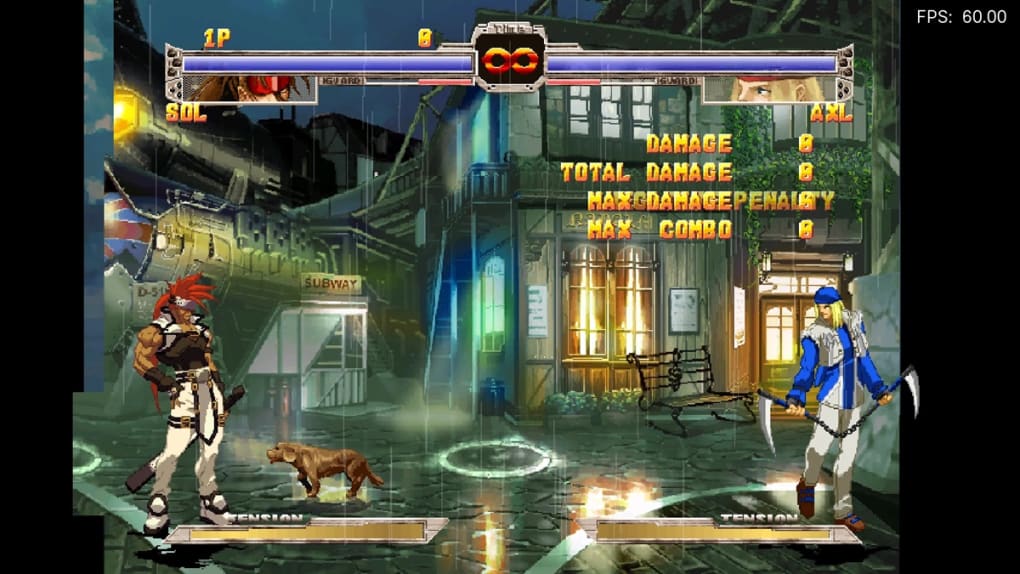
The consistent and regular updates demonstrate the continued developer support, addressing bugs and enhancing compatibility, ensuring a reliable and smooth gaming experience across all platforms.
Games and Compatibility: A Vast Library Reimagined
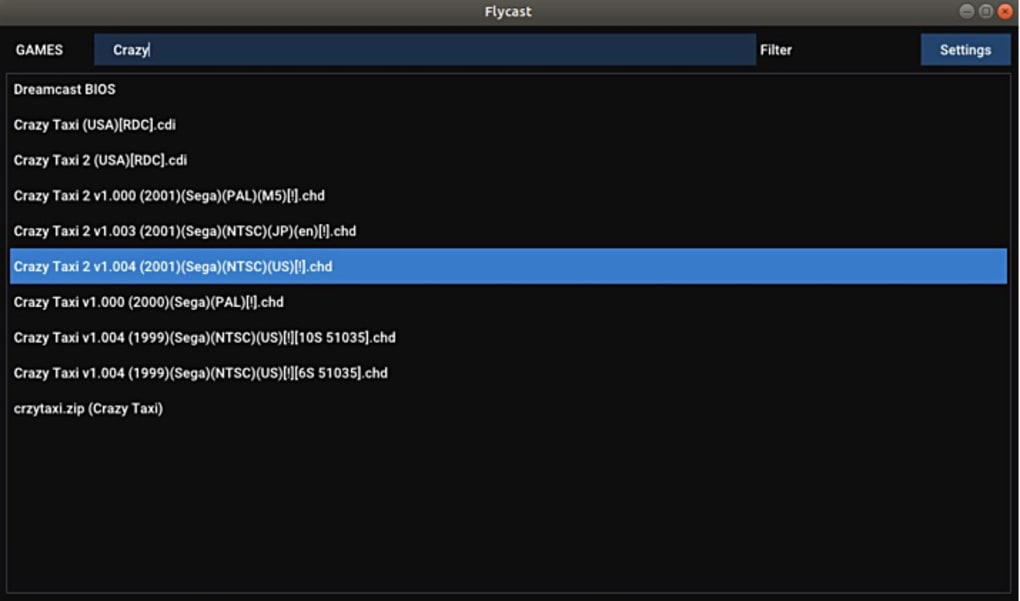
Flycast’s extensive game compatibility is a critical element of its success. While it’s crucial to remember that Flycast itself does not include any games – users need to source their own Dreamcast ROMs – the emulator’s robust compatibility with a wide range of Dreamcast titles is a significant selling point. Its ability to run many titles with high accuracy, even those that proved problematic for earlier emulators, speaks to its advanced emulation capabilities. This broad compatibility extends to numerous genres, ensuring a diverse library is available to users. From fast-paced action games to immersive role-playing experiences and intricate puzzle games, Flycast offers a vast selection for players to explore. This extensive game library is further enhanced by Flycast’s ability to handle various Dreamcast accessories, further enriching the overall emulation experience.
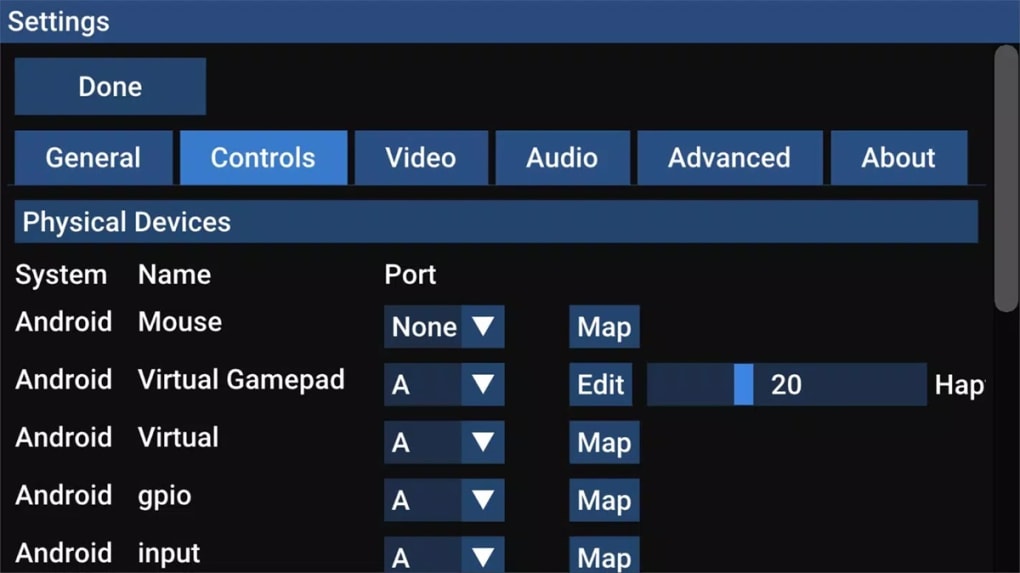
The enhanced compatibility compared to its predecessor, Reicast, reflects a substantial improvement in the emulator’s core functionality. This improved compatibility is a testament to the continuous development efforts and community contributions that have shaped Flycast into a leading Dreamcast emulator. The developers’ ongoing commitment to enhancing the compatibility list ensures that an ever-expanding number of Dreamcast games become accessible to a modern audience, enhancing the overall appeal of the emulator. For gamers looking to rediscover or explore the diverse range of titles available on the Dreamcast, Flycast’s extensive compatibility provides a compelling platform for doing so.
Flycast’s Features: Enhancing the Dreamcast Experience
Beyond its impressive game compatibility, Flycast boasts a range of features designed to enhance the overall user experience. These features go beyond simple emulation, transforming the classic Dreamcast experience for modern gamers. The high-definition rendering capabilities are a significant upgrade, rendering games at resolutions far exceeding the original 480p output of the Dreamcast console. This allows players to experience games with enhanced clarity and detail, revealing subtleties that might have been missed on the original hardware. The improved visuals alone make Flycast a highly attractive option for fans who want to see their favorite Dreamcast games in a new light.
The integration of save-state functionality is another game-changer. This crucial feature allows players to save their progress at any point in a game and then reload that saved state later. This not only provides convenience but also allows players to overcome challenging sections of games without having to replay significant portions. For completionists tackling difficult Dreamcast titles, the ability to save at will is an invaluable tool. The ability to load game states mitigates the frustration often associated with difficult sections of classic games, creating a more relaxed and enjoyable gaming experience overall.
Furthermore, Flycast supports the input of game cheats and codes. This feature allows players to modify the game’s difficulty, providing an option to tailor the experience to their skill level and preference. Whether it’s to ease the difficulty or make a challenging game even more difficult, the option to use cheats allows players to customize their gaming experience and enjoy the games in new ways, catering to different play styles and comfort levels.
The emulator also faithfully emulates the Dreamcast’s unique features, including the Visual Memory Unit (VMU). This small memory card added an extra layer of interaction and personalization to the original console, and its accurate emulation in Flycast further underscores the emulator’s dedication to authenticity. The inclusion of VMU support demonstrates a commitment to preserving the original console’s unique features and delivering a complete, faithful emulation experience. This level of detail demonstrates a keen understanding of the original Dreamcast experience and caters to the needs of the most dedicated fans.
Flycast for Business: Potential Applications
While primarily a gaming emulator, Flycast’s capabilities offer potential applications beyond casual enjoyment. The accurate emulation of Dreamcast hardware opens doors for various business applications. Preservation of Dreamcast software is a key benefit. By providing a platform to run and experience these games, Flycast helps in safeguarding these titles from obsolescence, ensuring their availability for future generations. Museums, archives, and historical game preservation organizations could leverage Flycast to showcase Dreamcast software in a functional and engaging manner. Furthermore, the emulator could be used in educational settings, potentially within game development courses, to demonstrate the technical aspects of emulation and the evolution of gaming hardware.
Flycast’s open-source nature also promotes transparency and collaboration, contributing to community-driven improvement and refinement. This feature is important for maintaining the longevity of the emulator. The open-source nature enables interested developers to contribute to its further development, ensuring ongoing updates, bug fixes, and compatibility enhancements. This collaboration also drives innovation, fostering a continuing improvement of the emulator’s features and performance.
The Flycast iPhone Experience: A Mobile Retro Revolution
Flycast’s iPhone iteration brings the power of Dreamcast emulation to the palm of your hand. The portability of the iPhone, combined with Flycast’s capabilities, makes accessing a library of classic games incredibly convenient. The touch-screen interface requires adjustments to control schemes, but the emulator’s versatility in supporting various controller types, including Bluetooth gamepads, provides options for those seeking a more traditional gaming experience. This ability to integrate external controllers addresses a potential limitation of using an emulator on a mobile touchscreen device. The ability to use external controllers ensures that the user experience remains comfortable and intuitive.
The clean and intuitive interface of the iPhone app contributes to its ease of use, ensuring a user-friendly experience, even for those unfamiliar with emulation software. The app’s streamlined design ensures that the focus remains on the gameplay, avoiding any unnecessary complexities that might deter users. For iPhone users who want to play Dreamcast games on the go, Flycast provides a highly convenient and user-friendly option.
In conclusion, Flycast stands as a remarkable achievement in emulation technology. Its combination of high-definition rendering, broad hardware compatibility, numerous user-friendly features, and its availability across multiple platforms makes it a compelling choice for any Dreamcast enthusiast. The emulator is not merely a way to play old games; it’s a tool that revitalizes and enhances the Dreamcast experience for a new generation of gamers while preserving a piece of gaming history for future enthusiasts.
File Information
- License: “Free”
- Version: “2.2”
- Latest update: “January 5, 2024”
- Platform: “iPhone”
- OS: “iOS 16.4”
- Language: “English”
- Downloads: “3.9K”
- Size: “16.74 MB”


