
Maple 17 is a powerful mathematical software package designed for solving, analyzing, and visualizing complex mathematical problems. Its extensive capabilities cater to a broad range of users, from students grappling with introductory mathematics to professional researchers tackling advanced computational challenges. This review delves into the features, strengths, and weaknesses of Maple 17, providing a comprehensive assessment of its utility and value.
Unleashing the Power of Symbolic and Numerical Computation
Maple’s core strength lies in its ability to handle both symbolic and numerical computations with remarkable efficiency and accuracy. Unlike traditional calculators or simpler mathematical software, Maple allows users to work directly with mathematical expressions, variables, and functions in their symbolic form. This feature is invaluable for tasks such as:
-
Symbolic manipulation: Maple can simplify complex algebraic expressions, factor polynomials, solve equations symbolically (finding exact solutions where possible), and perform calculus operations like differentiation and integration with ease. This symbolic approach provides not only numerical results but also valuable insights into the underlying mathematical structure of the problem.
-
Numerical computation: While strong in symbolic manipulation, Maple equally excels at numerical calculations. It can handle numerical integration, solve differential equations numerically, perform matrix operations, and execute various statistical analyses. The software seamlessly integrates symbolic and numerical methods, allowing for a hybrid approach where necessary. This flexibility is particularly beneficial when dealing with problems that lack analytical solutions or when numerical approximations are more practical.
-
Advanced mathematical functions: Maple provides a vast library of built-in functions covering almost every area of mathematics, including calculus, linear algebra, differential equations, statistics, and more. This extensive functionality eliminates the need for users to write custom algorithms for common mathematical tasks, saving significant time and effort.
-
Customization and Extensibility: Maple’s open architecture allows for significant customization and extension. Users can create their own functions, procedures, and packages to address specific needs or incorporate specialized algorithms. This extensibility makes Maple highly adaptable to diverse research areas and individual workflows.
Visualization and Interactive Exploration
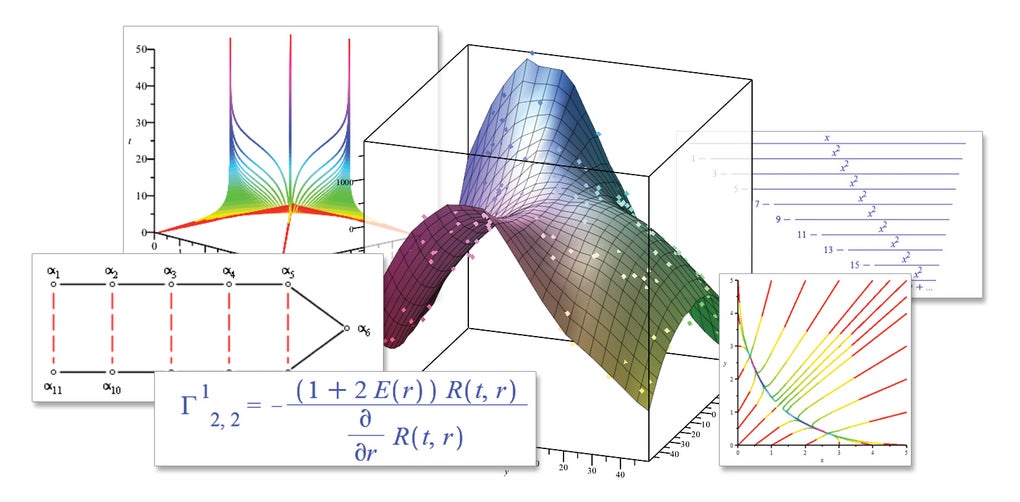
Beyond its computational prowess, Maple 17 provides sophisticated tools for visualizing mathematical concepts and exploring data interactively. The software supports a wide range of graphical representations:
-
2D and 3D plotting: Maple can create high-quality 2D and 3D plots of functions, data sets, and geometrical objects. Users can customize these plots extensively, adjusting axes, labels, colors, and other visual elements to enhance clarity and insight. The ability to visualize mathematical relationships significantly aids comprehension and facilitates the identification of patterns or trends within data.
-
Animations: Maple supports the creation of animations to illustrate dynamic mathematical processes or changes over time. This visual aid is particularly useful for understanding complex phenomena such as the evolution of solutions to differential equations or the behavior of iterative algorithms. The animated visualizations enhance understanding by adding a temporal element to the visualization, making abstract concepts more tangible.
-
Interactive applications: Maple’s capabilities extend beyond simple computations and visualizations. Users can create interactive applications to explore mathematical concepts, conduct simulations, or build educational tools. These interactive elements engage users in the mathematical process, fostering a deeper understanding of the subject matter.
Applications Across Diverse Fields
Maple’s versatility makes it suitable for a wide array of applications in various fields:
-
Education: Maple is a valuable tool for students learning mathematics at all levels. It allows students to experiment with mathematical concepts, check their work, and visualize abstract ideas. The software can simplify complex calculations, enabling students to focus on the underlying mathematical principles rather than getting bogged down in tedious computations. The interactive features can also enhance engagement and foster a deeper understanding of mathematical concepts.
-
Research: Maple is used extensively in scientific and engineering research. Researchers can use it to build mathematical models, perform simulations, and analyze complex data sets. The software’s ability to handle symbolic computations, numerical methods, and visualizations is invaluable for addressing a wide range of research challenges across fields such as physics, engineering, finance, and more.
- Industry: Maple finds applications in various industrial settings, where it can be used for tasks such as modeling and simulation, optimization, and data analysis. Its ability to handle large-scale computations and visualize results is crucial for making informed decisions and improving efficiency in industrial processes.
User Experience and Learning Curve
While Maple’s power and functionality are undeniable, the learning curve can be steep for new users. The software’s extensive features and command-line interface require a significant investment of time and effort to master. However, Maple provides comprehensive documentation, tutorials, and online resources to aid users in their learning journey. The investment in learning the software is usually well-rewarded, particularly for users who will make frequent use of its advanced features.
Comparison with Alternative Software
Maple competes with several other mathematical software packages, including Mathematica, MATLAB, and SageMath. Each software has its strengths and weaknesses:
-
Mathematica: Often compared directly to Maple, Mathematica shares many capabilities but has its own syntax and strengths in specific areas like image processing.
-
MATLAB: Primarily focused on numerical computation and data analysis, MATLAB excels in areas where Maple might require more involved symbolic manipulation.
- SageMath: An open-source alternative, SageMath offers a powerful and free suite of mathematical tools, though potentially with a steeper learning curve for those unfamiliar with the command-line interface.
The choice of software often depends on the specific needs of the user and the type of mathematical problems being tackled. Maple’s balanced approach to symbolic and numerical computation, coupled with its visualization tools, makes it a strong contender across a variety of mathematical applications.
Pricing and Licensing
Maple’s licensing model typically involves a one-time purchase of a single-user license, although academic and multi-user licenses are available. The cost can be significant, making it potentially inaccessible to some users. However, the software’s capabilities often justify the investment for professionals and institutions who require its advanced features regularly. Trial versions are often available, allowing users to evaluate the software before committing to a purchase. The pricing structure is a key consideration and potential barrier for those evaluating Maple alongside free or more affordable alternatives.
Conclusion
Maple 17 represents a powerful and versatile mathematical software package suitable for a wide range of users and applications. Its strengths lie in its ability to handle both symbolic and numerical computations with ease, along with its powerful visualization and interactive features. While the learning curve can be steep, the comprehensive documentation and extensive functionality often justify the investment required to master its capabilities. The choice of Maple over alternative software depends largely on specific needs and budget, but for users who require a robust and versatile tool for tackling complex mathematical problems, Maple 17 remains a strong and reliable option. The long-term value provided by the software often outweighs the initial cost and learning curve for many users.
File Information
- License: “Trial version”
- Version: “17”
- Latest update: “November 28, 2018”
- Platform: “Windows”
- OS: “Windows Vista”
- Language: “English”
- Downloads: “158K”
- Size: “12.92 MB”


