
Noizz Lite: music video maker is a free, user-friendly mobile application developed by the Noizz Team, designed for crafting short, engaging music videos. This comprehensive guide delves into the app’s features, functionalities, pros and cons, and provides insights for both casual users and those seeking more advanced editing capabilities.
Easy Music Video Creation: A Beginner’s Guide
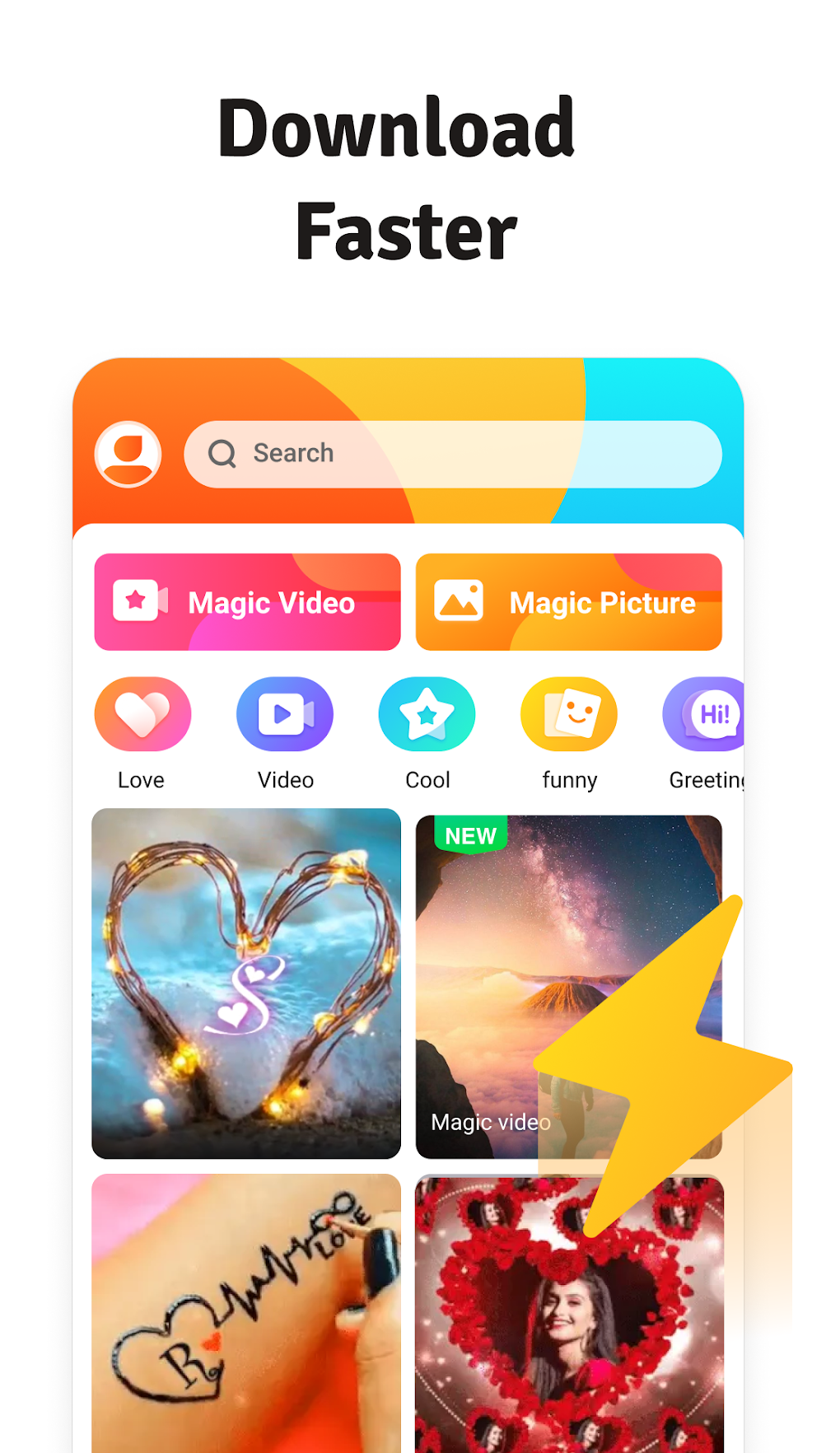
Noizz Lite empowers users to create visually appealing and musically rich videos with minimal effort. The app’s intuitive interface streamlines the video editing process, making it accessible even to users with limited experience in video creation. The core strength of Noizz Lite lies in its ease of use and the abundance of resources readily available within the app itself. Users can seamlessly integrate various elements to enhance their videos, adding a personalized touch to each creation.
This includes a wide selection of:
-
Backgrounds: A diverse library of backgrounds provides the foundation for your video, allowing you to set the scene and mood. From vibrant, eye-catching visuals to subtle, understated backdrops, Noizz Lite offers a range of choices to complement your video’s theme. The variety ensures that your video’s aesthetic aligns perfectly with your creative vision, regardless of whether you’re aiming for a bold or understated look.
-
Text and Stickers: Incorporate text overlays to add context, emphasize key moments, or simply inject personality into your videos. A diverse collection of stickers offers additional creative elements, allowing you to personalize your videos further. Whether you’re aiming for playful aesthetics or seeking to convey specific emotions, text and stickers provide effective tools for visual storytelling. The flexibility in font styles and sticker choices allows for significant customization, allowing users to truly express their unique style.
-
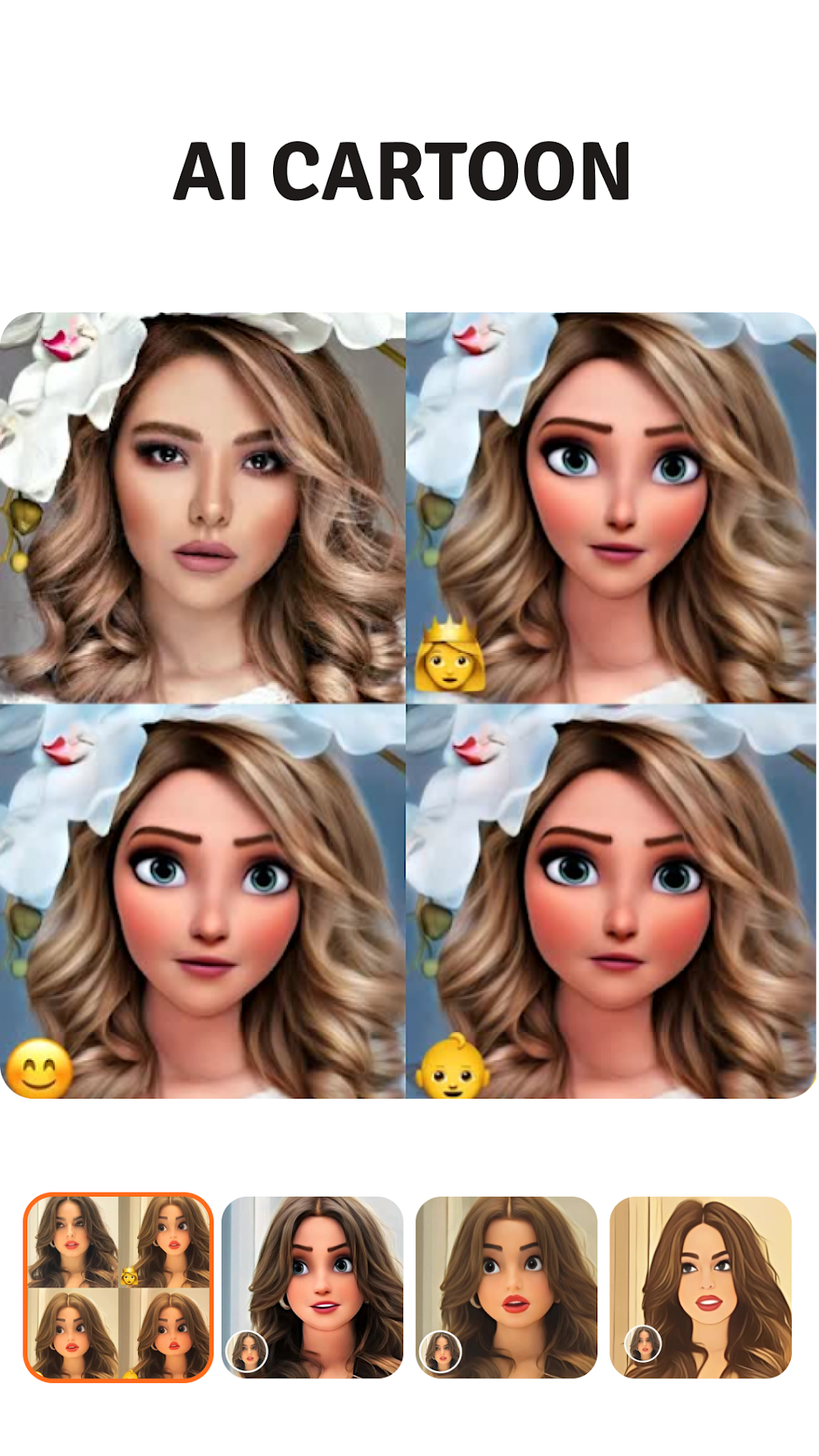
Augmented Reality (AR) Effects: Noizz Lite introduces an element of fun and interactivity through its AR features. Users can transform their appearance into various animals, adding a playful and engaging dimension to their videos. The app also provides virtual tattoo options, allowing for creative self-expression and personalized visual effects. These features elevate the video creation process beyond simple editing, adding a layer of dynamic and immersive elements.
-
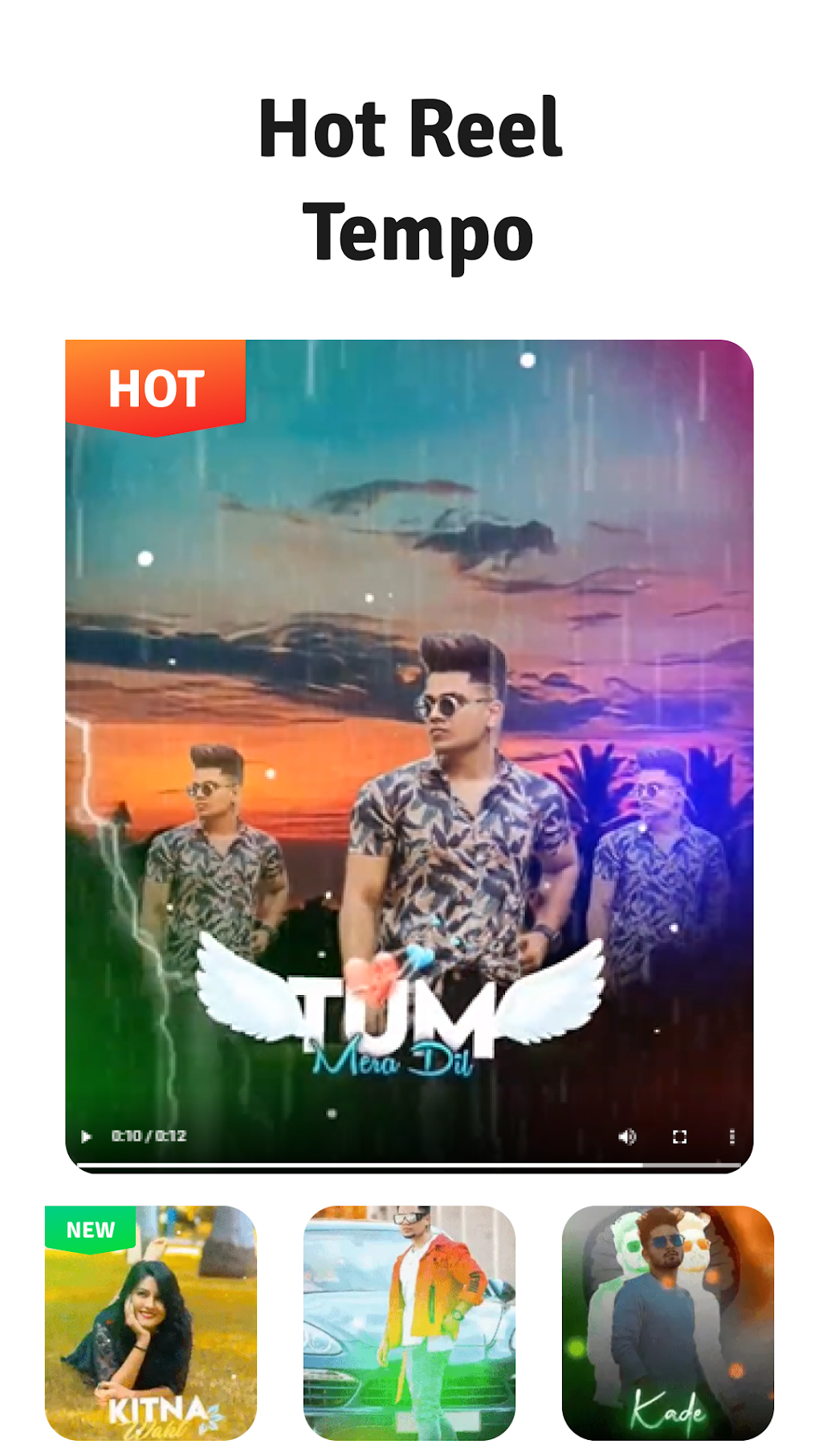
Audio Tracks: A comprehensive library of audio tracks accompanies the visual elements. This library ranges from trending popular songs to memorable quote clips and instrumentals. This diverse selection allows users to perfectly match the mood and style of their video to their chosen soundtrack. The availability of trending songs ensures the videos remain relevant and current, while instrumentals allow users to add their own voiceovers or narration without interfering with a pre-existing song.
The streamlined interface simplifies the process of combining these elements, ensuring that the creation of a professional-looking video is achievable without extensive technical skills. The intuitive arrangement of features minimizes the learning curve, allowing users to quickly grasp the app’s functionality and begin creating.
Sharing Your Creations: Connecting with the World
Upon completion, users can effortlessly share their music videos across various social media platforms directly from the app. This seamless integration eliminates the need for manual uploads and ensures immediate sharing with friends and followers. The straightforward sharing options promote a smooth workflow, allowing users to focus on the creative aspects rather than the technical challenges of distribution. This convenience encourages active participation and facilitates easy content distribution.
Pros and Cons of Noizz Lite: A Balanced Perspective
While Noizz Lite presents a compelling suite of features for music video creation, understanding its limitations is equally crucial.
Pros:
-
Intuitive Interface: The user-friendly interface makes the app accessible to a wide audience, regardless of prior video editing experience. The straightforward design minimizes the learning curve, enabling users to quickly grasp the functionalities and begin creating videos.
-
Abundant Resources: The vast library of backgrounds, text, stickers, AR effects, and audio tracks provides endless creative possibilities. This wealth of readily available resources eliminates the need for external assets, streamlining the video creation workflow.
-
Seamless Sharing: The app’s direct integration with various social media platforms allows for instant sharing, promoting effortless content distribution to a wide audience.
-
Free to Use: The accessibility of Noizz Lite as a free application lowers the barrier to entry, making music video creation attainable for everyone.
Cons:
-
Limited Clip Duration: The most significant drawback is the limitation on clip duration. This restriction might hinder users creating longer or more elaborate videos. This constraint primarily affects users with more ambitious projects, limiting the scope of their creative endeavors.
-
Lite Version Limitations: While the free version provides a solid foundation, it lacks certain advanced editing features that might be present in a paid or full version. The absence of these features might limit the editing flexibility and overall quality for advanced users.
-
Potential for Ads: Free applications often include advertisements. While this might not be a major issue for many users, it could be a deterrent for others seeking an uninterrupted editing experience.
The careful consideration of these pros and cons allows users to determine if Noizz Lite aligns with their specific needs and creative goals. The app’s simplicity and ease of use make it an excellent choice for casual users and those seeking quick and easy video creation. However, users pursuing more ambitious projects or requiring advanced editing tools might need to explore alternative options.
Noizz Lite: Specifications and Availability
App Specs:
- License: Free
- Platform: Android
- Language: English and other languages (specific availability may vary)
- Size: (The size may vary slightly depending on updates)
Noizz Lite is readily available for download via the Google Play Store and other reputable app stores. The ease of accessibility ensures convenient access for a wide range of users. Verifying the source of download is recommended to ensure safety and to avoid any potential risks associated with downloading from untrusted sources.
Conclusion: Finding Your Creative Voice with Noizz Lite
Noizz Lite: music video maker provides a user-friendly and effective platform for creating engaging short music videos. Its intuitive interface, extensive resource library, and seamless social media integration make it an accessible tool for both novice and experienced video creators. While the limitations on clip duration and potential for ads should be considered, Noizz Lite’s ease of use and creative potential make it a valuable tool for anyone looking to express their creativity through short-form video content. Its simplicity makes it ideal for casual users, while its functionality offers room for creativity and experimentation for all users.
File Information
- License: “Free”
- Latest update: “May 28, 2025”
- Platform: “Android”
- OS: “Android 13.0”
- Language: “English”
- Downloads: “104.2K”
- Size: “67.09 MB”
- Download Options: “APK, Google Play”
- Filename: “com.noizz.noizz_5.3.7.apk”


