
Nuance PDF Reader presents itself as a lightweight and efficient alternative to the industry behemoth, Adobe Acrobat Reader. While it may not boast the expansive feature set of its more established competitor, Nuance PDF Reader carves its niche by prioritizing speed, ease of use, and a streamlined interface, making it an attractive option for users who prioritize simplicity and quick access to essential PDF functionalities. This review delves into the strengths and weaknesses of Nuance PDF Reader, examining its capabilities and comparing it to other available PDF readers on the market.
Core Functionalities and Interface Design
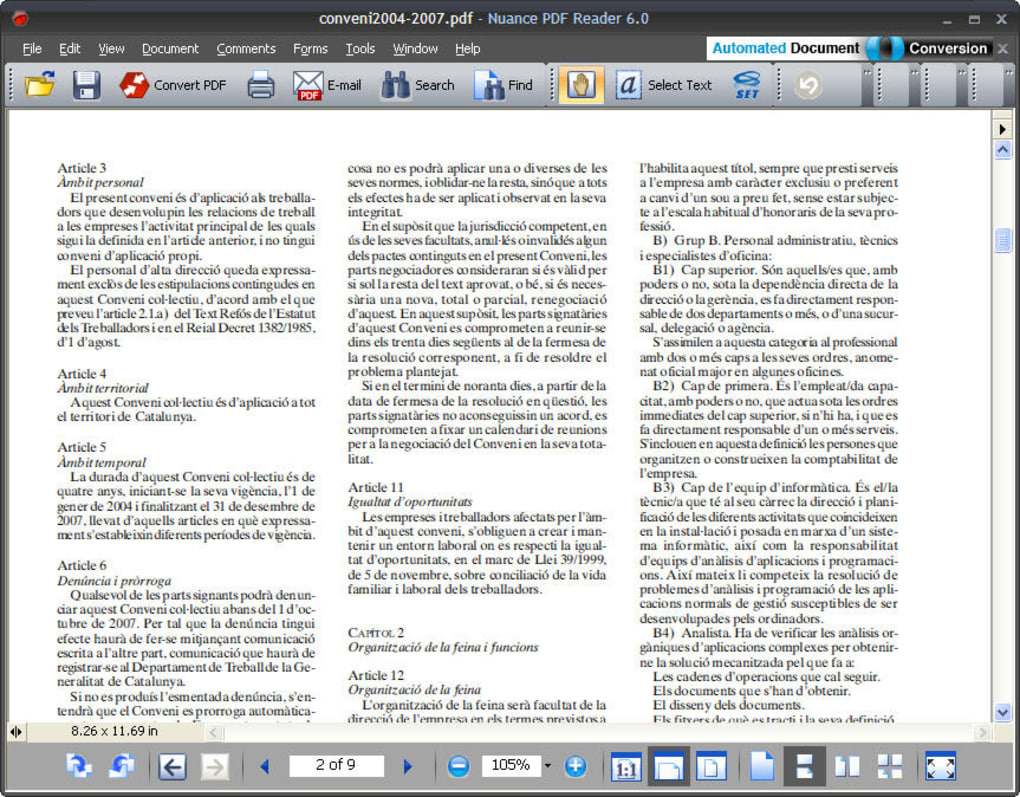
Nuance PDF Reader excels in its core functionality as a PDF viewer. Its standout feature is its rapid loading times, a stark contrast to the often sluggish performance of more comprehensive PDF editors. The interface is clean and intuitive, prioritizing accessibility and ease of navigation. Users unfamiliar with PDF readers will find the layout straightforward and easy to understand.
The program offers all the essential viewing options expected in a modern PDF reader:
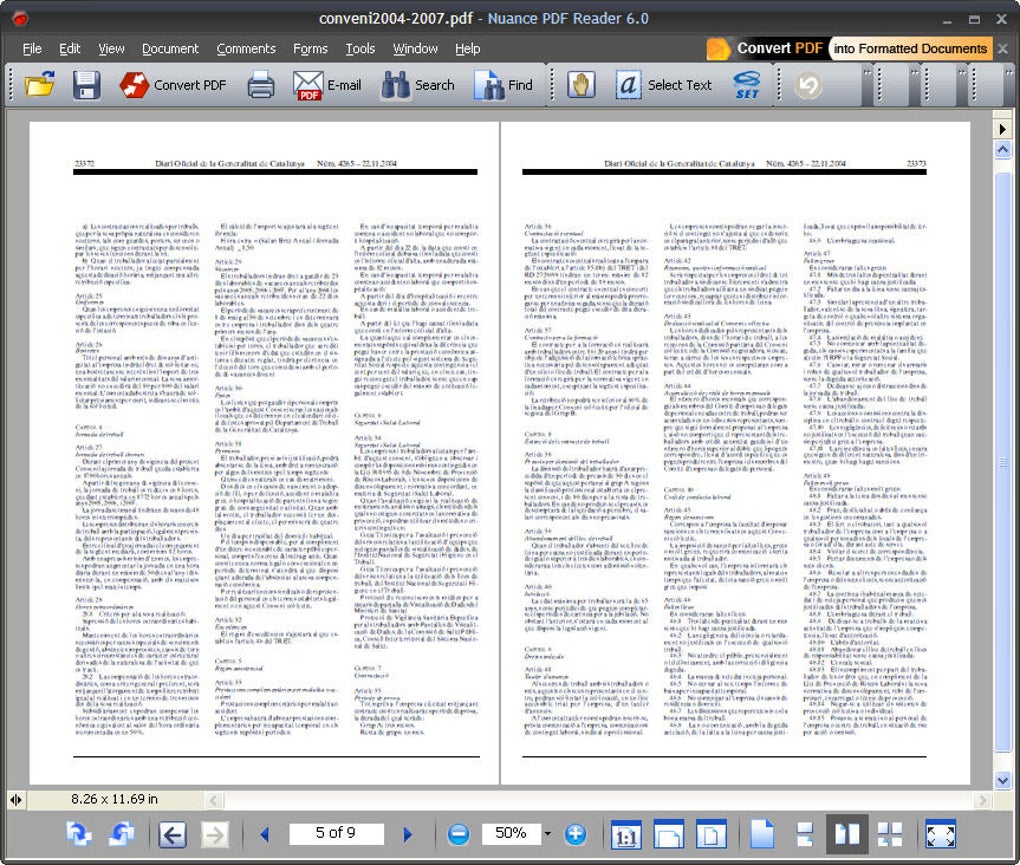
- Full-screen mode: Provides an immersive reading experience, eliminating distractions from the surrounding desktop environment.
- Zooming capabilities: Allows users to adjust the viewing size to suit their needs and preferences, from a small, overview perspective to a magnified, detailed view.
- Multi-page display: Enables users to view multiple pages simultaneously, enhancing navigation and comparison between different sections of the document.
- Text selection, highlighting, and underlining: Provides basic annotation tools allowing for quick and efficient marking of important sections within the document. This is crucial for note-taking, review, and collaboration.
These core functionalities are executed smoothly and efficiently, making the process of reading and interacting with PDF documents a pleasant and productive experience. The absence of any clutter or unnecessary features enhances the overall user experience, focusing attention on the document itself.
Beyond Viewing: Conversion and Sharing Capabilities
While primarily a viewer, Nuance PDF Reader extends its functionality to include document conversion and sharing options. Users can easily email PDF documents directly from within the application, streamlining the process of sharing files.
The program also incorporates a link to an online converter, which allows for the conversion of PDF files into various other formats, including DOC, DOCX, XLS, and RTF. This added functionality proves particularly useful for users needing to work with the converted document in other applications. However, the reliance on an external online converter presents a minor drawback. The process is not entirely integrated into the Nuance PDF Reader application, requiring an additional step and potentially a network connection. This dependency could prove inconvenient for users in environments with limited or unreliable internet access.
Limitations and Missing Features
Nuance PDF Reader’s strength lies in its simplicity and efficiency as a viewer and basic annotation tool. However, this simplicity comes at the cost of certain features found in more advanced PDF editors.
One significant limitation is the complete absence of editing tools. Users cannot modify the content of the PDF document, add or delete text, or make any changes to the document’s structure. This constraint makes Nuance PDF Reader unsuitable for users who require extensive editing capabilities.
Other advanced features typically found in comprehensive PDF editors, such as form filling, digital signature support, and advanced annotation functionalities (beyond highlighting and underlining), are also absent. This is a key differentiator between Nuance PDF Reader and more robust solutions. Users needing these features should consider alternative software.
Comparison with Other PDF Readers
Compared to heavyweight contenders like Adobe Acrobat Reader, Nuance PDF Reader occupies a distinct niche. Adobe Acrobat Reader, with its extensive feature set, including advanced editing, form creation, and sophisticated annotation tools, caters to a broader user base with diverse needs. However, this power comes at the cost of significantly increased resource consumption and a more complex interface.
Nuance PDF Reader, on the other hand, sacrifices these advanced features for speed and simplicity. It is designed for users whose primary need is efficient viewing, basic annotation, and occasional conversion of PDF documents. This focused design makes it a compelling choice for individuals who prioritize performance and ease of use over comprehensive editing functionality.
Several other free and open-source PDF readers offer a comparable level of functionality to Nuance PDF Reader. These options often provide a wider range of customization options and community support but may lack the polished user experience of Nuance’s offering. The choice between these alternatives ultimately depends on individual needs and preferences.
Target User Profile and Use Cases
Nuance PDF Reader’s target audience is clearly defined: users who primarily need a fast, efficient, and easy-to-use PDF viewer with minimal annotation capabilities. It is ideal for scenarios where quick access to document content and basic marking are the primary requirements.
Ideal use cases for Nuance PDF Reader include:
- Casual PDF viewing: For users who frequently read PDF documents but rarely need to edit or modify them.
- Quick annotation: For users who need to highlight or underline text for note-taking or review purposes.
- Document sharing: For users who need to easily share PDF documents via email.
- Simple document conversion: For users requiring occasional conversion of PDFs to other common document formats.
Users involved in tasks requiring extensive editing, form filling, or complex annotations should consider more feature-rich PDF editors.
Security and System Requirements
The security status of Nuance PDF Reader is consistently monitored, and the software undergoes regular updates to address vulnerabilities and improve security. It is essential to keep the software up to date to benefit from the latest security patches and performance enhancements.
System requirements are generally modest, ensuring compatibility with a wide range of Windows operating systems. The software’s small size contributes to its quick loading times and minimal impact on system resources.
Conclusion
Nuance PDF Reader presents a compelling alternative to more resource-intensive PDF readers. Its focus on speed, ease of use, and a clean interface makes it an excellent choice for users who prioritize simplicity and efficiency over extensive editing capabilities. While lacking the advanced features of comprehensive PDF editors, it excels in its core functions and offers a valuable solution for users with straightforward PDF viewing and annotation needs. The inclusion of conversion and sharing capabilities further enhances its practicality, making it a versatile tool for casual PDF users. However, users requiring robust editing tools and advanced functionalities should explore alternative solutions offering a broader spectrum of capabilities.
File Information
- License: “Free”
- Latest update: “April 24, 2024”
- Platform: “Windows”
- OS: “Windows XP”
- Language: “English”
- Downloads: “91.2K”
- Size: “33.00 MB”


