
PDFedit, a free and open-source PDF editor, offers a unique approach to manipulating Portable Document Format (PDF) files. Released under the GNU GPL version 2 license, it provides a multifaceted toolkit encompassing a PDF manipulation library, a graphical user interface (GUI), command-line tools, and a dedicated PDF editor. While promising ease of use, its functionality and user experience present a complex picture, making it a tool best suited for technically proficient users with a deep understanding of PDF specifications. This review explores PDFedit’s capabilities, limitations, and overall suitability for various users.
Understanding the PDF Format and its Editing Challenges
Before delving into the specifics of PDFedit, it’s crucial to understand the nature of PDF files and the challenges inherent in editing them. The Portable Document Format, developed by Adobe in the 1990s, was designed primarily for the dissemination and archiving of documents, not for ongoing modification. A PDF file is not simply a text document; it’s a complex, fixed-layout representation of a document, incorporating text formatting, images (both vector and raster), fonts, and potentially interactive elements. This intricate structure makes straightforward editing difficult.
Unlike simple text documents where characters and formatting are easily manipulated, PDFs store data in a structured, often deeply nested, format. Modifying a PDF often requires manipulating low-level elements, requiring a precise understanding of the PDF specification. Modern PDFs can even include interactive elements such as annotations, embedded videos, 3D objects, encryption, digital signatures, file attachments, and metadata, further increasing the complexity. This inherent complexity necessitates specialized software equipped to handle these various elements. Many PDF editing tools rely on scripting languages to facilitate alterations.
PDFedit’s Architecture and Functionality
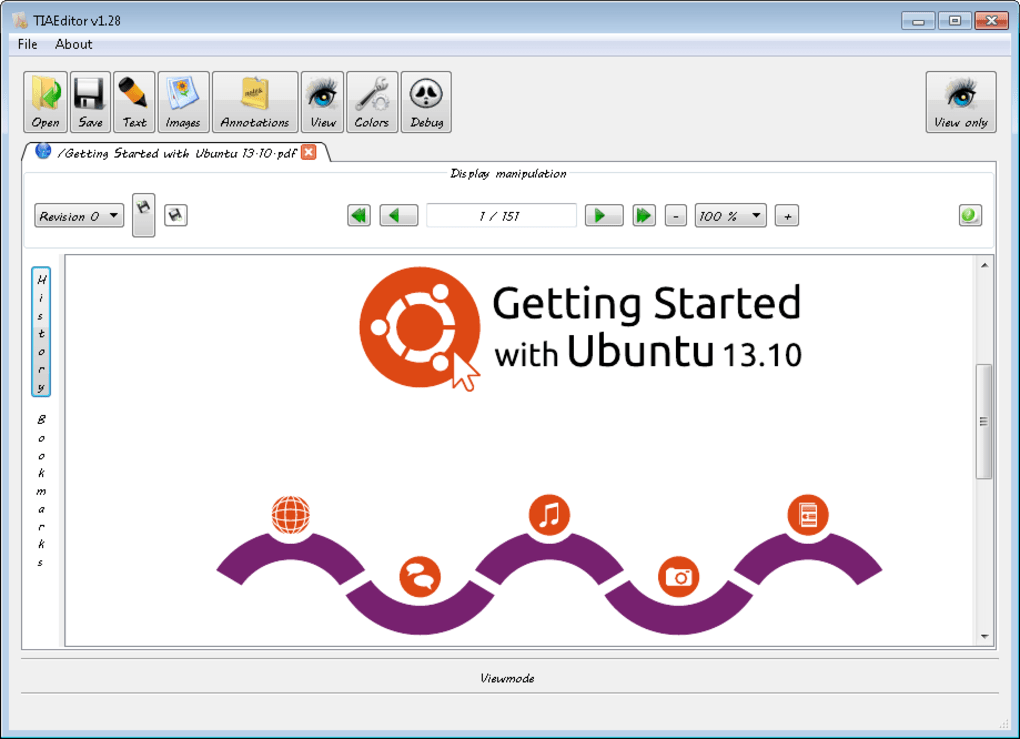
PDFedit’s design leans heavily towards a low-level, technical approach to PDF manipulation. Initially designed for Unix-like operating systems, it employs the Qt 3 toolkit – a free and open-source widget toolkit for creating graphical user interfaces – for its GUI. This framework allows for scriptable interaction with PDFedit, providing a degree of flexibility for advanced users. For those unfamiliar with Qt scripting, PDFedit offers support for ECMAScript, a widely used scripting language. Additionally, a command-line interface (CLI) allows for direct manipulation of PDF files, bypassing the GUI entirely.
The underlying power of PDFedit stems from its integration with Xpdf, a well-regarded open-source PDF viewer. Xpdf handles the low-level processing of PDF data, providing PDFedit with the necessary foundation for manipulation. This dependence on Xpdf and its reliance on low-level access highlights the technical nature of the software. Users must possess a firm grasp of PDF file structures to effectively use its features. Significant changes to a PDF necessitate an in-depth understanding of the PDF specifications, requiring significant technical knowledge.
However, this technical proficiency comes with trade-offs. PDFedit’s low-level approach renders it incapable of handling protected or encrypted PDF files. Users will need to first overcome any security measures implemented on the target document before attempting any modifications. Furthermore, the inherent fixed layout of PDFs limits direct word processor-style text editing; alterations often demand complex scripting and a nuanced understanding of the PDF’s internal structure. Simple tasks, such as editing a single word, might require significant effort and technical expertise.
User Experience and Limitations of PDFedit
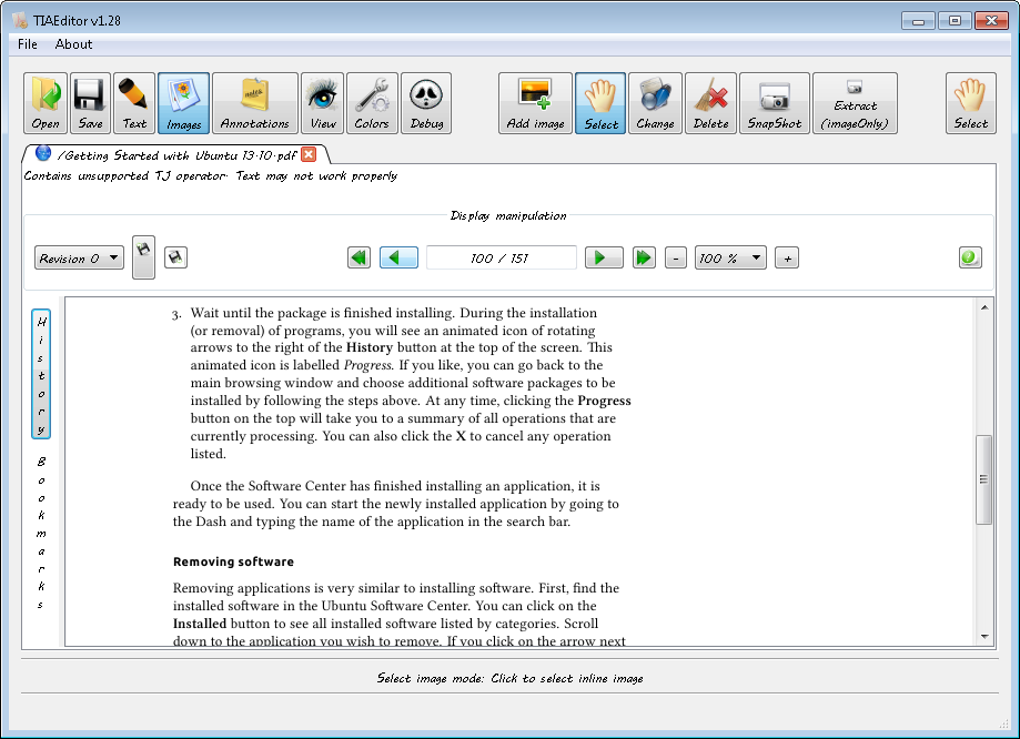
While marketed as a simple PDF editor, PDFedit’s user experience falls short of expectations for most users. The absence of a comprehensive tutorial or user-friendly documentation significantly hampers its accessibility. Its low-level nature, combined with the lack of intuitive guidance, makes it unsuitable for casual users or those without a technical background. The learning curve is steep, even for users familiar with other PDF editors.
Beyond the user interface challenges, PDFedit suffers from several functional limitations. User reviews consistently report instability and crashes, significantly impacting usability. Compared to commercial or other open-source alternatives, PDFedit feels incomplete, lacking many features considered standard in modern PDF editors. The software’s limited functionality and frequent crashes overshadow its open-source nature and potential advantages.
Therefore, it’s highly unlikely that this would meet the average user’s needs in terms of intuitive workflow and reliability. For simple tasks, other, more user-friendly free PDF editors offer significantly better user experience.
Comparison with Alternative PDF Editors
Numerous alternatives to PDFedit cater to a broader range of users, each with varying strengths and weaknesses. Commercial options, such as Adobe Acrobat Pro, provide comprehensive feature sets, robust performance, and polished user interfaces, but come at a significant cost. Other free and open-source alternatives, like PDF-XChange Editor or PDFescape Editor, offer a more user-friendly experience with a greater focus on accessibility, intuitive tools and a simpler workflow. While they might not have the granular control of PDFedit at a low level, their ease of use and reliability outweigh the limitations for most users.
These alternatives often prioritize ease of use, incorporating features such as intuitive text editing, form filling, annotation tools, and robust security features, lacking in PDFedit. While PDFedit might appeal to a niche audience of technically proficient users requiring highly specific, low-level manipulation capabilities, most users will find these alternative solutions to be more efficient and less frustrating. It’s important to weigh the benefits of low-level access against the challenges of learning a complex interface and battling potential instability issues.
Conclusion: Who Should Use PDFedit?
In summary, PDFedit’s open-source nature and low-level access to PDF internals are attractive features for a specific subset of users. For those comfortable with scripting languages like ECMAScript, requiring fine-grained control over PDF elements, and possessing a deep understanding of PDF specifications, PDFedit may offer valuable capabilities. However, its steep learning curve, lack of documentation, instability, and limited feature set render it unsuitable for the vast majority of users.
The average user seeking a reliable and user-friendly PDF editor will be far better served by exploring alternative solutions. The benefits of PDFedit are significantly outweighed by the frustrations and complexities involved in its use. Unless a highly technical user requires its unique low-level access features, other free and commercial alternatives provide a far superior and efficient editing experience. Consider the strengths and weaknesses of the software before choosing this for PDF manipulation, especially considering the existence of other options designed for accessibility and ease of use.
File Information
- License: “Free”
- Version: “1.13”
- Latest update: “July 17, 2019”
- Platform: “Windows”
- OS: “Windows 8”
- Language: “English”
- Downloads: “18.8K”
- Size: “7.46 MB”


