
Razer Synapse 3 is Razer’s free, unified configuration software designed to manage their extensive ecosystem of gaming peripherals. Offering advanced customization options and cloud-based profile syncing, it caters to both casual gamers and demanding power users. This software empowers users to remap buttons, fine-tune performance settings, create complex macros, and coordinate RGB lighting across multiple Razer devices, significantly enhancing the overall gaming experience. This comprehensive review will explore Synapse 3’s features, strengths, weaknesses, and overall user experience.
Deep Customization and Performance Control
At the heart of Razer Synapse 3 lies its unparalleled customization capabilities. Users gain granular control over various aspects of their peripherals, allowing for personalized configurations tailored to individual preferences and gaming styles. This includes the ability to adjust mouse sensitivity (DPI), polling rate, and button assignments with ease. Each connected Razer device receives its own dedicated module within the software, providing a clear and organized interface for managing individual settings.
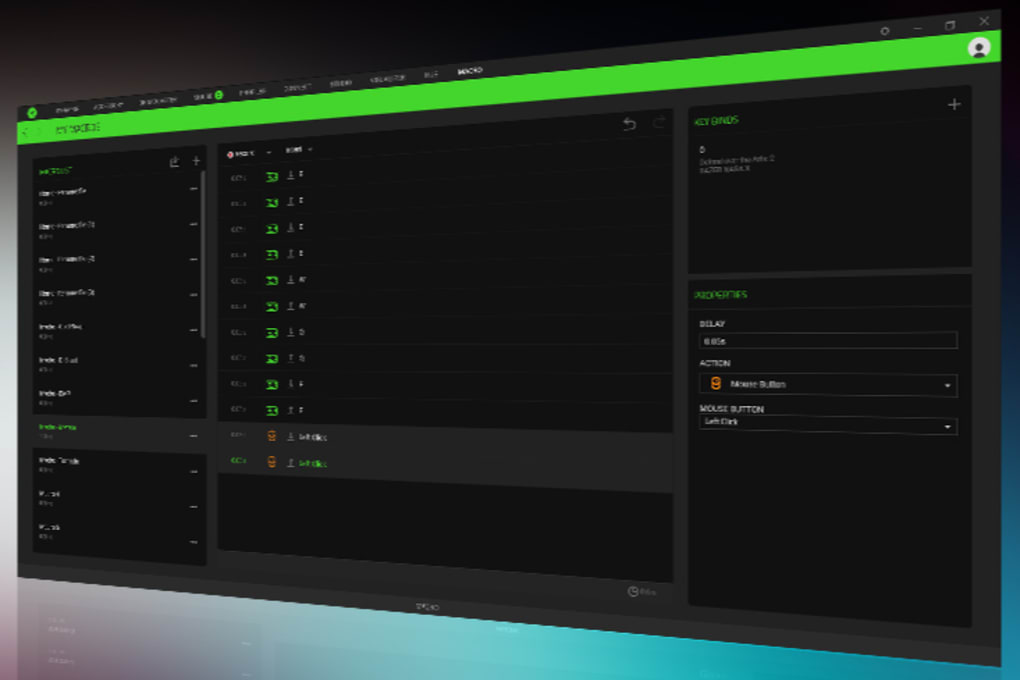
The software’s macro recorder is a standout feature. It allows users to record complex key sequences and assign them to single buttons or keys, streamlining repetitive actions and enhancing gameplay efficiency. This functionality extends beyond gaming; macros can also automate productivity tasks, boosting workflow in various applications. For instance, a user could create a macro to automate a frequently used sequence of actions in a design program or spreadsheet. The possibilities are nearly limitless, empowering users to tailor their peripherals to their specific needs.
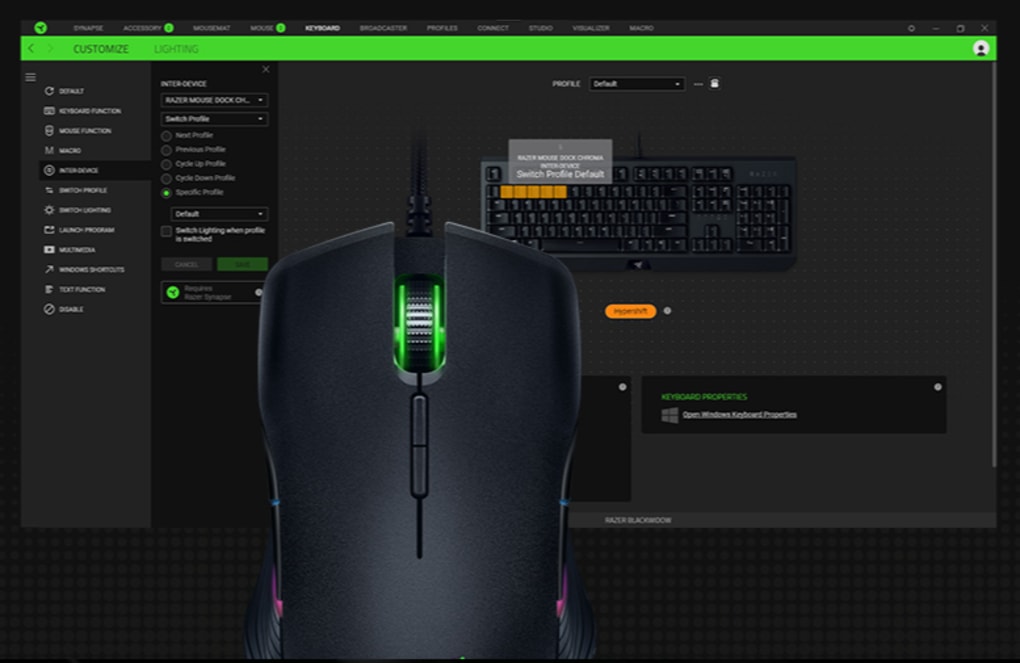
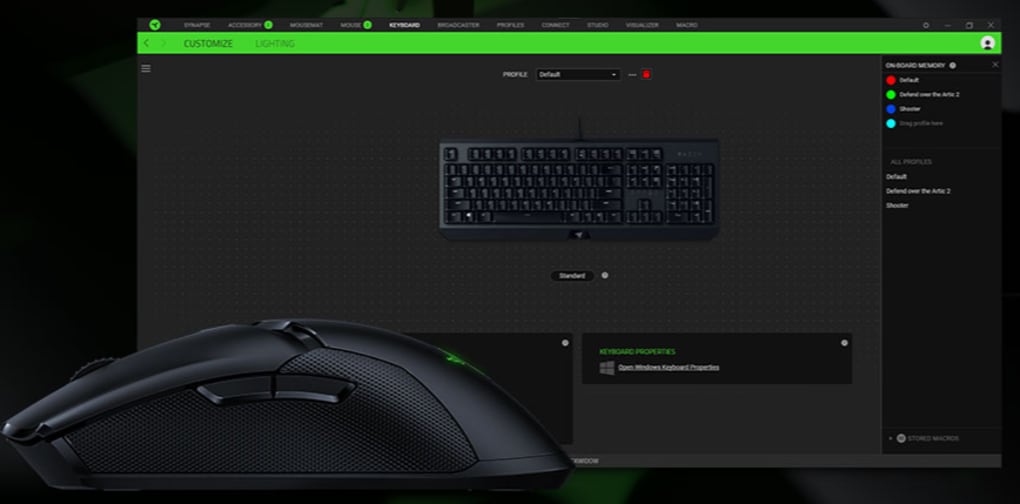
Beyond individual device control, Razer Synapse 3 shines in its ability to create and manage profiles. These profiles allow users to save different settings configurations for various games or applications. Switching between profiles can be done manually or automated, seamlessly adapting peripheral settings to the context of the currently used software. This profile management feature is crucial for maintaining optimal settings across different applications.
The Power of Razer Chroma RGB Integration
Razer’s Chroma RGB lighting system is deeply integrated into Synapse 3, providing a spectacular visual enhancement. Users can synchronize lighting effects across multiple Razer devices, including keyboards, mice, headsets, and even compatible third-party products through Chroma Connect. The visual editor offers a vast array of dynamic lighting effects, allowing for personalized creations or selection from pre-designed options. These effects can react to in-game events, system notifications, or user interactions, creating a truly immersive and engaging gaming environment.
The ability to customize lighting profiles and synchronize them across multiple devices creates a cohesive and personalized aesthetic that enhances the overall gaming experience. The sheer range of customization options ensures users can create unique and visually stunning lighting schemes tailored to their preferences. This deep integration with Chroma is a significant selling point for users heavily invested in Razer’s ecosystem.
User Interface, Reliability, and Compatibility: A Balanced Perspective
While Razer Synapse 3 offers extensive features and customization options, it’s not without its shortcomings. The software’s interface, although visually modern, can occasionally feel clunky and unintuitive, particularly for first-time users. The sheer number of options and settings can be overwhelming, leading to a steeper-than-expected learning curve. A more streamlined and user-friendly design would significantly improve the overall user experience, especially for users unfamiliar with advanced peripheral customization.
Another noteworthy drawback is the software’s resource consumption. Synapse 3 can be quite resource-intensive, often consuming significant amounts of RAM, leading to potential lag or occasional freezing, especially on systems with limited resources. This performance impact can be frustrating, particularly during intensive gaming sessions. Optimizations to reduce the software’s memory footprint would greatly enhance its performance and stability.
Furthermore, compatibility issues persist. While Synapse 3 supports the majority of Razer’s current peripherals, some older Razer hardware remains unsupported, requiring users to utilize both Synapse 2 and 3. This forced dual-software setup is an inconvenience for those with legacy devices and is a clear area for improvement. A complete transition to a single, unified software solution for all Razer peripherals would simplify the user experience.
However, it’s important to note that Razer has addressed one significant user concern: privacy. The software now supports anonymous login, eliminating the requirement for mandatory account creation. Users can opt to use the application locally without compromising their personal information, providing a more private and secure user experience.
A Powerful Tool with Room for Refinement
Razer Synapse 3 is a potent tool for customizing Razer peripherals, streamlining performance adjustments, managing RGB lighting, and automating tasks through macros. Its Chroma integration and profile flexibility offer impressive depth, making it a particularly valuable asset for users heavily invested in Razer’s ecosystem. The enhanced privacy features, allowing for anonymous login, further increase its appeal.
However, its resource-intensive nature, occasional lag and freezes, and clunky interface for new users along with incomplete support for older devices present areas requiring improvement. Addressing these shortcomings would significantly enhance the user experience and solidify Synapse 3’s position as the ultimate solution for managing Razer peripherals.
Despite these drawbacks, Synapse 3 remains an essential utility for maximizing the potential of Razer hardware. The benefits of comprehensive customization, powerful macro functionality, and seamless Chroma integration often outweigh the limitations for many users. The ongoing development and updates from Razer suggest a commitment to addressing the identified issues, promising an even better experience in the future.
Conclusion: A Powerful but Imperfect Solution
Razer Synapse 3 is a double-edged sword. On one hand, it provides unparalleled customization options for Razer peripherals, offering powerful macro functionality, advanced lighting control, and seamless profile management. Its integration with the Razer Chroma ecosystem creates a truly immersive and visually stunning gaming experience. Furthermore, the recent addition of anonymous login addresses long-standing user concerns about privacy.
On the other hand, the software’s resource-intensive nature, occasionally clunky interface, and incomplete support for legacy devices detract from the overall user experience. Occasional lag and freezing can disrupt gameplay, while the steep learning curve for new users may prove challenging. These issues necessitate improvement and optimization to fully unlock the software’s potential.
Ultimately, whether or not Razer Synapse 3 is the right choice depends on individual priorities. Users heavily invested in the Razer ecosystem and seeking extensive customization options will likely find the benefits outweigh the drawbacks. However, users with limited system resources or those primarily concerned with simplicity and ease of use may need to carefully weigh the pros and cons before adopting this software. The future of Synapse 3 hinges on Razer’s continued commitment to refining its interface, optimizing performance, and expanding compatibility to create a truly seamless and user-friendly experience.
File Information
- License: “Free”
- Latest update: “April 30, 2025”
- Platform: “Windows”
- OS: “Windows 8.1”
- Language: “English”
- Downloads: “18K”
- Size: “13.13 MB”


