
Sweepi is a free Windows utility program designed to help users regain valuable disk space and enhance their system’s privacy. Released in 2007 and last updated in May 2007, Sweepi efficiently identifies and removes unnecessary files that accumulate over time, impacting system performance and potentially compromising user data. Its intuitive interface and straightforward functionality make it accessible to both novice and experienced computer users. This comprehensive review explores Sweepi’s features, functionality, and overall effectiveness in addressing the common issues of disk clutter and privacy vulnerabilities.
Sweepi’s Core Functionality: Cleaning and Optimization
Sweepi’s primary function centers around identifying and removing unnecessary files from a Windows system. These files can range from temporary internet files and browser cache to outdated system logs and application remnants. The accumulation of such data not only consumes valuable disk space but can also lead to slower system performance and increased vulnerability to malware. Sweepi offers a solution to combat these issues.
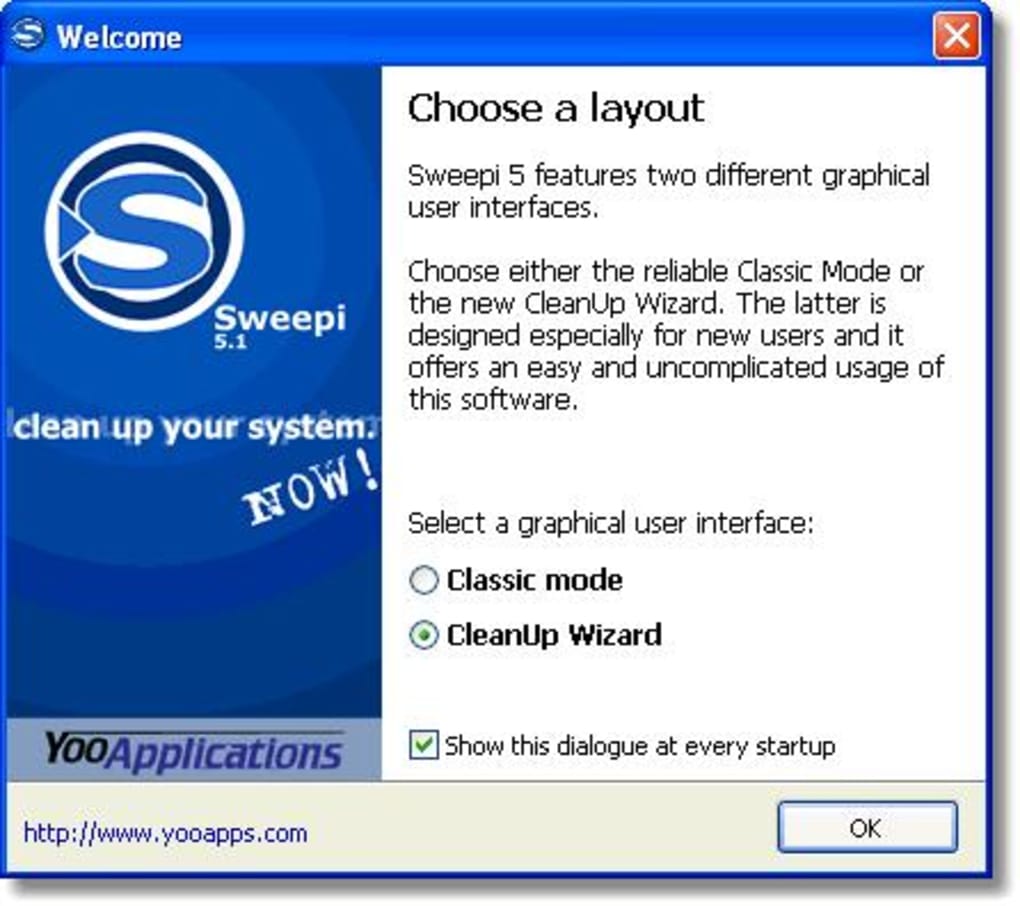
The program achieves its objective through a powerful scanning engine that meticulously examines the hard drive, pinpointing files and data deemed unnecessary. The process is designed to be both efficient and thorough, ensuring that no critical system files are inadvertently deleted. The user has control over the scanning process and can specify the types of files to be targeted, offering a customizable approach to cleaning.
Sweepi offers two primary operating modes: Classic Mode and CleanUp Wizard Mode. Classic Mode is tailored to more experienced users, providing a more detailed and granular control over the cleaning process. This mode provides options for selecting specific file types, directories, and other criteria to fine-tune the cleanup. Conversely, CleanUp Wizard Mode is specifically designed for users new to disk cleanup utilities. This simplified mode offers a more guided experience, making the process more intuitive and straightforward.
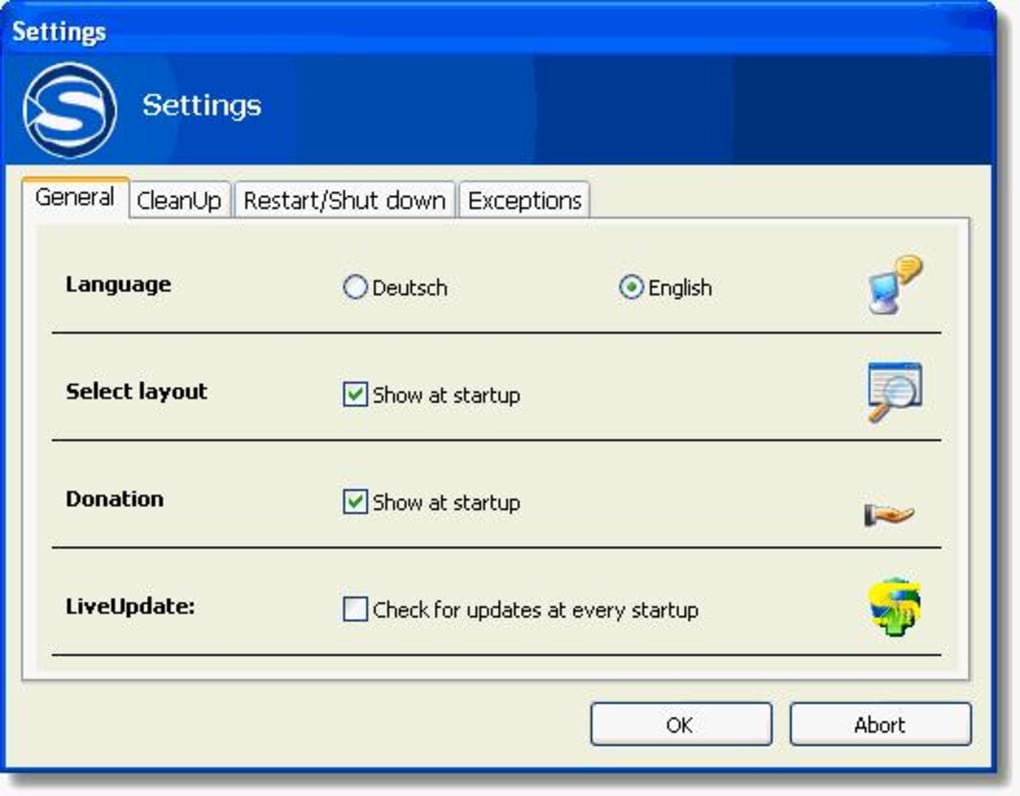
The program’s efficiency and reliability are enhanced through its LiveUpdate functionality. LiveUpdate regularly checks for updates to the program’s database of unnecessary file types, ensuring that Sweepi remains current and capable of identifying the latest forms of digital clutter. This feature plays a vital role in maintaining the program’s effectiveness over time, as file types and locations can change with new software and operating system updates.
Privacy Protection: Safeguarding User Data
Beyond disk space optimization, Sweepi plays a crucial role in protecting user privacy. The program identifies and eliminates files that could potentially expose sensitive personal information to unauthorized access. This includes remnants of internet browsing history, temporary files containing personal data, and other digital traces that could be exploited by malicious software or prying eyes.
The removal of these files contributes to a more secure computing environment, minimizing the risk of identity theft, data breaches, and other privacy violations. This proactive approach to data protection is a significant advantage of Sweepi, as many users are unaware of the extent to which their digital footprint can be tracked through seemingly insignificant files.
Sweepi’s ability to securely delete files also contributes to its effectiveness as a privacy tool. The program utilizes secure deletion methods, which overwrite deleted data multiple times, preventing data recovery using standard recovery tools. This feature is essential for users concerned about the permanent removal of sensitive information, guaranteeing that deleted data cannot be easily retrieved.
User Interface and Ease of Use
Sweepi boasts a user-friendly interface, making it accessible even to those unfamiliar with system cleanup tools. Its clean and intuitive design minimizes the learning curve, enabling users to quickly grasp the program’s functionality and navigate its features effortlessly. The CleanUp Wizard mode is particularly beneficial for users who prefer a guided approach, streamlining the cleaning process.
The program’s straightforward design does not compromise its effectiveness. Despite its simplicity, Sweepi provides comprehensive cleaning and privacy protection features, striking a balance between ease of use and powerful functionality. This balance allows users to efficiently and safely optimize their systems without requiring extensive technical expertise.

Sweepi’s Strengths and Weaknesses
Sweepi offers several key strengths:
-
Free and easy to use: The program’s free availability and user-friendly interface make it an attractive option for a wide range of users. Its intuitive design removes technical barriers to entry, making system cleanup accessible to everyone.
-
Effective disk space recovery: Sweepi efficiently recovers significant amounts of disk space by identifying and removing unnecessary files. This improved system performance reduces the burden on the system’s resources, leading to smoother operation.
-
Enhanced privacy protection: By removing potentially sensitive data, Sweepi contributes to a safer and more secure computing environment, protecting users from potential threats. The secure deletion methods further enhance data privacy.
-
Regular updates: The LiveUpdate feature ensures the program remains current, adapting to changes in file types and software behavior over time. This regular update cycle guarantees continued effectiveness.
However, Sweepi also has limitations:
-
Outdated: The last update to Sweepi was in 2007. This means it may not be compatible with newer operating systems or capable of identifying the latest types of unnecessary files, reducing its effectiveness on modern systems.
-
Limited features: Compared to more contemporary system cleanup utilities, Sweepi’s feature set is relatively limited. It lacks advanced features found in modern alternatives, such as registry cleaning or startup optimization.
-
No user reviews: The lack of user reviews and feedback prevents a thorough assessment of Sweepi’s real-world performance and overall user experience on a variety of systems.
Conclusion: A Legacy Utility with Limited Modern Relevance
Sweepi was a useful utility for its time, offering a straightforward approach to disk cleanup and privacy protection. However, its lack of updates since 2007 significantly hinders its relevance in today’s computing landscape. While it might still function on older Windows systems, users with newer operating systems are advised to explore more modern alternatives that offer enhanced features, compatibility, and ongoing support. The absence of user reviews and feedback further contributes to the uncertainty surrounding its current performance and reliability. Therefore, while Sweepi holds historical significance, its practical value in today’s digital environment is severely constrained. Users seeking robust disk cleanup and privacy protection should opt for actively maintained and updated software.
File Information
- License: “Free”
- Version: “5.4”
- Latest update: “May 30, 2007”
- Platform: “Windows”
- OS: “Windows XP”
- Language: “English”
- Downloads: “16.3K”
- Size: “5.03 MB”


