
TypingMaster is a widely-used typing tutor software designed to improve typing speed and accuracy. This review delves into its features, functionality, pros and cons, and overall effectiveness as a tool for enhancing typing skills. We will examine its user interface, training methods, performance tracking capabilities, and compare it to other similar software options available in the market.
TypingMaster’s Interface and Features
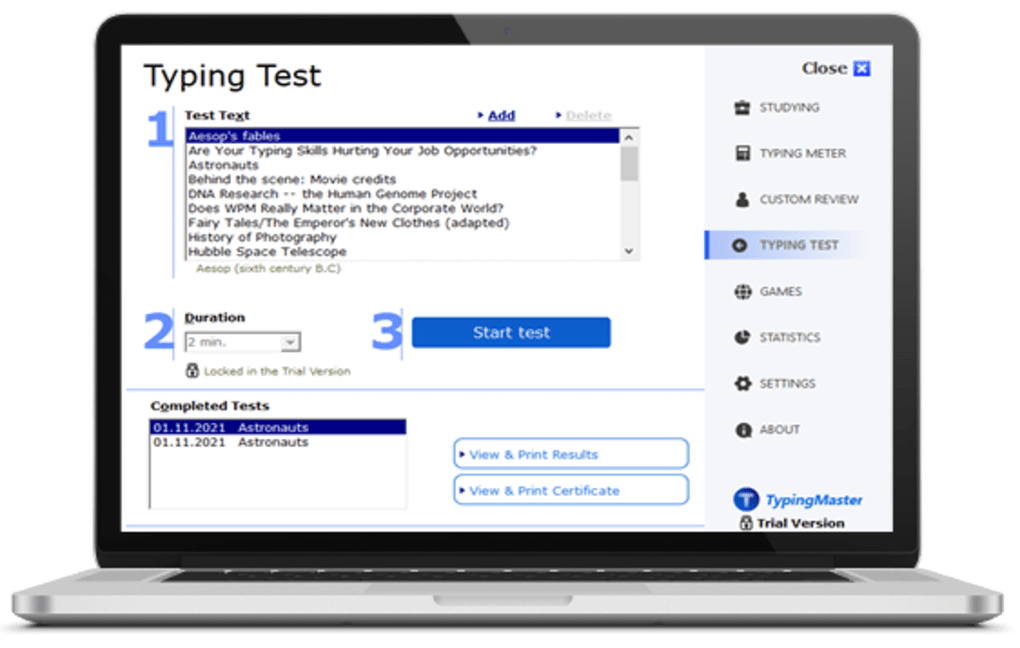
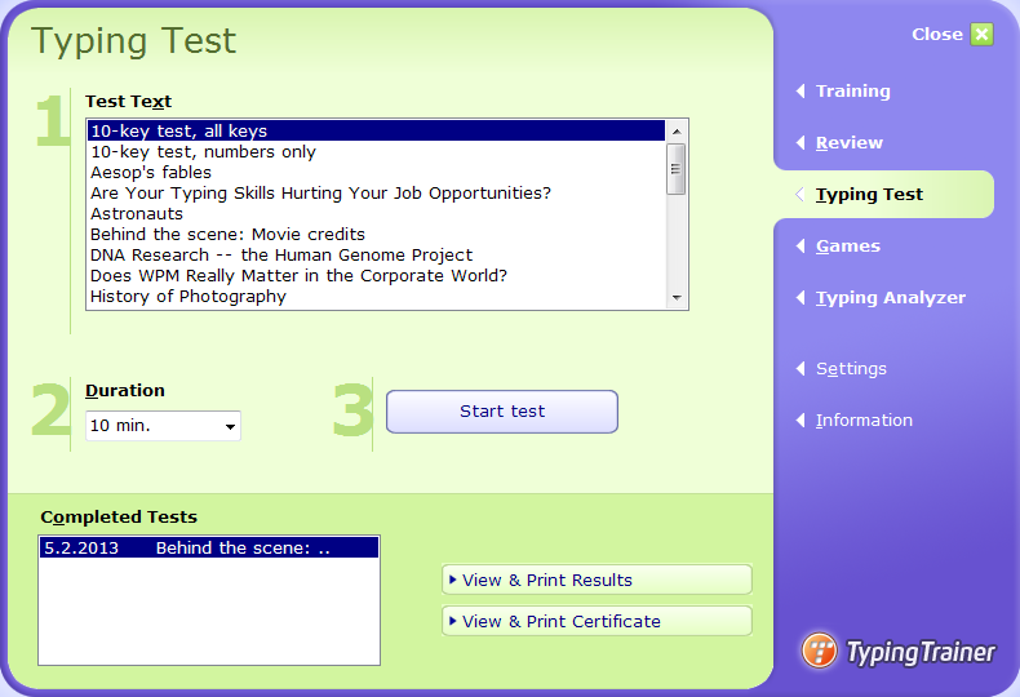
TypingMaster presents a relatively straightforward interface, although some users might find it outdated compared to more modern typing software. However, this simplicity can be advantageous, especially for beginners who might be overwhelmed by overly complex interfaces. The clean design focuses attention on the core function: improving typing skills. The main window displays the lessons, tests, and progress tracking, with intuitive navigation between different modules.
The software boasts a comprehensive suite of features designed for different learning styles. It offers a variety of practice lessons, ranging from basic keyboard familiarization to advanced touch-typing exercises. These lessons incorporate various techniques and strategies to help users develop proper finger placement, efficient keystrokes, and overall typing fluency. The lessons are structured progressively, starting with simple exercises and gradually increasing in difficulty, ensuring a smooth learning curve.
Beyond the structured lessons, TypingMaster includes interactive games like Bubbles and WordTris. These gamified modules add an element of fun and engagement to the learning process, making practice sessions more enjoyable and less monotonous. This gamification is crucial for maintaining motivation and preventing learners from becoming discouraged. The inclusion of such games is a significant advantage over some other typing tutors that primarily focus on repetitive drills.
Training Methodology and Effectiveness
TypingMaster’s training methodology emphasizes a learning-by-doing approach. Instead of simply providing theoretical information, the software actively engages the user through a combination of practice exercises and immediate feedback. The software meticulously tracks typing speed, accuracy, and common errors, providing real-time analysis to help users identify their weaknesses and focus on improvement.
The program’s strength lies in its ability to adapt to individual learning styles and needs. It provides constant feedback and recommendations, guiding users towards more efficient techniques and correcting common mistakes. The color-coded display highlights areas where improvement is needed, allowing for a focused approach to practice. This personalized feedback mechanism distinguishes TypingMaster from many other typing software programs that may offer less tailored guidance.
The software’s ability to import data from other typing trainers is a notable feature. This function allows users to seamlessly transfer existing profiles and progress, preventing the need to restart their learning journey from scratch. This compatibility ensures a smoother transition for users switching from different platforms, enhancing overall user experience.
Performance Tracking and Analysis
TypingMaster offers robust performance tracking features. The free version provides a dedicated widget for real-time tracking of typing speed (words per minute), accuracy, and other key metrics within the main window. This allows users to monitor their progress and identify areas needing improvement during active use of the software.
The premium version takes performance monitoring a step further with the “Satellite” feature. This advanced feature runs in the background, tracking typing speed and accuracy across all applications and websites, offering a more comprehensive and holistic view of typing skills improvement outside the dedicated software.
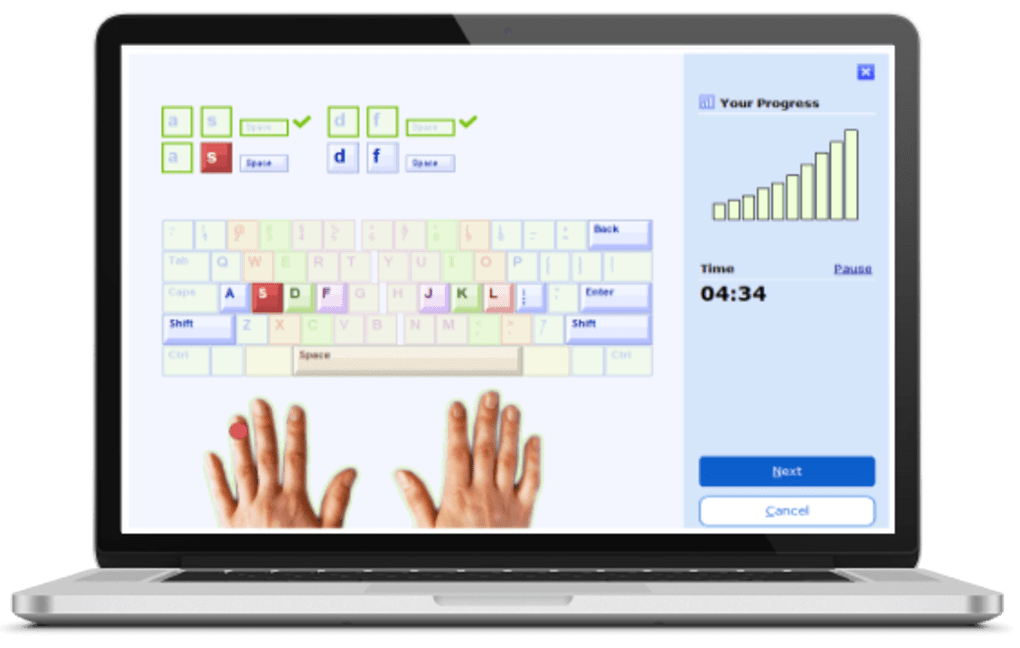
Regardless of the version used, the program diligently tracks mistyped words, missed characters, incorrect capitalization, and other errors. This detailed breakdown of errors helps users pinpoint specific weaknesses and work on correcting them. The initial screen overlay might seem intrusive, but users quickly adjust to its presence. The ability to minimize the main window ensures minimal disruption to other tasks while maintaining continuous background analysis.
Comparison with Other Typing Software
Compared to other typing software like Sonma Typing Expert, RapidTyping, and Tux Typing, TypingMaster stands out due to its engaging and interactive approach. While other options may offer similar functionality, TypingMaster excels in its balance of structured lessons and gamified exercises. This combination caters to different learning styles and keeps users motivated throughout the learning process. The ability to import data from other trainers also provides a competitive advantage, allowing for greater flexibility and a more personalized learning experience.
System Requirements and Availability
TypingMaster is currently available only for Windows operating systems (Windows 7, 8, 8.1, 10, and 11). The software is not currently available for other operating systems such as macOS, Android, or iOS. This limited platform compatibility might be a disadvantage for users who prefer to practice typing on mobile devices or other operating systems. The lack of mobile compatibility limits accessibility and cross-platform usage.
Strengths and Weaknesses
Strengths:
- Engaging content: Interactive games and varied lessons cater to different learning styles.
- Simple interface: Easy to navigate and understand, particularly beneficial for beginners.
- Comprehensive performance analysis: Real-time and detailed feedback allows for targeted improvement.
- Integration with other programs: Import data from other typing trainers for a seamless transition.
- Constant recommendations and feedback: Keeps users engaged and focused on improvement.
Weaknesses:
- Outdated interface: The visual design may feel dated compared to newer typing software.
- Windows-only: The software’s lack of availability on other operating systems restricts accessibility.
- Free version limitations: The paid version offers significantly more features and capabilities.
Conclusion: Is TypingMaster the Right Choice?
TypingMaster offers a compelling combination of structured lessons, interactive games, and comprehensive performance tracking. Its engaging approach and personalized feedback make it an effective tool for improving typing skills, especially for beginners. Although the interface might appear somewhat outdated, its simplicity can be an advantage for users who prefer a straightforward design.
The lack of cross-platform compatibility and the feature-rich nature of the paid version are notable drawbacks. However, for Windows users seeking an effective and engaging way to improve typing speed and accuracy, TypingMaster remains a strong contender, particularly its free version offers a good starting point. The interactive nature of its training methodology ensures that the learning process remains enjoyable, leading to sustained motivation and improved typing skills. While other alternatives exist, TypingMaster offers a well-rounded package that caters to a broad range of users and skill levels.
File Information
- License: “Free”
- Latest update: “June 5, 2025”
- Platform: “Windows”
- OS: “Windows 7”
- Language: “English”
- Downloads: “7.1M”
- Size: “11.37 MB”


