
Maintaining updated software is crucial for ensuring the security and optimal performance of your computer. Outdated programs can be vulnerable to security threats, impacting your data and system stability. This is where an update checker becomes invaluable. An update checker automates the process of identifying and installing the latest versions of your installed software, saving you time and effort while bolstering your system’s defenses. This article delves into the world of update checkers, exploring their functionality, benefits, and how they contribute to a smoother, safer computing experience.
Understanding the Role of an Update Checker
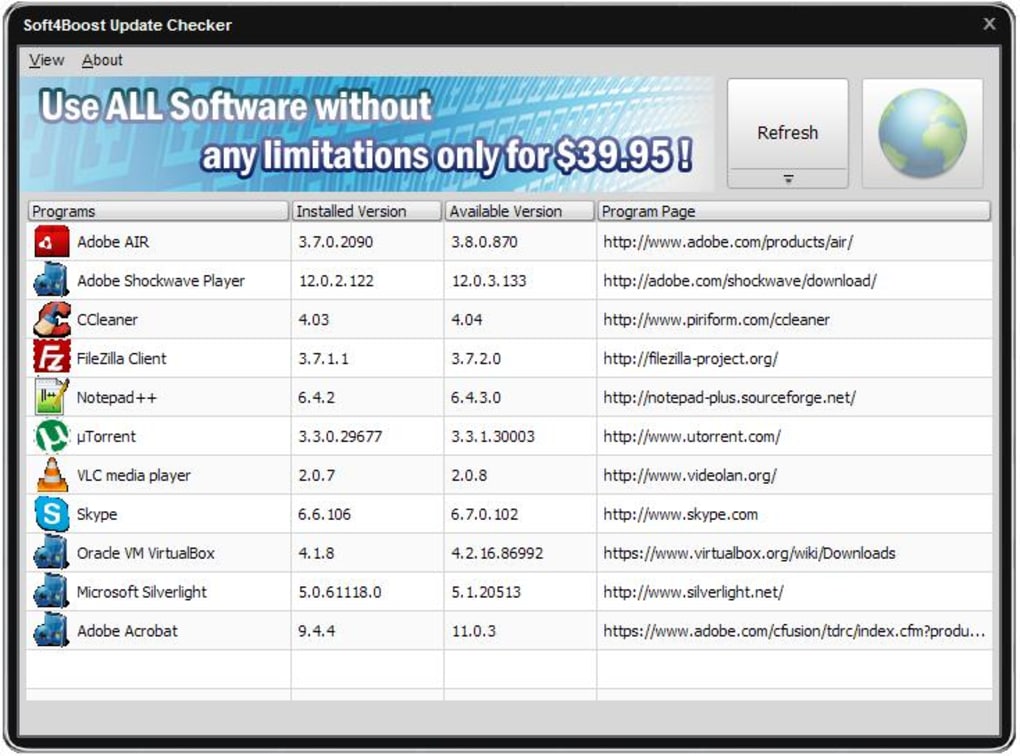
An update checker, as the name suggests, is a software utility designed to scan your computer for installed programs and compare their versions against the latest available versions from their respective developers. This process involves several key steps:
-
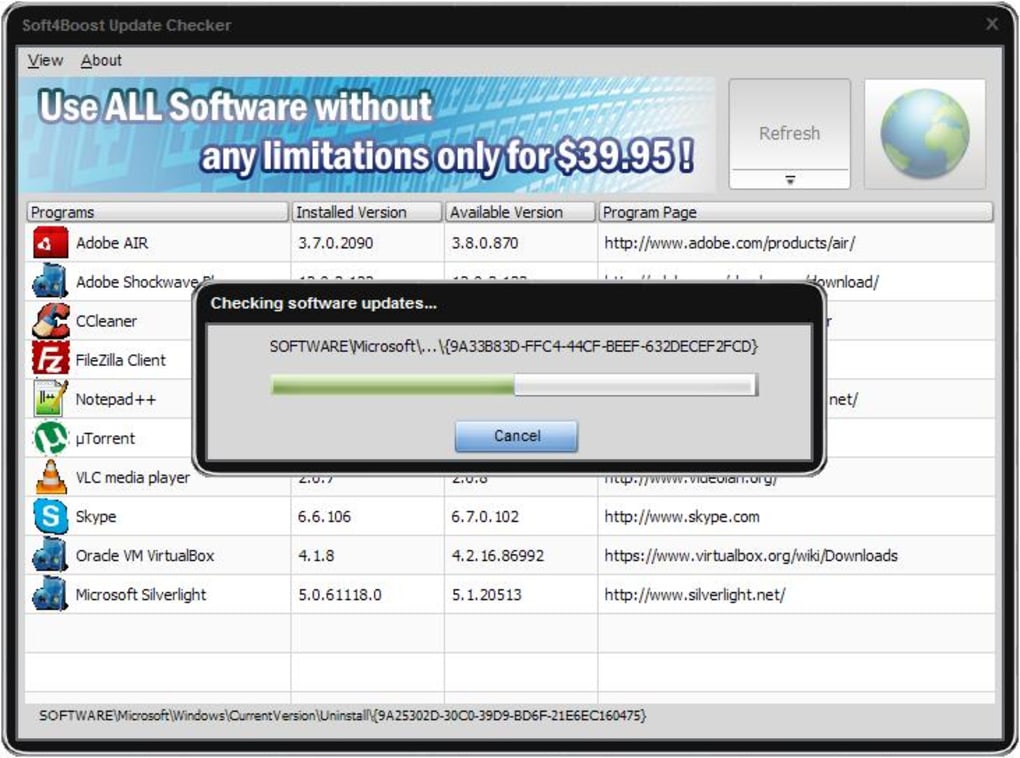
Software Identification: The update checker first identifies all the software applications installed on your system. This might involve accessing the Windows registry, examining program files, or using other techniques to create a comprehensive list of installed applications.
-
Version Comparison: For each program identified, the update checker retrieves the current version number. This information might be obtained from the program itself, its installer files, or external databases maintained by software developers or update repositories. The checker then compares the installed version against the latest version available, typically downloaded from the official developer’s website.
-
Update Notification: If a newer version of a program is found, the update checker will notify the user. This notification might include details such as the version number, release date, and a brief description of any new features or bug fixes included in the update. Some checkers offer various notification methods, including pop-up windows, system tray icons, or email alerts.
-
Download and Installation (Optional): More sophisticated update checkers offer the option to directly download and install the updates. This automated process streamlines the update procedure, eliminating the need for manual downloads and installations. However, many checkers provide links to the developers’ websites, allowing users to review update details before initiating the download.
The Benefits of Using an Update Checker
The advantages of employing an update checker are multifaceted and contribute significantly to a more secure and efficient computing environment:
-
Enhanced Security: This is arguably the most critical benefit. Outdated software often contains known vulnerabilities that cybercriminals can exploit to gain unauthorized access to your system. Regular updates frequently address these security flaws, patching holes and reducing the risk of malware infections, data breaches, and other cyberattacks.
-
Improved Performance: Software updates often include performance enhancements and bug fixes. These improvements can lead to faster loading times, improved responsiveness, and fewer system crashes, ultimately contributing to a smoother and more enjoyable user experience.
-
Access to New Features: Updates don’t just fix bugs; they often introduce new features and functionalities. By keeping your software current, you can take advantage of the latest advancements and enhancements offered by the developers, enriching your software usage.
-
Time Savings: Manually checking for updates for each installed program can be a time-consuming task. An update checker automates this process, saving you the time and effort required to track updates individually. This is especially beneficial for users with numerous installed applications.
-
Simplified Update Management: Keeping track of updates across various programs can be overwhelming. An update checker centralizes this process, providing a clear overview of all available updates, ensuring you won’t miss critical patches or new features.
Choosing the Right Update Checker
Selecting the appropriate update checker depends on your individual needs and preferences. Several factors to consider include:
-
Features: Some update checkers offer basic update notifications, while others provide automated downloads and installations. Consider whether you prefer a more hands-on approach or a fully automated solution.
-
Compatibility: Ensure that the update checker is compatible with your operating system and the software you use. Some checkers are designed specifically for Windows, while others might support macOS or even Linux distributions.
-
Ease of Use: Choose an update checker with a user-friendly interface that is easy to navigate and understand. A simple and intuitive interface ensures a hassle-free update process.
-
Security: Given that an update checker manages your software updates, it’s crucial to select a trustworthy application from a reputable source. Check reviews and ensure the application has a clean security record.
-
Cost: Many update checkers are available as freeware, while others offer paid versions with advanced features. Decide whether the added features of a premium version justify the cost.
Update Checkers and System Maintenance
Incorporating an update checker into your regular system maintenance routine is essential for proactive system care. Regular updates contribute significantly to:
-
Preventing Security Breaches: Consistent updates are your first line of defense against cyber threats. They patch security vulnerabilities that could otherwise be exploited by malicious actors.
-
Optimizing System Performance: Regular updates not only address bugs but often include performance improvements, ensuring your system runs smoothly and efficiently.
-
Enhancing User Experience: Regular updates keep your software current, providing you access to new features and functionalities, enhancing overall user satisfaction.
-
Prolonging System Lifespan: By addressing vulnerabilities and performance issues, regular updates contribute to the longevity and stability of your system.
In conclusion, update checkers are indispensable tools for maintaining a secure and well-performing computer system. By automating the update process, they significantly reduce the risk of security breaches, enhance system performance, and save valuable time. Choosing the right update checker and incorporating its use into your regular system maintenance routine contributes to a more secure and enjoyable computing experience. Remember to select a reputable update checker from a trusted source and always review updates before applying them to avoid potential conflicts or unwanted changes.
File Information
- License: “Free”
- Latest update: “July 11, 2025”
- Platform: “Windows”
- OS: “Windows 2003”
- Language: “English”
- Downloads: “25.2K”
- Size: “14.59 MB”


