
USBFlashSpeed is a free, business-oriented productivity tool designed to measure the read and write speeds of USB flash drives. Developed by UsbFlashSpeed.com, this application provides users with a precise and efficient method for evaluating the performance of their USB storage devices. Its compatibility with a wide variety of drives, coupled with its detailed analysis, makes it a valuable tool for both individual users and organizations seeking to optimize their data storage solutions. This review will delve into the software’s capabilities, strengths, weaknesses, and overall utility.
Precise Flash Drive Speed Testing Capabilities
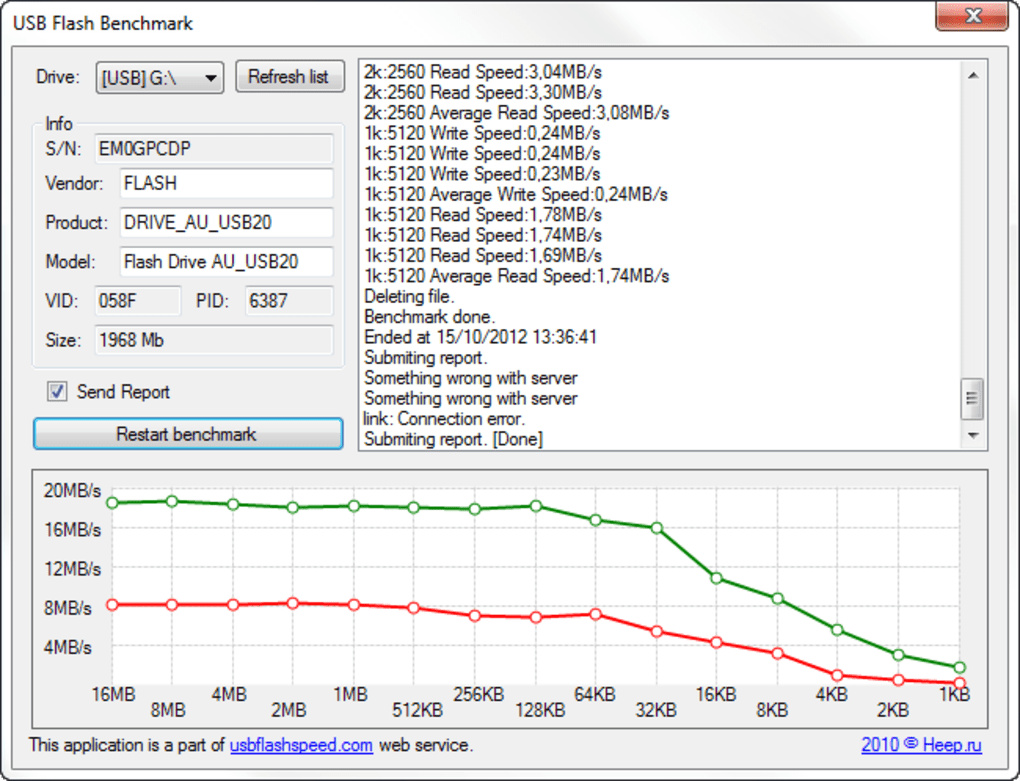
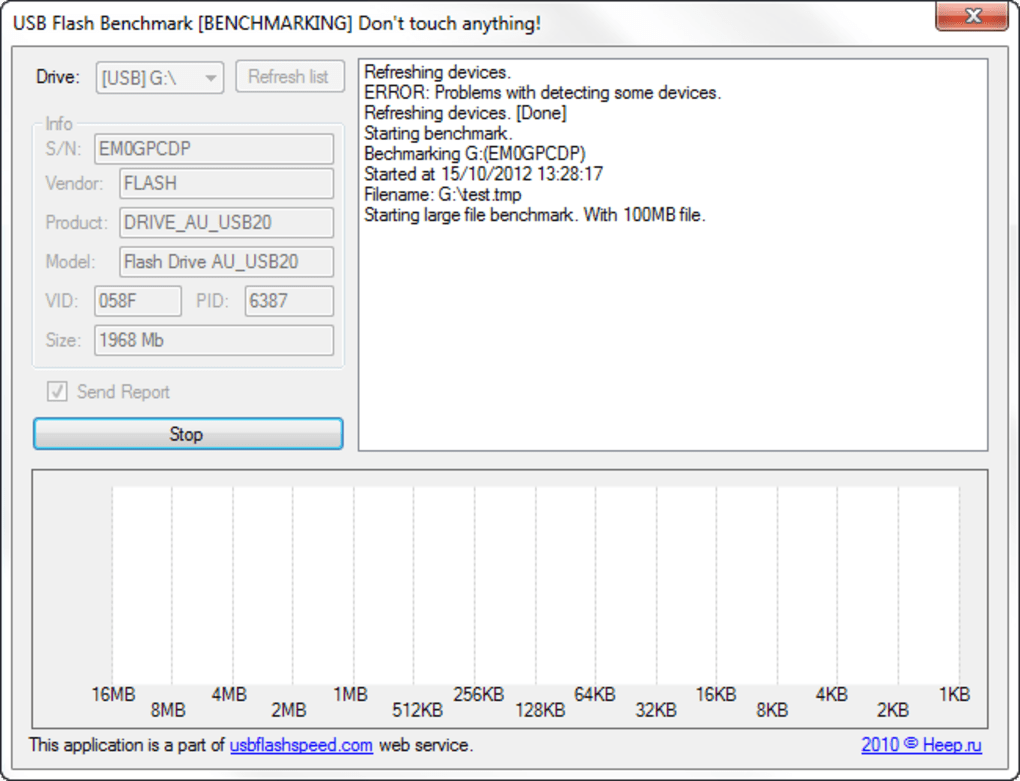
At its core, USBFlashSpeed’s functionality centers around accurately and rapidly measuring the read and write speeds of USB flash drives. The testing process considers various factors that can influence performance, including the size and format of the files being transferred, as well as the type of connection used. The user-friendliness of the testing process itself is a key feature. Simply connecting the USB flash drive to the computer and running the application initiates the test. Upon completion, the software displays a detailed report outlining the device’s speed, offering valuable insights into its performance characteristics. This data can be saved for future reference, allowing for easy comparison of performance over time or across different drives.
The software’s methodology employs standardized testing procedures, ensuring consistency and comparability across a broad spectrum of flash drive models and manufacturers. This standardized approach is crucial for generating reliable and meaningful results. The inclusion of a comprehensive database allows users to benchmark their own drives against others, giving them a clear understanding of how their device performs relative to market averages and competitors. This feature facilitates informed decision-making when choosing a USB flash drive for specific applications or tasks.
Compatibility and Supported Devices
A significant advantage of USBFlashSpeed is its broad compatibility with a wide range of flash drive models. The software supports the vast majority of flash drives currently available on the market, encompassing diverse manufacturers and varying storage capacities. This wide compatibility is a direct result of its reliance on a standardized testing methodology that transcends proprietary protocols and manufacturer-specific technologies. This feature alone sets it apart from some other, more limited, flash drive testing utilities. The ability to test across various manufacturers and models makes it a versatile tool for anyone dealing with a collection of different USB drives.
Enhanced Security Features
Beyond its primary function of speed testing, USBFlashSpeed incorporates an integrated anti-spyware feature. This adds a crucial layer of security, actively monitoring the system for potential threats and malicious software that may have compromised the flash drive or the computer itself. This real-time protection offers an additional level of assurance, safeguarding against potentially harmful elements that could compromise data integrity or system stability. The inclusion of this feature underscores the software’s commitment to not only optimizing storage performance but also ensuring the security of user data.
User Interface and Navigation
While USBFlashSpeed excels in its core functionality and comprehensive data analysis, a notable drawback is its user interface. The program employs a DOS-style command-line interface, which can be challenging for users unfamiliar with this type of interaction. This contrasts sharply with many modern software applications that prioritize intuitive graphical user interfaces. The reliance on command-line prompts and the absence of a graphical representation of data can create a steeper learning curve and potentially deter users accustomed to more user-friendly software. This interface design is a significant area where improvement could enhance the software’s overall usability and accessibility.
Practical Applications and Use Cases
USBFlashSpeed finds practical applications in numerous scenarios, extending beyond simple personal use. Its ability to accurately gauge the read and write speeds of USB flash drives is invaluable for professionals working with large datasets or requiring optimal data transfer speeds. Photographers, videographers, and other creative professionals who frequently transfer high-resolution media files will particularly appreciate this capability. Businesses relying heavily on USB flash drives for data storage and transfer can use USBFlashSpeed to ensure that their devices meet performance expectations and maintain efficient workflows. IT professionals can employ it for diagnostics, troubleshooting, and to verify the health of USB drives.
Comparison to Alternative Software
Several alternative applications offer similar flash drive testing capabilities. However, USBFlashSpeed distinguishes itself through its combination of comprehensive testing, broad compatibility, and integrated security features. While some competitors may focus solely on speed testing, omitting security checks, USBFlashSpeed’s inclusion of anti-spyware functionality provides an additional layer of protection against potential threats often associated with USB drives. Other software might have a more user-friendly graphical interface, but lack the comprehensive testing methodology and cross-manufacturer compatibility that USBFlashSpeed provides.
Conclusion: Strengths and Weaknesses Reassessed
In summary, USBFlashSpeed offers a powerful and comprehensive solution for measuring the speed and performance of USB flash drives. Its precise measurement capabilities, extensive compatibility with a wide range of devices, and built-in anti-spyware functionality are significant strengths. The software’s ability to provide detailed reports and facilitate comparisons against other drives makes it a useful tool for professionals and casual users alike. However, the outdated DOS-style command-line interface presents a significant barrier to entry for many users. This interface limitation detracts from the otherwise valuable capabilities of the software. While the functionality is undeniable, a more modern and intuitive interface would dramatically enhance the overall user experience and broaden its appeal to a wider audience. Ultimately, the decision of whether to use USBFlashSpeed depends on a user’s comfort level with command-line interfaces and their prioritization of comprehensive testing and security features over user-friendliness.
File Information
- License: “Free”
- Latest update: “May 26, 2023”
- Platform: “Windows”
- OS: “Windows 8”
- Language: “English”
- Downloads: “8.6K”
- Size: “35.87 KB”


